
FLUX 3 Max SaaS Video: Explainer Scenes and B-Roll
How to build a SaaS explainer with FLUX 3 Max: generated concept scenes and presenter lines around a real screen recording of your product, with prompts and credit costs.
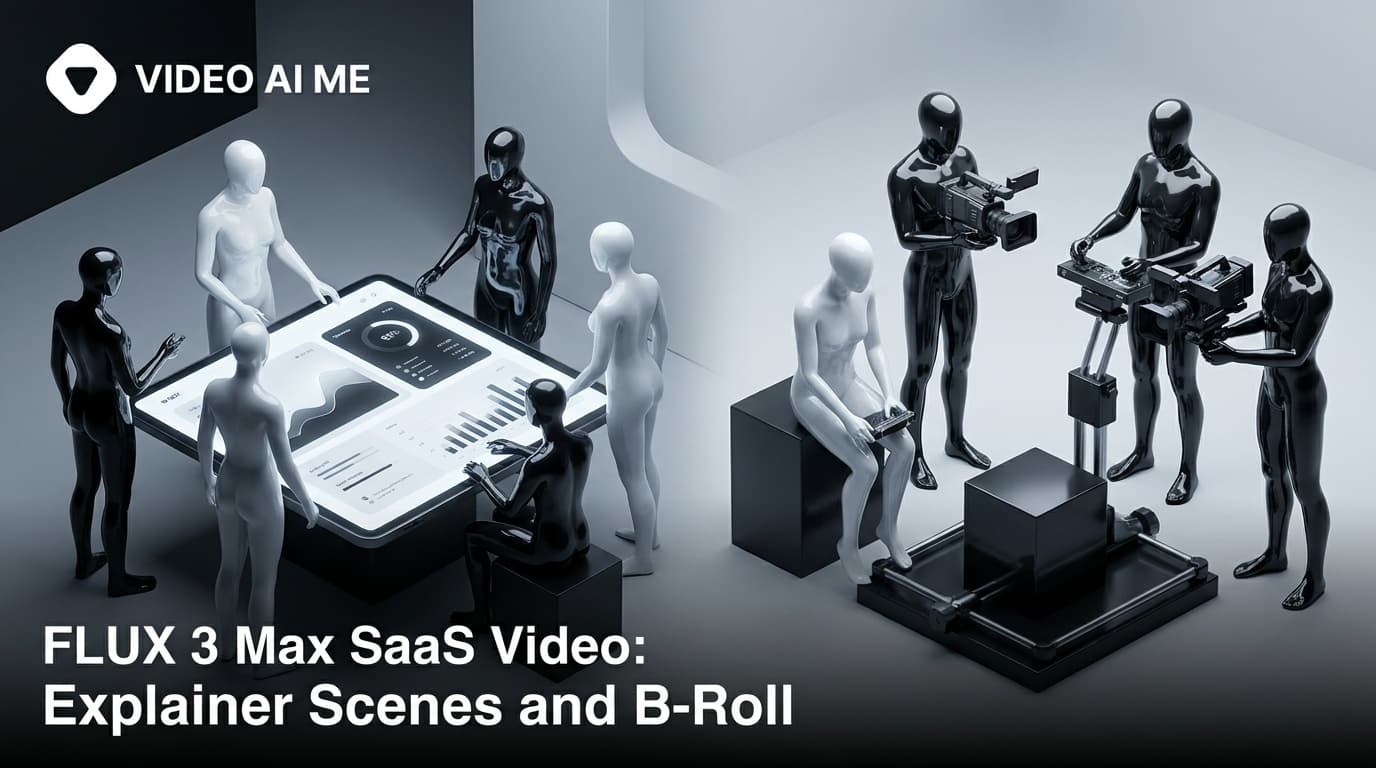
To make a SaaS explainer video with FLUX 3 Max, generate the concept scenes and b-roll (the problem, the people, the outcome) and record your real product UI as screen recordings added in the editor. Write presenter lines in double quotes inside the prompt. Generated interfaces and small text are unreliable, so the product itself stays real.
That split is the whole method. This guide shows how to plan a FLUX 3 Max SaaS video around it: the beat structure, which scenes to generate and which to record, copy-paste prompts for presenter and b-roll shots, what the generated part costs in credits, and where the finished explainer should live.
What should a SaaS explainer video show?
A SaaS explainer has one job: get a buyer from "I have this problem" to "this product solves it, and I can see how" in about a minute. A structure that holds up is hook, problem, product, outcome, call to action. Each beat has a natural source:
| Beat | What is on screen | Where it comes from |
|---|---|---|
| Hook | A person hitting the problem, fast | FLUX 3 Max, text to video |
| Problem | The messy before: late nights, paper, frustration | FLUX 3 Max, text to video |
| Presenter | A person explaining the change in one or two lines | FLUX 3 Max, image to video |
| Product | Your real interface doing the job | Your screen recording |
| Outcome | The after: a calm team, work shipped | FLUX 3 Max, text to video |
| Call to action | Logo, URL, offer | Text and logo added after export |
The generated scenes carry emotion and context, written for your exact buyer rather than borrowed from stock footage. The screen recording carries proof, which no video model can supply for you.
Why shouldn't FLUX 3 Max generate your product UI?
Because it is not your product. A video model asked for "a dashboard showing invoices syncing" invents a dashboard. Small text, numbers, buttons and logos inside generated frames are unreliable on every video model, and even a convincing result shows an interface your buyer will never see when they log in.
There is also a plain advertising reason. The FTC's truth in advertising guidance states that an ad must be truthful and not misleading. A demo built from invented screens describes a product that does not exist. A screen recording of the real thing removes the question.
So in generated scenes, direct the screens away. Three phrasings that keep UI out of frame:
- "her laptop screen faces away from the camera"
- "cold blue screen glow on his face" (the light, not the screen)
- "shallow depth of field, the monitor out of focus in the background"
Keep these in every prompt where a device appears. The model expands short prompts before it renders, so a laptop you do not direct is a laptop whose screen it may fill in for you.
How do you write presenter lines for a FLUX 3 Max SaaS video?
FLUX 3 Max generates speech in the same pass as the picture, from lines you write in double quotes with who says them. Budget roughly two to three spoken words per second of clip, so a 10 second presenter clip holds about 20 to 25 words. Write fewer than you think: a line too long for the clip risks being rushed or cut off.
Write each prompt as one paragraph in this order: subject and action, then camera, then light and look, then sound. Here is a presenter clip, image to video, 16:9, 10 seconds. The start frame is a still of your presenter in the setting you want, a photo you have the rights to use:
She looks up from her notes, turns to the camera and speaks with an easy, confident smile. Locked-off medium shot, eye level, very slow push-in. She says, "Month-end used to eat our whole week. Now we close before Friday lunch." Quiet office ambience, a keyboard tapping in the background, no music.
Thirteen words for 10 seconds leaves room to breathe. Every line should be a claim your product can back up, because the presenter is making it on your behalf.
Using the same start image for every presenter clip anchors each one to the same face, outfit and setting, which matters when the presenter appears twice in one explainer. FLUX 3 Max takes one reference image per clip, used as the first frame. If you need several reference images in one generation, Seedance 2.5 and MiniMax H3 Max accept them.
For more on dialogue, the FLUX 3 Max sound and dialogue prompts guide covers line budgets and sound placement in depth.
How do you prompt FLUX 3 Max concept scenes and b-roll?
Concept scenes show the situation your buyer recognises. One scene, one idea: a clip of up to 20 seconds is room for one beat done well, not a montage. If you need three moments, that is three clips joined in the editor.
Problem scene, text to video, 16:9, 8 seconds:
A man in his twenties sits alone in a dim office late at night, rubbing his eyes, surrounded by printed spreadsheets and sticky notes, his laptop screen facing away from the camera. Slow push-in from a wide shot. Cold blue screen glow on his face and a single warm desk lamp, muted grade. The hum of an air vent, a phone buzzing on the desk, a distant elevator chime, no music.
Outcome scene, text to video, 16:9, 8 seconds:
Four colleagues laugh together around a table in a sunlit meeting room as one of them closes her laptop and leans back. Handheld, eye level, gentle drift to the right. Warm afternoon light through tall windows, bright natural grade. Relaxed overlapping chatter, a chair rolling back on the floor, no music.
Notice "no music" in both. FLUX 3 Max always generates audio, and if every scene brings its own score, the cut sounds like five different videos. Keep the generated ambience, which grounds each scene, and settle the music once, when you finish the cut. If a clip's audio does not fit, replace it with your own audio.
For b-roll that illustrates an idea rather than a person, keep the metaphor physical: paper receipts sliding into a neat stack, a cluttered desk clearing itself, a door opening onto daylight. Physical objects and light are safer ground than diagrams and labels, which bring back the small-text problem.
How do you combine generated scenes and screen recordings?
Build the explainer in one VIDEO AI ME project:
- Record the product first. Capture the exact flow the explainer promises, at 16:9 for a website or YouTube placement. Short takes are easier to cut than one long walkthrough.
- Generate the scenes around it. Draft every FLUX 3 Max scene at 720p, review, then render the keepers at 1080p.
- Upload the screen recording into the project and place it between the presenter and outcome scenes.
- Narrate the walkthrough. Either record your own narration with the screen capture, or keep the walkthrough clean and add captions so it reads without sound.
- Add every word on screen after generation. Captions go on in the editor; the product name, feature labels, the URL, the call to action and your logo go on as overlays after export, in your own editing tool, never in a prompt.
- Watch the full cut with sound on. Check every presenter line for accuracy and lip sync before the explainer goes live.
The generated scenes are MP4 clips in your project, so they cut alongside the recording like any other footage.
What does a FLUX 3 Max SaaS video cost?
FLUX 3 Max costs 17 credits per second at 720p and 29 credits per second at 1080p, for text to video and image to video alike. Only the generated scenes cost credits; the screen recording is your own footage.
| Scene | Source | Length | 720p draft | 1080p final |
|---|---|---|---|---|
| Hook | Text to video | 5 seconds | 85 | 145 |
| Problem | Text to video | 8 seconds | 136 | 232 |
| Presenter intro | Image to video | 10 seconds | 170 | 290 |
| Product walkthrough | Your screen recording | 25 seconds | 0 | 0 |
| Outcome | Text to video | 8 seconds | 136 | 232 |
| Presenter close and call to action | Image to video | 10 seconds | 170 | 290 |
| Total | 66 seconds | 697 | 1,189 |
A 66 second explainer with 41 generated seconds costs 1,189 credits at 1080p, or 1,886 with a 720p draft of every scene first. The Starter plan at 1,400 monthly credits covers the 1080p finals for one explainer a month. The Pro plan at 5,600 monthly credits covers two full explainers with drafts (3,772 credits) and leaves room for social cutdowns.
One credit is one cent of generation cost, so the generated scenes of a finished explainer come to $11.89 of plan credit. Compare that with what an agency or a stock subscription charges you for the same five scenes. Every duration is worked out in the FLUX 3 Max pricing guide, and current plans are on the pricing page.
Where should a SaaS explainer video live?
Most explainers go on the homepage, a feature page and a YouTube channel. If you want the video itself to show up in Google results, Google's video SEO best practices recommend a dedicated watch page for each video, where the video is the main content, plus a stable thumbnail URL and VideoObject structured data. A video embedded halfway down a long feature page supports that page but does not count as a watch page.
Cut a vertical version for social feeds. Generate 9:16 versions of the hook and outcome scenes rather than cropping the 16:9 ones, and record the product walkthrough in a vertical-friendly crop. For paid distribution of the same assets, FLUX 3 Max YouTube ads covers in-stream and Shorts formats. For the wider picture of video across a SaaS funnel, see AI product video for SaaS and UGC SaaS product demo videos.
Frequently Asked Questions
Can AI make a SaaS explainer video?
AI can generate most of the scenes: the problem, a presenter delivering your lines, the outcome and b-roll, with sound. The product walkthrough should stay a real screen recording, because generated interfaces and small text are unreliable and would not show your actual product.
How long should a SaaS explainer video be?
Plan for about a minute: enough for a hook, the problem, a product walkthrough, the outcome and a call to action. Each FLUX 3 Max scene is a separate clip of 5 to 20 seconds, joined with your screen recording in the editor.
Can FLUX 3 Max generate my app's interface?
It can generate screens, but they will not be your interface, and small text, numbers and buttons inside generated frames are unreliable on every video model. Record your real product and add the recording in the editor; in generated scenes, keep screens facing away or out of focus.
How much does a SaaS explainer video cost with FLUX 3 Max?
At the standard rate, 41 seconds of generated scenes cost 1,189 credits at 1080p. Drafting each scene at 720p first adds 697 credits. The screen recording costs nothing to generate because it is your own footage.
How do you keep the same presenter across several clips?
Use image to video with the same start image for every presenter clip. The photo becomes the first frame each time, which anchors the face, outfit and setting. Use a photo you have the rights to, and review each clip side by side before you cut them together.
Should a SaaS explainer use a presenter or a voiceover?
Either works for the generated scenes: write an on-camera line such as She says, "..." or an off-screen one such as A calm male voice says, "...". For the screen recording, record your own narration or use captions, then keep the voice consistent across the cut.
Frequently Asked Questions
Share
AI Summary

Paul Grisel
Paul Grisel is the founder of VIDEOAI.ME, dedicated to empowering creators and entrepreneurs with innovative AI-powered video solutions.
@grsl_frReady to Create Professional AI Videos?
Join thousands of entrepreneurs and creators who use VIDEO AI ME to produce stunning videos in minutes, not hours.
- Create professional videos in under 5 minutes
- No video skills experience required, No camera needed
- Hyper-realistic actors that look and sound like real people
Get your first video in minutes
Related Articles
MiniMax H3 for Founders Making Their Own Ads
You have no crew, no budget for one and limited patience. How to produce your own video ads without appearing on camera or learning an editing suite.
Best Vox-Style Explainer Tool for Startups
The best vox-style explainer tool for startups makes cheap, fast editorial explainers for launch, waitlist, and fundraising, with no designer and approve-before-spend.

Best Vox-Style Explainer Tool for SaaS (2026)
The best vox-style explainer tool for SaaS explains an invisible product in 30 seconds. Here are the buying criteria, a comparison table, and where VIDEO AI ME fits.