
Hailuo vs Veo 3 in 2026: Free vs Premium AI Video
Hailuo vs Veo 3 in 2026: free no-watermark clips versus cinematic native-audio video. Comparison table, real limits, and a clear verdict.
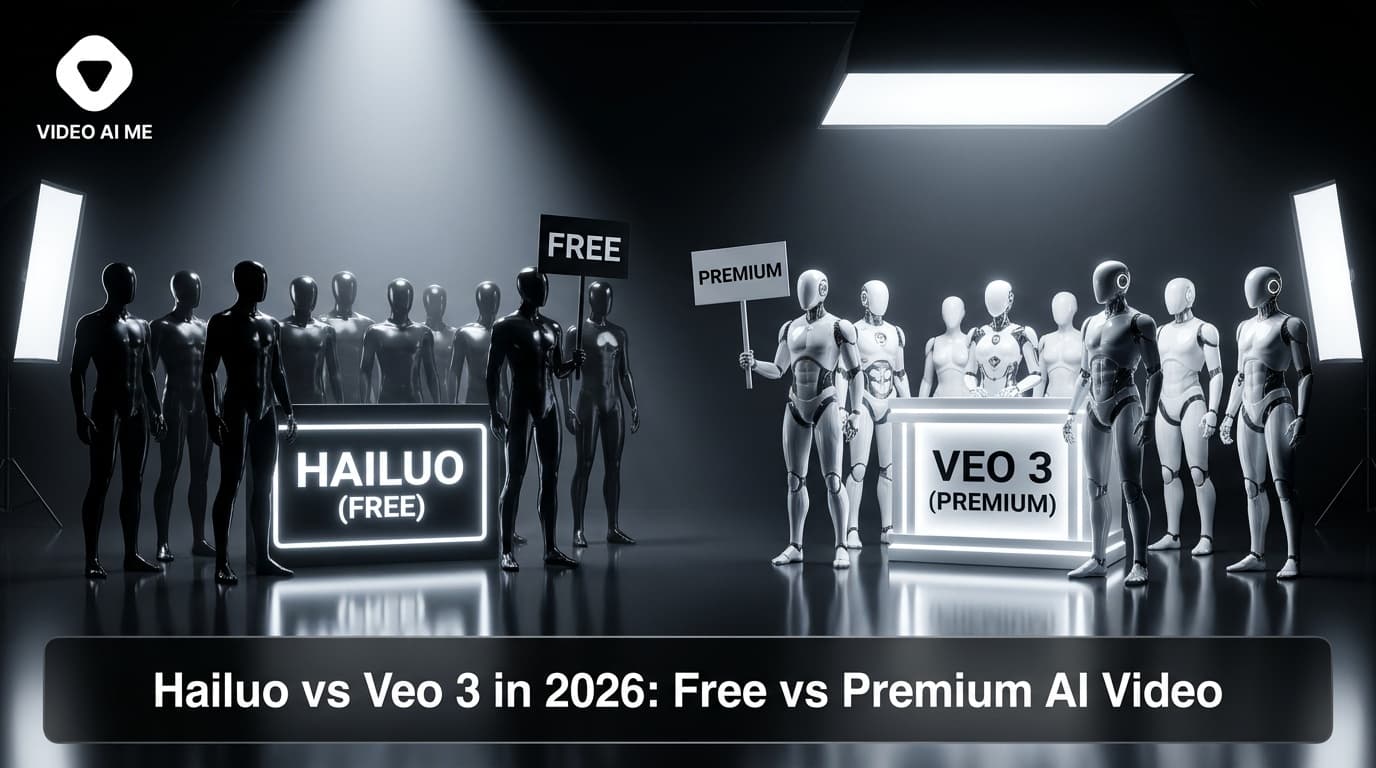
You want cinematic AI video, but you also want to keep your money. That tension is exactly what the Hailuo vs Veo 3 debate comes down to in 2026. On one side you have MiniMax Hailuo, generous and watermark-free for short social clips. On the other you have Google Veo 3, the premium standard for shots with native audio and film-grade motion.
We have run thousands of generations through both this year. They are not actually competing for the same job, and once you understand that, picking between them gets easy.
This guide breaks down where each one wins, with a side-by-side comparison table, real limits, and a verdict you can act on today.
Why the Hailuo vs Veo 3 Choice Matters in 2026
The text-to-video field is crowded now, with Veo 3.1, Kling 3.0, Seedance 2.0, Wan 2.5, and Hailuo 2.3 all shipping strong models. But Hailuo and Veo 3 sit at the two ends of a spectrum that most creators care about most: cost versus polish.
A few things make this matchup decisive right now:
- Native audio became table stakes. Veo 3 pioneered synchronized dialogue, ambient sound, and sound effects baked into the generation. Hailuo focuses on clean, fast, watermark-free visuals and leans on you to add audio after. That single difference shapes what each tool is for.
- Free access shifted the math. Veo 3 gives roughly 50 free credits a day through Google's free access, but those burn fast at premium quality. Hailuo's free tier is famously generous for quick clips and exports without a stamped watermark, which matters enormously for organic social posting.
- Cost discipline is back. With AI tooling budgets under scrutiny, "good enough and free" beats "perfect and metered" for a huge share of day-to-day content. The question is no longer which model is best in a lab. It is which one fits your actual workflow and wallet.
If you want the broader landscape first, our roundup of the best free AI video generators in 2026 puts both of these tools in context against the full field.
Hailuo vs Veo 3: Side-by-Side Comparison
Here is the fast version. Detailed breakdowns follow below.
| Tool | Free Allowance | Max Duration | Resolution | Native Audio | Watermark (Free) | Best For |
|---|---|---|---|---|---|---|
| MiniMax Hailuo (2.3) | Generous daily free credits | ~6-10s per clip | Up to 1080p | No (add audio after) | No watermark on standard exports | Fast, free, clean social clips |
| Google Veo 3 / 3.1 | ~50 free credits/day via Google access | ~8s per clip | Up to 1080p+ | Yes, synced dialogue and SFX | Yes on free tier | Cinematic shots with sound |
| VIDEO AI ME | Free account to start | 30s to several minutes | 1080p talking-head | Yes, voiceover and cloning | No watermark | Complete UGC and avatar marketing videos |
A note on reading this table: Hailuo and Veo 3 both produce short generative clips, while VIDEO AI ME assembles full-length videos with a presenter, script, and voice. We include it because most people comparing these two are actually trying to make a finished marketing video, not a 6-second clip. More on that later.
Always check current limits before you commit. Both providers adjust free quotas and pricing frequently.
MiniMax Hailuo: The Free, Watermark-Free Workhorse
How it works: Hailuo (from MiniMax) takes a text prompt or a still image and generates a short, high-motion clip. The 2.3 generation improved character consistency and physics noticeably, and the interface is built for speed. You type, you wait a short while, you download.
Free tier details: This is Hailuo's headline strength. The free plan hands out daily credits that are genuinely usable for real posting, and standard exports come out without a watermark stamped across them. For creators publishing organic content on TikTok, Reels, and Shorts, that alone can be the deciding factor. If watermark removal is your priority, compare it against the rest of the field in our guide to the best free no-watermark AI video generators.
Strengths:
- Truly usable free tier with no watermark on standard output
- Fast generation times, great for iterating on ideas
- Strong image-to-video, so it pairs well with a still you already have
- Clean, natural motion on people and simple scenes
Weaknesses:
- No native audio, so dialogue and sound are a separate step
- Short max duration, typically under 10 seconds per clip
- Less reliable than Veo 3 on complex, multi-subject cinematic prompts
- Free credits can throttle during peak demand
Best for: Volume creators who post daily, want clean visuals, and refuse to pay per clip or ship a watermark. If you animate existing photos a lot, see how it stacks up in our best free image-to-video AI generators comparison.
Google Veo 3: The Cinematic Premium Standard
How it works: Veo 3 (and the newer 3.1) generates short clips with native, synchronized audio. That means a character can speak with lip-sync, footsteps land on the right frame, and ambient sound matches the scene, all from a single prompt. It is the closest thing to "describe a film shot and get a film shot" available in 2026.
Free tier details: Google offers roughly 50 free credits a day through its free access tiers, with paid plans starting around $7.99/month for more headroom. Free generations typically carry a watermark and lower priority, so the free tier is best treated as a way to test prompts rather than a production pipeline. Paid is where Veo 3 shines.
Strengths:
- Native synced audio, including dialogue, ambient sound, and effects
- Cinema-grade motion, lighting, and prompt adherence
- Excellent for complex scenes, camera moves, and multi-element shots
- Backed by Google's infrastructure and steady model updates
Weaknesses:
- Free tier watermarks output and deprioritizes you
- Credits burn fast at top quality, so cost adds up for volume
- Short clips still, so you stitch multiple generations for anything long
- Overkill for simple talking-head or single-subject social posts
Best for: Creators and teams who need cinematic, audio-complete shots and have a budget for them. To see exactly where Veo 3 lands against Kling, Seedance, and the rest, check our top AI video models of 2026, ranked.
How to Choose Between Hailuo and Veo 3
You do not actually have to pick one forever. Most pros we work with use both, switching based on the shot. Here is how to decide per project.
Choose Hailuo when
- You publish high volume and need clips daily
- You want zero watermark on a free plan
- The clip is visual-first and you will add music or voiceover yourself
- You are animating a product photo or portrait you already own
Choose Veo 3 when
- The shot needs spoken dialogue or precise synced sound
- You want cinematic camera work and complex scenes
- It is a hero shot where quality justifies the credit cost
- You have a paid plan and can skip the watermark
Tips to get more from either model
- Write tight, specific prompts. Both reward concrete detail: subject, action, camera move, lighting, mood. Vague prompts waste credits. Our AI video scripts guide covers structuring this cleanly.
- Generate at lower settings first. Test the composition cheaply, then re-run your winner at full quality. This saves Veo 3 credits especially.
- Plan for stitching. Both cap clips at a handful of seconds. Storyboard your sequence as 6-to-8-second beats so the cuts feel intentional, not forced.
- Add audio deliberately with Hailuo. Since it has no native sound, treat audio as a creative choice. A clean voiceover often beats generated dialogue for marketing anyway.
- Use image-to-video for consistency. Feeding a reference still gives you far more control over character and brand look than text alone, on both tools.
Where VIDEO AI ME Fits In
Here is the honest gap both Hailuo and Veo 3 leave open. They make brilliant short clips. They do not make a finished marketing video. If you want a 60-second product explainer with a consistent presenter talking to camera, you are stitching clips, recording voiceover, and editing for an afternoon.
VIDEO AI ME is built for that finished output. You upload a photo, it becomes an AI avatar, you write or generate a script, you pick or clone a voice, and it produces a complete talking-head or UGC-style video from 30 seconds up to several minutes, with no watermark. It is the bridge from "short AI clip" to "complete marketing video."
So the workflow many of our users land on: use Hailuo or Veo 3 for the eye-catching B-roll and cutaway shots, and use VIDEO AI ME for the spoken, on-message backbone of the video. If avatars are new to you, start with our guide to creating an AI avatar from a photo, then see the bigger picture in our AI video marketing complete guide for 2026. You can start free and have a finished video in minutes, not an afternoon.
Frequently Asked Questions
Is Hailuo or Veo 3 better for free, watermark-free video?
Hailuo wins on free watermark-free output. Its standard free exports come out without a stamped watermark and the daily credits are genuinely usable. Veo 3's free tier typically watermarks generations, so for free organic posting Hailuo is the stronger pick.
Does Hailuo have native audio like Veo 3?
No. Veo 3 generates synchronized audio, including dialogue and sound effects, directly in the clip. Hailuo focuses on clean visuals and expects you to add voiceover, music, or effects afterward, which is often preferable for branded marketing anyway.
How much does Veo 3 cost in 2026?
Google offers roughly 50 free credits per day through its free access, with paid plans starting around $7.99/month for more capacity and fewer restrictions. Credits at top quality deplete quickly, so heavy users should budget for a paid plan. Always check Google's current pricing before committing.
Can I make a full marketing video with Hailuo or Veo 3?
Not directly. Both produce short clips, typically under 10 seconds, so a longer video means stitching many generations together and adding audio yourself. For a complete 30-second-to-several-minute talking-head or UGC video in one workflow, a platform like VIDEO AI ME is purpose-built for that.
Which model handles complex cinematic scenes better?
Veo 3. Its prompt adherence, lighting, and motion on complex, multi-element scenes are class-leading in 2026. Hailuo is excellent for clean single-subject or product-focused clips but is less reliable on elaborate cinematic prompts.
Should I use both Hailuo and Veo 3 together?
Often yes. Many creators use Hailuo for fast, free, watermark-free B-roll and Veo 3 for hero shots that need synced audio and cinematic polish. Pairing them with a finished-video tool covers the full pipeline from clip to complete marketing video.
The Verdict
If you need free, fast, watermark-free social clips, Hailuo is the smarter default. If you need cinematic shots with native audio and have a budget, Veo 3 is the premium standard. Neither, on its own, gives you a finished, on-message marketing video with a consistent presenter.
That is the piece VIDEO AI ME handles end to end: photo to avatar, script to voice, to a complete video in minutes. Use the generators for the flourishes, and let VIDEO AI ME carry the message. Start free and see how fast a complete video comes together.
Frequently Asked Questions
Share
AI Summary

Paul Grisel
Paul Grisel is the founder of VIDEOAI.ME, dedicated to empowering creators and entrepreneurs with innovative AI-powered video solutions.
@grsl_frReady to Create Professional AI Videos?
Join thousands of entrepreneurs and creators who use VIDEO AI ME to produce stunning videos in minutes, not hours.
- Create professional videos in under 5 minutes
- No video skills experience required, No camera needed
- Hyper-realistic actors that look and sound like real people
Get your first video in minutes
Related Articles

What Is MiniMax H3? The Video Model Explained
MiniMax H3 is a multimodal video model that turns a written brief into a short clip with synchronised sound. Here is what it does, what it does not, and who it suits.

MiniMax H3 vs Veo 3: An Honest Comparison
Veo 3 is Google's video model and it is not in the VIDEO AI ME picker. Here is how it compares to MiniMax H3 on the things that decide ad creative.

MiniMax H3 vs Sora 2: Drafting Against Polish
Sora 2 renders at higher resolution and longer. MiniMax H3 gets you many more attempts. Which one belongs in your workflow depends on the job, not the benchmark.