
Happy Horse 9:16 vs 16:9 Prompts: What Changes
Framing, subject placement, and camera moves shift between 9:16 and 16:9. Here is what to change in your Happy Horse prompts for each format.
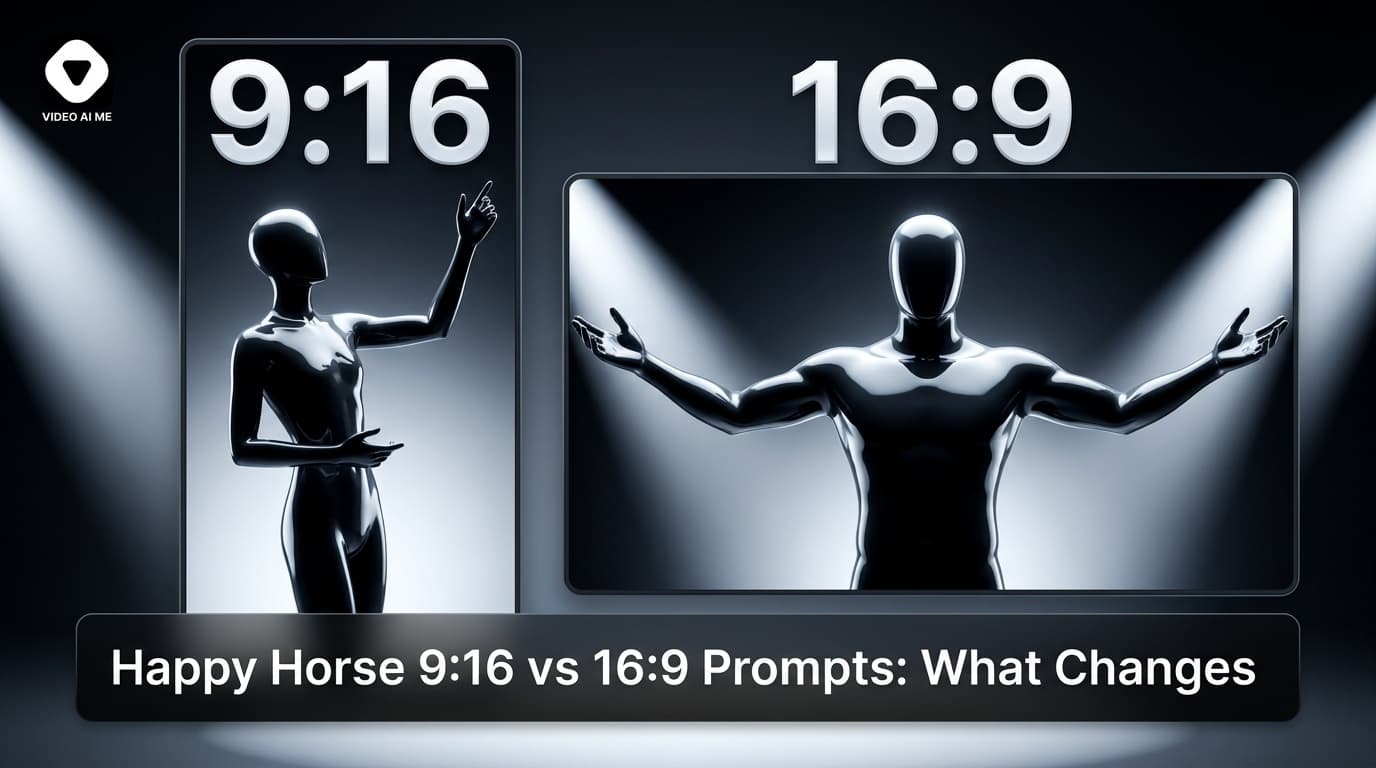
Happy Horse 9:16 vs 16:9 Prompts: Framing, Moves, and What to Change
Happy Horse 1.0 generates both 9:16 and 16:9 natively. But writing the same prompt for both formats and expecting identical results is a mistake - the aspect ratio fundamentally changes what information lives in the frame, where the subject should sit, and which camera moves make sense.
This guide covers happy horse 9:16 16:9 prompts: what shifts between formats, what stays the same, and copy-ready examples for each.
Why Aspect Ratio Affects the Prompt
In 16:9, you have a wide horizontal canvas. Landscapes, multi-subject scenes, and lateral motion fill the frame well. The eye moves left to right.
In 9:16, the canvas is tall and narrow. Wide shots shrink subjects to small figures. Lateral dollies and pans push subjects to the edge or out of frame. The eye moves up and down.
Happy Horse reads the composition cues in your prompt and applies them relative to the output canvas. A "wide establishing shot" in 9:16 produces a very different result than the same phrase in 16:9 - often a thin strip of environment with a small subject. You need to adjust the prompt, not just the export setting.
Core Differences to Write Into Your Prompt
| Element | 16:9 (YouTube / horizontal) | 9:16 (TikTok / Reels) |
|---|---|---|
| Subject placement | Left/right of centre, rule-of-thirds | Centred, full height |
| Establishing shot | Wide landscape, pull-back | Low aerial or close-mid |
| Camera move | Lateral dolly, tracking pan | Push-in, tilt up/down, vertical pull-back |
| Multi-subject | Side-by-side compositions | Stacked or sequential, not side-by-side |
| Action direction | Horizontal - walking across frame | Vertical - walking toward camera, jumping |
Ready-to-Copy Prompts: 9:16 (Vertical)
Vertical Lifestyle - Walking Toward Camera
A young woman in a red coat walks toward camera on a wet city street at night, neon reflections on asphalt, centred frame, slow push-in as she approaches.
The "centred frame" and "walks toward camera" are doing the compositional work here. This uses the vertical height and keeps the subject in the frame throughout the move.
Vertical Product / Beauty
A woman holds a skincare bottle at chest height facing camera, overcast daylight from a side window, slight tilt up from product to face, shallow depth of field.
The "tilt up from product to face" is a vertical move that uses 9:16 well - it travels through height, not width.
Vertical Outdoor / Fitness
A man runs toward camera along a canal towpath at sunrise, warm amber backlight, centred composition, dolly-in to close as he approaches.
Ready-to-Copy Prompts: 16:9 (Horizontal)
Horizontal Landscape / Brand Film
A 1965 cherry-red Mustang convertible drives along a winding California coastal highway at midday, Pacific Ocean to the right, mid-afternoon sun on chrome, tracking lateral dolly alongside.
The lateral dolly and wide coastal composition fill a 16:9 frame naturally. This prompt would lose most of the landscape in 9:16.
Horizontal Multi-Subject
Two friends sit at a wooden picnic table in a sun-drenched park, overcast daylight, wide mid shot, both subjects centred with equal frame weight, static camera.
Horizontal Aerial Establishing
Aerial pull-back from a lone figure on a white sand beach, turquoise water to the left, palm-lined coastline stretching right, hard midday sun, slow ascending pull-back.
Aerials are a Happy Horse strength. The wide horizontal frame in 16:9 makes aerials particularly effective - the sweep across landscape is uninterrupted.
Shot List for a Dual-Format Campaign Sequence
When building a campaign that needs both formats, plan the shot list with each format's strengths in mind, then generate separately rather than cropping.
[16:9 version]
Shot 1 (wide aerial, 0-1s): Winding coastal highway, Pacific visible, hard midday sun, slow ascending aerial.
Shot 2 (lateral tracking, 1-4s): Red convertible at speed, tracking dolly alongside at door height, wind in subject's hair.
Shot 3 (close on face, 4-5s): Driver glances at camera, warm amber backlight, shallow depth of field, slight push-in.

[9:16 version]
Shot 1 (low mid, 0-1s): Driver from the waist up in car, framed centred, slight upward tilt.
Shot 2 (close centred, 1-4s): Driver's face, speaking toward camera, wind in hair, warm amber backlight.
Shot 3 (product/detail close, 4-5s): Hand on steering wheel, sun on chrome gear knob, slow tilt down.
The 16:9 version uses the width for landscapes and lateral motion. The 9:16 version stays close, centred, and uses vertical movement.
One Workflow, Both Formats on VIDEO AI ME
VIDEO AI ME runs Happy Horse 1.0 with both 9:16 and 16:9 output in a single workflow. You write your scene once, select the output format, and get the correct composition for each platform - without cropping from a 16:9 master and losing the top and bottom, or zooming a vertical shot into a horizontal frame and losing the sides.
Paired with Happy Horse's multilingual lip-sync, this means a single campaign video can become a full cross-platform asset library: English and Spanish, TikTok and YouTube, all from one session.
Common Mistakes by Format
9:16 mistakes:
- Wide landscape prompts that leave the subject as a small figure in a sea of environment
- Lateral tracking moves that push the subject to the frame edge
- Side-by-side multi-subject compositions that require horizontal width
16:9 mistakes:
- "Centred close-up" prompts that waste the horizontal canvas
- Vertical tilt moves that feel constrained in the wide frame
- Ignoring the rule of thirds - placing the subject exactly centre in 16:9 is often less dynamic than placing them slightly left or right
Build Cross-Platform Templates
The most efficient way to use dual-format production is to maintain one prompt template per scene type in both versions. When a new campaign brief arrives, you are filling in variables - product name, setting, time of day - not reinventing the framing logic each time.
That is the difference between using Happy Horse as a production accelerator and using it as an occasional experiment: template libraries compound over time, one-off prompts don't.
Run both formats on VIDEO AI ME with Happy Horse 1.0 and Seedance 2 available side-by-side.
For guidance on which words undermine your output regardless of format, read our guide to Happy Horse anti-slop prompts.
Frequently Asked Questions
Share
AI Summary

Paul Grisel
Paul Grisel is the founder of VIDEOAI.ME, dedicated to empowering creators and entrepreneurs with innovative AI-powered video solutions.
@grsl_frReady to Create Professional AI Videos?
Join thousands of entrepreneurs and creators who use VIDEO AI ME to produce stunning videos in minutes, not hours.
- Create professional videos in under 5 minutes
- No video skills experience required, No camera needed
- Hyper-realistic actors that look and sound like real people
Get your first video in minutes
Related Articles
MiniMax H3 UGC Prompt Templates for Ad Creative
Reusable UGC prompt templates with the variables marked, so you can produce a whole batch of creator style ads by swapping four fields.
Seedance 2.5 UGC Prompt Templates for Ads
Six fill in the blank UGC prompt templates for Seedance 2.5, each with a fully filled worked example, plus how to direct dialogue when the audio is generated.
How to Make AI UGC Videos With Seedance 2.5
A five step playbook for creator style UGC clips with Seedance 2.5: casting, prompts that carry the spoken hook, reference images for batches, and the credit math.