
Happy Horse Testimonial Prompts for UGC That Converts
Write Happy Horse 1.0 testimonial prompts that produce believable, direct-to-camera UGC - without actors, reshoots, or generic output.
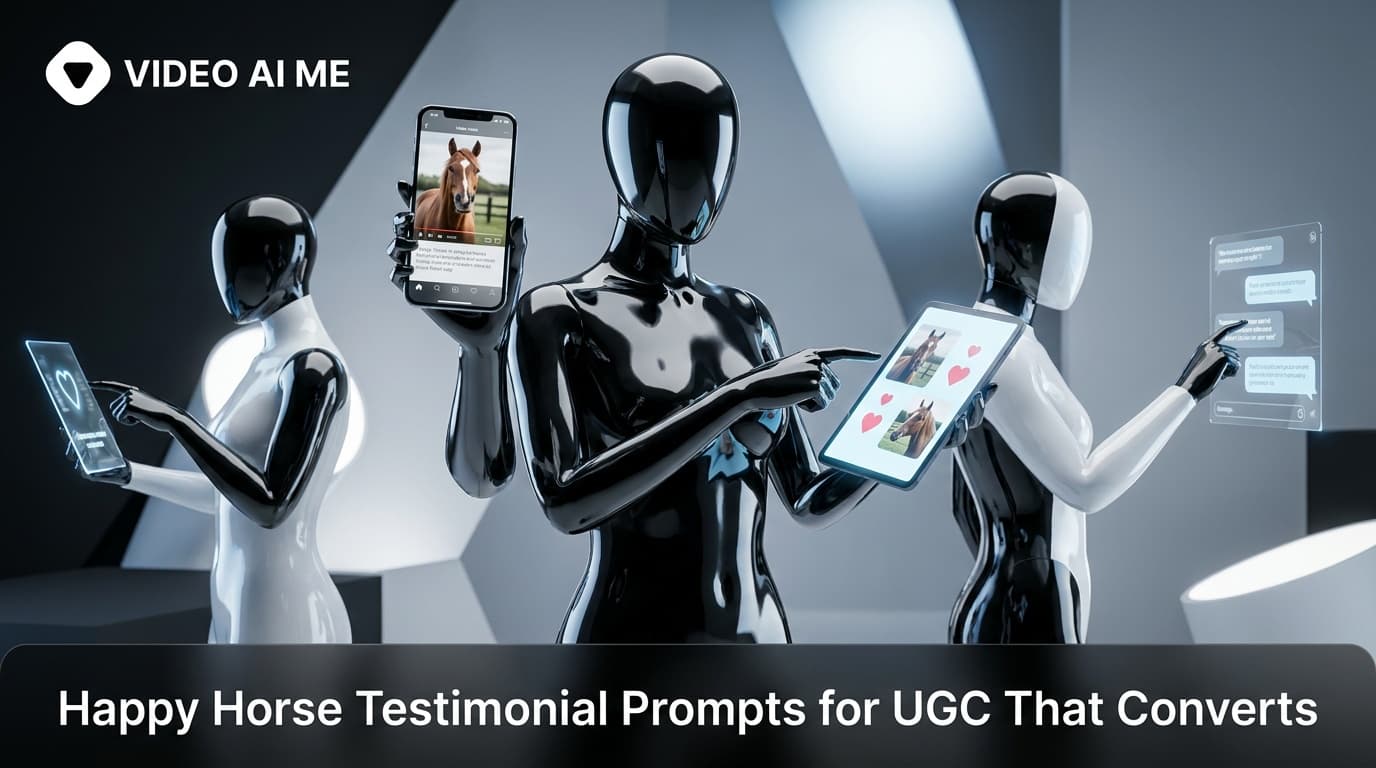
Happy Horse Testimonial Prompts: Get Direct-to-Camera UGC That Feels Real
Testimonial video is still one of the highest-converting ad formats - but producing it at scale means either hiring a lot of actors or finding a model that can generate believable, on-camera performances. Happy Horse 1.0, released April 26, 2026, is the first model to reach number one on Artificial Analysis and it handles direct-to-camera testimonial content better than anything before it.
This guide covers how to write happy horse testimonial prompts that produce footage people actually trust: natural settings, credible framing, no uncanny valley.
What Makes Testimonial Video Work
Testimonials convert because they feel like a real person sharing a real experience. When the prompt is wrong, the result looks like a casting shoot - overly lit, too composed, read as an ad immediately.
The fix is environmental specificity. A person speaking to camera in a beige living room with soft window light looks like a neighbour. The same person in front of a plain gradient looks like a green-screen asset. Happy Horse responds to these distinctions when the prompt spells them out clearly.
The Core Template for Testimonial Prompts
[Person description] speaks to camera in [setting], [lighting], [one camera or mood cue].
Aim for 20-25 words. One subject, one action (speaking to camera), one setting, one light.
Ready-to-Copy Happy Horse Testimonial Prompts
Living Room / Home Setting
A woman in her mid-thirties speaks to camera in a warm living room, overcast daylight from a side window, slight dolly-in, shallow depth of field.
The "overcast daylight from a side window" creates soft, flattering illumination with a clear practical source - it reads as real rather than staged.
Outdoor / Natural Setting
A man in his forties speaks to camera outdoors in a park, mid-afternoon sun on his face, 35mm telephoto, background trees soft-focus.
Outdoor testimonials with natural light are high-performing for wellness, fitness, and food brands. The telephoto compression keeps the subject sharp against a blurred natural background.
Kitchen Counter / Product in Hand
A woman in her late twenties holds a small product jar and speaks to camera at a bright kitchen counter, warm amber backlight, handheld slight wobble.
The "handheld slight wobble" cue adds organic movement that reduces the polished AI look. Use it sparingly - one mention is enough.
Office / Professional Setting
A man in a grey shirt speaks to camera at a clean desk in a modern open-plan office, flat overcast daylight from floor-to-ceiling windows, static mid-close frame.
Shot List Format for Multi-Beat Testimonials
A single talking-head shot is fine for a short ad, but a three-beat testimonial - problem, turning point, result - converts better in longer formats. Use the shot list structure to map each beat:
Shot 1 (wide mid, 0-1s): A woman sits on a sofa in a warmly lit living room, looking slightly off-camera, pensive, overcast daylight.
Shot 2 (mid-close, 1-4s): She turns to camera and speaks directly, soft smile, warm amber backlight from the left, slight dolly-in.
Shot 3 (close, 4-5s): She nods and holds up a small product, shallow depth of field, background falls off to warm bokeh.
Timecodes give Happy Horse a rhythm to work with. Without them, multi-beat requests in prose often compress into a single blended motion.
Markdown Section Format for Longer Testimonial Sequences
For a continuous single-take testimonial where you want detailed control over each dimension, use markdown sections:
## Subject
Woman, early forties, natural makeup, casual linen top

## Action
Speaks to camera, relaxed and direct, slight hand gestures

## Setting
Warm living room, bookshelves in background, lived-in

## Camera
35mm telephoto, mid-close, static with gentle push-in at end

## Lighting
Overcast daylight from the right, warm fill from a lamp on the left

## Mood
Authentic, conversational, not performative
This format is best when you need consistency across multiple clips in a campaign - it is easier to swap one section (say, the setting) while keeping everything else fixed.
Multilingual Testimonials at Scale
Happy Horse 1.0's multilingual lip-sync is particularly useful for testimonial content. Create one high-performing English testimonial clip, then generate synced versions in Spanish, French, Portuguese, or other languages - same actor, same setting, different audio track - without re-casting.
VIDEO AI ME supports this workflow end-to-end. You can also export 9:16 for Reels and TikTok and 16:9 for YouTube and display ads from the same source clip, which matters when you are running a multi-platform testimonial campaign.
What to Avoid
A few mistakes specific to testimonial prompts:
Do not use studio lighting descriptors. Cues like "three-point studio lighting" or "professional key and fill" produce footage that looks produced. Real testimonials have one practical light source.
Do not stack emotional adjectives. "Genuine, heartfelt, authentic, believable, relatable" is noise. Pick one, or describe the action instead: "relaxed and direct" is more useful than four synonyms for sincere.
Do not specify what the person says. The visual prompt controls what the viewer sees. The audio layer handles speech. Mixing them adds confusion without adding value.
Building a Testimonial Library
The brands that scale UGC production fastest are the ones with a prompt library, not a one-off workflow. Build five to ten testimonial base prompts across your key demographics - age range, setting, lighting style - test each one, save the versions that produce footage your ads team actually uses.
When a new campaign brief comes in, you are pulling from a tested library rather than starting from scratch. That is how AI video production compounds: each tested prompt is a reusable asset.
Start building your testimonial library on VIDEO AI ME, where Happy Horse 1.0 and Seedance 2 both run under one subscription so you can A/B the same testimonial prompt across both models.
For the full list of overused words that weaken your prompts, read our guide to Happy Horse anti-slop prompts.
Frequently Asked Questions
Share
AI Summary

Paul Grisel
Paul Grisel is the founder of VIDEOAI.ME, dedicated to empowering creators and entrepreneurs with innovative AI-powered video solutions.
@grsl_frReady to Create Professional AI Videos?
Join thousands of entrepreneurs and creators who use VIDEO AI ME to produce stunning videos in minutes, not hours.
- Create professional videos in under 5 minutes
- No video skills experience required, No camera needed
- Hyper-realistic actors that look and sound like real people
Get your first video in minutes
Related Articles
MiniMax H3 UGC Prompt Templates for Ad Creative
Reusable UGC prompt templates with the variables marked, so you can produce a whole batch of creator style ads by swapping four fields.
Seedance 2.5 UGC Prompt Templates for Ads
Six fill in the blank UGC prompt templates for Seedance 2.5, each with a fully filled worked example, plus how to direct dialogue when the audio is generated.
How to Make AI UGC Videos With Seedance 2.5
A five step playbook for creator style UGC clips with Seedance 2.5: casting, prompts that carry the spoken hook, reference images for batches, and the credit math.