
Happy Horse Tutorial: Make Your First AI Video in 10 Minutes
A step-by-step happy horse tutorial for beginners. From sign-up to published clip in under 10 minutes using VIDEO AI ME's AI actor tools.
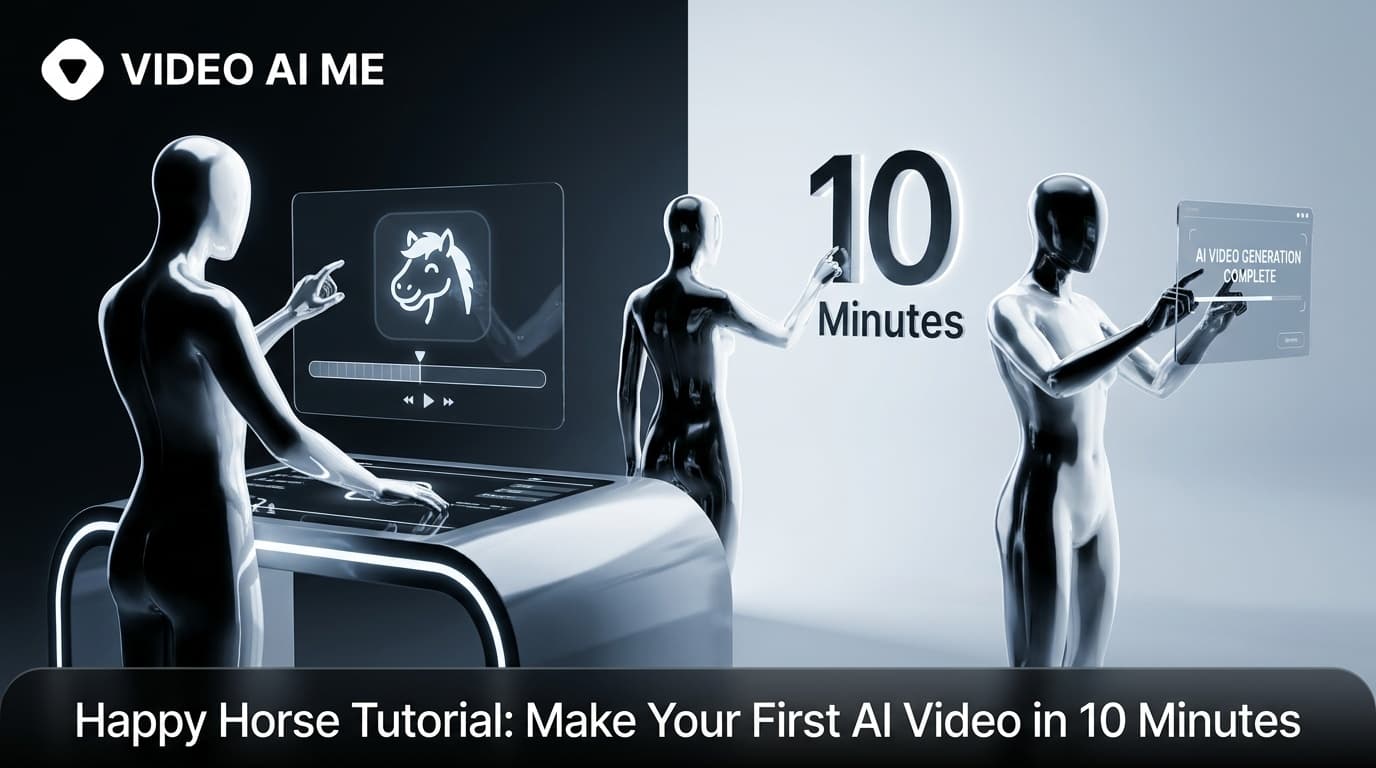
Happy Horse Tutorial: Your First AI Video in 10 Minutes
This happy horse tutorial is for people who have not made an AI video before. It covers the complete path from account creation to a posted clip, with no assumed knowledge about video production, AI prompting, or content tools.
Happy Horse 1.0, released April 26, 2026 by Alibaba, is the first AI video model to generate audio and video together in a single pass. That is what makes the workflow this short. You write a script, pick an AI actor, generate, and download. No separate voiceover step. No sync correction. No editing pass required for a basic clip.
The platform for this tutorial is VIDEO AI ME, currently the only platform with both Happy Horse 1.0 and Seedance 2 in one subscription.
Estimated time: 10 minutes.
Before You Start: What You Need
You need one thing: a message you want to communicate. Happy Horse will handle the video. You handle the words.
Here is the simplest possible message structure for your first video:
- Who this is for (1 sentence)
- What problem it solves (1 sentence)
- What to do next (1 sentence)
That is 20-30 words. It is enough for a 20-second clip that can run as an ad, a landing page video, or an organic social post.
Write those three sentences before you open VIDEO AI ME. Arriving with a script in hand cuts your total time significantly.
Step 1: Sign Up on VIDEO AI ME
Go to videoai.me and create an account. The process takes under two minutes - email, password, done.
Once you are in, you will see the main dashboard. You have access to both Happy Horse 1.0 and Seedance 2 from here. For this tutorial, you are using Happy Horse because you want a talking-head video with an AI actor and native audio.
No credit card tricks, no hidden trial limitations at this step. You are in.
Step 2: Open the AI Actor Tool
From the dashboard, navigate to the AI Actor section. This is the Happy Horse-powered tool - it uses Happy Horse's joint audio+video generation to produce a speaking person on screen.
You will see two main inputs:
- AI Actor selection
- Script / prompt field
Do not overthink the interface. You are about to fill in both.
Step 3: Pick Your AI Actor
Browse the available AI actors. VIDEO AI ME offers a range of appearances and demographics - scroll through and pick one that fits your brand or target audience.
Things to consider when picking:
- Match your audience demographic. A skincare brand targeting women 25-40 will perform differently with an actor that looks relatable to that group.
- Tone. Some actors look more formal; some read as friendly and casual. For UGC-style content, casual performs better.
- Language. If you want to generate in a language other than English, Happy Horse supports multilingual lip-sync natively. Select the language here or in the generation settings.
Click the actor to select them. You will see a preview. If it does not feel right, pick a different one - this costs nothing.
Step 4: Write Your 20-Word Prompt
Paste the three sentences you wrote before you opened VIDEO AI ME into the script field.
If you did not write them in advance, do it now. Here is the structure again:
[Who this is for]. [What problem it solves]. [What to do next].
Example for a productivity app:
"Struggling to stay focused during your workday? FocusBlocks blocks distractions and keeps you on task automatically. Try it free at focusblocks.com."
That is 22 words. It will generate a clip of roughly 15-20 seconds. That is the ideal length for a UGC ad or an intro clip.
A note on prompt length: Happy Horse performs well with short, direct scripts. Longer scripts generate longer clips, which take more time to produce and are harder to hold viewer attention through. For your first video, keep it under 30 words. You can always generate longer content once you have a feel for how the model handles your prompts.
Avoid: Vague language ("Talk about our product"), multiple topic changes within one clip, or prompts that rely on visual context the model cannot see ("Show the graph from slide 4").
Step 5: Set Output Format
Before generating, check the output format setting. VIDEO AI ME gives you:
- 16:9 - Standard landscape format for YouTube, LinkedIn, website embeds
- 9:16 - Vertical format for TikTok, Instagram Reels, YouTube Shorts
For your first video, select both if available, or choose 9:16 if you are posting to short-form social. Vertical content gets more organic distribution on TikTok and Reels right now.
If you are posting to YouTube or embedding on a website, choose 16:9.
VIDEO AI ME generates both from the same job - you do not have to re-run the generation to get the other aspect ratio.
Step 6: Generate
Hit generate.
Happy Horse 1.0 processes audio and video simultaneously. You will see the job queued and then generating. Once it is done, the output will appear in your dashboard.
Watch it once before downloading. Check:
- Does the lip-sync look natural?
- Does the audio match the script?
- Does the clip end cleanly?
For most short, straightforward scripts, the output will be ready to use. If something feels off - an odd pause, an unclear word - adjust the script slightly and regenerate. Short scripts are fast to iterate.
Step 7: Download and Post
Download the clip. It exports as a standard video file ready for upload to any platform.
For TikTok: Upload the 9:16 file directly. Write a caption that mirrors your hook line. Post at a time when your audience is active (check your analytics; for most audiences that is evenings on weekdays).
For Instagram Reels: Same file, same process.
For YouTube Shorts: Upload the 9:16 file. Add a title and description.
For paid ads: Upload to your Meta Ads or TikTok Ads account as a video creative. Run it against a small daily budget ($10-20/day) for 48-72 hours to get initial data before scaling.
Make your first video on VIDEO AI ME
What to Do With Your Second and Third Video
The value of Happy Horse for small businesses and solo creators is not one video. It is a system.
After your first clip posts, watch the early data - watch time, engagement rate, comments. That tells you what resonated. Your second video should test one variable: a different hook sentence, a different AI actor, or a different CTA.
By your fifth video, you will have real data on what your audience responds to. By your tenth, you will be generating content faster than you can post it, and you will have a clear creative direction driven by evidence rather than guesswork.
Also: experiment with Seedance 2, also available on VIDEO AI ME. For clips where no one needs to speak - product visuals, atmospheric brand clips, demonstration footage without narration - Seedance 2's motion quality is exceptional. Mixing both models in a content calendar gives you variety without needing multiple subscriptions.
Quick Reference: The 10-Minute Path
- Write a 20-word script (3 sentences: who, problem, CTA)
- Go to videoai.me and sign up
- Open AI Actor tool
- Pick your AI actor
- Paste your script
- Set output format (9:16 for social, 16:9 for web)
- Generate
- Download and post
That is it. The whole path.
Start your first Happy Horse video on VIDEO AI ME
Build a content engine, not one viral hit.
Also see: Happy Horse Small Business Marketing: No Crew, No Studio
Frequently Asked Questions
Share
AI Summary

Paul Grisel
Paul Grisel is the founder of VIDEOAI.ME, dedicated to empowering creators and entrepreneurs with innovative AI-powered video solutions.
@grsl_frReady to Create Professional AI Videos?
Join thousands of entrepreneurs and creators who use VIDEO AI ME to produce stunning videos in minutes, not hours.
- Create professional videos in under 5 minutes
- No video skills experience required, No camera needed
- Hyper-realistic actors that look and sound like real people
Get your first video in minutes
Related Articles
MiniMax H3 UGC Prompt Templates for Ad Creative
Reusable UGC prompt templates with the variables marked, so you can produce a whole batch of creator style ads by swapping four fields.
Seedance 2.5 UGC Prompt Templates for Ads
Six fill in the blank UGC prompt templates for Seedance 2.5, each with a fully filled worked example, plus how to direct dialogue when the audio is generated.
How to Make AI UGC Videos With Seedance 2.5
A five step playbook for creator style UGC clips with Seedance 2.5: casting, prompts that carry the spoken hook, reference images for batches, and the credit math.