
How to Create an AI Digital Twin for Content (2026)
Learn how to create an AI digital twin for content in 2026. Clone yourself once, then batch daily founder videos and UGC ads from a single AI twin.
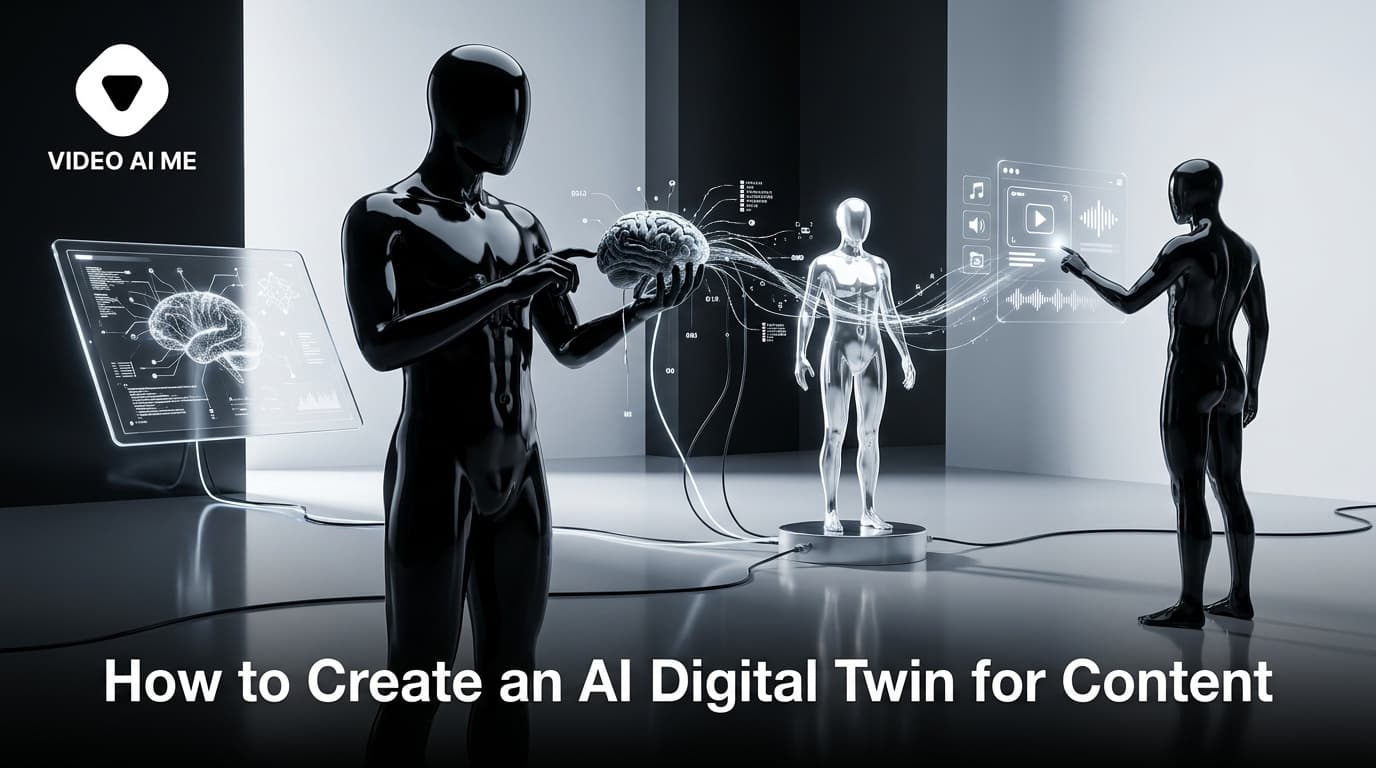
An AI digital twin is the single highest-leverage asset a solo founder or small marketing team can build in 2026. Instead of filming yourself every time you need a video, you create one AI version of yourself, then type a script and let your twin deliver it on camera. This guide walks through how to create an AI digital twin for content step by step, and how to turn that one clone into a daily content and ad machine without ever opening a camera app again.
The promise is simple. Record yourself once, clone yourself once, and produce dozens of talking-head videos a week. Below you will find the exact workflow, the gear and inputs you need, a comparison of approaches, and answers to the questions people ask most before they build their first twin.
What Is an AI Digital Twin?
An AI digital twin is a lifelike digital version of you that replicates your face, voice, and speaking style. You feed a platform a short sample of yourself, machine learning models study your features and delivery, and the result is a clone that can read any script you give it with automatic lip-sync applied.
Think of it as a spokesperson that is always available, never gets tired, and never asks for a reshoot. You write the words, your AI digital twin says them on screen. The output looks and sounds like you, so your audience still sees a familiar face.
This is different from a generic stock avatar. A generic avatar is a stranger. A digital twin is you, which matters enormously for personal brands, founder-led marketing, and any business where trust is the product. User-generated content earns 6.9x higher engagement than brand-created content, and a video that features the real founder taps that same authenticity at scale.
Why Clone Yourself Instead of Filming?
Filming is the bottleneck. Most creators and founders know they should post daily, but the friction of setting up, recording, redoing takes, and editing kills consistency. An AI digital twin removes that friction entirely.
Here is what changes once you have a working twin:
- Speed: Produce dozens of video variations in hours instead of weeks.
- Consistency: Same lighting, same energy, same quality on every clip, every time.
- Availability: Make a video at 11pm in your pajamas, no camera required.
- Reach: Have your twin speak in 40-plus languages without learning any of them.
- Cost: Cut spokesperson and production costs significantly versus hiring talent or filming sessions.
The strategic win is volume. Serious direct-to-consumer brands run 20 to 40 new video variations per month to find winning hooks. A human cannot film that pace. An AI digital twin can, which is exactly why this workflow converts a personal brand from sporadic posting into a real content system.
How to Create an AI Digital Twin: Step by Step
This process is model-agnostic. It works whether you start from a single photo or a short video, and it applies across most modern AI clone platforms, including VIDEO AI ME. Follow these steps in order.
Step 1: Decide Your Input Type
You can build a twin from either a photo or a recorded video. Each path has trade-offs.
| Input type | What you provide | Best for | Trade-off |
|---|---|---|---|
| Photo-based | One clear, well-lit headshot (or up to 10 reference images) | Fast setup, no filming at all | Slightly less of your natural micro-expressions |
| Video-based | A short clip, often 1 to 2 minutes, face clearly visible | Maximum likeness and natural delivery | Requires recording one clean take |
If you have never filmed yourself and want zero friction, start photo-based. If you want the most faithful likeness for a personal brand, record one good video.
Step 2: Capture a High-Quality Sample
Quality in equals quality out. Whichever input you choose, follow these capture rules:
- Light your face evenly. Face a window or a soft light. Avoid harsh shadows and backlighting.
- Keep the background simple. A plain wall or a setting that reflects your brand works best.
- Frame yourself clearly. Head and shoulders, eyes toward the lens, no obstructions like sunglasses.
- Use sharp, recent images. A blurry or heavily filtered photo produces a weaker twin.
For a video sample, speak naturally for the full clip so the model learns your real rhythm and expressions.
Step 3: Clone Your Voice (Optional but Recommended)
A digital twin feels most like you when it sounds like you. Most platforms let you upload or record a few short audio or video samples to clone your voice. Record in a quiet room with no echo and speak in your normal cadence.
If you prefer not to clone your voice, you can pair your visual twin with a high-quality synthetic voice instead. Cloning your own voice produces the strongest authenticity, which is the entire point of a twin.
Step 4: Generate and Review Your Twin
Upload your inputs and let the platform build your AI digital twin. Generation typically returns a usable clone fairly quickly. Review the first test render closely:
- Does the lip-sync match the words naturally?
- Does the voice carry your normal tone and pace?
- Do the expressions read as you, not as a stranger?
If something feels off, swap in a clearer photo or a better-lit video sample and regenerate. The base asset is worth getting right because every future video inherits its quality.
Step 5: Write Your First Script
Now feed your twin words. The best-performing talking-head content reads like a real person talking, not like a brochure. Keep these script rules in mind:
- Open with a hook in the first 3 seconds.
- Use short, conversational sentences.
- Make one clear point per video.
- End with a single, specific call to action.
For deeper script structure, study proven hook and CTA frameworks before you batch.
Step 6: Render, Caption, and Publish
Generate the video, add captions (around 80 percent of viewers watch without sound), and export in 9:16 for TikTok, Reels, and Shorts. Your first twin video is done. The real payoff comes next, when you do this at scale.
How to Batch Daily Content and Ads From One Twin
A single twin video is a novelty. A repeatable batching system is a business. Once your AI digital twin exists, you never rebuild it, you only feed it new scripts. Here is the weekly workflow that turns one clone into a content engine.
- Write a script batch. Block one hour and write 10 to 20 short scripts at once. Vary the hook on each so you can test what stops the scroll.
- Queue them through your twin. Paste each script and generate. Because the twin is reusable, you are only producing renders, not filming sessions.
- Spin variations. Same script, different hooks. Same hook, different opening lines. This is how brands find winners fast.
- Caption and format per platform. Vertical with captions for short-form, cleaner cuts for paid placements.
- Publish and test. Post organically and push your strongest hooks into paid ads.
This is the difference between posting when you feel inspired and shipping daily on a schedule. For ad-focused brands, the same twin can star in dozens of AI clone videos for ecommerce and personal brand ads, letting you test creative at a pace human filming cannot touch.
The compounding effect matters. Every script you write becomes a finished video in minutes. Over a month that is 30-plus pieces of on-brand, founder-led content from a clone you built once.
Twin Use Cases That Convert
A well-built AI digital twin is not limited to social posts. The same asset powers multiple revenue-driving formats:
- Daily founder videos for TikTok and Instagram to build brand awareness.
- UGC-style talking-head ads of 15 to 30 seconds for Meta and TikTok.
- Product demos and explainers for SaaS onboarding.
- Multilingual content to reach audiences in markets you do not speak the language of.
- Course and coaching promos without re-filming every launch.
Because your twin is consistent and always on, you can show up polished even when you are traveling, busy, or simply not in the mood to be on camera. If you want a non-cloned spokesperson instead, you can also create an AI avatar from a photo and use it the same way.
Common Mistakes to Avoid When Cloning Yourself
Avoid these and your first twin will land far better:
- Using a low-quality base image. A weak input produces a weak twin. Invest five minutes in good lighting.
- Writing ad-copy, not human copy. Scripts that sound like brochures kill the authenticity you cloned yourself to get.
- Skipping captions. Most viewers watch on mute. No captions, no message.
- One video, then quitting. The value is in the system. Batch, test, and post consistently.
- Ignoring disclosure rules. Where required, label AI-generated content. The FTC expects transparency around endorsements and synthetic media.
How to Keep Your Twin Looking Fresh
A twin is not a build-once-and-forget asset. The brands that win keep their clone feeling current so audiences never tune it out. A few simple habits keep your output fresh without rebuilding from scratch.
- Refresh the look periodically. Generate the same twin in new outfits, settings, or seasonal backgrounds so your feed never looks repetitive.
- Rotate your hooks aggressively. The body of your script can stay similar, but the first three seconds should change on every clip you test.
- Update your base sample yearly. If your real appearance changes, recapture a fresh photo or video so your twin still reads as the current you.
- Match the platform. Re-cut the same render for vertical short-form, square placements, and paid ads instead of posting one format everywhere.
Treating your clone like a living spokesperson, rather than a static template, is what separates a twin that quietly converts for months from one that gets ignored after a week.
Is an AI Digital Twin Worth It?
For anyone whose growth depends on showing up on video, yes. The math is straightforward. UGC-style and creator content consistently outperforms polished brand content because audiences trust faces over logos, and 92 percent of consumers trust peer recommendations over brand messaging.
An AI digital twin lets you produce that trusted, face-led content at a volume and cost that filming never could. You build the clone once, then the only limit on your output is how fast you can write scripts. For a solo founder trying to compete on attention, that is the unfair advantage.
Ready to build yours? You can create your AI digital twin with VIDEO AI ME and start batching founder-led videos and ads from a single clone today.
Frequently Asked Questions
Share
AI Summary

Paul Grisel
Paul Grisel is the founder of VIDEOAI.ME, dedicated to empowering creators and entrepreneurs with innovative AI-powered video solutions.
@grsl_frReady to Create Professional AI Videos?
Join thousands of entrepreneurs and creators who use VIDEO AI ME to produce stunning videos in minutes, not hours.
- Create professional videos in under 5 minutes
- No video skills experience required, No camera needed
- Hyper-realistic actors that look and sound like real people
Get your first video in minutes
Related Articles
Best Free AI Lip Sync Tools 2026
We tested the top free AI lip sync tools of 2026 to make any photo or avatar talk. See the comparison table, accuracy notes, and best picks.

AI Avatars for Fitness Marketing in 2026
How personal trainers, gyms, and online coaches use AI avatars in 2026 to ship workout content, program ads, and multilingual coaching without ever filming.

AI Avatars for SaaS Marketing in 2026
How SaaS marketing teams use AI avatars in 2026 for product demos, free trial activation, and B2B paid social. Tools, use cases, and a real workflow.