
Kling AI for Instagram Reels: Organic and Paid Growth Playbook
How creators and brands use Kling AI and Kling 3.0 multi-shot to ship Instagram Reels at scale. Real engagement stats, format specs, hook templates, and the workflows that drive both organic reach and paid conversions.
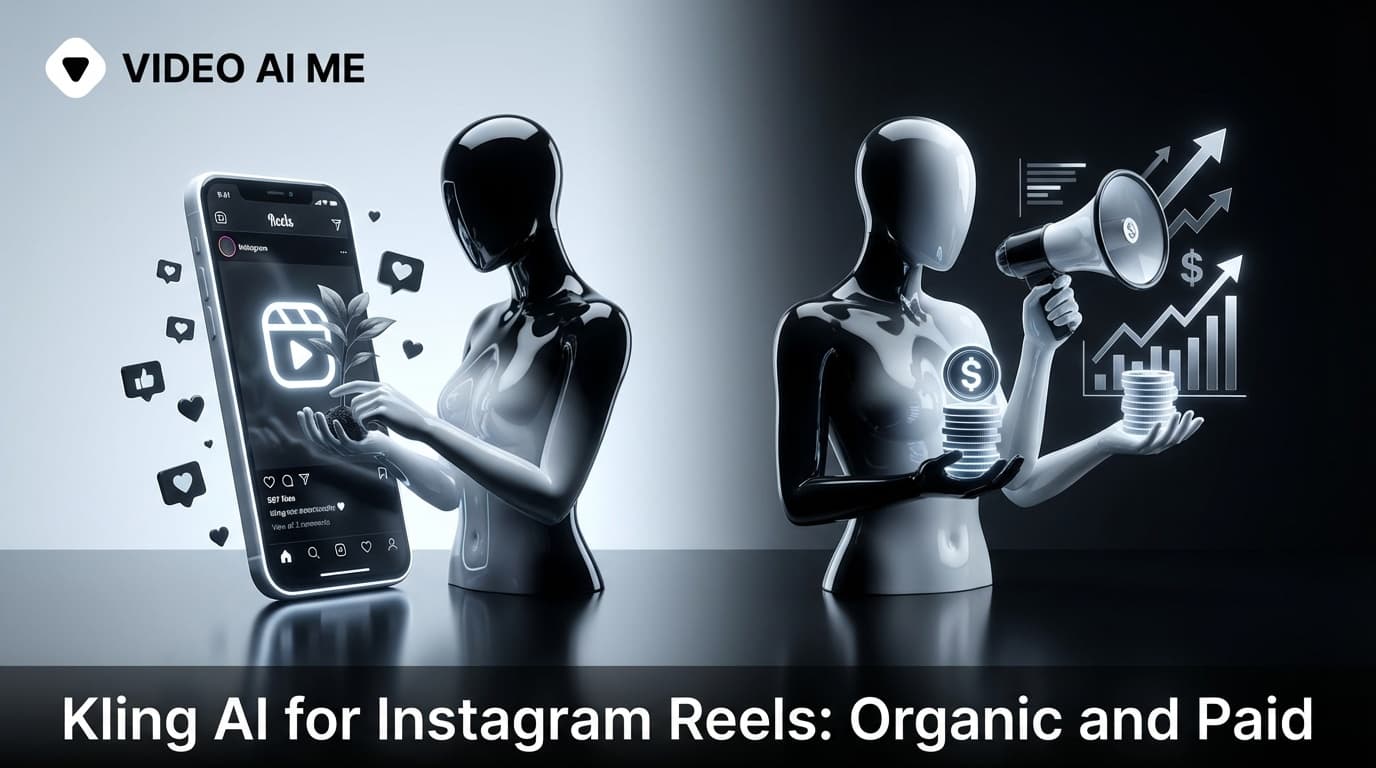
Reels Is Where Brand And Performance Meet
Instagram Reels in 2026 is the most cross-functional video surface online. Brands use it for organic awareness. Performance marketers use it for paid acquisition. Creators use it for personal brand building. All three use cases want the same thing: vertical, hook-driven, captioned video shipped at high frequency.
The numbers make the case. According to Hootsuite's Instagram statistics (2024), Reels get 22% more engagement than standard Instagram video posts. Instagram has over 2 billion monthly active users, and Reels now account for more than 50% of time spent on the platform. Sprout Social (2024) reports that brands posting Reels at least 4 times per week see 2x more profile visits.
Kling AI is the production engine that makes high-frequency shipping possible without a video team. Kling 3.0 multi-shot takes it further by letting you create complete narrative Reels in a single generation.
I use this workflow for both organic and paid Reels. Here is exactly how it works.
The Reels Format Spec
- Aspect ratio: 9:16 vertical, 1080x1920.
- Length: 15 to 90 seconds. Best performance is 30 to 60 seconds for organic, 15 to 30 seconds for paid.
- Audio: Captions burned in for sound-off viewing. Add trending audio for organic Reels.
- Hook: First 1 to 3 seconds determine retention. According to HubSpot (2024), Reels with a text hook in the first frame get 35% more saves.
- Framing: Center subject in the safe zone (avoid the bottom 20% where the UI lives and the top 10% where the username appears).
- CTA: Last 2 to 3 seconds. For organic: "Follow for more." For paid: "Link in bio" or "Shop now."
Kling 2.6 Pro and Kling 3.0 export natively at 1080x1920. No conversion needed.
Why Kling 3.0 Multi-Shot Is Built For Reels
The Reels format rewards narrative arc. A Reel that tells a mini-story outperforms a single static shot every time. Kling 3.0 multi-shot lets you build that narrative in a single generation:
- Up to 6 shots with different camera angles and compositions
- Native audio and dialogue with consistent character voice
- Character consistency across all shots (same face, same clothing)
- Cinematic intent that produces natural transitions between shots
- Up to 15 seconds per generation
For Reels longer than 15 seconds (which is most organic Reels), you combine two Kling 3.0 multi-shot generations with a simple cut in your editor.
Kling 3.0 is available now on VIDEOAI.ME.
The Organic Reels Workflow: 5 Reels Per Week
Sunday: Plan And Batch Generate
- Pick 5 content topics for the week. Align with your content pillars.
- Write 1 hook line per topic.
- Choose your custom AI actor (trained once on VIDEOAI.ME).
- Generate 5 Kling 3.0 multi-shot clips, one per topic.
- Total generation time: 30 to 60 minutes.
Sunday Afternoon: Edit And Schedule
- Drop clips into CapCut or your preferred editor.
- Burn in captions.
- Add trending audio (for organic distribution boost).
- Schedule one per day Monday through Friday using Instagram's native scheduler or a tool like Later.
Total active work time: 90 minutes for a full week of Reels content. Compare to 5 to 10 hours of filming, editing, and posting per week for traditional creators.
The Personal Brand Setup
For creators building a personal brand, the setup is a one-time investment. Train a custom AI actor of yourself on VIDEOAI.ME. Upload 10 to 20 reference photos showing your face from different angles and lighting conditions. Now every Reel uses the same consistent digital version of you. Your face stays consistent across hundreds of clips without filming yourself for each one.
This is the same approach that course creators use for educational content and coaches use for scaling their presence across platforms.
The Paid Reels Workflow: 20+ Variants Per Campaign
Paid Reels through Meta Ads Manager follow the same creative principles as the Meta Advantage+ playbook, but optimized for the Reels placement specifically.
Campaign Structure For Paid Reels
Campaign Level:
- Objective: Sales or Traffic
- Advantage+ Shopping Campaign: ON
Ad Set Level:
- Placements: Manual > Instagram Reels only (for testing; expand to Advantage+ Placements after finding winners)
- Optimization: Purchase or Link Click
Ad Level:
- Upload 10 to 20 Reels variants
- Enable Advantage+ Creative
- Tag AI-generated content
Generate 20 to 30 variants of your concept on VIDEOAI.ME, upload to Meta Ads Manager, target Reels placement, let the algorithm find winners.
Sample Reels Prompts
Single-Shot (Kling 2.6 Pro)
Personal brand selfie:
Handheld vertical UGC selfie, sunlit window. A woman in her late 20s in a navy crewneck. 0-2s looks at camera. 2-4s small smile. 4-5s says "this is the one tip nobody tells you about journaling". Palette: navy, oat, cream. Negative: jittery eyes, frozen lips.
[REFERENCE: my_actor.png]
Product spotlight:
Clean studio product shot, locked-off macro. A perfume bottle on white marble. Slow rotation 0-5s. Soft overhead key. Palette: champagne, brass, white. Negative: melted glass, mirrored text.
Multi-Shot (Kling 3.0)
Personal brand tip Reel (5 shots, 15 seconds):
Shot 1: Handheld vertical selfie, sunlit office. Woman in her 30s looks directly at camera with intensity. "Stop doing this one thing every morning."
Shot 2: Close-up of hands on a laptop keyboard, morning coffee beside it. She pauses typing.
Shot 3: Medium shot, she turns from laptop to camera. Slight lean forward. "Your inbox is not your to-do list."
Shot 4: Wide shot of her workspace, clean and organized. She picks up a notebook.
Shot 5: Direct to camera, warm confident smile. "Start with your three priorities. Everything else waits."
Palette: cream, navy, oat throughout. Negative: jittery eyes, frozen lips, inconsistent face.
[REFERENCE: creator_actor.png]
Product transformation Reel (4 shots, 10 seconds):
Shot 1: Macro close-up of dull, textured skin under soft bathroom light. Honest, unflattering.
Shot 2: Hands opening a skincare jar, scooping product. Slow, deliberate. Soft focus.
Shot 3: Medium shot, woman applying product to cheek. Gentle circular motion. Natural light.
Shot 4: Same framing as Shot 1, but skin is glowing. Morning golden light. Text overlay space at top.
Palette: soft pink, cream, gold throughout. Negative: warping skin, distortion.
The Hook Templates That Win On Reels In 2026
These hook formats consistently drive the highest save rates and completion rates:
- Curiosity gap: "You are doing X wrong. Here is what to do instead."
- Numbered list: "Three things I learned in my first year of Y."
- Insider tip: "The one tip nobody tells you about Z."
- Pattern interrupt: "Stop scrolling. This will change your morning routine."
- Before/after: "I tried Y for 30 days. Here is what happened."
- Controversy: "Everyone says X is the best. They are wrong."
- Direct address: "If you are still doing X, watch this."
Use these as templates. Swap the topic. Write 5 versions, generate 5 Reels, post one per day.
Cross-Posting Reels To TikTok And YouTube Shorts
One of the advantages of generating Kling content in 9:16 vertical is that the same clip works on all three short-form platforms. After generating your 5 weekly Reels:
- Post on Instagram Reels with Instagram-native audio and Instagram-specific captions.
- Post on TikTok with TikTok-trending audio and TikTok-specific captions.
- Post on YouTube Shorts with your YouTube branding and a subscribe CTA.
The same Kling generation, three platforms, three audiences. Your effective cost per piece of content drops to one-third. The hooks and content may need slight adjustments per platform (TikTok rewards more energy, YouTube rewards more substance), but the base Kling clip works across all three.
According to Sprout Social (2024), creators who cross-post to all three platforms see 3x total reach compared to single-platform posting.
Reels Engagement Benchmarks
Here are the benchmarks I track for Kling-powered Reels:
- Reach rate (reach / followers): 20 to 40% for a healthy organic Reel
- Engagement rate: 3 to 6% is strong for organic Reels
- Save rate: Above 2% means the content has lasting value
- Share rate: Above 1% means the content has viral potential
- Completion rate: Above 30% means the hook and pacing are working
How VIDEOAI.ME Helps Reels Production
Inside VIDEOAI.ME the Reels workflow is optimized for the 5-per-week organic loop and the 20-variant paid loop:
- Generate in 9:16 1080x1920 by default
- Pick a custom AI actor for consistent personal branding
- Use Kling 3.0 multi-shot for narrative Reels
- Apply captions automatically
- Batch export for scheduling tools
Kling 3.0 multi-shot with native audio and character consistency is available now on VIDEOAI.ME.
For related workflows see Kling AI for TikTok ads, Kling AI for Meta ads, Kling AI for YouTube Shorts, and best Kling AI prompts.
Ship Your First Reels Batch This Week
If your account ships one Reel per week, this is the week to upgrade to five. Train an actor once, write five hooks, generate with Kling 3.0 multi-shot, caption, schedule. Ninety minutes for a week of content.
Try VIDEOAI.ME free and ship your first Kling 3.0 powered Reels batch today.
Frequently Asked Questions
Share
AI Summary

Paul Grisel
Paul Grisel is the founder of VIDEOAI.ME, dedicated to empowering creators and entrepreneurs with innovative AI-powered video solutions.
@grsl_frReady to Create Professional AI Videos?
Join thousands of entrepreneurs and creators who use VIDEO AI ME to produce stunning videos in minutes, not hours.
- Create professional videos in under 5 minutes
- No video skills experience required, No camera needed
- Hyper-realistic actors that look and sound like real people
Get your first video in minutes
Related Articles
Vox-Style Explainers for Instagram Reels (2026)
How to make a vox-style explainer for Instagram Reels: vertical framing, labels for sound-off viewers, save-worthy value, and a step-by-step from a short brief.
Seedance 2.0 for Instagram Reels: Vertical Video Made Easy
Use Seedance 2.0 instagram to generate vertical Reels that match the Instagram aesthetic, including hook patterns, specs, and copyable prompts.
Instagram Reels AI Generator: Create Viral Reels in Minutes (2026)
Learn how to create Instagram Reels with AI. Complete guide to AI tools, viral formats, and strategies to grow your Instagram in 2026.