
SaaS Product Demo Videos: The 4-Minute Format That Actually Converts
SaaS founders: learn the exact product demo video format that converts viewers to trials. Includes script templates, recording tips, and the AI workflow that scales.
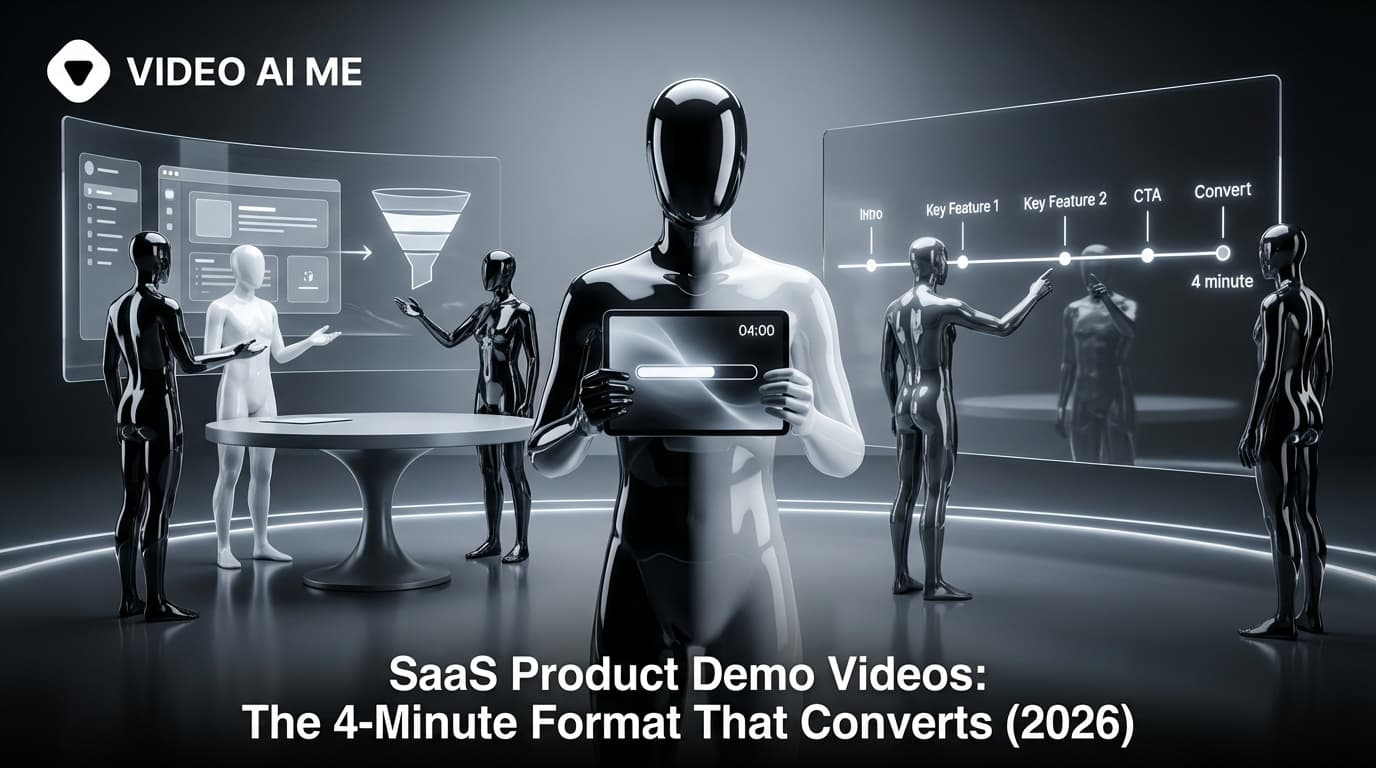
Your SaaS product is incredible. You've built features your competitors don't have. Your users love you.
But your demo video? It's a 12-minute screen recording with "um" every other sentence, and the audio sounds like you're in a bathroom.
47% of SaaS buyers watch a product demo before talking to sales. If your demo doesn't convert, you're losing half your pipeline before they ever book a call.
This guide shows you the exact format, scripts, and production workflow that turns demo viewers into trial signups—without hiring a video team or spending weeks on production.
Why Most SaaS Demo Videos Fail
I've watched hundreds of SaaS demos. The same mistakes appear constantly:
Gartner research shows that 80% of B2B buying decisions are influenced by video content.
The 5 Demo Killers
- Too long. Nobody wants a 20-minute feature tour.
- No hook. Starting with "Hi, I'm going to show you..." loses viewers in 5 seconds.
- Feature-focused, not problem-focused. Viewers don't care what it does. They care what it solves.
- Poor audio/video quality. If you can't make a demo look good, how good is your product?
- No clear next step. The video ends, the viewer... does nothing.
The 4-Minute Demo Format That Converts
After analyzing top-performing SaaS demos, here's the structure that works:
According to Vidyard, personalized video demos increase response rates by 300%.
| Section | Time | Purpose |
|---|---|---|
| Hook | 0:00-0:15 | Stop the scroll, state the problem |
| Problem | 0:15-0:45 | Agitate the pain they're experiencing |
| Solution Overview | 0:45-1:30 | Show the core workflow |
| Key Features | 1:30-3:00 | Demonstrate 3-4 power features |
| Social Proof | 3:00-3:30 | Results from real customers |
| CTA | 3:30-4:00 | Clear next step |
Section 1: The Hook (15 seconds)
You have one job: stop them from clicking away.
Bad hooks:
- "Hey, welcome to our product demo..."
- "Today I'm going to walk you through..."
- "Thanks for watching, let me show you..."
Good hooks:
- "What if I told you [BIG RESULT] in [TIMEFRAME]?"
- "[PROBLEM] is costing you [SPECIFIC AMOUNT] every month. Here's how to fix it."
- "Your competitors are already using this. Here's why."
Script Template:
"You're spending [X HOURS] every week on [PAINFUL TASK].
What if you could [RESULT] in [TIMEFRAME] instead?
Let me show you exactly how."
Section 2: The Problem (30 seconds)
Don't just name the problem—make them feel it. Use specific, relatable scenarios.
Script Template:
"Here's what [TASK] looks like today:
[DESCRIBE PAINFUL CURRENT STATE]
You're [SPECIFIC FRUSTRATION], and by the time you're done, [NEGATIVE CONSEQUENCE].
There's a better way."
Example for Project Management SaaS:
"Here's what status updates look like today:
You spend 45 minutes hunting through Slack threads, email chains, and three different spreadsheets. By the time you've compiled the report, something's already changed.
Your team is doing the same thing. That's 10+ hours per week—gone.
There's a better way."
Section 3: Solution Overview (45 seconds)
Now show the product. But don't start with features—start with the transformation.
Script Template:
"This is [PRODUCT].
In the next 2 minutes, I'll show you how to [PRIMARY VALUE PROPOSITION].
Let's start with [FIRST ACTION USER TAKES]."
Show the complete core workflow from start to finish. The viewer should understand:
- What they input
- What happens
- What they get out
Section 4: Key Features (90 seconds)
Pick 3-4 features that deliver the most value. For each:
- Name it (5 seconds)
- Show it (15-20 seconds)
- Explain the benefit (5 seconds)
Script Template for Each Feature:
"[FEATURE NAME] lets you [CAPABILITY].
[DEMONSTRATE ON SCREEN]
That means [BENEFIT IN USER'S TERMS]."
Example:
"Auto-sync lets you connect your existing tools in one click.
[SHOW INTEGRATION SETUP]
That means you're up and running in 5 minutes—no IT team required."
Section 5: Social Proof (30 seconds)
Don't just claim results. Show them.
Options:
- Customer quote with face/name
- Specific metrics from real users
- Logo bar of recognizable customers
- Before/after comparison
Script Template:
"[CUSTOMER NAME] used [PRODUCT] to [ACHIEVE RESULT].
In [TIMEFRAME], they [SPECIFIC METRIC].
And they're not alone—[BROADER PROOF POINT]."
Section 6: CTA (30 seconds)
Tell them exactly what to do next. Remove all friction.
Script Template:
"Ready to [ACHIEVE RESULT]?
Start your free trial at [URL].
No credit card required. Set up takes [TIMEFRAME].
See you inside."
Creating Demo Videos Without a Video Team
Here's the reality for SaaS founders: you don't have time to become a video production expert. You have product to build, customers to support, and a company to run.
This is where AI changes everything.
The AI Demo Production Workflow
With VIDEOAI.ME, you can create professional product demos in under an hour:
Step 1: Write Your Script (20 minutes) Use the templates above. Focus on the 4-minute structure.
Step 2: Record Your Screen (15 minutes) Use Loom or OBS to capture the product workflow. Don't worry about voiceover—just focus on smooth cursor movements.
Step 3: Generate AI Narration (10 minutes) Create an AI avatar to deliver your script. Choose a professional look that matches your brand.
Step 4: Combine and Export (15 minutes) Overlay the AI narration on your screen recording. Add captions and your logo.
The result: a professional demo video that looks like you have a marketing team—when it's just you and AI.
Create your first demo video →
Persona-Specific Demo Variations
One demo doesn't fit all. Different buyers care about different things.
For Technical Buyers (Developers, IT)
Emphasize:
- API and integrations
- Security and compliance
- Technical architecture
- Developer documentation
Tone: Direct, no fluff, show the code.
For Business Buyers (Managers, Executives)
Emphasize:
- ROI and time savings
- Team collaboration features
- Reporting and analytics
- Implementation support
Tone: Benefits-focused, high-level, results-driven.
For End Users
Emphasize:
- Ease of use
- Daily workflow improvements
- Mobile experience
- Learning curve
Tone: Friendly, practical, show quick wins.
Creating Variations Efficiently
You don't need to re-record everything. AI avatars let you create persona-specific introductions and outros while reusing the core screen recording.
Intro variation for developers:
"If you're evaluating [PRODUCT] for your tech stack, you'll want to see the API.
I'll cover integration options, authentication, and rate limits.
Let's look at the core functionality first."
Intro variation for executives:
"If you're evaluating [PRODUCT] for your team, you'll want to see the ROI.
I'll show you exactly how our customers save 10+ hours per week.
Here's the platform in action."
Demo Video Distribution Strategy
Creating the demo is step one. Getting it seen is step two.
Primary Placement: Homepage & Pricing Page
Your demo should appear:
- Above the fold on homepage (or one scroll down)
- On pricing page (addresses "what am I paying for?")
- In signup flow (reduces drop-off)
Use a video player that tracks engagement (Wistia, Vidyard). This data is gold for optimization.
Secondary Placement: YouTube
Upload your demo to YouTube with optimized metadata:
Title: "[Product Name] Demo: [Primary Benefit] in [Timeframe]" Description: First 150 characters = hook + link to free trial Tags: Product name, category, competitor names (ethically)
YouTube demos rank for "[product category] software" searches.
Tertiary Placement: LinkedIn & Social
Cut your 4-minute demo into clips:
- 30-second hook + problem (teaser)
- 60-second best feature highlight
- 30-second social proof + CTA
Post native to each platform. Link to full demo in comments.
Measuring Demo Performance
Engagement Metrics
| Metric | Good | Great |
|---|---|---|
| Play rate | >15% | >25% |
| Completion rate | >35% | >50% |
| Replay rate | >5% | >10% |
| Shares | >1% | >3% |
Conversion Metrics
Track demo viewers through your funnel:
- Demo view → Free trial start
- Demo view → Sales call booked
- Demo completion vs. partial view conversion rates
Most video platforms integrate with your analytics. Set up the tracking before launching.
Common Demo Mistakes (And How to Fix Them)
Mistake 1: Starting with Your Logo Animation
Why it fails: Nobody cares about your brand before they care about your solution.
Fix: Cut straight to the hook. Logo goes in corner or at the end.
Mistake 2: Showing Every Feature
Why it fails: Feature overwhelm creates confusion, not conversion.
Fix: Pick 3-4 features that matter most to your ICP. Save the rest for documentation.
Mistake 3: Using a Cluttered Demo Account
Why it fails: Messy data makes the product look complicated.
Fix: Create a clean demo account with realistic but organized sample data.
Mistake 4: Talking About Your Company
Why it fails: Viewers want to know what you do for them, not your origin story.
Fix: Save company story for About page. Demo is 100% about user value.
Mistake 5: No Human Face
Why it fails: Videos with faces generate 38% more engagement.
Fix: Include a talking head intro, or use an AI avatar to add a human presence.
Advanced Demo Tactics
Tactic 1: Interactive Demo Experiences
Use tools like Navattic or Storylane to create interactive demos that let viewers click through the product themselves. Embed alongside your video demo.
Tactic 2: Personalized Demo Videos
For high-value prospects, create personalized intro segments:
"Hey [NAME], I saw [COMPANY] is looking to [SOLVE PROBLEM].
I put together a quick demo showing exactly how we help companies like yours.
Watch this 4-minute overview, and let's chat."
AI avatars make this scalable.
Tactic 3: Demo-to-Meeting Automation
Use video engagement data to trigger sales outreach:
- Watched >75% of demo → High-priority follow-up
- Replayed specific section → Customize outreach to that feature
- Multiple team members watched → Account-based approach
Tactic 4: Competitive Demo Comparisons
Create demos specifically comparing your product to competitors:
- "[Product] vs [Competitor]: Which is Right for You?"
- "Switching from [Competitor] to [Product]: 5-Minute Overview"
These capture high-intent search traffic.
Your Demo Production Checklist
Pre-Production:
- Write script using 4-minute format
- Create clean demo account with realistic data
- Plan screen flow (minimize dead clicks)
- Prepare AI avatar or presenter setup
Production:
- Record screen with smooth cursor movements
- Generate AI narration or record voiceover
- Capture any needed live-action segments
- Export at 1080p minimum
Post-Production:
- Add captions (required for social)
- Include logo and brand colors
- Add CTA end screen
- Create thumbnail
Distribution:
- Upload to website (with tracking)
- Publish to YouTube (with SEO)
- Cut clips for social media
- Add to sales enablement toolkit
The Bottom Line
A great product demo is the highest-leverage marketing asset a SaaS company can create. It works 24/7, scales infinitely, and pre-qualifies leads before they ever talk to your team.
The old excuse—"We don't have a video team"—doesn't hold anymore. AI tools like VIDEOAI.ME make professional demos accessible to every founder.
Your competitors are creating demo videos right now. Are you?
Create your first demo video →
Related Resources
Explore more video marketing strategies:
- Video Marketing for Online Courses: Double Your Enrollments (2026)
- LinkedIn Videos for Real Estate: 5 Scripts That Generate Leads (2026)
Frequently Asked Questions
How long should a SaaS product demo video be?
The optimal length is 3-5 minutes. Shorter demos leave too many questions unanswered, while longer ones lose viewer attention. The 4-minute format covers problem, solution, key features, proof, and next steps without overstaying.
Should SaaS demos show the full product or just highlights?
Show the core workflow that delivers primary value. Skip settings, admin features, and edge cases. Viewers want to see if you solve their specific problem, not every feature you've built. Save comprehensive tours for documentation.
Do I need a professional narrator for my product demo?
Founder-led demos often outperform professional narration for early-stage SaaS. Authenticity builds trust. AI avatars offer a middle ground: professional delivery with consistent availability, without the cost of a video production team.
How many product demo variations should I create?
Create one core demo, then 3-5 persona-specific versions highlighting features relevant to each audience. A demo for marketers should emphasize different features than one for developers. AI tools make variations efficient to produce.
Where should I host SaaS product demo videos?
Embed on your homepage and pricing page using a player like Wistia or Vidyard that tracks engagement metrics. Also publish on YouTube for SEO value and LinkedIn for distribution. Track which placements drive the most conversions.
How often should I update my product demo?
Major UI changes warrant a full re-record. Feature updates can be addressed with supplementary videos linked from the main demo. Most SaaS companies refresh their core demo every 6-12 months or when positioning changes significantly.
What's more important: audio quality or video quality?
Audio quality. Viewers will tolerate average video quality, but poor audio makes any video unwatchable. Invest in a decent microphone or use AI voice generation for clean, consistent narration.
Should I include pricing in my product demo?
It depends on your sales motion. For self-serve products with public pricing: yes, briefly. For sales-led products: mention "plans starting at $X" and direct to sales for custom quotes. Never leave pricing completely unaddressed.
Frequently Asked Questions
Share
AI Summary

Ready to Create Professional AI Videos?
Join thousands of entrepreneurs and creators who use VIDEO AI ME to produce stunning videos in minutes, not hours.
- Create professional videos in under 5 minutes
- No video skills experience required, No camera needed
- Hyper-realistic actors that look and sound like real people
Get your first video in minutes
Related Articles
MiniMax H3 for Founders Making Their Own Ads
You have no crew, no budget for one and limited patience. How to produce your own video ads without appearing on camera or learning an editing suite.
Best Vox-Style Explainer Tool for Startups
The best vox-style explainer tool for startups makes cheap, fast editorial explainers for launch, waitlist, and fundraising, with no designer and approve-before-spend.
Best Vox-Style Explainer Tool for SaaS (2026)
The best vox-style explainer tool for SaaS explains an invisible product in 30 seconds. Here are the buying criteria, a comparison table, and where VIDEO AI ME fits.