
Seedance 2.0 POV Videos: First Person Shots for TikTok and Reels
How to use Seedance 2.0 POV prompts to generate believable first person shots for TikTok and Reels, with hand framing, motion cues, and a real prompt example.
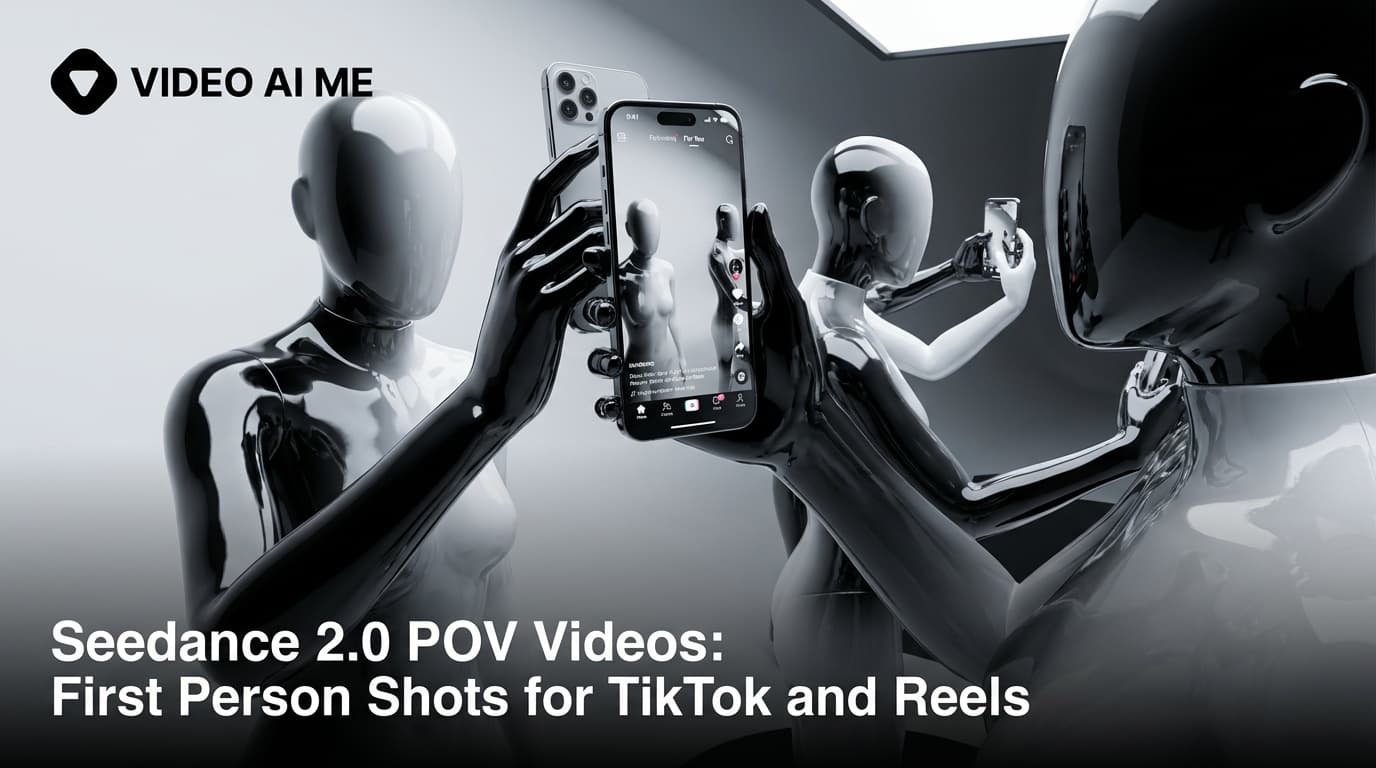
POV is the format that broke TikTok, and filming it still costs you a day per clip
A real first-person POV clip for TikTok or Reels takes half a day to produce: strap a GoPro to your head, walk the scene, forget your hands look weird for 40 seconds, redo the take because wind noise killed the audio. A four-second shot eats a four-hour afternoon. Most brands give up on the format entirely, even though Seedance 2.0 POV prompts now cut that cost to a single paragraph of text.
I am Paul Grisel, founder of VIDEO AI ME. We have shipped Seedance 2.0 POV cuts for sneaker brands, skincare lines, food carts, and solo creators on TikTok and Reels. The pattern that works is the same across verticals, and it comes down to four framing cues and a reusable prompt template.
This guide walks through the exact framing cues that lock the model into first person, the hook patterns that win the first half second on the FYP, and a reference prompt you can copy straight into the editor.
What Seedance 2.0 POV videos actually do
Seedance 2.0 POV videos are first-person short-form clips generated from a text prompt in under a minute, with hands entering frame from the bottom, eye-level camera, and native audio. You lock four framing cues in the prompt, pick 9:16, and ship a scroll-stopping POV cut without a GoPro, a tripod, or a reshoot. The format works for product demos, food, skincare, gaming, walking, and driving POVs.
Why POV converts harder than any other short-form format
POV works because of mirror neurons. When a viewer watches a hand reach for an object on screen, the parts of their brain that fire are the same ones that would fire if they were doing it themselves. POV amplifies this because there is no third-party observer to break the spell. The hand is yours. The action is yours. The reaction is yours.
That is why POV converts on commerce content. A POV product demo lets the viewer pre-experience using the product. A POV food shot lets them pre-experience eating it. A POV skincare routine lets them pre-experience their own glow-up. Pre-experience is the conversion engine.
The weakness of POV has always been variety. Real POV takes real shooting, and real shooting takes time. Most brands ship one or two POV clips per quarter and burn out. With Seedance 2.0 you ship 20 in a sitting: hands washing a face, hands pouring coffee, hands typing on a MacBook, hands petting a dog. Each prompt is a paragraph, each generation is under a minute, each variant adds another cell to your TikTok AB test. Ready to try it now? open VIDEO AI ME and paste this prompt once you reach the template section below.
What you get when you write POV prompts the right way
- 6 to 12 second first-person clips that score a near-perfect stop rate in the first half second on 9:16 placements
- A reusable template that drops into any product, any environment, any lighting
- Native audio with lip-synced voice lines, no library music, no floating captions
- 10 to 20 variants per sitting, each under one minute of generation time
- Image-to-video anchoring so the actual product packaging stays consistent across the batch
The 4 framing cues that lock first person
The single hardest part of writing a POV prompt is getting the model to commit to first person. Without explicit framing cues, Seedance 2.0 defaults to a third-person UGC angle. These four cues, used together, lock the camera in first person reliably:
- First person POV. Use the literal phrase. It is the strongest cue.
- Eye-level camera. Specify camera height to match the character's eyes.
- Hands enter from the bottom of the frame. This is the visual signature of first person. Always include it.
- No character body visible. Tell the model not to show the character. Otherwise it sneaks in a torso or a shoulder.
Skip any one of these and the model drifts to third person. We learned this the hard way after a week of mysterious shoulder cameos in our POV tests.
Hook patterns that work for POV
- The hands-first reach. Open with hands entering from the bottom and grabbing something.
- The walk-in. First person walking through a doorway. The reveal lands as you cross the threshold.
- The pour or open. Coffee pouring, lid opening, package tearing.
- The pet greeting. A dog or cat running up to camera. Triggers immediate emotional engagement.
- The morning wake. Eyes opening on a ceiling, hands rubbing face, slow tilt down.
The pet greeting is our highest-performing hook for paid social because it gets a near-perfect stop rate in the first half second. Match the hook to the product context, then generate your first Seedance 2.0 video on VIDEO AI ME using the template below.
Real Seedance 2.0 prompt example
For POV, the closest reference prompt in our library is the Fortnite gamer reaction. It is technically a facecam, not a pure POV, but the framing cues (close-up, eye-level, intimate handheld energy) share DNA with a first-person shot.
UGC creator, teenage guy with messy hair lying on a bean bag in a dark room lit by RGB LED strips, holding his phone horizontally close to his face. His eyes go wide, he tilts the phone aggressively left and right, says: "No no no no YES! Dude this game is crazy." He flips the phone screen toward the camera, taps frantically, then pumps his fist. Filmed with iPhone front camera, close-up facecam, colorful ambient light reflections on his face, handheld energy. - No music, No logo, no text on screen.
Notice how the framing language commits to a single perspective (close-up facecam, iPhone front camera) and the action is anchored in beats (eyes widen, tilt left, tilt right, taps, pumps fist). To convert this into a true POV, replace the character with first-person language and remove the body: "First person POV, eye level, no character body visible. Lying on a bean bag in a dark room lit by RGB LED strips. Hands enter from the bottom of the frame holding a phone horizontally. The phone screen shows a Fortnite final circle. The hands tilt the phone aggressively left and right, then pump up. Audio: 'No no no no YES.' Filmed with iPhone front camera, close-up POV, colorful ambient light reflections, handheld energy. - No music, No logo, no text on screen."
The two prompts read as cousins. Same scene, two perspectives, both ship in under a minute.
A reusable POV prompt template
First person POV, eye level, no character body visible. [Specific room with light source]. Hands enter from the bottom of the frame [holding or touching the product]. [Action beat in real time]. [Optional payoff line in audio]. Filmed with iPhone, [lighting block], handheld, slight head bob. - No music, No logo, no text on screen.
Fill in the brackets and you have a POV prompt that works for product demos, food, skincare, gaming, walking, and driving. The template enforces the four framing cues so you cannot accidentally drop one.
ROI math: traditional POV vs Seedance 2.0 POV
| Cost line | GoPro POV shoot | Seedance 2.0 on VIDEO AI ME |
|---|---|---|
| Camera gear | 300 to 600 USD up front | None |
| Time per 6 second clip | 3 to 5 hours | Under one minute |
| Reshoot cost on a wind-noise take | Full reshoot | Free re-prompt |
| Variants per sitting | 1 or 2 | 10 to 20 |
| Cost per finished clip | 50 to 200 USD loaded | Marginal cost near zero |
The variants row is the lever. POV is a format where you cannot predict which hook wins. Ten variants in a sitting lets you run a real AB test. One variant per afternoon forces you to guess.
Common mistakes when writing POV prompts
- Forgetting the no body visible cue. The model adds a shoulder or a torso half the time without it.
- Vague hand language. "Hands" is not enough. "Hands enter from the bottom of the frame holding a coffee cup" is.
- Static cameras. First person without head motion reads as a tripod, which kills the format. Add a slight head bob or gentle sway.
- Long takes. POV does not survive long takes. Keep it under 12 seconds.
- Third person verbs. "He picks up the cup" pulls the model back to third person. Use "hands pick up the cup" instead.
- Wrong aspect ratio. POV needs 9:16. Horizontal POV reads like a video game cutscene.
A weekly POV content calendar
If you want to build a real POV content habit, this is the weekly cadence we recommend to creators and brands on VIDEO AI ME.
| Day | POV format | Hook |
|---|---|---|
| Monday | Morning routine POV | Eyes opening, reaching for phone |
| Tuesday | Product demo POV | Hands pouring, pressing, using the hero SKU |
| Wednesday | Food POV | First bite, first sip, hands cutting |
| Thursday | Workspace POV | Hands typing, opening a laptop |
| Friday | Walk-in POV | First person entering a location |
| Saturday | Pet greeting POV | Dog or cat running up to camera |
| Sunday | Behind the scenes POV | Hands unboxing or prepping next week's content |
Generate the whole week in one sitting on Sunday evening. Swap the environment and the action, keep the four framing cues identical. Most brands report 10 to 15 clips in under an hour once the template is dialed.
How to do this on VIDEO AI ME
Log in to VIDEO AI ME, open Seedance 2.0, pick 9:16, and paste the POV prompt template. Generate 5 to 10 variants by swapping only the environment and the action while keeping the framing cues identical. Use image-to-video if you need to anchor a specific product (upload a clean photo as the first frame). Stack a voice clone for narration if you want a thinking-out-loud voiceover, or let the native dialogue handle it. POV cuts work especially well for TikTok and Reels content because the vertical frame matches how the human eye scans depth in first person.
Next action
POV is the highest-converting format on TikTok because it collapses the distance between the viewer and the screen. Until 2026 it was also the most expensive to produce. Seedance 2.0 POV prompts fix that. Lock the four framing cues, write the action in beats, keep the take under 12 seconds, and ship 20 variants in a sitting. try Seedance 2.0 free on VIDEO AI ME and put your first POV cut in your ad account before lunch.
More Seedance 2.0 prompts to study
The four reference videos used throughout this guide (a multi shot street interview, a skatepark product UGC, an unboxing narrative with a timelapse, and a high energy gamer reaction) live as a full copyable library on Seedance 2.0 Prompt Templates: Copy Paste and Ship. Bookmark it and remix any of the four when you need a starting point.
Related Seedance 2.0 guides on VIDEO AI ME
If you want to go deeper, these guides pair well with this one:
- Seedance 2.0: Complete Guide for AI Video Creators
- Seedance 2.0 vs Seedance 1: What Actually Changed
- Seedance 2.0 Features: Everything the New ByteDance Model Can Do
- How to Use Seedance 2.0: Beginner to Advanced in One Guide
You can also browse the full VIDEO AI ME blog for more AI video tutorials, or jump straight into the product and try Seedance 2.0 free on VIDEO AI ME with no credit card.
Frequently Asked Questions
Share
AI Summary

Paul Grisel
Paul Grisel is the founder of VIDEOAI.ME, dedicated to empowering creators and entrepreneurs with innovative AI-powered video solutions.
@grsl_frReady to Create Professional AI Videos?
Join thousands of entrepreneurs and creators who use VIDEO AI ME to produce stunning videos in minutes, not hours.
- Create professional videos in under 5 minutes
- No video skills experience required, No camera needed
- Hyper-realistic actors that look and sound like real people
Get your first video in minutes
Related Articles
TikTok UGC Ads With Seedance 2.5: A Playbook
How to build TikTok UGC ads with Seedance 2.5: spoken hooks in the first two seconds, 9:16 settings, and a twelve variant test batch with the credit math.
How to Make Vox-Style Explainers for TikTok
How to make a vox-style explainer for TikTok: vertical framing, sound-on hooks, native pacing, and a step-by-step from brief to a scroll-stopping clip.
AI TikTok Ads for Coaches & Creators (2026)
How online coaches and creators use AI TikTok ads in 2026 to scale lead flow without filming daily. Scripts, formats, and the cadence that converts cold traffic.