
UGC Portfolio Examples: How to Build a Portfolio That Gets Clients
Learn how to create a UGC portfolio that lands clients. See real examples, templates, and step-by-step instructions for Notion, Canva, and more.
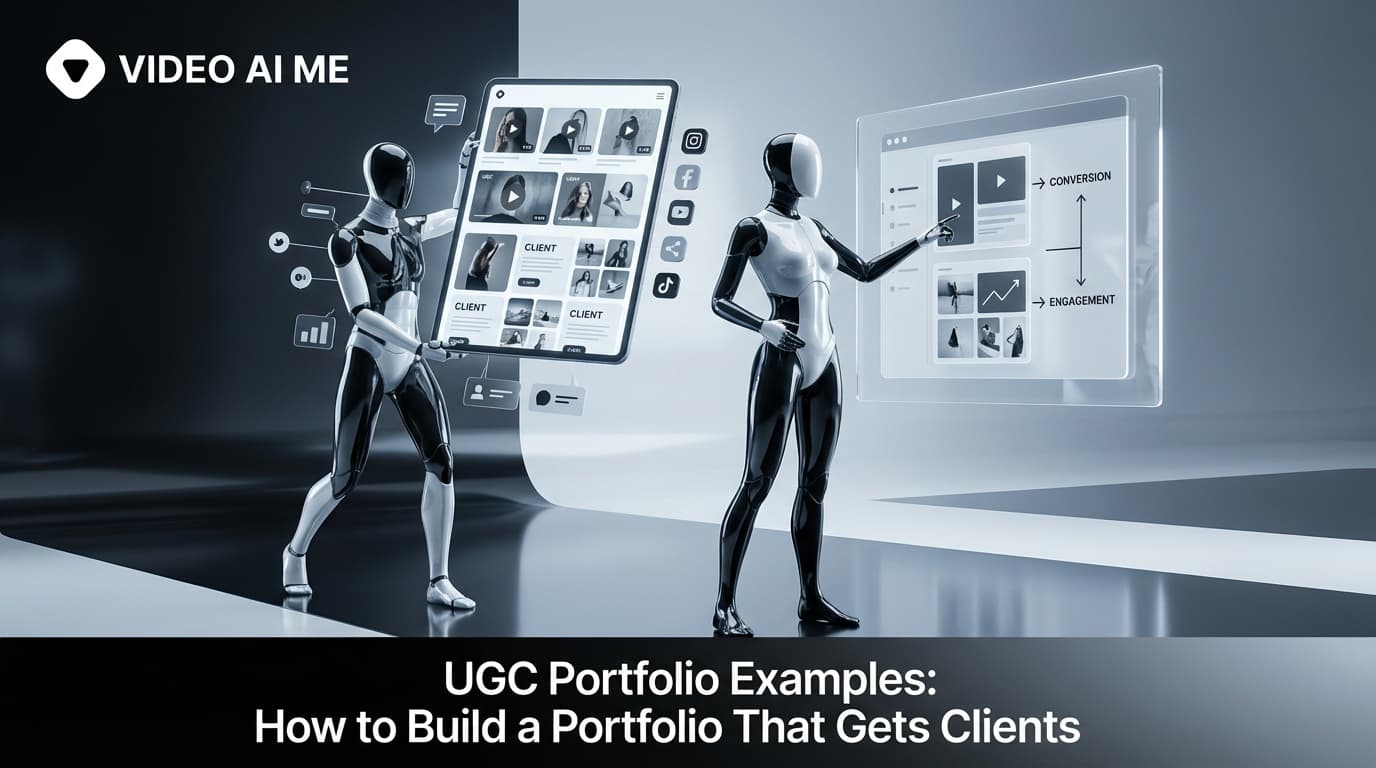
Why Your Portfolio Matters
Your UGC portfolio is your storefront. Before brands pay you hundreds of dollars, they need to see what they're buying.
A strong portfolio accomplishes three things:
- Shows your skills: Video quality, editing, on-camera presence
- Demonstrates reliability: Professional presentation signals professionalism
- Builds trust: Testimonials and brand logos prove others have hired you
The difference between getting hired and getting ignored often comes down to portfolio quality.
What to Include in Your Portfolio
Essential Elements
About Section
- Brief bio (2-3 sentences)
- Your niche/specialty
- Personality and style
- Optional: photo of yourself
Video Samples
- 5-10 of your best pieces
- Different content types (reviews, unboxings, tutorials)
- Recent work (update quarterly)
- Embedded from TikTok, Instagram, or YouTube
Content Types Offered
- List formats you create
- Specify platforms (TikTok, Instagram, YouTube)
- Any specialties (animation, transitions, storytelling)
Previous Brands (when applicable)
- Brand logos with permission
- Or descriptions: "Beauty brand," "DTC fashion"
- Only include paid collaborations
Testimonials
- Client quotes about working with you
- Results if available ("3x ROAS," "20% CTR")
- Name and company if permitted
Rates (optional but recommended)
- Range is fine ($150-$300 per video)
- Or "starting from $X"
- Deters low-budget inquiries
Contact Information
- Professional email
- Response time expectation
- Preferred contact method
What NOT to Include
- Every video you've ever made
- Content you're not proud of
- Unprofessional photos
- Personal social drama
- Inconsistent branding
Creating Your First Portfolio (No Brand Work Yet)
No paid work? No problem. Every successful creator started with sample content.
Step 1: Create Sample Content
Film content for products you already own:
- Skincare routine using your current products
- Unboxing something you recently ordered
- Review of a tech gadget you use
- Cooking demo with pantry ingredients
- Outfit try-on from your closet
Treat these exactly like paid work. Same effort, same quality.
Step 2: Cover Different Formats
Aim for variety:
- 2-3 hook/opening videos (3-10 seconds)
- 2-3 full product reviews (30-60 seconds)
- 1-2 unboxings (30-60 seconds)
- 1-2 tutorials (45-90 seconds)
- 1 testimonial-style piece
Step 3: Post Publicly
Share samples on TikTok and Instagram:
- Builds social proof
- Creates embeddable content
- Attracts organic brand interest
- Shows you're active in the space
Use hashtags: #UGCcreator #UGCexamples #UGCportfolio
Portfolio Platforms: Comparison
Notion (Free)
Best for: Beginners, clean aesthetic
Pros:
- Completely free
- Professional appearance
- Easy to update
- Embed videos directly
- Custom domain possible
Cons:
- Limited customization
- "Made with Notion" branding
- Can feel generic
Canva Website (Free)
Best for: Visual creators, quick setup
Pros:
- Drag-and-drop design
- Beautiful templates
- Free tier available
- Mobile responsive
Cons:
- Limited interactivity
- Canva branding on free tier
- Less professional for some brands
Stan Store ($29/month)
Best for: Established creators selling services
Pros:
- Built for creators
- Payment processing included
- Professional appearance
- Link-in-bio functionality
Cons:
- Monthly cost
- Overkill for beginners
- Template-based look
Custom Website ($10-50/month)
Best for: Full-time creators, premium positioning
Pros:
- Complete customization
- Most professional
- Your own domain
- No platform branding
Cons:
- Requires setup time
- Ongoing maintenance
- Higher cost
Recommendation: Start with Notion. Graduate to a custom site once you're earning $2,000+/month.
Building a Notion Portfolio: Step-by-Step
Step 1: Create Account
Sign up at notion.so (free tier works fine).
Step 2: Choose Template or Start Fresh
Search "UGC portfolio" in Notion templates or build from blank.
Step 3: Structure Your Page
Recommended sections:
1. Header/Title
2. About Me (photo, bio)
3. Video Samples (embedded)
4. Services & Rates
5. Brands/Testimonials
6. Contact
Step 4: Embed Videos
Copy your TikTok or YouTube links and paste them into Notion. They'll embed automatically.
Step 5: Add Visual Polish
- Cover image (1500×600 pixels)
- Consistent colors
- Clear typography
- Emojis sparingly (or not at all)
Step 6: Share Settings
- Click "Share" → "Publish to web"
- Optional: Connect custom domain
- Copy shareable link
Real Portfolio Examples
Beginner Portfolio Structure
Jane Smith - UGC Creator

About Me:
Beauty and skincare enthusiast creating
authentic content that converts.
Based in Austin, TX.

My Work:
[Embedded: Skincare routine video]
[Embedded: Product unboxing]
[Embedded: Before/after]
[Embedded: Quick hook example]

Content Types:
- Product reviews
- Unboxings
- Tutorials
- Hook videos

Rates:
Starting at $100/video
Bundle discounts available

Contact:
janeugc@gmail.com
Intermediate Portfolio Structure
Jane Smith - UGC Creator
[Beauty | Skincare | Wellness]

About:
200+ pieces created for brands like
[Brand A], [Brand B], [Brand C]
Specializing in conversion-focused
skincare content.

Featured Work:
[Category tabs: Reviews | Unboxings | Hooks | Testimonials]

Client Love:
"Jane's content outperformed our
previous ads by 3x" - Brand X

Services:
- Single videos: $175-$250
- 3-video bundle: $450
- 5-video bundle: $750
- Monthly retainer: Custom

Let's Work Together:
janeugc@gmail.com
Response within 24 hours
Portfolio Optimization Tips
Quality Over Quantity
Ten excellent videos beat thirty mediocre ones. Curate ruthlessly.
Lead with Hooks
Put your best hook/opening videos first. Brands scroll quickly—grab attention immediately.
Update Regularly
Remove old samples. Add recent work. Keep testimonials fresh.
Mobile-First Design
Brands often review portfolios on their phones. Test how yours looks on mobile.
Show Range Within Niche
Different products, formats, and styles—but stay within your specialty.
Include Metrics When Possible
"This video achieved 2x industry CTR" > "Here's a video I made"
After Landing Paid Work
Once you have real brand collaborations:
- Ask permission to feature content and logos
- Request testimonials after successful projects
- Replace samples with paid work
- Add brand logos to a "worked with" section
- Update rates as you gain experience
Transition from "sample portfolio" to "client portfolio" as quickly as possible.
Using AI to Enhance Your Portfolio
AI tools can help build and maintain your portfolio:
Content creation: Use VIDEOAI.ME to create additional AI avatar samples showing different styles.
Writing assistance: ChatGPT for bio writing and testimonial requests.
Design help: Canva AI for portfolio graphics and cover images.
Editing: CapCut AI for polishing video samples.
Your Portfolio Action Plan
Week 1:
- Create 5 sample videos using products you own
- Post to TikTok/Instagram
- Set up Notion account
Week 2:
- Build Notion portfolio
- Add all samples
- Write about section and rates
- Get feedback from creator communities
Ongoing:
- Update monthly with new work
- Remove weaker pieces
- Add testimonials as they come
- Raise rates as portfolio strengthens
Ready to take your UGC career further? Read our complete UGC creator guide for strategies on finding clients, pricing, and scaling your business.
Need to create more content samples? Try VIDEOAI.ME free to generate AI-powered video content for your portfolio.
Frequently Asked Questions
Share
AI Summary

Paul Grisel
Paul Grisel is the founder of VIDEOAI.ME, dedicated to empowering creators and entrepreneurs with innovative AI-powered video solutions.
@grsl_frReady to Create Professional AI Videos?
Join thousands of entrepreneurs and creators who use VIDEO AI ME to produce stunning videos in minutes, not hours.
- Create professional videos in under 5 minutes
- No video skills experience required, No camera needed
- Hyper-realistic actors that look and sound like real people
Get your first video in minutes
Related Articles

MiniMax H3 UGC Prompt Templates for Ad Creative
Reusable UGC prompt templates with the variables marked, so you can produce a whole batch of creator style ads by swapping four fields.
Seedance 2.5 UGC Prompt Templates for Ads
Six fill in the blank UGC prompt templates for Seedance 2.5, each with a fully filled worked example, plus how to direct dialogue when the audio is generated.

How to Make AI UGC Videos With Seedance 2.5
A five step playbook for creator style UGC clips with Seedance 2.5: casting, prompts that carry the spoken hook, reference images for batches, and the credit math.