
AI Korean Baseball Prompt Mistakes That Kill Realism
The 12 AI Korean baseball prompt mistakes that kill broadcast realism, with fixes, before-and-after examples, and ready-to-copy corrected templates.
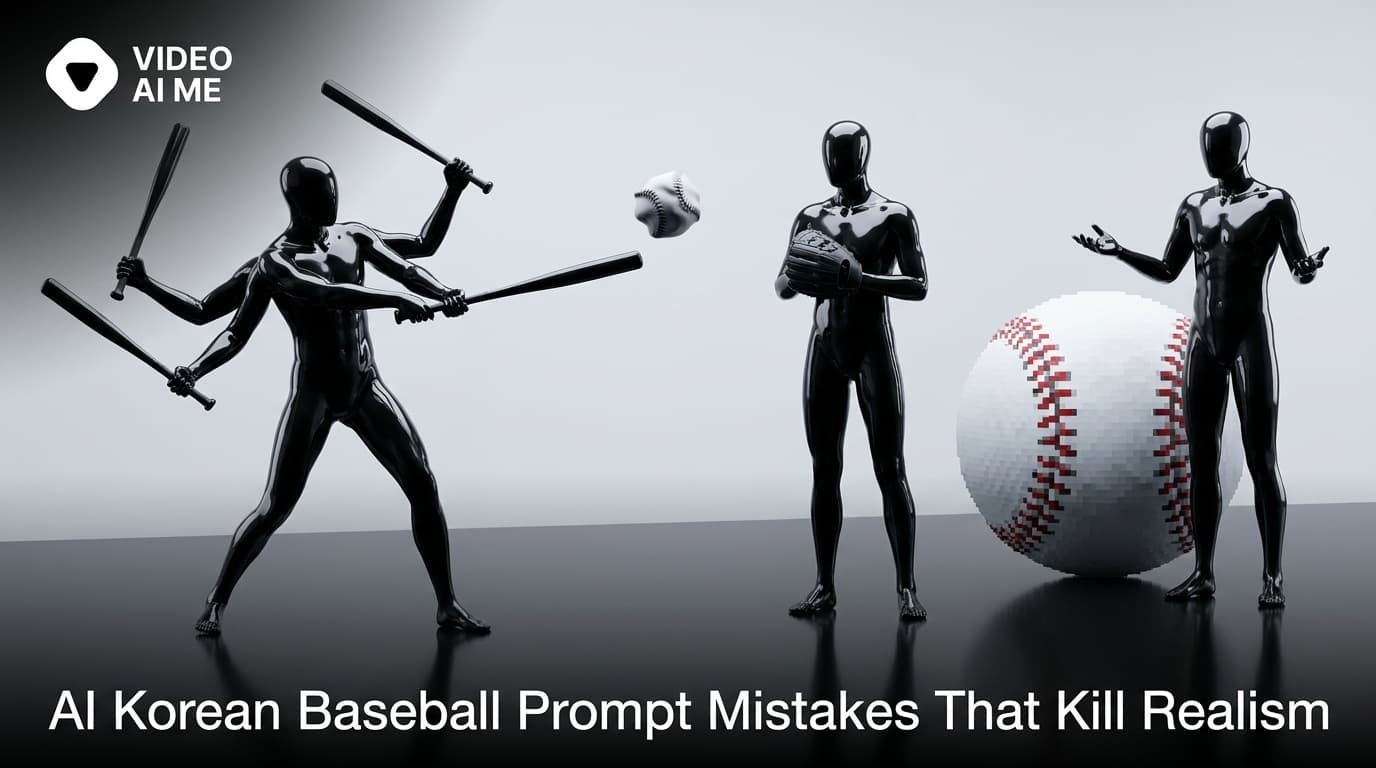
Every viral AI Korean baseball clip looks effortless. Every failed clip looks like AI. The gap between the two is rarely about the tool you used. It is almost always about the prompt.
This guide is the troubleshooter. Twelve specific prompt mistakes that kill realism in the KBO fan-cam trend, what each one looks like in the output, why the model does it, and the fix. By the end you will know which line in your prompt is producing the AI-looking artifact and what to write instead.
Mistake 1: No Identity Anchor
Symptom. The face in the output looks nothing like you. It looks like a generic Korean spectator the model invented.
Cause. Your prompt described a person instead of anchoring to a reference photo. The model defaulted to its average idea of what a KBO spectator looks like.
Fix. Open every prompt with an explicit identity anchor.
Use the uploaded reference as the strongest identity anchor.
The subject must look identical to the source image: same
face shape, same eye spacing, same nose, same lip thickness,
same natural skin tone and proportions.
If you skip this layer, nothing else matters.
Mistake 2: AI Beauty Filter Bias
Symptom. Your face survives the generation, but it looks like the Instagram-filtered version of you. Smoother skin, slightly larger eyes, a softer jaw.
Cause. Model bias. 2026 video models trained on a heavy diet of glamour-portrait imagery default to subtle beauty filtering even when you don't ask for it.
Fix. Stack negatives at the end of the prompt.
Realism rules: no AI beauty filter, no enlarged eyes, no jaw
slimming, no smoothed skin, no airbrush, no glamour lighting.
Keep visible pores, baby hairs, slight sweat sheen on the
forehead, faint mascara, broadcast compression noise.
The positive cues at the end (pores, baby hairs, sweat) are doing as much work as the negatives. Models in 2026 need both sides.
Mistake 3: Generic Wardrobe
Symptom. The subject is wearing a baseball jersey, but it doesn't look Korean. It looks like a generic American team jersey.
Cause. You wrote "baseball jersey" instead of specifying KBO team, color palette, and cut.
Fix. Be specific.
Wardrobe: clean white Hanwha Eagles jersey worn open over a
fitted cream tank top, simple silver hoop earrings, hair down
past the shoulders.
KBO jerseys have specific cuts and color palettes. Hanwha Eagles is orange-and-navy. Lotte Giants is red-and-white. LG Twins is navy-and-red. Doosan Bears is navy-and-white. Specify the team and the model will get the colors right.
Mistake 4: Sharp Background Crowd
Symptom. The crowd behind the subject is fully in focus, every face visible, every face slightly off. This is where the AI tell shows up first.
Cause. You did not prompt for shallow depth of field, so the model rendered everything in equal sharpness.
Fix. Explicitly soften the background.
Camera: KBO broadcast capture, 400mm telephoto, very shallow
depth of field with the crowd out of focus, faint motion blur
on background figures, subject sharply in focus.
Real broadcast telephoto lenses have a very shallow depth of field. The subject is sharp, the crowd is soft. Skipping this is the single most common cause of obvious AI clips in the trend.
Try Corrected Prompts on VIDEO AI ME
The fastest way to test whether a fix works is to run the corrected prompt and compare side-by-side. VIDEO AI ME gives you a free generation to test before committing, and the dual 16:9 plus 9:16 output lets you check whether the fix survives both aspect ratios.
Mistake 5: Gibberish on the Scoreboard
Symptom. The overlay graphic is there, but the numbers and team names look like an alien language.
Cause. Text rendering inside an image is hard for 2026 video models. Almost every model produces plausible-looking gibberish at small text sizes.
Fix. Two options.
Option A - accept the gibberish. Viewers do not zoom in on the scoreboard. The chrome layout sells the broadcast feel even if the numbers are nonsense.
Option B - render the overlay as a separate vector layer and composite in post. Generate the clip without the overlay, then drop a clean SVG scoreboard on top of the rendered frame.
The second option is cleaner but adds a step. For most viewers, Option A is fine.
Mistake 6: Too Many Hands
Symptom. Hands warp, fingers blend together, the subject ends up with six fingers or a thumb in the wrong place.
Cause. Your prompt asks the subject to do too many things with their hands simultaneously, or motion strength is too high.
Fix. Limit the hand action to one thing.
Props: iced Americano in a clear plastic cup held in the left
hand at chest level only. The right hand rests on the seat.

Motion strength: 4-5.
One hand active, one hand still. Motion strength capped at 5. That alone fixes 80% of hand warping.
Mistake 7: Posing Instead of Watching
Symptom. The subject is looking directly at the camera with a full smile from the first frame. The clip reads as a posed selfie, not a candid broadcast capture.
Cause. Your motion prompt asked for full eye contact from the start.
Fix. Structure the motion as watch-notice-react, not pose-smile.
Motion: 6-second single continuous broadcast shot.
Beat 1 (0-2s): subject is watching the field, faint focus in
the eyes, not aware of the camera.
Beat 2 (2-4s): notices the camera in her periphery, small
surprised smile, eye contact for one full second.
Beat 3 (4-6s): glances back at the field with a tiny laugh.
The trend works because the subject is caught accidentally. Write the prompt the same way.
Mistake 8: Symmetrical Composition
Symptom. The subject is dead center in the frame, crowd evenly distributed on both sides, balanced top to bottom. The clip reads as composed, which reads as fake.
Cause. You did not specify off-center placement.
Fix. Push the subject to the right or left third.
Camera: KBO broadcast capture, 400mm telephoto, subject placed
in the right third of the frame, head-to-mid-chest visible,
off-center candid composition.
Real broadcast operators do not center spectators on purpose. The camera pans, pauses when something catches the eye, and the subject ends up off-center. Match that.
Mistake 9: No Time-of-Day Cue
Symptom. The lighting is flat, generic, neither day nor night. The clip looks rendered, not captured.
Cause. You did not specify the time of day or the lighting conditions.
Fix. Explicitly set the time of day, the inning, the weather.
Environment: Jamsil Stadium at night, lower bowl behind first
base, stadium floodlights overhead casting warm directional
light on the front row, deep cool blue night sky behind the
upper deck, sixth-inning energy.
Light tells the eye "this is real." Without a time-of-day cue, the model defaults to soft studio lighting and the clip dies.
Mistake 10: Missing Compression Noise
Symptom. The image is too clean. Too sharp. Too perfect. It reads as a 4K render, not a TV feed.
Cause. You did not prompt for broadcast compression artifacts.
Fix. Add the texture explicitly.
Realism rules: keep broadcast compression noise across the
whole frame, slight chromatic edge on the stadium lights, very
mild rolling-shutter feel, faint banding in the dark areas.
Real TV broadcasts have compression. Real ripped-from-TV clips have more compression. Your AI clip needs to match.
Mistake 11: Wrong Aspect Ratio for the Platform
Symptom. You rendered in 16:9, posted to TikTok, the clip is letterboxed and the subject is tiny.
Cause. You picked one aspect ratio and reused it everywhere.
Fix. Render both 16:9 and 9:16 from the start. For TikTok and Reels you want native 9:16. For YouTube and X you want 16:9.
VIDEO AI ME outputs both from a single prompt. If you are using a tool that only ships one aspect ratio, render twice and accept the cost.
Mistake 12: One-Off Instead of Series
Symptom. You ship one viral-quality clip, get a spike, then nothing.
Cause. You treated the trend as a single drop instead of a series.
Fix. Use the same identity anchor across multiple prompts. Same face, different stadium, different inning, different wardrobe. Ship one clip a day for a week.
This is where the AI actor approach pays off. VIDEO AI ME's custom AI actor locks your face across every clip in a series, so a 10-clip drop reads as the same person from the viewer's perspective. The feed looks intentional, not random.
The Corrected Master Template
Here is what a fully corrected AI Korean baseball prompt looks like with every mistake fixed.
Aspect ratio: 16:9 and 9:16 dual output.

Identity anchor: use the uploaded reference. The subject must
look identical to the source image.

Wardrobe: clean white Hanwha Eagles jersey open over a fitted
cream tank top, small silver hoops, hair down.

Props: iced Americano in a clear plastic cup, left hand only.
Right hand rests on the seat.

Environment: Jamsil Stadium at night, lower bowl behind first
base, dense KBO crowd, stadium floodlights, sixth-inning energy,
deep cool blue sky behind the upper deck.

Camera: KBO broadcast capture, 400mm telephoto, very shallow
depth of field, subject in the right third, head-to-chest,
off-center candid composition, micro handheld drift.

Broadcast overlay: KBO scoreboard upper-left, SPOTV watermark
upper-right, lower-third bottom-left.

Motion: 6-second shot. Watching field 2s, notices camera 2s,
glances away 2s.
Motion strength: 5.

Realism rules: no AI beauty filter, no enlarged eyes, no jaw
slimming, no smoothed skin. Keep pores, baby hairs, sweat
sheen, broadcast compression noise, slight chromatic edge on
lights. The result must read as a real accidental KBO broadcast
capture.
This is the prompt that does not make any of the 12 mistakes. Run it as your baseline.
Build the Engine, Not the One-Off
Fixing a single clip is satisfying. Fixing your entire prompt library is the real win. Once you internalize the 12 mistakes above, every prompt you write from now on hits harder by default. VIDEO AI ME's repeatable AI actor workflow means once you fix the prompt, you can ship a new clip a day for a month without the realism degrading.
For the prompt mechanics themselves, see our step-by-step prompt-writing guide.
Try a free generation on VIDEO AI ME with your corrected prompt and see the difference.
Frequently Asked Questions
Share
AI Summary

Paul Grisel
Paul Grisel is the founder of VIDEOAI.ME, dedicated to empowering creators and entrepreneurs with innovative AI-powered video solutions.
@grsl_frReady to Create Professional AI Videos?
Join thousands of entrepreneurs and creators who use VIDEO AI ME to produce stunning videos in minutes, not hours.
- Create professional videos in under 5 minutes
- No video skills experience required, No camera needed
- Hyper-realistic actors that look and sound like real people
Get your first video in minutes
Related Articles
MiniMax H3 UGC Prompt Templates for Ad Creative
Reusable UGC prompt templates with the variables marked, so you can produce a whole batch of creator style ads by swapping four fields.
Seedance 2.5 UGC Prompt Templates for Ads
Six fill in the blank UGC prompt templates for Seedance 2.5, each with a fully filled worked example, plus how to direct dialogue when the audio is generated.
How to Make AI UGC Videos With Seedance 2.5
A five step playbook for creator style UGC clips with Seedance 2.5: casting, prompts that carry the spoken hook, reference images for batches, and the credit math.