
AI Explainer Video for Legal Practice Areas 2026
How law firms use AI explainer videos to communicate practice areas, build trust with potential clients, and stay inside state bar advertising rules.
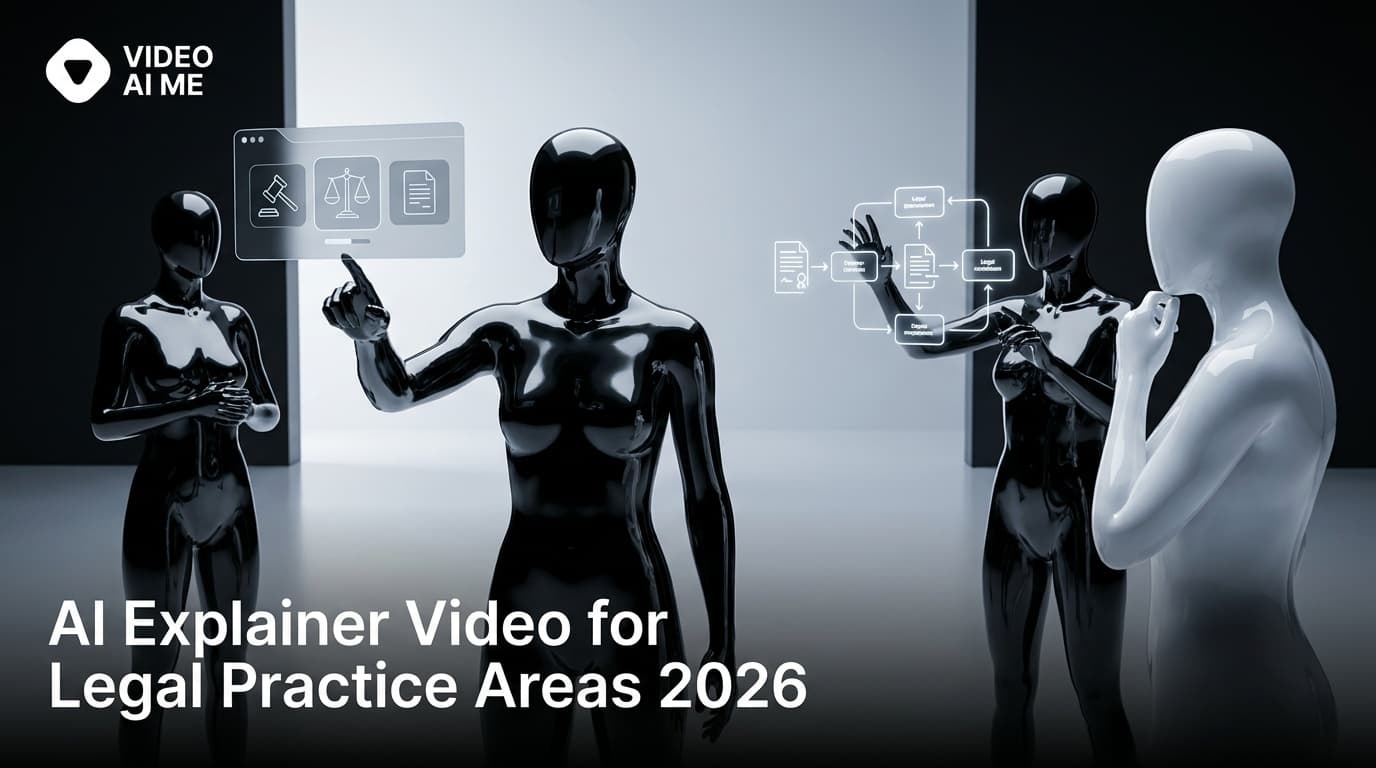
How AI explainer videos work for law firm practice areas in 2026
Most law firm websites have the same problem on every practice-area page: a block of text, a stock photo of a courtroom, and a contact form. The visitor scans the headline, skims half a paragraph, and either fills out the form or leaves. The page does the job, but it does not build the trust that turns a curious visitor into a booked consultation.
A 60 to 90 second AI explainer video at the top of the page changes that math. The visitor hears a calm voice walk through what the practice area involves, what mistakes clients make, what the first call covers, and how to reach the firm. By the time the video ends, the visitor has already decided whether the firm feels like a fit. Time on page goes up, bounce rate goes down, and form fills increase on most firm sites that add the format.
This guide covers how law firms use AI explainer videos in 2026, what works for each practice area, the compliance considerations specific to legal explainer content, and the workflow that produces a real publishable library rather than a one-off experiment.
Why practice-area explainer video matters
Three forces make this format more important than it was even two years ago.
Client research before the first call is the new normal. According to the Clio Legal Trends Report, the time a potential client spends researching attorneys online before contacting a firm has grown each year. A practice-area page without video forces the visitor to do more work to understand what the firm does. A page with a quick video at the top answers the visitor's first questions before they even scroll.
Search results favor pages with video. Google surfaces video carousels on many high-intent legal queries, especially "how does [practice area] work" and "what to do after [event]" searches. A page with a real video embedded has a second chance at visibility on results pages. The HubSpot State of Marketing Report consistently identifies short video as one of the highest-engagement formats for professional services year after year.
Production cost has been the historical constraint. Traditional video for a single practice area can run $1,500 to $5,000 and weeks of scheduling. The Forrester legal services CMO commentary repeatedly flags content production cost as the single biggest reason mid-size firms cannot compete with national legal brands on creative volume. AI explainer video collapses that constraint.
Practice areas where AI explainer video works best
1. Personal injury
Clients researching personal injury attorneys have a long list of questions: how long does this take, what is my case worth, what is comparative fault, do I have to go to court. A 75 second explainer that walks through the typical process answers most of those questions and reduces the time intake staff spend repeating the same information on intro calls.
2. Immigration
Immigration clients often come from communities where language access is the first barrier. A 90 second explainer for green card processing, asylum, family-based petitions, or naturalization, rendered in both English and the relevant community language, lifts both trust and reach. Match the actor and voice to the community served.
3. Family law
Divorce, custody, and child support clients are often emotionally overwhelmed. A calm 60 second explainer that walks through what the process looks like, what to expect at the first consultation, and what the attorney can do reduces anxiety and makes the call easier to book.
4. Estate planning and probate
Clients researching estate planning often do not know the difference between a will and a trust. A 75 second explainer that covers the basics, points out the common mistakes, and explains what the firm does in the first meeting builds the trust that drives consultation bookings. The same script can be rendered for the probate audience with minor edits.
5. Criminal defense
Clients researching criminal defense attorneys are usually in a stressful moment. A 60 second explainer that explains the immediate next steps, what the first call covers, and how the attorney protects their rights performs well. Keep the tone calm and factual; aggressive sales framing reads poorly in this practice area.
6. Bankruptcy
Bankruptcy clients often have misconceptions: they think they will lose everything, that their credit is destroyed forever, or that bankruptcy makes them a failure. A 75 second explainer that gently corrects those misconceptions and explains the actual process produces measurable lift in consultation calls.
7. Workers compensation, social security disability, elder law
All three practice areas serve clients who need clear, plain-language explanation. AI explainer video lets a small firm produce the same quality of educational content that a national firm produces, at a fraction of the cost.
How to make an AI explainer video for a practice area
- Pick the practice area and the angle. Start with the firm's highest revenue practice. The angle is usually the first question intake staff hear about that practice area.
- Write a 150 to 230 word script. Open with the angle question or pain point. Cover what the practice involves, what the first consultation includes, the common mistakes clients make, and how to reach the firm. Close with firm name, city, and a clear next step.
- Run the script through compliance review. Remove outcome guarantees, superlatives, and unsupported claims. Add jurisdiction-required disclaimers as on-screen text.
- Choose an AI actor. Match age, attire, and energy to your real client base. For language variants, pick an actor whose look reads as familiar to the target community.
- Pick a voice. Calm and informative beats salesy. For language variants, use a native-fluent voice.
- Render in two aspect ratios. Horizontal 16:9 for the website hero placement. Square or 4:5 vertical for social posts and Meta Ads.
- Add captions. Most social viewers watch with audio off.
- Embed on the matching practice-area page. Place the video above the fold, near the intake form.
- Distribute to additional channels. Firm Google Business Profile, attorney directory listings, Facebook page, YouTube channel, TikTok if length-appropriate.
- Track form fills before and after for 60 days. This is your evidence of whether the video moves intake.
Prompt example: 90-second practice-area explainer about estate planning basics
Style: refined estate-planning attorney explainer, soft afternoon light, conservative law office, calm editorial color, very mild handheld breath.
Scene: A late-fifties male attorney with neatly trimmed silver hair, in a charcoal three-piece suit with no tie, sits in a wingback chair in a small private office. A floor-to-ceiling bookshelf with bound volumes, a small reading lamp, and a wooden side table with a closed leather portfolio sit in the background.
Cinematography: Camera shot: medium chest-up, horizontal 16:9, eye-level locked off with the faintest breath. Lens: 50mm equivalent, f2.8, soft fall-off background. Lighting: warm large soft key from camera-left window, low-contrast fill, gentle hair light from a back practical, warm tungsten reading lamp glow. Color anchors: warm cream wall, charcoal suit, deep burgundy leather, walnut wood, brushed brass. Mood: trustworthy, calm, grandfatherly authority.
Actions:
- Attorney looks into the lens, lifts the portfolio briefly, then sets it on the side table.
- Adjusts the cuff of his sleeve once, then opens with a single open-palm gesture.
- Closes with a small reassuring nod and a half-smile.
Dialogue:
- Attorney: "Most families think they have an estate plan, until we walk through the four documents together."
Background sound: Quiet room tone, faint clock ticking, very distant traffic, no music.
Paste the script into VIDEOAI.ME, choose a stock AI actor whose look matches your typical estate-planning client, and render horizontal 16:9 plus a 4:5 vertical cutdown for social. Save the approved script, actor and voice IDs, and disclaimer file in the firm compliance folder.
Three law firm use cases
1. Solo immigration attorney in a bilingual market
Gabriela runs a solo immigration practice in El Paso. She produces a 90 second explainer for each of her six core practice areas: family-based green cards, employment-based green cards, asylum, naturalization, DACA renewals, and consular processing. Each video is rendered in English and Spanish with her cloned voice in both languages (documented consent on file). Within six months her organic traffic to the Spanish-language pages grows past her English traffic, and cost per qualified consultation falls below her prior paid-search benchmark.
2. Mid-size personal injury firm refreshing a six-page funnel
Martinez Klein and Brown is a 14 attorney personal injury firm in Atlanta. The marketing director embeds a 75 second AI explainer at the top of each of the firm's six practice-area landing pages: car accident, truck accident, motorcycle accident, slip and fall, premises liability, and dog bite. Each video answers the most common first-call question for that case type. Across the six pages, average form fill rate increases meaningfully within 60 days. The marketing director uses tracked phone numbers per page to confirm the lift in inbound calls.
3. Estate planning boutique educating referral partners
Wilkins Estate Law is a three attorney boutique in suburban Chicago. The partners produce a 90 second explainer for each of four core topics: revocable living trusts, healthcare directives, probate avoidance, and estate tax planning. The firm hosts the videos on a private referral hub that CPAs and financial advisors share with clients ahead of the first meeting. The same videos live publicly on the firm blog as SEO content targeting the matching practice-area keywords.
These personas reflect patterns we see in legal marketing engagements. Your results will vary based on practice area, jurisdiction, and the maturity of your existing funnel.
AI explainer video versus traditional practice-area video
| Factor | Traditional production | AI explainer video |
|---|---|---|
| Cost per video | $1,500 to $5,000 | $5 to $50 in credits |
| Time to deliver | 2 to 4 weeks | 30 to 90 minutes |
| Partner on-camera time | 2 to 6 hours per shoot | 0 hours after consent |
| Languages from one script | 1 | 30 plus |
| Aspect ratios per render | 1 | 2 to 4 |
| Variants per concept | 1 | 5 to 30 |
| Iteration cost | New shoot, new fee | Edit script, re-render |
| Best for | Brand hero films | Practice-area education at scale |
Compliance considerations specific to practice-area explainers
- Disclaimers about general information. Most state bars expect a brief note that the content is general information and not legal advice for any specific situation.
- Outcome statements. Avoid them entirely in explainer content. Even past-result statements with disclaimers carry risk and reduce trust.
- Comparative claims. Do not compare your firm to other named firms in an explainer.
- Jurisdiction-specific advertising labels. Many states require attorney-advertising labels on paid placements. Add as on-screen text.
- Confidentiality. Never include real client names or identifying details, even in approved anecdotes.
- Multilingual accuracy. When translating a script, have a bilingual attorney or qualified legal translator verify the translation. A bad legal translation in a video carries the same risk as a bad legal translation in a printed brochure.
What to avoid in practice-area explainer video
- Generic stock footage of a courthouse. It reads as a low-effort ad and reduces trust.
- Fake testimonials. Some AI tools market synthetic testimonial generation. Do not touch this for legal content.
- Stiff corporate avatars in fake legal settings. A suited avatar in a fake courtroom looks like an ad. A working-age actor in a neutral office reads as a normal explainer.
- Promises about timing or outcome. "We will get your case settled in 90 days." Replace with educational framing about the typical process and the factors that affect timing.
- Watermarked renders on the firm site. Always upgrade for any video that lives on a public page.
- One-off video strategy. The library matters, not the single video. Plan for at least one explainer per practice area, then a refresh cycle once a year.
FAQ
(See the FAQ section above for People Also Ask answers.)
Next steps
A firm with no practice-area video can start with three approved scripts this week, one for each of the top three revenue practices. Render each as a 75 second AI explainer at horizontal 16:9 with captions. Embed each on the matching practice-area page. Track form fill rate and tracked phone calls for 60 days. If the numbers move, expand to the full library.
Want to see one running on your firm's practice-area page? Drop the URL and we will sketch a 75 second explainer concept built for that page. Start a free render via the AI explainer video feature, the AI product video generator, the AI education video tool, the AI multilingual video workflow, or open VIDEOAI.ME to begin.
Related reading on our blog:
Frequently Asked Questions
Share
AI Summary

Paul Grisel
Paul Grisel is the founder of VIDEOAI.ME, dedicated to empowering creators and entrepreneurs with innovative AI-powered video solutions.
@grsl_frReady to Create Professional AI Videos?
Join thousands of entrepreneurs and creators who use VIDEO AI ME to produce stunning videos in minutes, not hours.
- Create professional videos in under 5 minutes
- No video skills experience required, No camera needed
- Hyper-realistic actors that look and sound like real people
Get your first video in minutes
Related Articles

What Is MiniMax H3? The Video Model Explained
MiniMax H3 is a multimodal video model that turns a written brief into a short clip with synchronised sound. Here is what it does, what it does not, and who it suits.

MiniMax H3 vs Veo 3: An Honest Comparison
Veo 3 is Google's video model and it is not in the VIDEO AI ME picker. Here is how it compares to MiniMax H3 on the things that decide ad creative.

MiniMax H3 vs Sora 2: Drafting Against Polish
Sora 2 renders at higher resolution and longer. MiniMax H3 gets you many more attempts. Which one belongs in your workflow depends on the job, not the benchmark.