
How to Make an Unboxing Video AI (2026 Guide)
Learn how to make an unboxing video AI workflow that converts, with step-by-step instructions, prompt tips, and how to do it without shipping product to creators.
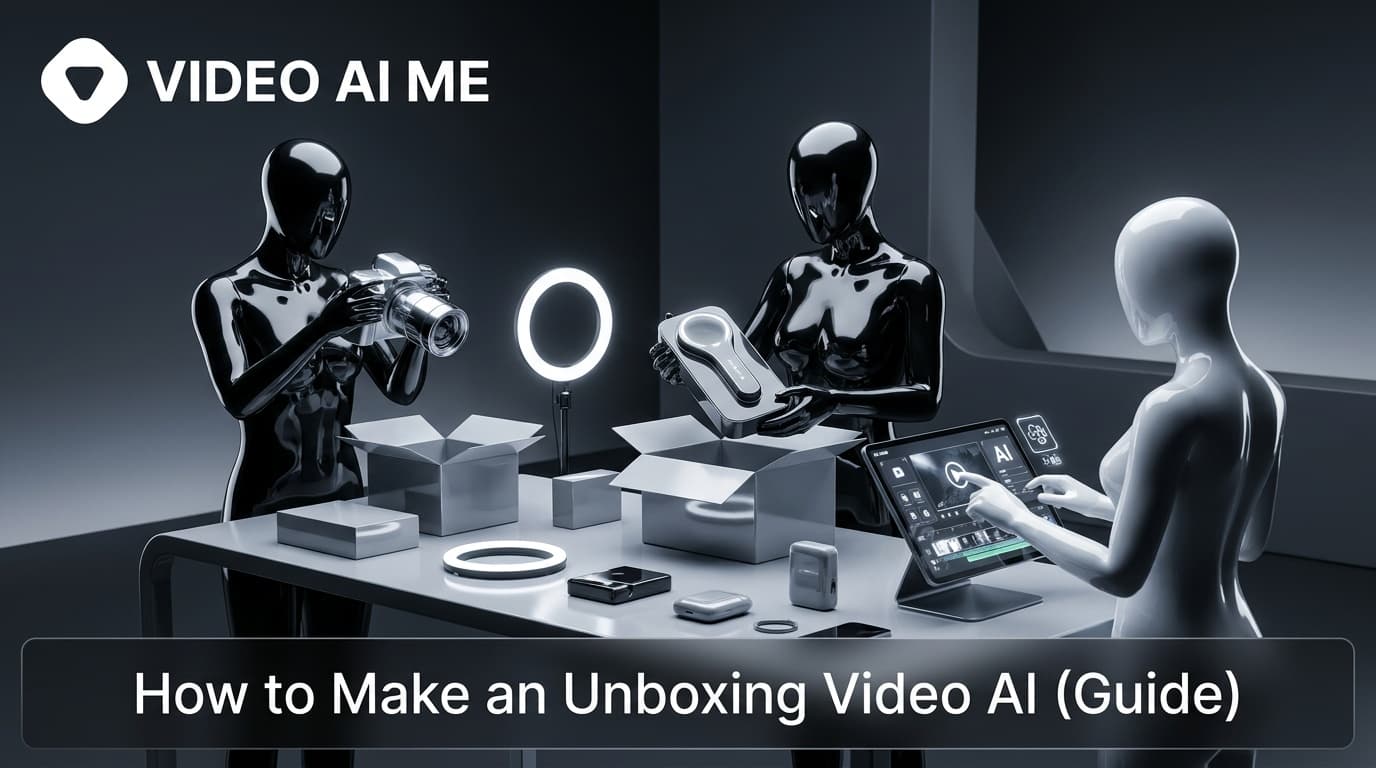
Making an unboxing video ai workflow lets you build scroll-stopping product reveals without sourcing samples, booking a studio, or shipping anything to a creator. You write a prompt, point at a product photo, and a generation provider renders the reveal in minutes. For a solo DTC founder or a lean marketing team, that means you can test five unboxing angles before lunch instead of waiting two weeks for a creator to film one.
This guide walks through exactly how to make an unboxing video with AI in 2026: the formats that convert, a repeatable step-by-step process, prompt structures that actually work, and the mistakes that make AI clips look fake. It is model-agnostic on purpose. The same playbook works no matter which generator you sit on top of.
What an unboxing video ai actually is
A traditional unboxing video is someone filming their hands opening a package, narrating as the product comes out. An AI version recreates that moment from a description or a product image instead of a physical shoot.
Instead of filming a box being opened, you describe the scene: the packaging, the product, the camera angle, the lighting, the reveal order, and the mood. The generator turns that into footage. Some tools start from a written prompt, others let you upload a product photo so the shape, color, and branding guide the output.
There are two broad styles dominating feeds right now:
- Hands-on unboxing. An AI actor or a pair of hands opens the box, lifts the product, and reacts, mimicking a classic creator UGC clip.
- Self-assembling reveal. The product (or an entire room of decor) flies out of a single box and assembles itself. These satisfying, physics-bending clips are the viral "room unboxing" trend.
Both styles of unboxing video ai work as ad creative because unboxing taps a real buying trigger: it simulates ownership before purchase, which lifts purchase intent.
Why make an unboxing video with AI instead of filming
The case for an unboxing video ai is mostly about removing bottlenecks. Sourcing a physical product, setting up a filming environment, and editing footage can take days or weeks. AI compresses that to minutes.
The bigger unlock for the payer persona is timing. You no longer need the product in hand to start marketing it.
- Pre-launch creative. Packaging is still in testing, or samples are not ready to ship to creators. You can still produce reveal videos.
- Volume for testing. You might need five versions of the same reveal for TikTok, Reels, Shopify, Amazon, and paid ads. AI generates variations in parallel.
- No logistics. No shipping, no scheduling, no waiting on a creator's calendar.
- Lower cost. AI UGC runs roughly 50% cheaper than commissioning human creators, which matters when you are testing dozens of variations to find a winner.
UGC fundamentals back this up: UGC-style content earns about 6.9x higher engagement than polished brand content, and 55% of shoppers hesitate to buy without seeing UGC. An unboxing reveal is one of the highest-intent UGC formats you can produce. For broader context, see HubSpot's marketing statistics.
How to make an unboxing video ai: step by step
Here is the repeatable process. It is the same whether you are making one hero reveal or batching twenty for a launch.
- Pick the format and platform first. Decide between hands-on unboxing and self-assembling reveal, then lock the aspect ratio. Use vertical 9:16 for TikTok and Instagram Reels, and square or vertical for Meta feed placements. The format dictates how you frame everything that follows.
- Gather your inputs. Have a clean product photo and your packaging reference ready. If you want the AI to render your exact product accurately, an image-guided generation beats a text-only prompt every time, because the shape, color, and logo are anchored to a real reference.
- Write the reveal prompt. Describe the box, the product, the camera move, the lighting, the reveal order, and the mood. Reveal the packaging first, then the design, then the accessories and the details that matter to buyers. (Full prompt structure below.)
- Choose your actor or hands. For a hands-on unboxing, pick or build an AI actor with natural handling motion (box tapping, lifting, turning the product to camera). If you want a faceless reveal, skip the actor and let the product carry the shot.
- Generate and review. Run the clip, then watch it at full speed and frame by frame. Check that hands interact believably with the product and that the branding is not warped.
- Add the hook and captions. Layer a text hook in the first three seconds and burn in captions, since most people watch with sound off. The hook is what stops the scroll, so test several.
- Add voiceover or a script (optional). For talking-head unboxings, write a natural, conversational script: hook, the problem the product solves, the reveal, then a clear call to action. Keep it under 60 seconds for social.
- Export variations and test. Produce multiple hooks and openings from the same base, ship them as separate ad creatives, and let the data pick the winner.
For the rapid-fire version of step 8, see our walkthrough on how to make 30 AI UGC ads in one day.
Writing prompts for an unboxing video ai
The prompt is where most of the quality lives. A vague prompt gives you a generic, plasticky clip. A specific one gives you something you would actually run as an ad.
Break your prompt into the building blocks the generator cares about:
| Prompt element | What to specify | Example |
|---|---|---|
| Scene | Setting and surface | "Bright kitchen counter, soft morning light" |
| Packaging | Box style, color, branding | "Matte black box with embossed logo" |
| Reveal order | What appears first, second, third | "Lid lifts, product rises, accessories fan out" |
| Camera | Angle and movement | "Slow push-in, slight overhead tilt" |
| Mood | Tone and pace | "Upbeat, satisfying, premium" |
| Format | Aspect ratio and length | "Vertical 9:16, 15 seconds" |
A simple working example: "Design an engaging 30-second unboxing for an e-commerce lifestyle product, bright professional style, upbeat acoustic music, vertical 9:16, packaging revealed first, then the product, then accessories."
For self-assembling reveals, a structured JSON-style prompt gives tighter control. Splitting instructions into sections like camera_setup, assembled_elements, and a timeline tells the model exactly what flies out and when. Start simple, then add structure only if the basic prompt is not precise enough.
One more tip: write the reveal order from the buyer's point of view. Lead with whatever detail makes someone want the product, not whatever is easiest to render. Premium packaging, a satisfying texture, or a clever accessory often sells harder than the product itself.
Unboxing without shipping product to creators
This is the part that changes the math for ecommerce brands. The old unboxing workflow required a physical sample in a creator's hands. The AI workflow never does.
You replace the sample-and-ship loop with an image-guided loop:
- Use your existing product photography. Your Shopify or Amazon listing photos are enough of a reference for the AI to render an accurate reveal.
- Render packaging from a mockup. If the box is still in design, feed the AI the packaging mockup instead of waiting on the print run.
- Keep the actor, drop the logistics. An AI actor handles the "creator" role, so there is no creator to onboard, brief, pay per video, or chase for revisions.
That removes the slowest and most expensive parts of UGC: shipping samples, waiting on calendars, and paying per deliverable. It also means a creator never has to physically receive a fragile, perishable, or not-yet-manufactured product before you can market it.
This is the same engine behind broader AI UGC ads without creators. Unboxing is just one high-converting format inside that approach. For the full ecommerce playbook, our UGC for ecommerce AI video guide covers how reveals fit alongside demos and testimonials.
Where to publish unboxing videos for sales
An unboxing clip earns its keep in more than one place. Map each output to where it drives the most revenue.
- TikTok and Reels. Vertical reveals with a strong three-second hook, built for the For You feed and TikTok Shop. Our ecommerce UGC videos for TikTok Shop sales guide breaks down what converts there.
- Paid ads. Run several unboxing variations as Meta and TikTok creatives, then scale the winner. Different hooks on the same reveal is the cheapest test you can run. See the TikTok for Business resources for placement specs.
- Product pages. A short reveal on the PDP simulates ownership and reduces hesitation right before checkout.
- Email. UGC-style video in email lifts click-through, so a reveal thumbnail linking to the product page is an easy win.
To squeeze more performance out of these, study proven video ad hooks and apply them to the first three seconds of every reveal.
Common mistakes that make AI unboxing look fake
AI unboxing fails the same way every time. Avoid these and your clips read as real UGC.
- Warped branding. If the logo or text bends during the reveal, the illusion breaks. Use an image reference and inspect the frames where the product turns.
- Unnatural hands. Hands that float or pass through the box scream AI. Pick an actor with believable handling motion presets.
- Over-polished tone. A reveal that looks like a glossy TV commercial loses the authentic UGC feel that makes unboxing convert. Keep it casual.
- No hook. A beautiful reveal with no opening hook gets scrolled past. Lead with a reason to watch.
- Sound-on assumption. No captions means most viewers miss the message entirely.
- One and done. Shipping a single version wastes the format's biggest advantage. Always generate variations and test.
When AI actors play a creator role, keep your framing honest and follow the FTC endorsement guides. Keeping disclosure honest protects both your brand and your ad accounts.
Ready to make your first unboxing video ai
You do not need a sample, a studio, or a creator on retainer to ship a reveal that converts. You need a product photo, a sharp prompt, and an unboxing video ai tool that turns both into footage.
Spin up your first reveal with the VIDEO AI ME AI UGC generator, then batch variations and test them against each other. Start simple, watch the data, and scale the unboxing that wins.
Frequently Asked Questions
Share
AI Summary

Paul Grisel
Paul Grisel is the founder of VIDEOAI.ME, dedicated to empowering creators and entrepreneurs with innovative AI-powered video solutions.
@grsl_frReady to Create Professional AI Videos?
Join thousands of entrepreneurs and creators who use VIDEO AI ME to produce stunning videos in minutes, not hours.
- Create professional videos in under 5 minutes
- No video skills experience required, No camera needed
- Hyper-realistic actors that look and sound like real people
Get your first video in minutes
Related Articles
Make AI Video Look Real: AI Ads That Don't Look AI (2026)
Want to make AI video look real? This 2026 how-to walks through the exact realism techniques, prompt cues, and editing passes that kill the AI tells in your video ads.
How to Make an Investor Pitch Video With AI (2026)
Learn how to make an investor pitch video with AI in 2026. A step-by-step VC-facing workflow to script, generate, and send a 90-second pitch that lands meetings.
How to Make a Cold DM Video With AI (2026 Guide)
Learn how to make a cold dm video with AI in 2026. A step-by-step workflow to produce personalized outreach videos at scale that get more replies.