
How to Turn Blog Posts Into Videos With AI (2026)
Learn how to turn blog posts into videos with AI. Extract the core idea, script for speech, generate with an AI presenter, and publish everywhere.
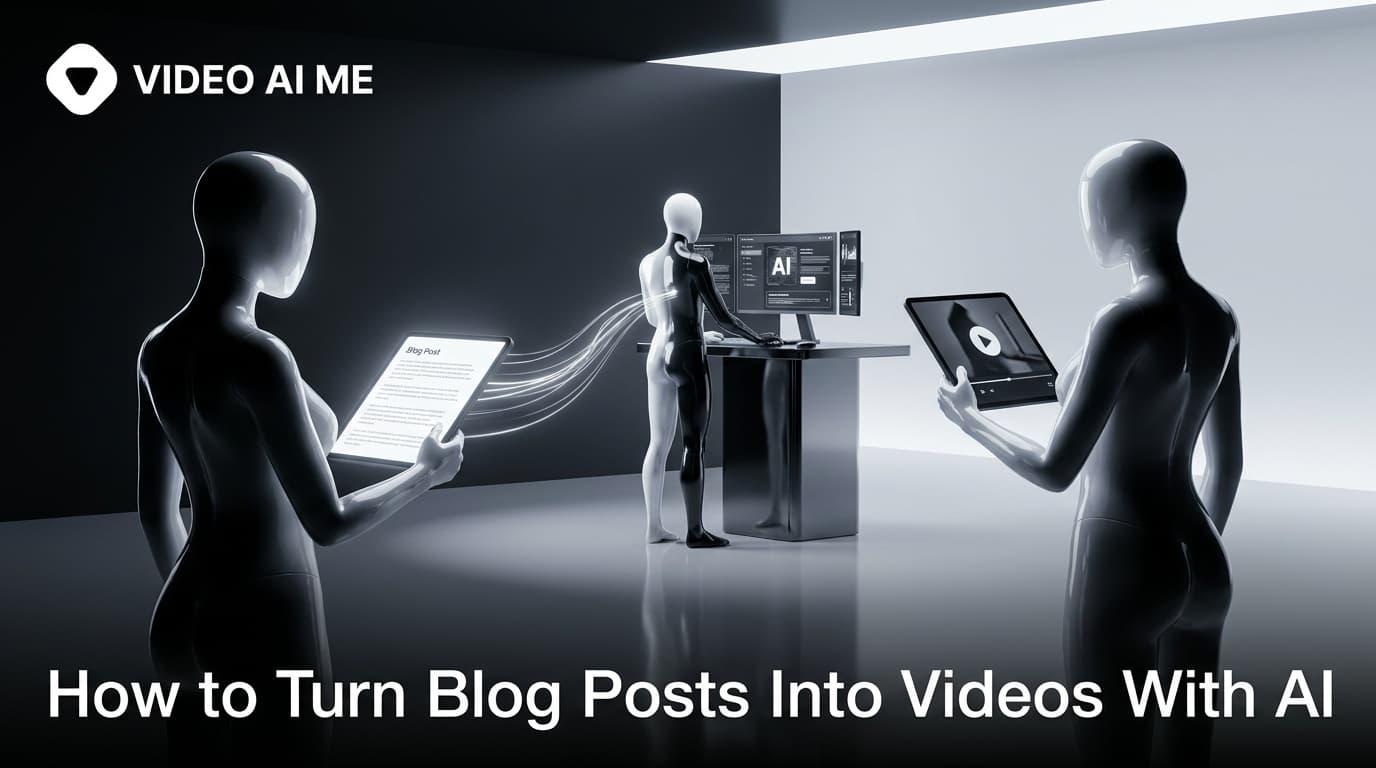
Sitting on a library of blog posts? You can turn blog posts into videos with AI and unlock a second audience without writing anything new. This guide shows you how to convert an existing article into short-form and long-form video, step by step, so your best content works twice as hard.
Search traffic is great, but most people would rather watch than read. Repurposing a blog post into video lets you reach those people on YouTube, TikTok, Instagram, and LinkedIn, while reinforcing the same keywords and message. AI makes it fast because you skip filming and editing entirely.
Why repurpose blog posts into video
- Reach new audiences who never visit your blog but live on social platforms.
- Get more from existing work. The research and ideas are already done.
- Reinforce SEO and brand. Video embedded on the page can lift time-on-page, and social clips drive referral traffic back.
- Stay consistent without inventing new topics every week.
Step 1: Pick the right posts
Not every article makes a good video. Start with these:
- Your top traffic posts. They already prove demand.
- How-to and list posts. Steps and lists translate cleanly to video.
- Opinion or myth-busting pieces. Strong points of view make scroll-stopping hooks.
Step 2: Extract the core message
A 1,500 word article will not fit in a 30 second clip, and that is fine. Pull out the single most useful idea or the three best tips. For short-form, one idea per video is the rule. For a longer YouTube video, you can follow the full structure of the post.
Write a hook from the article's most surprising or valuable point. The headline is rarely the best hook, so look inside the post for the line that makes someone stop.
Step 3: Write the video script
Turn the extracted points into a spoken script. Spoken language is shorter and punchier than written language, so trim hard. Use the structure: hook, payoff, one example, call to action. Paste your article into an AI tool and ask for a 30 second script, then edit it to sound like you. For ad-style repurposing, the AI UGC ad script formula works well.
Step 4: Generate the video with AI
Now produce it without a camera:
- Choose an AI actor or clone yourself from a photo for a consistent on-brand presenter.
- Paste the script, pick a voice, and generate the lip-synced video in VIDEO AI ME.
- For faceless formats, pair a voiceover with b-roll or text-on-screen visuals.
- Export 9:16 for Shorts, Reels, and TikTok, and 16:9 for YouTube and embeds.
This is the same approach used to run a faceless YouTube channel at scale, just sourced from your blog.
Step 5: Caption, title, and publish
Add large auto-captions for mute viewing. Write a platform-native title and description using the same keyword as the original post, and link back to the full article in the caption or first comment to drive traffic. For format-specific tips, see our YouTube Shorts content guide.
Turn one post into a content cluster
A single in-depth article can become:
- One long-form YouTube video covering the whole topic.
- Three to five short clips, one per key point.
- A carousel or quote graphic from the best stat.
- An embedded video on the original post to boost engagement.
That is a week of content from one URL.
Common mistakes
- Reading the post aloud. Rewrite for spoken delivery, do not narrate paragraphs.
- No hook. Lead with the payoff, not background.
- Forgetting the link back. Always point viewers to the full article.
- Inconsistent presenter. Keep the same AI actor so the brand stays recognizable.
According to Wyzowl, the large majority of marketers say video has increased traffic and time on page, which is exactly what embedding a repurposed clip can do.
Conclusion
Turning blog posts into videos with AI is one of the highest-leverage moves in content marketing. Pick proven posts, extract the core idea, script for speech, generate with a consistent AI presenter, and publish everywhere. Your archive becomes a content engine. Start repurposing in VIDEO AI ME.
A simple blog-to-video template
For any article, fill this in before you generate:
| Element | Where it comes from |
|---|---|
| Hook | The most surprising line or stat inside the post (not the title) |
| Core idea | The single takeaway you want viewers to remember |
| Proof | One example, number, or mini story from the article |
| CTA | Read the full post, or try your product |
If the post has a list, each item becomes its own short video. A "7 tips" article is seven clips plus one summary video.
Platform breakdown for repurposed posts
- YouTube: the natural home for the full article as a 3 to 8 minute video. Use the post's H2s as your sections.
- TikTok and Reels: one key point per clip, 15 to 40 seconds, hook first.
- LinkedIn: ideal for opinion and how-to posts framed for professionals.
- Pinterest: step-based posts work as short, text-heavy clips that keep driving traffic for months.
Example: turning a list post into a content cluster
Say you published "5 ways to lower your ad costs." Here is the cluster:
- One YouTube video covering all five, using the post structure.
- Five short clips, one tip each, with the tip as the hook.
- One "which of these are you missing" engagement clip.
- A quote graphic from the best stat in the post.
That is seven assets and a graphic from a single URL, all reinforcing the same keyword and linking back to the article.
Keep your presenter and style consistent
Use the same AI actor, caption font, and intro frame across every repurposed clip. When viewers see consistent branding, a month of clips from your archive feels like one intentional channel rather than scattered uploads.
Frequently Asked Questions
Share
AI Summary

Paul Grisel
Paul Grisel is the founder of VIDEOAI.ME, dedicated to empowering creators and entrepreneurs with innovative AI-powered video solutions.
@grsl_frReady to Create Professional AI Videos?
Join thousands of entrepreneurs and creators who use VIDEO AI ME to produce stunning videos in minutes, not hours.
- Create professional videos in under 5 minutes
- No video skills experience required, No camera needed
- Hyper-realistic actors that look and sound like real people
Get your first video in minutes
Related Articles

How to Make Video Ads From Your Website URL (AI)
Learn how to make video ads from your website URL with AI. Paste a link, pull product details, sharpen the hook, pick a presenter, caption, and test.
How to Batch a Month of Social Videos in a Day (AI)
Learn how to batch a month of social videos in a day with AI: plan hooks, batch scripts, generate consistent clips, caption, and schedule in one session.

How to Write AI UGC Ad Scripts That Sell (2026)
Learn how to write an AI UGC ad script that sells with a proven hook, problem, proof, and CTA framework plus copy-paste templates for Meta and TikTok ads.