
How to Make Video Ads From Your Website URL (AI)
Learn how to make video ads from your website URL with AI. Paste a link, pull product details, sharpen the hook, pick a presenter, caption, and test.
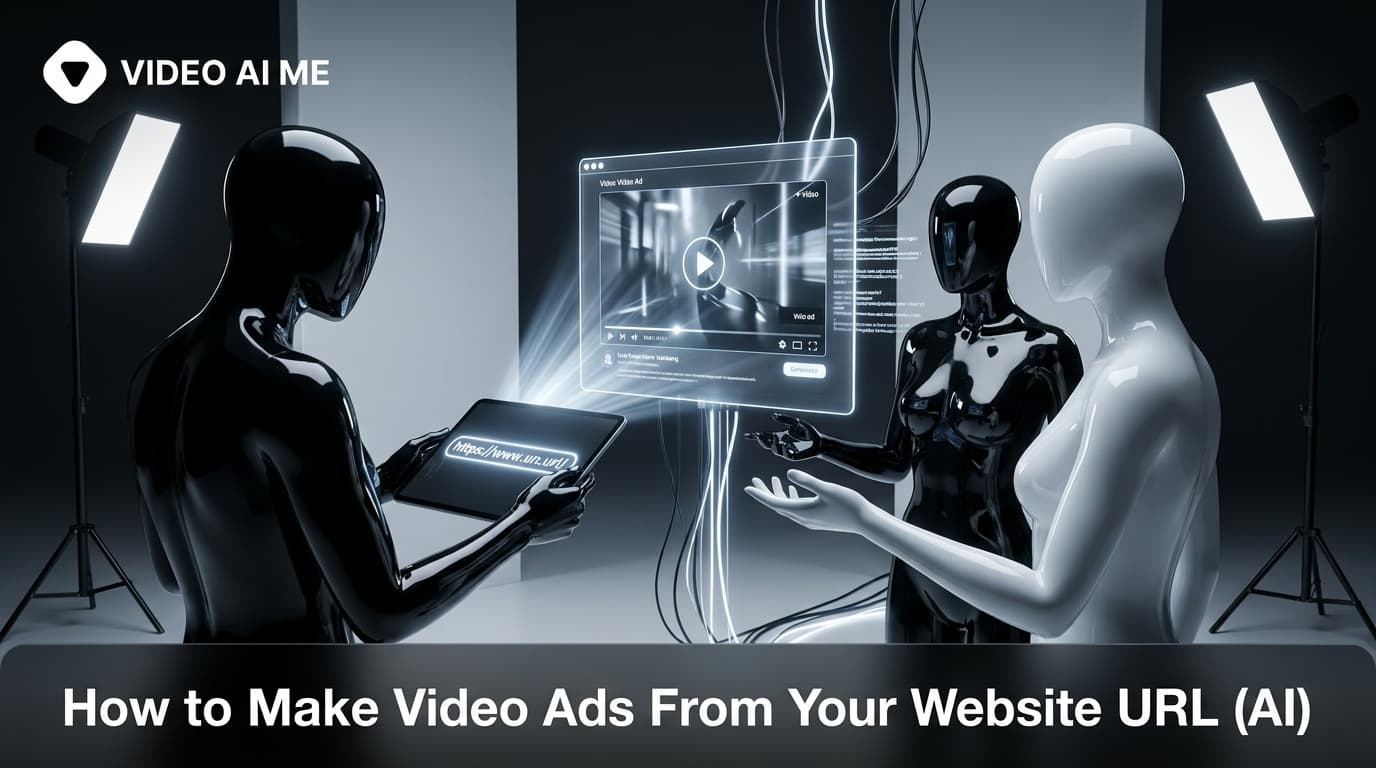
What if you could paste a link and get a ready-to-run ad? You can. Here is how to make video ads from your website URL with AI, step by step, so a product page becomes a scroll-stopping video in minutes instead of days.
This is the fastest path from "I have a product" to "I have an ad." Instead of writing from scratch, you let AI read your page, pull the key selling points, and assemble a video. You stay in control of the hook and the final edit, but the heavy lifting is automated.
Why URL-to-video is a game changer
For ecommerce and SaaS, the bottleneck is creative volume. Paid channels reward testing many variations, but producing them is slow. Generating ads straight from a URL collapses that timeline:
- Speed: a usable first draft in under a minute.
- Accuracy: the ad pulls real product details, images, and benefits from your page.
- Scale: spin up multiple angles from the same link for testing.
Step 1: Prepare your page
The better your page, the better the ad. Before you generate:
- Make sure the product title and key benefits are clear and visible.
- Have at least one strong product image on the page.
- Confirm the price and main offer are accurate.
Step 2: Paste the URL and let AI pull the details
In VIDEO AI ME, paste your product or landing page URL. The tool reads the page and extracts the product name, benefits, and visuals to build a draft script and scene list. This is similar to turning product photos into video ads, except the source is your live page.
Step 3: Sharpen the hook and script
The auto-generated script is a starting point, not the finish line. The first three seconds decide everything, so rewrite the hook to lead with the biggest benefit or the customer's core problem. Keep the body tight: problem, solution, proof, call to action. Make sure the offer and CTA are crystal clear.
Step 4: Choose your format and presenter
Decide how the ad should feel:
- UGC talking head: an AI actor or your own clone presents the product for an authentic feel.
- Product showcase: dynamic shots of the product with voiceover and text.
- Faceless: voiceover plus visuals if you do not want a presenter.
Pick an AI actor that matches your target customer, choose a natural voice, and generate the lip-synced video. For broader ecommerce video tactics, see our AI ecommerce product videos guide.
Step 5: Caption, export, and test
Add large captions for mute viewing, export in 9:16 for Meta and TikTok, then create variations. From one URL you can produce several ads with different hooks, presenters, and openings. Launch them, let the platform find the winner, and scale what works.
How to get the most from one URL
- Test 3 to 5 hooks against the same product to find the angle that resonates.
- Swap presenters to see which actor your audience trusts.
- Try different first frames. The opening visual heavily affects stop rate.
- Localize. Generate the same ad in other languages for new markets.
Common mistakes
- Shipping the raw draft. Always rewrite the hook and tighten the script.
- Weak source page. If the page lacks clear benefits or images, the ad suffers.
- One version only. The whole point is volume for testing, so make several.
- No clear offer. State the price, deal, and next step plainly.
According to HubSpot, video remains the top-performing content format for marketers, and generating ads from your URL is the quickest way to feed that channel consistently.
Conclusion
Making video ads from your website URL with AI turns your existing pages into an endless source of creative. Prepare the page, paste the link, sharpen the hook, pick a format and presenter, then caption and test. You go from product page to publishable ad in minutes. Start in VIDEO AI ME.
5 hook angles to test from one URL
From the same page, generate ads with these different openings:
- Problem hook: "Still doing X the hard way?"
- Result hook: "This is how people get Y in days."
- Curiosity hook: "The feature nobody talks about."
- Objection hook: "Worried about Z? Watch this."
- Social proof hook: "Why thousands switched to this."
Same product, five angles. The platform will tell you which one your audience responds to.
Format breakdown by platform
- Meta (Feed, Reels, Stories): 9:16 UGC talking head or product showcase, captions on, hook in the first second.
- TikTok: native, raw, conversational. Avoid an over-produced look.
- YouTube: a slightly longer product showcase works as in-stream, with a clear CTA end card.
Example walkthrough
Imagine a Shopify page for a water bottle. Paste the URL, and the AI pulls the name, the "keeps drinks cold 24 hours" benefit, and the product image. You rewrite the hook to "Your water is warm by lunch, here is the fix," choose a relatable AI actor, generate the lip-synced clip, add a product shot, caption it, and export 9:16. Then you duplicate it with the result hook and a different actor. Two ads from one link in minutes.
Localize for new markets
Because the script is text, you can regenerate the same ad in other languages with a matching voice. One winning URL-based ad can become a multi-market campaign without reshooting anything, which is a fast way to expand into new regions cheaply.
Frequently Asked Questions
Share
AI Summary

Paul Grisel
Paul Grisel is the founder of VIDEOAI.ME, dedicated to empowering creators and entrepreneurs with innovative AI-powered video solutions.
@grsl_frReady to Create Professional AI Videos?
Join thousands of entrepreneurs and creators who use VIDEO AI ME to produce stunning videos in minutes, not hours.
- Create professional videos in under 5 minutes
- No video skills experience required, No camera needed
- Hyper-realistic actors that look and sound like real people
Get your first video in minutes
Related Articles
How to Turn Blog Posts Into Videos With AI (2026)
Learn how to turn blog posts into videos with AI. Extract the core idea, script for speech, generate with an AI presenter, and publish everywhere.
How to Batch a Month of Social Videos in a Day (AI)
Learn how to batch a month of social videos in a day with AI: plan hooks, batch scripts, generate consistent clips, caption, and schedule in one session.
How to Write AI UGC Ad Scripts That Sell (2026)
Learn how to write an AI UGC ad script that sells with a proven hook, problem, proof, and CTA framework plus copy-paste templates for Meta and TikTok ads.