
How to Write Vox-Style Explainer Scripts (2026)
Learn how to write a vox-style explainer script scene by scene: hook-first openings, narration paired with on-screen labels, a reusable template, and a worked example.
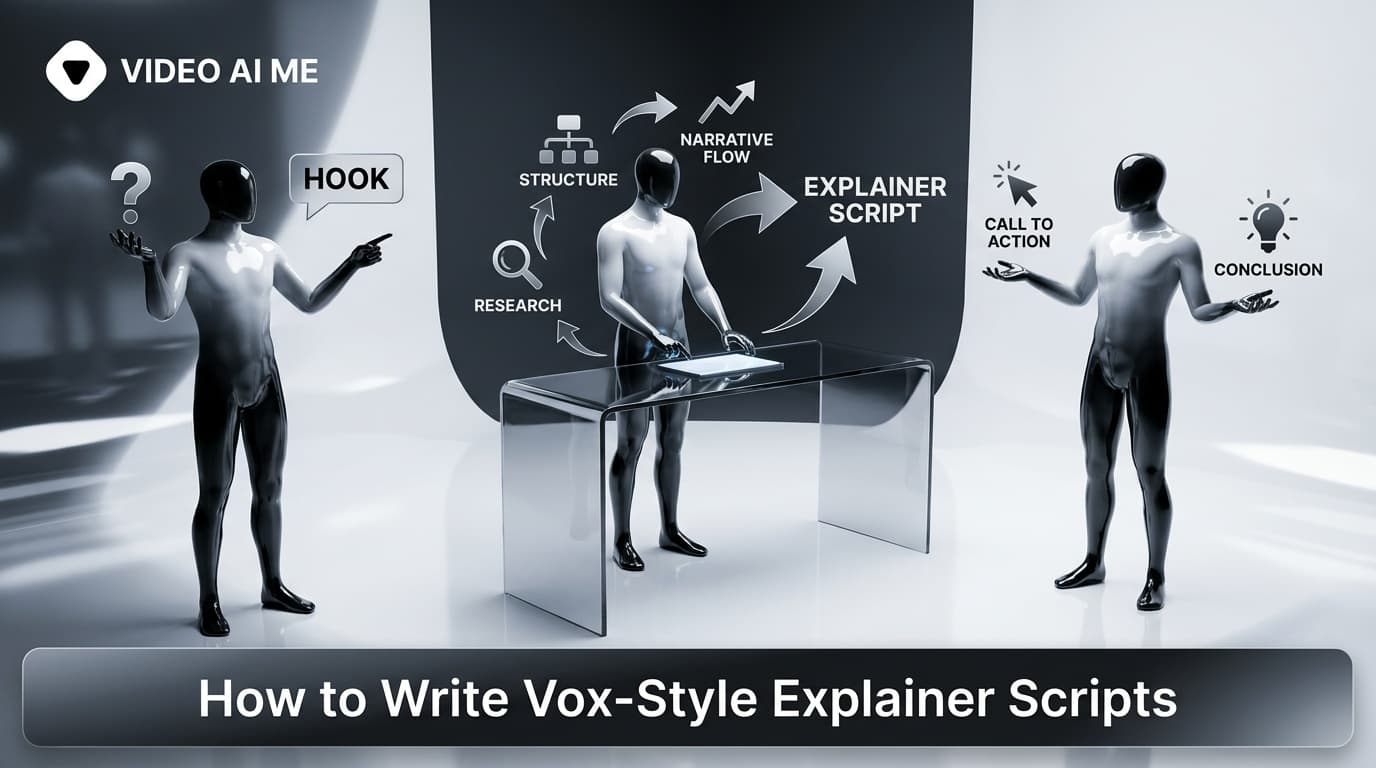
A vox-style explainer script is the blueprint behind those torn-paper, cutout-illustration videos that feel more like a mini documentary than an ad. If you have ever watched a Vox explainer and thought 'how did they make something complicated feel this simple,' the answer is almost always the writing. The paper collage visuals get the attention, but the script does the work. This guide breaks down how to write a vox-style explainer script scene by scene, including the narration line and on-screen label pairing that makes the format click, a reusable template, and a worked example you can copy today.
Here is the format in motion first. . Watch how the visual changes every few seconds, a new paper label appears, and the narrator adds exactly one new idea each time. That rhythm is not an accident. It is written into the script before a single board is designed.
What makes a vox-style explainer script different
Most ad scripts are one block of persuasive copy read over changing footage. A vox-style explainer script is structured as a sequence of self-contained scenes, or boards. Each board is one visual idea, one narration line, and one on-screen label. The viewer learns something small, the scene resolves, and the next board builds on it.
This is closer to how a teacher explains a concept than how a brand sells. That editorial feel is the whole point. People scroll past ads, but they stay for something that promises to explain how a thing works. If you want the wider context on the format, our vox-style explainer videos guide covers where it fits in a content mix. For the general AI explainer workflow, see how to make an explainer video with AI.
Three rules define the format:
- One idea per board. If a scene teaches two things, split it.
- Narration and label are a pair, not a duplicate.
- The opening board earns the next three seconds, or nothing else matters.
Let us take those one at a time.
The core unit: narration line plus on-screen label
Every scene in a vox-style explainer script is really two pieces of writing working together.
The narration line is the sentence the voice reads. It is conversational, specific, and short enough to breathe. The on-screen label is the paper-cutout text that appears in the frame: a word, a number, a short phrase, sometimes with a hand-drawn arrow pointing at part of the image.
The mistake beginners make is writing the same words twice. If the narrator says 'It cuts your export time in half' and the on-screen label also reads 'Cuts export time in half,' you have wasted the label. The two channels should reinforce, not echo.
Here is the difference:
| Scene job | Narration line (spoken) | On-screen label (paper text) |
|---|---|---|
| Name the problem | 'Most teams lose an hour a day just moving files around.' | '1 hour a day, gone' |
| Introduce the fix | 'This is where the sync tool comes in.' | 'Meet Sync' |
| Show the mechanism | 'It watches one folder and mirrors it everywhere instantly.' | '1 folder to all' plus arrow |
| Land the payoff | 'So that lost hour goes straight back to real work.' | 'Plus 1 hour a day' |
Notice the labels are shorter and blunter than the narration. They act like headlines on the page while the voice fills in the sentence. Write the narration first, then reduce it to the two or three words that deserve to be paper on screen.
Hook-first openings
The first board is a filter. If it does not promise a payoff, the rest of your careful script never gets watched.
Strong vox-style openings do one of three things in the first three seconds:
- Pose the exact question the viewer already has, such as 'Why does shipping cost more than the product?'
- State a surprising fact or number as a paper cutout on screen.
- Show the end result and promise to explain it, such as 'Here is how this ten dollar gadget replaces four apps.'
Avoid opening with your logo, your company name, or 'In today's video.' Those are throat-clearing. Open on the viewer's curiosity. Our library of scroll-stopping video ad hooks works just as well for editorial explainers as it does for UGC, because the job is identical: buy the next three seconds.
A good test: read only your first narration line and first label out loud. If a stranger would not lean in, rewrite the board before you write anything else.
One idea per board
The reason vox-style explainers feel easy to follow is discipline, not simplicity. Each board carries exactly one idea. The pacing does the teaching.
If you find a scene where the narration has two sentences doing two different jobs, that is two boards. Split it, and let the visual change between them. A viewer's brain files each board as a discrete step, which is why they reach the end feeling like they understood something, even for a genuinely complex topic. Vox itself built an audience on this principle, and you can see it across their explainer catalog.
Aim for a new board every three to six seconds. A 30-second explainer is therefore roughly six to nine boards. Write to that budget from the start so you are not cutting good lines later.
The payoff and CTA scene
The last one or two boards resolve the promise made in the hook, then point somewhere.
In an editorial explainer, the call to action should feel like a natural next step, not a hard pivot to selling. Two patterns work:
- The reveal close. The final board answers the opening question completely, and a single label names the product for the first time.
- The soft CTA. One line inviting the obvious next action: 'Try it on your own product,' 'See it in your store,' 'Start free.'
Keep it to one action. Stacking 'sign up, follow us, and share' undoes the calm authority the format spent 25 seconds building.
A reusable vox-style explainer script template
Here is a fill-in-the-blanks structure you can reuse for any product or concept. Each row is one board.
| Board | Purpose | Narration line | On-screen label |
|---|---|---|---|
| 1 | Hook | Pose the question or surprising fact | 2 to 4 word paper headline |
| 2 | Stakes | Why it matters or the cost of the problem | A number or blunt phrase |
| 3 | Introduce | Name the thing that solves it | 'Meet [product]' |
| 4 | Mechanism A | First part of how it works | Key term plus arrow |
| 5 | Mechanism B | Second part of how it works | Key term plus arrow |
| 6 | Payoff | The result the viewer gets | The outcome, as text |
| 7 | CTA | One next step | Action verb |
Not every explainer needs all seven boards. A tight 20-second version might merge mechanism A and B. The order, though, holds: hook, stakes, introduce, mechanism, payoff, action.
Worked example: from a one-line brief to a finished script
Say your brief is: 'Explain how a reusable coffee cup with a built-in filter lets you make pour-over coffee anywhere.' Here is that brief turned into a seven-board vox-style explainer script.
| Board | Narration line | On-screen label |
|---|---|---|
| 1 | 'Great coffee on the go usually means a paper cup and a compromise.' | 'Coffee equals compromise?' |
| 2 | 'Instant is convenient, but it never tastes like a real pour-over.' | 'Convenient, not good' |
| 3 | 'This cup has the pour-over built right into the lid.' | 'Meet the filter cup' |
| 4 | 'Add grounds and hot water straight into the top.' | 'Grounds plus water' |
| 5 | 'The mesh filter brews as it drips into the cup below.' | 'Brews on the way down' |
| 6 | 'So you get real pour-over anywhere, no gear, no paper.' | 'Real coffee, anywhere' |
| 7 | 'Make your first cup this weekend.' | 'Try it' |
Read those narration lines end to end and you have a complete, natural voiceover. Read the labels alone and you have the visual skeleton. That is a finished vox-style explainer script, and it took one brief and seven short lines.
Let VIDEO AI ME write the scene script for you
Here is the shortcut: you do not have to write all seven boards by hand. VIDEO AI ME's Vox-Style Explainer template does the scene scripting for you. You give it a short brief, which is your product name, what the explainer should say, an optional product photo, an optional character image, and a narrator voice, and it writes the scene-by-scene narrated script, pairing each narration line with its on-screen label automatically.
Then it generates one paper-collage board per scene for you to approve before any video credits are spent, animates each approved board into a cutout clip with narration and sound baked in, and cuts them into one finished ad. If a board's script is not right, you fix it before spending anything. Generate your first vox-style explainer script and video and edit from a real draft instead of a blank page.
If you want to write the narration yourself and keep more control, our guide to making a vox-style explainer with narration walks through the voice side in detail.
Script mistakes that quietly kill vox-style explainers
- Echoing the narration in the label. Make them a pair, not a copy.
- Two ideas on one board. Split it and let the visual change.
- A hook that names you instead of the viewer's problem. Open on their curiosity.
- Labels that are full sentences. Paper text should be a headline, not a paragraph.
- A hard triple CTA. One action, stated once.
- Writing for length, not for boards. Count boards, not words. Six to nine for 30 seconds.
Fix those and your script will already outperform most explainers in the feed.
Final takeaway
A vox-style explainer script is a sequence of single-idea boards, each pairing a spoken narration line with a short paper label, opened by a hook that earns attention and closed by one clear action. Write to the board budget, keep one idea per scene, and never let the label repeat the voice. When you are ready to see your script become a narrated paper-collage video, start your vox-style explainer in VIDEO AI ME and approve every board before you spend a credit.
Frequently Asked Questions
Share
AI Summary

Paul Grisel
Paul Grisel is the founder of VIDEOAI.ME, dedicated to empowering creators and entrepreneurs with innovative AI-powered video solutions.
@grsl_frReady to Create Professional AI Videos?
Join thousands of entrepreneurs and creators who use VIDEO AI ME to produce stunning videos in minutes, not hours.
- Create professional videos in under 5 minutes
- No video skills experience required, No camera needed
- Hyper-realistic actors that look and sound like real people
Get your first video in minutes
Related Articles

How to Run MiniMax H3 Without a GPU
MiniMax H3 has public weights, so people try to self host it. Here is what that actually costs in hardware and time, and the browser route if you just want the clips.
Writing Sound and Dialogue in MiniMax H3 Prompts
Audio is generated with the picture, so it is yours to direct. How to write dialogue, ambience and silence, and how much speech actually fits in a short clip.
MiniMax H3 Prompt Guide: How to Write a Shot
The five part structure that gets usable clips out of MiniMax H3, why keyword lists fail, and how to write the sound as deliberately as the picture.