
MiniMax H3 Prompt Guide: How to Write a Shot
The five part structure that gets usable clips out of MiniMax H3, why keyword lists fail, and how to write the sound as deliberately as the picture.
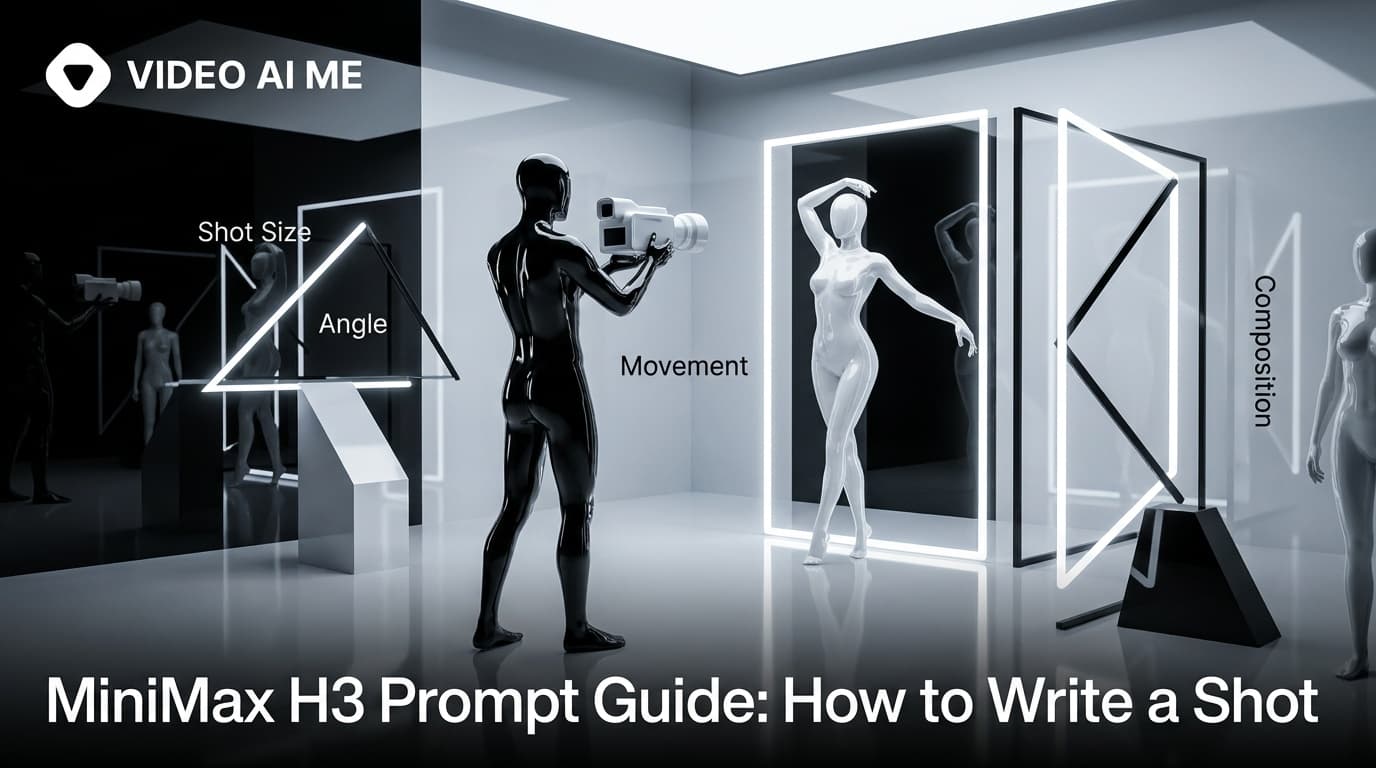
A good MiniMax H3 prompt has five parts: who is in frame, what they do, how the camera behaves, how it is lit and graded, and what you hear. Written as continuous prose rather than a keyword list, because the model reads the whole brief as one context and builds a sequence from it.
This guide covers the structure, the common failures, and how to write sound on purpose.
Why does prompt structure matter for this model?
H3 reads your brief as a whole and produces picture and sound together. That has a direct consequence for how you should write.
A keyword list gives the model adjectives with no order. "UGC ad, girl, bedroom, natural light, vertical, trending" contains no beginning, no middle, no end, and nothing at all about what should be heard. The model has to invent all of that, and it will, differently every time.
A brief written as a shot gives it a sequence. Someone is somewhere, they do something, the camera does something, it looks and sounds a particular way. That is a directable instruction, and it produces far more consistent output.
The five part structure
Here is the shape, with each part doing a specific job.
Who is in frame. Age range, clothing, setting. Enough to fix the look without writing a novel. "A woman in her late twenties sits cross legged on a bed in a sunlit bedroom."
What they do. One clear action, with the dialogue if there is any. "She holds a small pink skincare tube toward the camera and says, 'Nobody warned me about the purge week.'"
How the camera behaves. Shot size, lens feel, angle and one movement. "Handheld medium close up with a small amount of natural sway."
How it is lit and graded. Direction and quality of light, plus colour treatment. "Soft window light from the left, clean natural colour, shallow depth of field."
What you hear. Ambience, effects, and whether you want music. "Room tone only, no music."
Put together:
A woman in her late twenties sits cross legged on a bed in a sunlit bedroom. She holds a small pink skincare tube toward the camera and says, "Nobody warned me about the purge week." Handheld medium close up with a small amount of natural sway, soft window light from the left, clean natural colour, shallow depth of field. Room tone only, no music. Vertical framing.
Why write the sound explicitly?
Because the model is deciding it whether you write it or not.
If you say nothing about audio, you get whatever the model thinks fits, and that regularly includes music you did not want. "No music" is a real instruction and it saves you stripping a score out afterwards.
Beyond that, ambience does a surprising amount of work on how a clip reads. "Kitchen room tone, the low hum of a fridge" makes a scene feel domestic and real. "Street ambience, distant traffic" makes it feel like the person stepped outside to say something. These cost nothing to write and change the feel more than another adjective about the lighting would.
For dialogue, keep it short. Roughly two brief lines fit comfortably in five seconds. Overwriting the dialogue is the single most common reason a clip comes back rushed or with a line that gets clipped at the end.
How much camera direction is too much?
One movement per shot. This is the rule that saves the most wasted renders.
Working camera language:
- Shot size: wide, medium, medium close up, close up, extreme close up.
- Lens feel: 35mm, 50mm, 85mm, anamorphic, shallow depth of field.
- Angle: eye level, low angle, high angle, top down.
- One movement: slow push in, slow pull back, pan left, tilt up, static, handheld with slight sway, slow orbit.
What fails is stacking. "Handheld push in that whips to a low angle then orbits the product" asks for three moves in five seconds and comes back as motion soup. If a shot genuinely needs three moves, it needs to be three shots.
The camera specific vocabulary is expanded in our camera movement prompts.
How do you write grade and lighting?
In film language rather than in vibes.
"Cinematic" means nothing specific and the model has to guess. "Golden hour backlight, warm highlights, soft halation" means something exact.
Useful vocabulary: soft window light, hard midday sun, overcast diffusion, practical lamps, golden hour, blue hour, teal and orange grade, desaturated, high contrast, rich blacks, clean natural colour.
For ad work specifically, "clean natural colour" and "soft window light" get you the authentic phone footage look that performs well in feeds, while heavy grading tends to read as advertising and lose the UGC feel.
How do you prompt each mode?
The mode follows how many reference images you attach, and the prompt changes slightly with it.
Text to video, no images. Describe everything. The structure above applies as written.
Image to video, one image. Your image is the first frame, so do not describe what is already visible in it. Describe what happens next. "The camera pushes in slowly as steam rises from the cup" rather than re describing the cup.
Reference to video, two to four images. Bind each image explicitly by its order:
The woman from Image 1 sits at an outdoor cafe table holding the ceramic mug from Image 2. She takes a sip, sets it down, and says, "This is the third one today." Warm late afternoon light, shallow depth of field, static camera at eye level. Street ambience, distant traffic, no music.
Vague references produce blends. Naming which image supplies the person and which supplies the product is the whole trick, and it is covered properly in how to use reference images.
How do you debug a prompt that is not working?
Change one element and rerun. Never rewrite the whole thing.
- Delivery flat or wrong energy? Change only the dialogue line.
- Wrong framing? Change only the shot size.
- Too much motion? Remove the camera move, leave everything else.
- Wrong mood? Change only the lighting and grade sentence.
- Product looks wrong? Stop describing it and attach a photo instead, which switches you to image to video.
This is single variable testing, and it is only practical because drafts come back quickly. Within a week of working this way you will have real intuition about which instructions this model takes seriously.
How long should a prompt be?
Long enough to cover the five parts, short enough that every sentence is doing work. In practice that is usually four to six sentences.
Too short and the model fills the gaps itself, which produces variation you did not choose. "A woman talking about skincare in a bedroom" leaves the camera, the light, the sound and the line entirely to chance.
Too long and instructions start competing. A prompt that specifies the subject's shoes, the books on the shelf behind her, three camera moves and a five line script is asking for more than five seconds can hold, and the model resolves the conflict by ignoring something. You do not get to choose what it ignores.
The useful test: read your prompt back and ask which sentence would change the clip if you deleted it. If the answer is none, delete it. If a detail genuinely matters, such as your product's colour, that is a sign it should be a reference image rather than a description.
Setting choices like duration and aspect ratio sit outside the prompt and are covered in durations and aspect ratios.
What should you not ask for?
Saves you the renders:
- On screen text, logos, prices or captions. Lettering is unreliable across every model in this class. Add it in the editor.
- Three or more people interacting while the camera moves.
- Fiddly hand work like unscrewing a cap or threading a lace.
- A specific real person's likeness.
- More than about two short lines of dialogue in five seconds.
Frequently Asked Questions
What structure works best for a MiniMax H3 prompt?
Five parts in order: who is in frame, what they do, how the camera behaves, how it is lit and graded, and what you hear. Written as prose, not as a keyword list.
Why do keyword style prompts produce worse results?
The model reads the whole brief as one context and builds a sequence from it. A list of adjectives gives it no order of events and no idea what should be heard.
How do I get dialogue into the clip?
Put the line in quotation marks. Sound is generated with the picture, so a quoted line gets spoken by the subject rather than described.
How much dialogue fits in a short clip?
Roughly two short lines in five seconds. Overwriting the dialogue is the most common reason a clip feels rushed or the delivery gets clipped.
Should I write camera directions?
Yes, but only one movement per shot. Shot size, lens feel, angle and a single move work well. Stacking three moves into five seconds reliably produces mush.
What should I do when a prompt does not work?
Change one element and rerun rather than rewriting everything. Isolating the variable is how you learn what the model responds to.
Practise on one brief
Take the skincare prompt above, change only the spoken line five times, and generate all five at five seconds. You will learn more about what this model does with delivery in fifteen minutes than from any guide, including this one. Ready made starting points are in MiniMax H3 prompt examples, and the general model background published by MiniMax and on its Hugging Face model card is worth a read if you want the technical side.
Frequently Asked Questions
Share
AI Summary

Paul Grisel
Paul Grisel is the founder of VIDEOAI.ME, dedicated to empowering creators and entrepreneurs with innovative AI-powered video solutions.
@grsl_frReady to Create Professional AI Videos?
Join thousands of entrepreneurs and creators who use VIDEO AI ME to produce stunning videos in minutes, not hours.
- Create professional videos in under 5 minutes
- No video skills experience required, No camera needed
- Hyper-realistic actors that look and sound like real people
Get your first video in minutes
Related Articles
FLUX 3 Max Audio: Sound and Dialogue Prompt Guide
FLUX 3 Max generates sound on every clip. How to write dialogue it will speak, direct ambience and effects, decide on music, and replace the track when you need to.
FLUX 3 Max Aspect Ratios and Durations Explained
Every FLUX 3 Max aspect ratio and clip length on VIDEO AI ME, how auto behaves in each mode, which placement wants which shape, and what each duration costs.
FLUX 3 Max 1080p vs 720p: When 1080p Is Worth It
FLUX 3 Max costs 17 credits per second at 720p and 29 at 1080p. When the higher tier earns its rate, when 720p is enough, and how to test cheap and deliver sharp.