
Advanced AI Korean Baseball Prompts: Lighting, Lens and Broadcast Overlay Recipes
Advanced AI Korean baseball prompts with cinema-grade lighting recipes, telephoto lens specs, and broadcast overlay layouts that ship like real KBO TV.
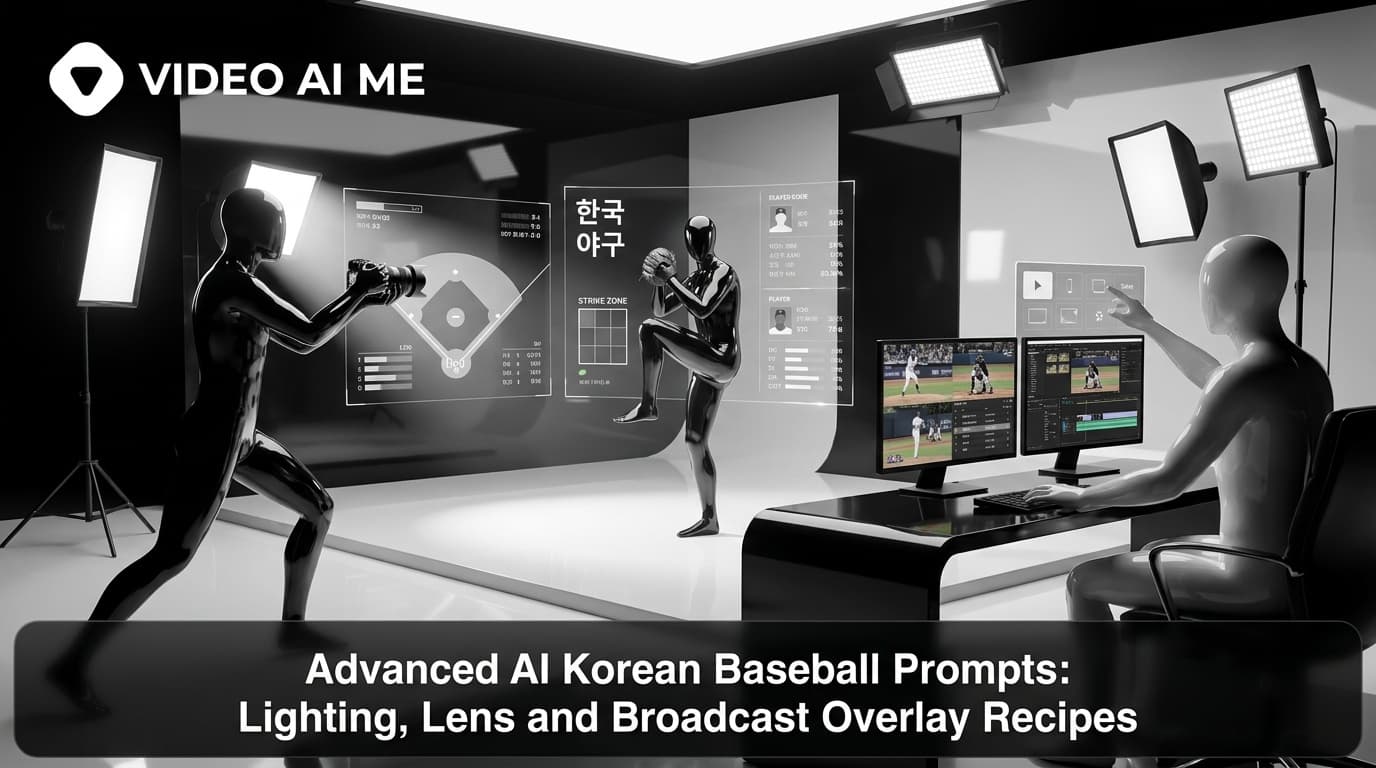
If you have read the basic AI Korean baseball prompt guides, you can probably ship a convincing Stadium Goddess clip in three or four generations. This is for the next step. Advanced prompts that take the realism from "that looks like a broadcast" to "is that actually real?"
We're going to break down three specific advanced layers: lighting recipes that mimic SPOTV color science, lens specs that produce real telephoto compression, and broadcast overlay layouts that ship like actual KBO TV chrome. Each one comes with a ready-to-copy block you can drop into any prompt.
The Advanced Layer Stack
A basic prompt has six layers: subject, wardrobe, environment, camera, overlay, anti-AI rules. An advanced prompt expands the camera and overlay layers into multiple specific blocks.
- Lighting recipe: warm/cool balance, key/fill ratio, color temperature.
- Lens spec: focal length, aperture, compression, depth of field.
- Color science: broadcast grade, gamma, chromaticity.
- Overlay layout: precise positioning of every graphic element.
- Compression artifacts: bitrate-style noise, banding, chromatic edges.
Each one is a paragraph. Together they triple the length of your prompt and dramatically improve the realism. Let's walk through them.
Lighting Recipe: SPOTV Night Game
Most basic prompts say "stadium lighting at night" and call it done. Real KBO broadcasts have a much more specific lighting signature.
Lighting recipe: stadium floodlights overhead at roughly 5600K
cool daylight, casting hard directional light on the front
row with sharp shadows under caps and brims. Mid-bowl seats
receive bounced fill at roughly 4200K mixed temperature with
softer shadows. Upper deck seats sit in shallow shadow with
ambient spill from concourse lighting at roughly 3200K warm
tungsten visible in the gaps. Slight sodium-vapor color cast
in the deepest sections of the bowl. Key-to-fill ratio
approximately 3:1 on the subject.
This is the single biggest realism upgrade you can make to a KBO prompt. The mixed color temperature across different stadium zones is what your eye registers as "this is a real broadcast," even if you can't articulate why.
Variants for different times of day:
Day game overcast:
Lighting recipe: overcast daylight at roughly 6200K cool
diffuse, even illumination across the bowl, soft shadows from
clouds passing overhead, slight blue cast on uniforms and white
fabric. No directional key light from the sun. Subject lit
entirely by ambient.
Twilight (early evening before lights kick fully):
Lighting recipe: warm twilight at roughly 3800K ambient, golden
hour spill from the western horizon visible behind the outfield
wall, stadium floodlights just turning on with cool 5600K
directional light fighting the ambient warmth. Mixed temperature
conflict creates slight color separation between foreground
and background. Magic-hour silhouette feel.
Rainy night:
Lighting recipe: stadium floodlights at 5600K cutting through
steady light rain, light scatter from the rain creates soft
halation around each floodlight, wet seats reflect the lights
as vertical streaks, slight steam visible in the cooler upper
bowl. Subject lit with hard directional key from above and a
cool kicker from the side-walking floodlight bank.
Try the Advanced Stack on VIDEO AI ME
If you want to test all three advanced layers (lighting, lens, overlay) in one shot, VIDEO AI ME runs the full stack through a generation engine optimized for broadcast realism. The dual 16:9 plus 9:16 output means you see how the advanced layers translate to both aspect ratios without re-rendering.
Lens Spec: Real KBO Sideline Camera
This is the layer that produces the flattering telephoto compression that makes broadcast faces look so distinctive. The basic prompt says "telephoto lens." The advanced prompt specifies everything.
Lens spec: full-frame broadcast camera body, 400mm prime
telephoto lens at f/2.8, focused on the subject from
approximately 90 meters across the field. Compression effect:
background crowd 6 meters behind the subject reads as roughly
3 meters away in the frame, creating the characteristic
flattening of facial features. Depth of field very shallow
at this focal length and aperture, subject sharp from front
of face to back of head, crowd immediately behind already
soft and falling off into bokeh.

The lens has slight rolling-shutter at the edges of the frame
from handheld camera operator movement. Mild chromatic
aberration on the highlight rim of the stadium lights. No
optical stabilization artifacts.
Variants for different shot types:
Cheer-section wider shot:
Lens spec: 200mm prime telephoto at f/4, focused from
approximately 60 meters. Less compression, more crowd context.
Subject and 3-4 nearby fans all readable, beyond that the
crowd falls into soft focus. Mild rolling-shutter from
handheld pan.
Premium-seat tight shot:
Lens spec: 600mm super-telephoto at f/4, focused from
approximately 120 meters. Extreme compression, very shallow
depth of field, subject's face sharp from front to back but
eyes catching the most detail, anything behind the seat
immediately bokeh.
Walk-up moment intimate shot:
Lens spec: 300mm prime at f/2.8, focused from approximately
75 meters. Medium compression, shallow depth of field but
subject and one neighbor both readable. Mild lens flare from
the stadium lights when the camera operator drifts slightly
upward.
These specs change the look of the output more than almost any other layer.
Color Science: KBO Broadcast Grade
Real KBO broadcasts have a specific color science. It's slightly cinematic, slightly warm on skin, slightly cool on grass and crowd. Most AI clips miss this entirely and render flat.
Color science: KBO broadcast grade applied as a finishing pass.
Slight teal-orange cinematic split-tone with warm skin tones
on the subject and cool shadows in the crowd behind. Mild lift
in the blacks (broadcast pedestal at roughly IRE 5). Slight
roll-off in the highlights to prevent stadium lights from
clipping. Saturation pulled back roughly 10% from full to match
real broadcast color desaturation.

Green grass visible in the foreground reads slightly desaturated
to avoid the cartoonish AI-green look. Skin tones sit in the
warm range of the color wheel without sliding into orange.
This is the layer that separates clips that look like "AI broadcasts" from clips that look like "actual broadcasts."
Broadcast Overlay Layout: SPOTV Chrome
Real SPOTV KBO broadcasts have a consistent overlay layout. Get this layout right and viewers' brains stop questioning the clip.
Broadcast overlay layout (16:9):
- Scoreboard: upper-left corner, 18% width by 8% height of
  frame, sits 3% in from the top and left edges. Two team names
  stacked vertically, score numbers on the right of each, inning
  indicator at the bottom of the box.
- Channel watermark: upper-right corner, 6% width, 4% height,
  sits 3% in from top and right edges. SPOTV logo style, semi-
  transparent.
- Lower-third graphic: bottom-left, slides in from offscreen,
  22% width, 7% height, sits 8% up from the bottom edge.
  Contains player name on the top line and stat line (batting
  average, OPS, RBI) on the bottom line.
- Broadcast ticker: optional, runs across the very bottom of
  the frame, 100% width, 4% height, dark background with white
  text, scrolls right to left at slow speed.
Vertical 9:16 overlay variant:
Broadcast overlay layout (9:16):
- Scoreboard: pinned to the top of the frame as a horizontal
  strip, full width, 6% height, sits 2% down from the top.
- Channel watermark: upper-right corner of the scoreboard strip
  or just below it, semi-transparent.
- Lower-third graphic: pinned just above the subject's shoulder
  line, roughly 60% width centered, 8% height.
- No ticker in 9:16 (not enough horizontal real estate to be
  legible).
Get the overlay positions right and the clip reads as broadcast even before viewers consciously process anything else.
Compression Artifact Layer
This is the final realism polish. Real ripped-from-TV clips have a specific texture you can replicate.
Compression artifacts: simulated H.264 broadcast encoding at
roughly 8 Mbps. Slight macroblocking visible in high-motion
areas of the crowd. Mild chroma subsampling artifacts on color
edges (the seam between a red jersey and a white tank top
shows slight color smearing). Faint banding in the dark areas
of the upper deck. Very subtle rolling-shutter wobble on
moving objects. No film grain - this is digital broadcast,
not film.
Don't overdo this layer. Too much compression makes the clip look bad. Just enough makes it look real.
The Fully-Advanced Master Template
Here is what all five advanced layers look like stacked into one prompt.
Aspect ratio: 16:9 and 9:16 dual output.

Identity anchor: source photo, exact identity preserved.

Subject: adult woman, mid-20s, natural skin texture.

Wardrobe: clean white Hanwha Eagles jersey open over a fitted
cream tank, small silver hoops, hair down.

Props: iced Americano left hand, orange cheering stick on
the seat.

Environment: Jamsil Stadium at night, lower bowl behind first
base, dense KBO crowd, sixth-inning energy.

Lighting recipe: stadium floodlights overhead at 5600K cool
daylight, hard directional key on the front row, mid-bowl
bounced fill at 4200K, upper deck ambient at 3200K, sodium-
vapor cast in the deepest sections. Key-to-fill 3:1 on the
subject.

Lens spec: 400mm prime telephoto at f/2.8 from 90 meters,
heavy compression, very shallow depth of field, subject sharp
front-to-back, crowd immediately behind soft and bokeh.

Color science: KBO broadcast grade, teal-orange split-tone,
warm skin, cool shadow crowd, IRE 5 pedestal, saturation 10%
pulled back, desaturated grass.

Broadcast overlay (16:9): scoreboard upper-left 18% width,
SPOTV watermark upper-right 6% width, lower-third bottom-left
22% width with player stats, optional ticker across the bottom.

Compression artifacts: H.264 broadcast encoding 8 Mbps, mild
macroblocking on crowd motion, faint chroma smearing on color
edges, subtle dark-area banding, no film grain.

Motion: 6-second broadcast shot. Watch field 2s, notice camera
2s, glance away 2s.

Realism rules: no AI beauty filter, no enlarged eyes, no jaw
slimming. Keep pores, baby hairs, sweat sheen.
This is the broadcast-grade prompt. Run it. Compare to your baseline. The difference is significant.
When to Use Advanced vs Basic
Advanced prompts cost more tokens and slightly longer generation time. Use them when:
- You're shipping to YouTube or X where viewers watch longer and notice more.
- You're building a portfolio clip that needs to stand up to scrutiny.
- You're pushing into a market where the trend is already saturated and you need to outclass the existing clips.
Use basic prompts when:
- You're iterating fast on TikTok where short watch times forgive minor flaws.
- You're building a multi-language series and you want each version to render quickly.
- You're testing a concept before committing to a polished version.
Build the Advanced Engine
The goal isn't to write one perfect advanced prompt. It's to build a library of advanced templates (different lighting, different lens, different overlay) and reuse them across a series. VIDEO AI ME's repeatable AI actor workflow keeps your face consistent across every advanced template, so a 10-clip portfolio reads as broadcast-grade from the same person.
For the basic prompt mechanics, see our step-by-step prompt-writing guide. For specific mistakes to avoid, see our common mistakes guide.
Try a free generation on VIDEO AI ME with your advanced prompt and see broadcast-grade output without the multi-tool chain.
Frequently Asked Questions
Share
AI Summary

Paul Grisel
Paul Grisel is the founder of VIDEOAI.ME, dedicated to empowering creators and entrepreneurs with innovative AI-powered video solutions.
@grsl_frReady to Create Professional AI Videos?
Join thousands of entrepreneurs and creators who use VIDEO AI ME to produce stunning videos in minutes, not hours.
- Create professional videos in under 5 minutes
- No video skills experience required, No camera needed
- Hyper-realistic actors that look and sound like real people
Get your first video in minutes
Related Articles
MiniMax H3 UGC Prompt Templates for Ad Creative
Reusable UGC prompt templates with the variables marked, so you can produce a whole batch of creator style ads by swapping four fields.
Seedance 2.5 UGC Prompt Templates for Ads
Six fill in the blank UGC prompt templates for Seedance 2.5, each with a fully filled worked example, plus how to direct dialogue when the audio is generated.
How to Make AI UGC Videos With Seedance 2.5
A five step playbook for creator style UGC clips with Seedance 2.5: casting, prompts that carry the spoken hook, reference images for batches, and the credit math.