
Best Vox-Style Explainer Tool for Coaches
The best vox-style explainer tool for coaches explains your method or offer without you on camera. Here is what to look for and how to make one from a brief.
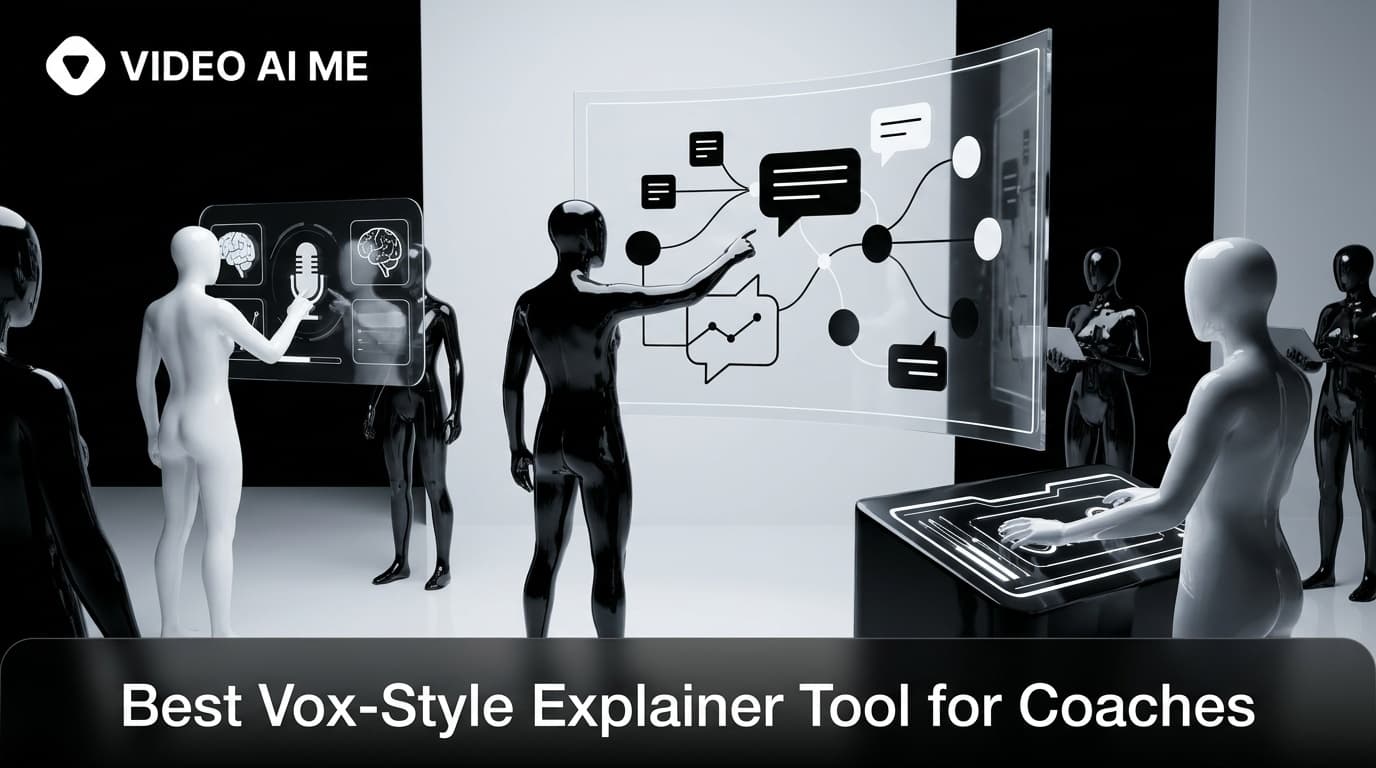
Coaches sell an intangible: a method, a transformation, a way of thinking. The hard part is making that visible before someone will pay for it. The best vox-style explainer tool for coaches solves exactly this. It turns your framework or offer into an editorial, cutout-style video, narrated and clear, without putting you on camera.
Why a vox-style explainer tool for coaches makes sense
Two things hold coaches back from video: being on camera, and explaining something abstract. The vox format removes both obstacles. It is faceless by design, so there is no filming and no camera nerves, and it is built to explain, so an abstract method becomes a sequence of cutout boards a viewer can actually follow.
That makes it a rare marketing asset that also demonstrates your expertise. When you explain your framework clearly, you prove you have one. It fits neatly alongside the tactics in our AI UGC playbook for coaches and creators.
What to look for in a vox-style explainer tool for coaches
| Criteria | Why it matters for coaches |
|---|---|
| Clean on-screen text | Framework step labels must be legible, not garbled |
| Baked-in narration | Your teaching voice, or a consistent narrator, over the top |
| Faceless by default | Publish without filming or being on camera |
| Mascot option | Add a brand character or avatar if you want a face |
| Fast iteration | Test hooks and offers cheaply |
| Vertical output | Native 9:16 for Reels, TikTok, and Shorts |
The non-negotiable is clean cutout text, because a coaching framework is mostly labels and steps. If the tool cannot render those clearly, it cannot explain your method.
Why VIDEO AI ME fits
VIDEO AI ME's Vox-Style Explainer template is a strong match for coaches. You brief it with your offer or framework, an optional brand image or mascot, and a narrator voice. It writes a scene-by-scene script, generates a paper-collage board per step for you to approve, and animates them into a narrated explainer with the steps labeled as clean cutout typography.
Prefer to stay entirely faceless? Leave the mascot empty and the format carries itself. Want a recurring character? Upload one and it becomes a paper-cutout presenter, which our guide on making a vox-style explainer with a mascot covers in detail. Either way, you approve every board before any video credits are spent.
A content plan for coaches
- The framework explainer. Turn your signature method into a numbered cutout walkthrough.
- The problem explainer. Name the mistake your ideal client keeps making.
- The offer explainer. Show the transformation and the path to it, ending with a soft call to action.
Publish these as organic Reels and Shorts to build authority, then promote the strongest one as a paid ad to warm cold audiences. For a fully faceless approach, see how to make a faceless vox-style explainer.
Three explainer types every coach should make
Once you have the tool, a simple content set covers most of what a coaching brand needs. The first is a framework explainer that turns your signature method into a numbered cutout walkthrough, which proves you have a system worth paying for. The second is a problem explainer that names the specific mistake your ideal client keeps making, which makes the right people feel seen and the wrong people scroll on.
The third is an offer explainer that shows the transformation you deliver and the path to it, ending with a soft next step. Together these three cover awareness, consideration, and conversion, and each one doubles as organic content and as a paid ad. Because they share a visual style, they also start to build a recognizable brand look across your feed.
How to script your framework as boards
Coaches often have a framework in their head that has never been made visual, and the board structure forces a useful clarity. Take each step of your method and give it one board: a label naming the step, an illustration showing it, and an arrow to the next. If your framework has more than four or five steps, group them, because a 30-second explainer cannot carry ten boards.
The act of reducing your method to a handful of labeled boards often sharpens the method itself. When you cannot fit a step into one clear label, that is usually a sign the step needs simplifying. VIDEO AI ME writes the scene script from your brief, so you can start by describing your framework in plain sentences and let the template propose the board breakdown.
Repurposing one explainer across channels
A single framework explainer can feed a week of content. Post the full version as a Reel and a TikTok, pull individual boards as static carousel slides, and use the narration script as the basis for an email or a caption. Because the explainer teaches a self-contained idea, each fragment still delivers value on its own.
This repurposing is where solo coaches get real leverage. One afternoon of work becomes a full week of consistent, on-brand content across video, image, and text, all reinforcing the same method. Generate the explainer once, then slice it, and you get the output of a small content team from a single brief.
Start explaining your method
Your expertise is your best marketing, but only if people can see it. Open the Vox-Style Explainer template, brief your signature framework, and approve the boards. You will have a clear, editorial explainer of your method that markets you without a single minute on camera. Compare it with other pipelines in the Templates gallery whenever you are ready.
Frequently Asked Questions
Share
AI Summary

Paul Grisel
Paul Grisel is the founder of VIDEOAI.ME, dedicated to empowering creators and entrepreneurs with innovative AI-powered video solutions.
@grsl_frReady to Create Professional AI Videos?
Join thousands of entrepreneurs and creators who use VIDEO AI ME to produce stunning videos in minutes, not hours.
- Create professional videos in under 5 minutes
- No video skills experience required, No camera needed
- Hyper-realistic actors that look and sound like real people
Get your first video in minutes
Related Articles
AI Video API for Creator Builders (2026)
How creator builders use the AI video API in 2026 to ship personalized coaching video, course tools, and creator products at scale.
AI Lip Sync + Multilingual Video for Coaches (2026)
How coaches and creators use AI lip sync and multilingual video in 2026 to deliver coaching content in 30 plus languages without re-shooting.
AI Course Promo Video for Creators (2026)
Generate AI course promo videos for coaches and creators in 2026. Walk through scripts, presenter setup, multilingual delivery, and the launch playbook.