
How to Make a Faceless Vox-Style Explainer
The vox format is faceless by design. Here is how to make a faceless vox-style explainer with no camera, no designer, and no spokesperson, plus when faceless wins.
If you want to explain your product but freeze at the thought of being on camera, a faceless vox-style explainer is the format built for you. The vox look, torn construction-paper textures, hand-cut illustrations, cutout paper typography, and a calm narrator over the top, never needs a presenter's face. It carries meaning through visuals and voice, so camera-shy founders and deliberately anonymous brands can ship a polished editorial explainer without ever filming themselves. This guide covers how to make a faceless vox-style explainer, when going faceless actually beats a spokesperson, and how to produce one in an afternoon with no camera and no designer.
The vox style is faceless by design
Most video formats assume a human on screen. UGC ads need a creator holding the product. Talking-head explainers need a presenter reading a script. The vox-style explainer throws that assumption out. The entire visual language is built from paper: torn construction-paper backgrounds, hand-cut illustrations, cutout paper letters, and hand-drawn arrows pointing at the thing that matters. A narrator explains what you are looking at. No face is required, and no face is missed.
That is why a faceless vox-style explainer feels natural instead of evasive. A lot of faceless content reads as a workaround: a pair of hands and a voiceover standing in for a person who did not want to appear. The vox format has no such gap. The illustrations are the star. The narration is the guide. The absence of a presenter is the style, not a compromise.
For solo founders and anonymous brands, that is a genuine unlock. You get the trust and clarity of a person walking you through an idea, without needing a person willing to be filmed, lit, and edited. If you have been avoiding video because you dread being on camera, this is the format that deletes the blocker.
The look itself comes from editorial explainer journalism, the kind Vox popularized, where the goal is to make a complicated topic click in under a minute. That heritage matters: viewers read the paper-collage style as informative rather than promotional, which is exactly why they keep watching.
When a faceless vox-style explainer beats a spokesperson
Faceless is not automatically better. Sometimes a real human face builds trust faster, especially for founder-led brands where the founder is part of the story. But for a large set of situations, faceless is the stronger call. Here is how to decide.
| Situation | Faceless vox-style explainer | Spokesperson video |
|---|---|---|
| You are camera-shy or hate filming | Best fit, no face needed | Blocks you from shipping |
| Explaining an abstract or technical concept | Illustrations show what a face cannot | Talking head over jargon |
| Anonymous or multi-founder brand | Keeps the brand faceless on purpose | Forces a personal identity |
| Building a repeatable content system | Same style, no scheduling a person | Needs the same person every time |
| Personal-brand founder selling themselves | Loses the personal connection | Best fit, the face is the asset |
The pattern is clear. When the idea is the hero, illustrations and narration carry it better than a person reading a script. When the person is the hero, keep the face. Most product explainers, how-it-works videos, and concept pitches sit firmly in the faceless column.
There is also a consistency payoff. A spokesperson has to be available, lit the same way, and in the same wardrobe every time you want a new video. A faceless vox style is a template you rerun forever. Every new explainer looks like it belongs to the same brand because the paper aesthetic does the branding, not a person's appearance. That is how small teams build a recognizable content library without a creator on retainer.
How to make a faceless vox-style explainer
Here is the actual workflow using VIDEO AI ME's Vox-Style Explainer template. The whole point is that you never touch a camera and never open a design tool.
1. Write a short brief
Give the template three things: your product name, what the explainer should say, and the narrator voice you want. You do not need a finished script. A few sentences about the problem, your product, and the takeaway is plenty. Leave the mascot or character image empty, because that single choice is what makes the explainer faceless. If you do upload a character, it becomes a paper-cutout presenter instead. For a fully faceless result, skip it.
2. Approve your paper boards before spending credits
The template writes a scene-by-scene narrated script, then generates one paper-collage board per scene: the torn-paper background, the cut-out illustrations, the labels and arrows. You review these still boards and approve them before any video credits are spent. This is the step that protects your budget and hands you control. If a board does not match your product, you tweak the brief and regenerate a single still, not the entire video.
3. Let it animate and narrate
Once you approve the boards, each one animates into a cutout explainer clip with the narration and sound baked in, and the scenes are cut together into one finished ad. Output is vertical (9:16) or horizontal (16:9), roughly 10 to 40 seconds. No editing timeline, no voiceover session, no designer, no camera.
Ready to try it? Build a faceless vox-style explainer in the Vox-Style Explainer template and approve every board before you spend a single credit.
Faceless does not mean personality-free
The biggest mistake with faceless video is assuming that removing the face removes the voice. It does not. Your explainer still has a tone, a point of view, and a narrator, and that is where personality lives.
Write your brief the way you would explain the product to a smart friend. Give the narration opinions, not just facts. Use the hand-drawn labels and arrows to land a joke, emphasize the surprising part, or call out the one thing people always get wrong. The vox format earned its reputation by making dry topics feel like a conversation, and that comes from editorial voice, not from a presenter.
Pick a narrator voice that matches your brand. A warm, curious tone suits a consumer product. A crisp, confident tone suits B2B or fintech. The voice is doing the job a face would normally do, so choose it on purpose rather than defaulting.
Where faceless vox explainers perform best
This format shines anywhere you need to explain rather than hard-sell. A few high-value uses:
- Product how-it-works videos on a landing page, where a face would distract from the mechanics. Embedding a short explainer near the fold is a proven way to keep visitors engaged, as Wistia's research on video consistently shows.
- Concept and category explainers for a new idea nobody is searching for yet.
- Founder-anonymous brands that deliberately keep no public face.
- Faceless social channels on TikTok, Reels, and Shorts, where consistent illustrated content builds a feed people recognize at a glance.
Because the style scales without a person, it fits brands that want a steady stream of content without a creator on payroll. If you are building an ad system rather than a one-off, our guide to running AI UGC ads without creators to scale video covers the wider playbook, and the best AI UGC generators of 2026 roundup shows where each format fits.
Coaches and creators who want to stay behind their ideas rather than in front of a lens can go a step further with a niche-specific setup, which we break down in the best vox-style explainer tool for coaches in 2026.
Mistakes that make a faceless explainer fall flat
Avoid these and your faceless explainer keeps its editorial edge:
- Cramming every scene with text. The paper labels are accents, not a full script on screen. Let the narration carry the detail.
- A flat, robotic narrator. The voice is your personality now. A lifeless read turns the whole thing into a slideshow.
- No clear takeaway. Editorial explainers still need a point. End on the one thing you want remembered.
- Skipping board approval. The whole advantage is fixing scenes as stills before you animate. Use it every time.
- Trying to sell in every line. The format works because it explains first. Earn the click by being genuinely useful.
Faceless is a feature here, not a limitation. The vox style was practically designed for people who would rather explain an idea than star in a video.
Turn your idea into a faceless explainer today
You do not need a camera, a studio, a voice actor, or a designer. You need a short brief and a few minutes to approve some paper boards. Start your faceless vox-style explainer in VIDEO AI ME and ship an editorial-quality explainer without ever showing your face.
Frequently Asked Questions
Frequently Asked Questions
Share
AI Summary

Paul Grisel
Paul Grisel is the founder of VIDEOAI.ME, dedicated to empowering creators and entrepreneurs with innovative AI-powered video solutions.
@grsl_frReady to Create Professional AI Videos?
Join thousands of entrepreneurs and creators who use VIDEO AI ME to produce stunning videos in minutes, not hours.
- Create professional videos in under 5 minutes
- No video skills experience required, No camera needed
- Hyper-realistic actors that look and sound like real people
Get your first video in minutes
Related Articles

How to Run MiniMax H3 Without a GPU
MiniMax H3 has public weights, so people try to self host it. Here is what that actually costs in hardware and time, and the browser route if you just want the clips.
Writing Sound and Dialogue in MiniMax H3 Prompts
Audio is generated with the picture, so it is yours to direct. How to write dialogue, ambience and silence, and how much speech actually fits in a short clip.
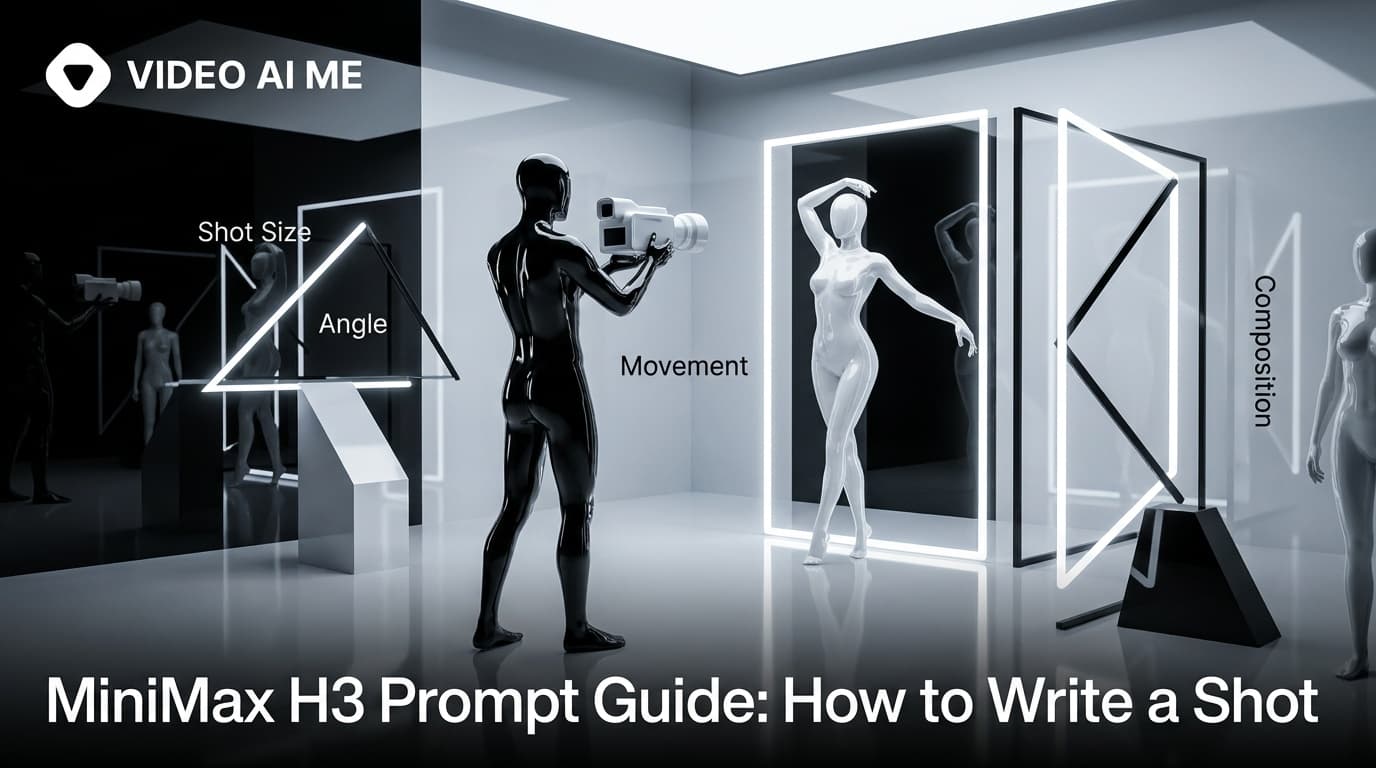
MiniMax H3 Prompt Guide: How to Write a Shot
The five part structure that gets usable clips out of MiniMax H3, why keyword lists fail, and how to write the sound as deliberately as the picture.