
Make a Vox-Style Explainer With a Mascot (2026)
Upload a character image and it becomes a paper-cutout presenter. Here is how to make a vox-style explainer with a mascot, and when a mascot lifts recall.
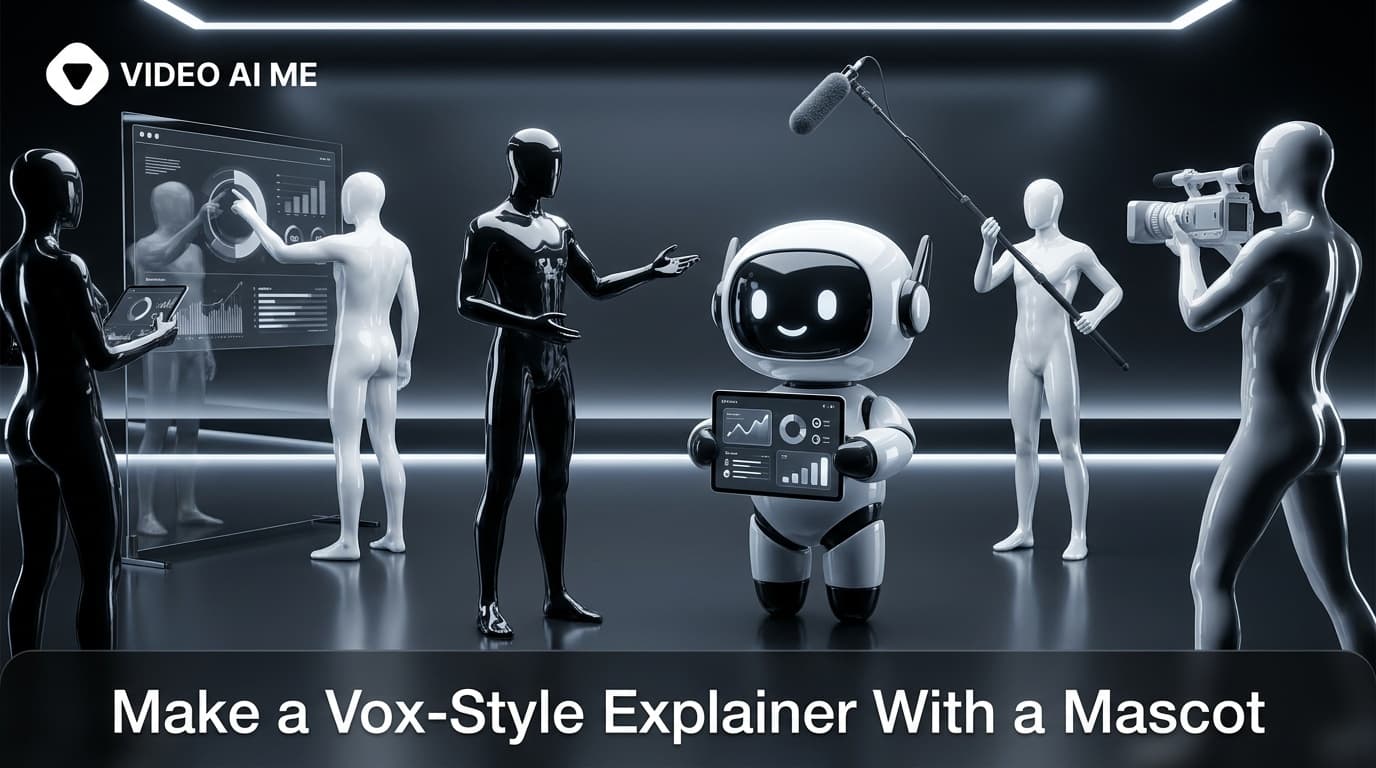
A mascot gives your explainer a face without putting a human on camera, and a vox-style explainer with a mascot turns that character into a paper-cutout presenter who walks viewers through every scene. You upload one character image, a brand mascot, a personal-brand avatar, or an illustrated spokesperson, and it is cut out of paper and dropped into the torn-paper world alongside the illustrations, labels, and narration. The result is a warmer, more memorable explainer that still costs nothing to film. This guide shows how to make a vox-style explainer with a mascot, what makes a good mascot image, and when a mascot actually lifts recall.
What mascot mode does in a vox-style explainer
In a standard vox-style explainer, the scenes are built from cut-out illustrations and hand-drawn labels with a narrator on top. Mascot mode adds one more element: a recurring character. You upload a single character image and the Vox-Style Explainer template turns it into a paper-cutout presenter that appears across the scenes, reacting to the story the narration is telling.
This is different from a talking-head video. The mascot is not lip-synced realistic footage. It is part of the paper collage, cut out and animated in the same editorial style, the look Vox made famous, as everything else on screen. That keeps the whole video coherent: the character belongs in the world instead of floating on top of it.
The effect is a host. Human brains latch onto characters, and a consistent presenter gives viewers something to follow from the first scene to the last. That continuity is what a pile of disconnected illustrations can lack, and it is why a mascot often makes an explainer easier to remember. Video is already one of the most memorable content formats, according to HubSpot's marketing statistics, and a recognizable character compounds that advantage.
When a vox-style explainer with a mascot lifts recall
A mascot is not free of tradeoffs. It adds personality and continuity, but a fully faceless explainer can feel cleaner for pure how-it-works content. Here is when the mascot earns its place.
| Goal | Vox-style explainer with a mascot | Faceless vox explainer |
|---|---|---|
| Build a memorable brand character | Best fit, the mascot becomes an asset | No recurring character |
| Personal brand without filming yourself | Avatar stands in for you | Loses the personal angle |
| Pure technical how-it-works | Can distract from the mechanics | Cleaner, illustration-led |
| A series of videos with one host | Consistent presenter across episodes | Restarts cold each time |
| Kids, education, or playful brands | Character adds warmth and fun | Feels more neutral |
The rule of thumb: if you want to be remembered, add a mascot; if you want to be understood as quickly as possible, a faceless explainer can be tighter. Many brands run both, using the mascot for social and brand content and the faceless version for dense product docs. If you are weighing the two, our guide to the faceless vox-style explainer covers the other side of this choice.
A recurring character also compounds. The more videos your mascot appears in, the more recognizable it becomes, until the character itself is a shortcut to your brand. That is the same reason mascots have anchored marketing for decades, long before AI made them cheap to animate.
How to make a vox-style explainer with a mascot
Here is the full workflow inside VIDEO AI ME's Vox-Style Explainer template. It takes a short brief and a single image.
1. Pick or prepare your mascot image
Choose the character you want as your presenter. This can be an existing brand mascot, an illustrated avatar of yourself, a character you generated, or a simple drawn figure. One clean image is enough. The template cuts it out and restyles it into paper, so you do not need multiple poses or a transparent background, though a clear subject helps.
2. Brief the script and pick a voice
Give the template your product name, what the explainer should say, and the narrator voice. The narration is what your mascot appears to deliver, so write it in the character's tone. A few sentences on the problem, the product, and the takeaway is enough, and the template expands that into a scene-by-scene narrated script. If you have never briefed an AI explainer before, our walkthrough on how to make an explainer video with AI is a helpful primer on writing a tight brief.
3. Approve the boards, then animate
The template generates one paper-collage board per scene with your mascot placed in each, and you approve those stills before any video credits are spent. Check that the character looks right and sits naturally in the scene. Once approved, each board animates into a cutout clip with narration and sound baked in, then the scenes are stitched into one finished explainer in 9:16 or 16:9.
Want to see it work with your own character? Upload a mascot and build your explainer in the Vox-Style Explainer template and approve every board before you spend a credit.
What makes a good mascot image
Not every image makes a good paper-cutout presenter. A few guidelines:
- Clear, single subject. One character, front or three-quarter view, not a busy scene.
- Readable at small sizes. Your explainer will play on phones. Bold shapes and simple features survive the shrink; fine detail does not.
- On-brand personality. The mascot sets the tone. A friendly rounded character reads warm; a sharp, stylized one reads modern.
- Consistent with your other assets. If you have a mascot already, use the same one everywhere so recognition builds.
If you do not have a mascot yet, an illustrated avatar of the founder is a strong starting point for a personal brand. It gives you a face on screen without the founder ever needing to film.
Brand mascot vs personal-brand avatar
Both work, but they serve different goals.
A brand mascot is a character that represents the company, not a person. It is ideal when you want the brand to outlast any single founder or team member, and when you plan to run many videos over time. The mascot becomes shorthand for the product.
A personal-brand avatar is a stylized version of you. It suits coaches, creators, solo founders, and consultants who are the brand. The avatar carries your identity into every explainer while letting you skip the camera entirely, which is a fair trade if filming yourself repeatedly is the thing stopping you from publishing.
For a deeper look at which underlying approach suits explainer content and where character-led video fits, our breakdown of the best AI video model for UGC ads and explainers is worth a read.
Mistakes to avoid with a mascot explainer
- A cluttered mascot image. Busy source art turns into a muddy cutout. Keep the character clean and bold.
- Ignoring the narration voice. The voice is your mascot speaking. A mismatched tone breaks the character instantly.
- Changing mascots every video. Recall comes from repetition. Pick one character and stick with it.
- Skipping board approval. Confirm the mascot looks right as a still before you spend credits animating it.
- Overusing the mascot. Let the illustrations breathe. The character is a host, not the entire scene.
If you want to compare the mascot route with the standard illustration-only build, see our guide on how to make a vox-style explainer video with AI.
Give your brand a face made of paper
A mascot is the cheapest way to make an explainer feel like it has a host, and the vox style makes that host look like it belongs. Upload one character, brief the script, approve the boards, and you have a character-led explainer with narration and sound baked in. Start your vox-style explainer with a mascot in VIDEO AI ME and turn your character into a presenter today.
Frequently Asked Questions
Frequently Asked Questions
Share
AI Summary

Paul Grisel
Paul Grisel is the founder of VIDEOAI.ME, dedicated to empowering creators and entrepreneurs with innovative AI-powered video solutions.
@grsl_frReady to Create Professional AI Videos?
Join thousands of entrepreneurs and creators who use VIDEO AI ME to produce stunning videos in minutes, not hours.
- Create professional videos in under 5 minutes
- No video skills experience required, No camera needed
- Hyper-realistic actors that look and sound like real people
Get your first video in minutes
Related Articles
How to Run MiniMax H3 Without a GPU
MiniMax H3 has public weights, so people try to self host it. Here is what that actually costs in hardware and time, and the browser route if you just want the clips.
Writing Sound and Dialogue in MiniMax H3 Prompts
Audio is generated with the picture, so it is yours to direct. How to write dialogue, ambience and silence, and how much speech actually fits in a short clip.
MiniMax H3 Prompt Guide: How to Write a Shot
The five part structure that gets usable clips out of MiniMax H3, why keyword lists fail, and how to write the sound as deliberately as the picture.