
FLUX 3 Max 1080p vs 720p: When 1080p Is Worth It
FLUX 3 Max costs 17 credits per second at 720p and 29 at 1080p. When the higher tier earns its rate, when 720p is enough, and how to test cheap and deliver sharp.
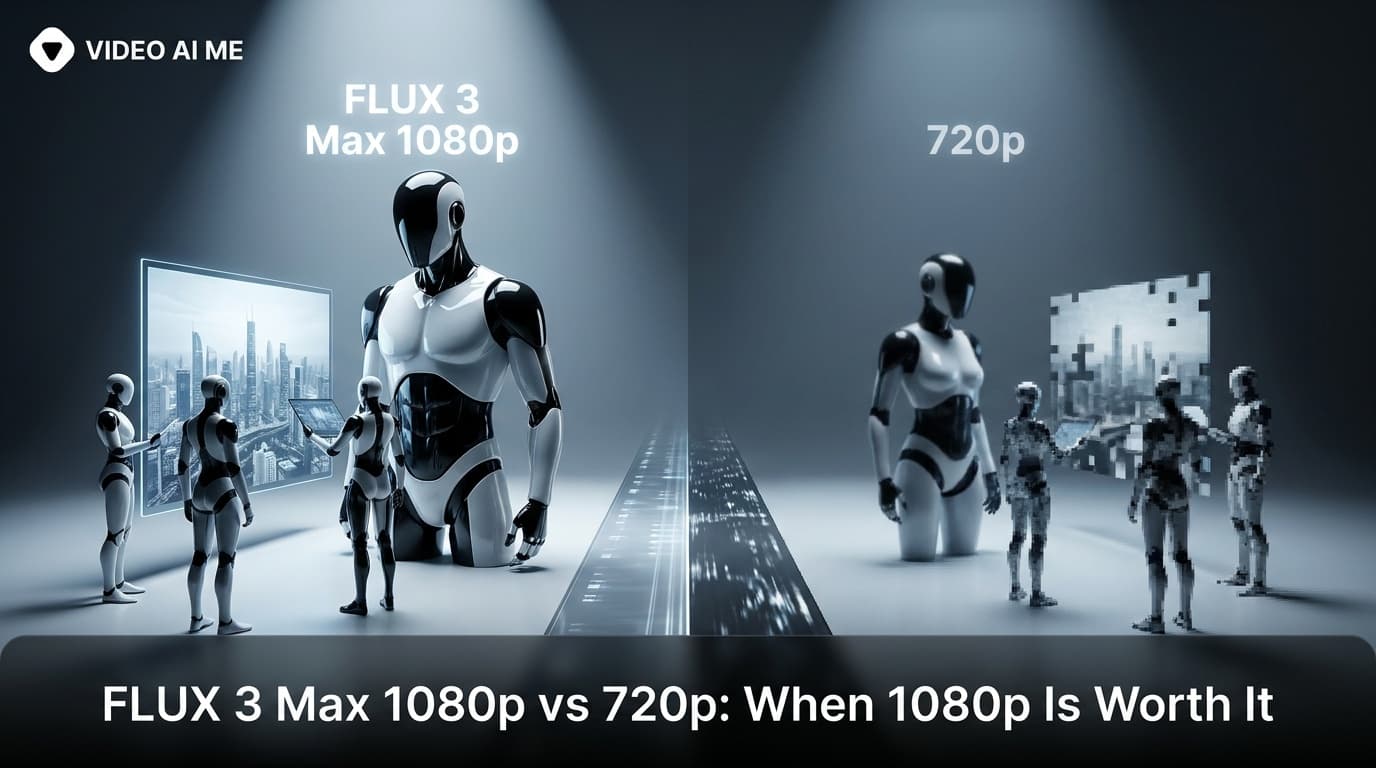
Use FLUX 3 Max at 720p to test prompts and at 1080p for the clips you deliver. At 17 credits per second against 29, a 10 second clip costs 170 credits at 720p and 290 at 1080p. Pay for FLUX 3 Max 1080p when the clip plays on large screens, carries media spend, or goes to a client.
The resolution setting looks like a quality decision. In practice it is mostly a budget decision. Most of the clips you generate are drafts that never run, and paying the 1080p rate on those buys nothing. This post shows what each resolution costs at every length, when 1080p earns its rate, and the routine that keeps your spend on the clips that ship.
What is the difference between FLUX 3 Max 1080p and 720p?
Resolution is the number of pixels in each frame. In 16:9 terms, YouTube Help lists 720p as 1280x720 and 1080p as 1920x1080. A 1080p frame carries 2.25 times as many pixels as a 720p frame, which shows on a laptop, a TV or a large monitor, and matters less on a phone held at arm's length.
FLUX 3 Max is a video model from Black Forest Labs, which positions it as a post-trained variant of FLUX 3 Video, tuned for stronger prompt adherence and better visual quality, and optimized for lower latency. On VIDEO AI ME it offers both resolutions, and the resolution setting changes only the resolution and the rate. Everything else is chosen separately:
| Setting | 720p | 1080p |
|---|---|---|
| Modes | Text to video, image to video | Text to video, image to video |
| Durations | 5, 8, 10, 12, 15, 20 seconds | 5, 8, 10, 12, 15, 20 seconds |
| Aspect ratios | auto, 9:16, 16:9, 1:1, 4:3, 3:4, 21:9 | auto, 9:16, 16:9, 1:1, 4:3, 3:4, 21:9 |
| Audio | Native, always on | Native, always on |
| Rate | 17 credits per second | 29 credits per second |
So a 720p draft tests the same prompt, the same ratio, the same duration and the same sound design you will deliver. The only thing it does not test is the extra detail.
How much more does FLUX 3 Max 1080p cost?
1080p costs about 1.7 times as much per second as 720p. Text to video and image to video are priced the same, and the audio is included.
| Duration | 720p | 1080p | Extra for 1080p |
|---|---|---|---|
| 5s | 85 credits | 145 credits | 60 credits |
| 8s | 136 credits | 232 credits | 96 credits |
| 10s | 170 credits | 290 credits | 120 credits |
| 12s | 204 credits | 348 credits | 144 credits |
| 15s | 255 credits | 435 credits | 180 credits |
| 20s | 340 credits | 580 credits | 240 credits |
On a monthly plan, that difference decides how many finished clips you get:
| Plan | Price | Monthly credits | 10s clips at 720p | 10s clips at 1080p |
|---|---|---|---|---|
| Starter | $29/mo | 1,400 | 8 | 4 |
| Pro | $99/mo | 5,600 | 32 | 19 |
| Premium | $199/mo | 12,000 | 70 | 41 |
The numbers are the argument for the routine below. If every attempt runs at 1080p, every rejected draft is billed at the delivery rate. Plan allowances are on the pricing page, and the full cost breakdown is in FLUX 3 Max pricing.
When is FLUX 3 Max 1080p worth 29 credits per second?
When the extra pixels will actually be seen, or when the clip carries enough money that 120 extra credits on a 10 second clip is noise.
Large screens. YouTube watched on a laptop or TV, a website hero, a landing page section, a trade show loop. These are the viewing conditions where the difference between 720p and 1080p is easiest to see.
Clips with media spend behind them. If a clip is going to carry a real ad budget, the rendering cost is small next to the spend. Pay for the better master.
Client deliverables. Agencies should deliver at 1080p. A soft file in a review meeting starts a conversation about quality instead of about the idea.
Footage you plan to reframe. If you will punch in, crop a detail or reposition the subject in the editor, extra pixels give you room to do it.
Cinematic 21:9. A wide 21:9 opener for a brand film or website banner is usually viewed large. That is a 1080p job.
When is 720p enough?
Every draft. Hook tests, prompt tests, framing tests, line tests. The decisions you make at this stage do not depend on extra pixels.
Phone-first placements on a tight budget. TikTok's in-feed video ad specs set the minimum for vertical 9:16 video at 540x960 pixels, so a 720p vertical clip clears the floor. On a phone, in a feed, with captions over part of the frame, the gap between 720p and 1080p is smaller than on a monitor. Deliver at 1080p when the budget allows, but 720p is a legitimate choice for high-volume organic posting.
Storyboards and internal reviews. If the clip exists to show a team or a client what the shot will be, 720p does the job.
Volume testing. If you are running ten hooks to find two winners, run all ten at 720p and spend the difference on delivering the winners at 1080p.
How do you test at 720p and deliver at 1080p?
A routine that keeps the spend on clips that ship:
- Write the prompt for the final shot. Same ratio, same duration, same line you will deliver. A draft only tells you something if it matches the real job.
- Generate two or three 720p drafts. Review each against your prompt: subject, action, camera, the spoken line, the ambience, the music or lack of it.
- Fix the prompt, not the resolution. If a draft is wrong, change one part of the prompt and draft again at 720p.
- Run the winning prompt at 1080p. Keep the prompt, the ratio and the duration exactly as they were, and use the same reference image if it is image to video.
- Review the 1080p clip before it ships. Watch the generated speech and the lip sync closely before any clip goes live.
One honest point about step 4: the 1080p render is a new generation from the same prompt, not an upscale of your favourite draft. What carries over are your decisions, the wording, the framing, the line and the settings. Expect it to differ in the details from the draft you approved, and review it as its own clip.
Here is what the routine costs for one finished 10 second ad, against rendering every attempt at 1080p:
| Approach | Clips generated | Credits |
|---|---|---|
| Three drafts at 720p, one final at 1080p | 4 | 800 |
| Three attempts and a final, all at 1080p | 4 | 1,160 |
| Saving per finished clip | 360 |
Across a month of production, that saving compounds into extra finished clips.
How does FLUX 3 Max 1080p compare with other models on price?
The comparison that matters most: FLUX 3 Max at 1080p costs 29 credits per second, which is less than Seedance 2.5 at 720p, at 48 credits per second. A 20 second clip is 580 credits at 1080p on FLUX 3 Max and 960 credits at 720p on Seedance 2.5.
| Model and tier | Credits per second | Per 10 seconds of footage |
|---|---|---|
| Boreal 1080p | 3 | 30 credits |
| Happy Horse 1.1 1080p | 18 | 180 credits |
| FLUX 3 Max 720p | 17 | 170 credits |
| FLUX 3 Max 1080p | 29 | 290 credits |
| Seedance 2.5 720p | 48 | 480 credits |
Price is one input. Each model fits different jobs. Seedance 2.5 runs longer takes and accepts several reference images, Boreal takes your own audio track, and Happy Horse 1.1 covers text and image to video at 720p and 1080p. FLUX 3 Max on VIDEO AI ME tops out at 1080p. If a job needs a higher tier, Boreal offers 2K. For a full evaluation of where FLUX 3 Max fits, including what to check in your first generations, see the FLUX 3 Max review.
Does a higher resolution fix a bad clip?
No. Separate the two kinds of problem before you rerun anything.
Softness is a resolution problem. It is expected in a 720p draft. Do not rerun a draft at 1080p because it looks soft. Judge past it.
Everything else is a prompt problem. Wrong action, wrong framing, the line delivered badly, music you did not ask for, a product that drifts. Rerunning at 1080p does not address any of them. It changes the pixel count and the rate, nothing else. Change the prompt and draft again at 720p.
A simple test: if you can describe the problem without mentioning sharpness, it is not a resolution problem. The four-part method that fixes most prompt problems is in the FLUX 3 Max prompt guide.
What does 1080p not change?
Some limits hold at every resolution. Small on-screen text and exact logos inside generated frames are unreliable on every video model, at 720p and at 1080p, so add captions in the VIDEO AI ME editor and put logos and other text on after export, in your own editing tool. Generated speech and lip sync need a human check at both resolutions. And the 20 second ceiling per generation applies at both: longer pieces are several clips joined in the editor, as covered in FLUX 3 Max durations and aspect ratios.
Frequently Asked Questions
Does FLUX 3 Max support 1080p?
Yes. On VIDEO AI ME, FLUX 3 Max renders at 720p or 1080p, in both text to video and image to video, at every duration from 5 to 20 seconds and in every aspect ratio the editor offers. Native audio is generated at both resolutions.
How much does FLUX 3 Max cost at 1080p?
29 credits per second, against 17 credits per second at 720p. A 10 second clip is 290 credits at 1080p and 170 at 720p, and a 20 second clip is 580 credits at 1080p. Audio is included in the same generation.
Is 720p good enough for TikTok and Reels?
Often, yes. TikTok's in-feed ad specs set the vertical minimum at 540x960 pixels, so 720p clears it, and the gap is smaller on a phone than on a monitor. Use 720p for drafts and volume tests, and 1080p for clips with real budget behind them.
Will my 1080p clip look the same as my 720p draft?
Not exactly. The 1080p render is a new generation from the same prompt, not an upscale of the draft. Your wording, framing, line and settings carry over, but expect the details to differ, and review the 1080p clip before it ships.
Is 1080p the highest resolution FLUX 3 Max offers?
Yes, on VIDEO AI ME the two tiers are 720p and 1080p. If a job needs a higher resolution, Boreal offers a 2K tier at 12 credits per second.
Does image to video cost more than text to video at 1080p?
No. Both modes cost the same: 29 credits per second at 1080p and 17 credits per second at 720p. Attaching a reference image changes where the first frame comes from, not the price.
Frequently Asked Questions
Share
AI Summary

Paul Grisel
Paul Grisel is the founder of VIDEOAI.ME, dedicated to empowering creators and entrepreneurs with innovative AI-powered video solutions.
@grsl_frReady to Create Professional AI Videos?
Join thousands of entrepreneurs and creators who use VIDEO AI ME to produce stunning videos in minutes, not hours.
- Create professional videos in under 5 minutes
- No video skills experience required, No camera needed
- Hyper-realistic actors that look and sound like real people
Get your first video in minutes
Related Articles
FLUX 3 Max Audio: Sound and Dialogue Prompt Guide
FLUX 3 Max generates sound on every clip. How to write dialogue it will speak, direct ambience and effects, decide on music, and replace the track when you need to.
FLUX 3 Max Aspect Ratios and Durations Explained
Every FLUX 3 Max aspect ratio and clip length on VIDEO AI ME, how auto behaves in each mode, which placement wants which shape, and what each duration costs.
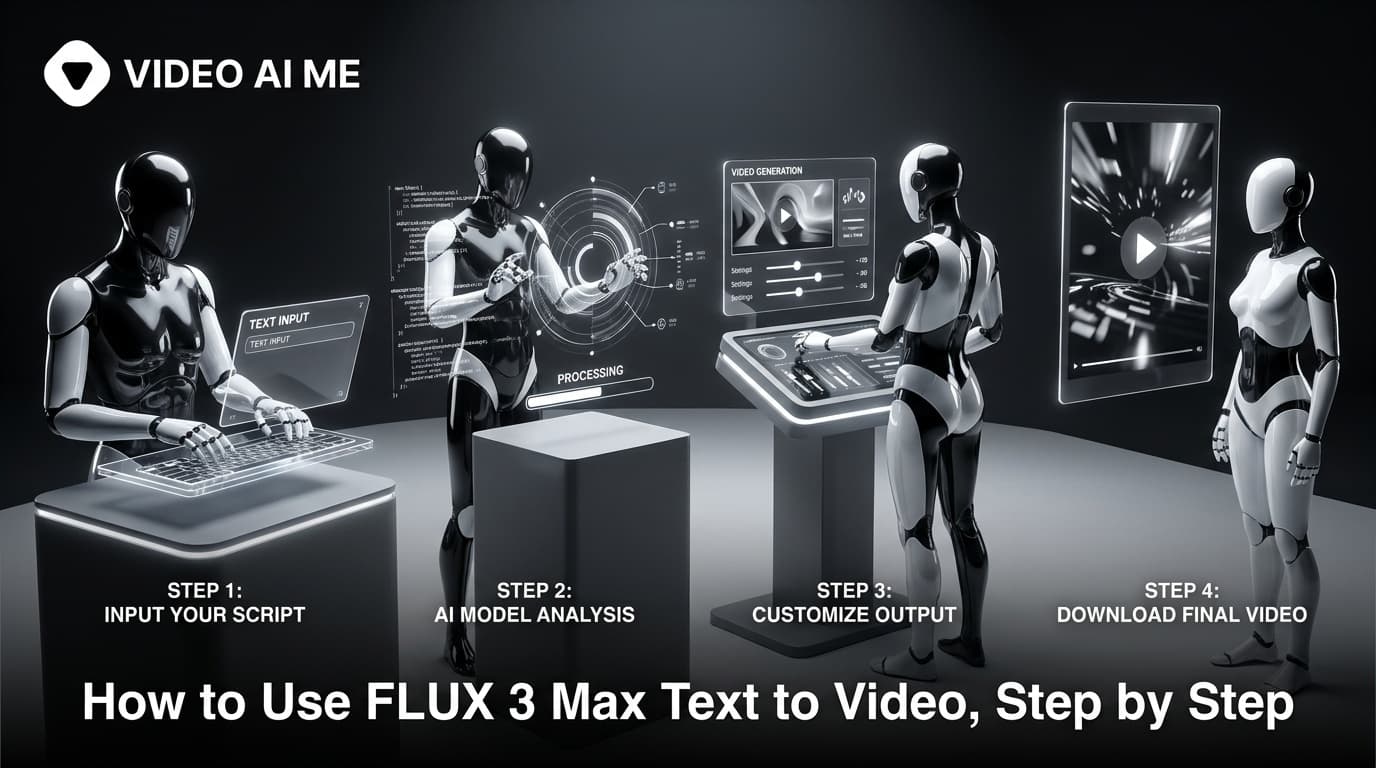
How to Use FLUX 3 Max Text to Video, Step by Step
Write a prompt, attach nothing, and FLUX 3 Max generates the picture and the sound together. The settings to start on, the four-part prompt, and what each clip costs.