
How to Use FLUX 3 Max Text to Video, Step by Step
Write a prompt, attach nothing, and FLUX 3 Max generates the picture and the sound together. The settings to start on, the four-part prompt, and what each clip costs.
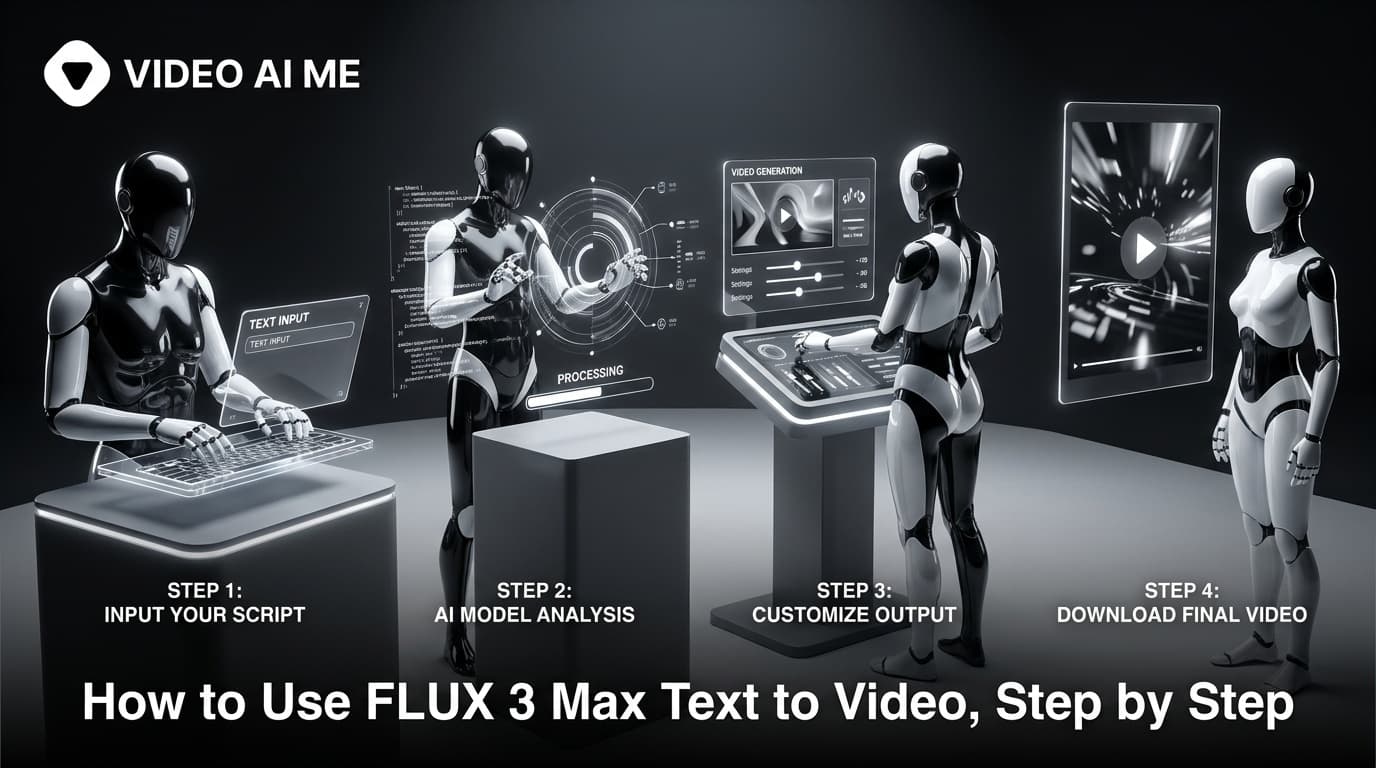
FLUX 3 Max text to video turns a written prompt into a clip with picture and sound generated together, from 5 to 20 seconds at 720p or 1080p. On VIDEO AI ME, pick FLUX 3 Max, attach nothing, set the duration and resolution, leave the ratio on auto for 16:9 or pick 9:16 for vertical, then describe one shot.
Text to video is the mode for scenes you do not have footage or photos of yet: a creator holding your product in a kitchen, a customer reacting at a desk, a street at dusk for a brand opener. Everything on screen and everything you hear comes from the words you write, so this guide spends most of its time on what to write and in what order.
What is FLUX 3 Max text to video?
FLUX 3 Max is a video model from Black Forest Labs, the team behind the FLUX image models. It is a post-trained variant of Black Forest Labs' FLUX 3 Video, which its developers describe as tuned for stronger prompt adherence and better visual quality, and optimized for lower latency. On VIDEO AI ME it appears in the editor's video model picker as FLUX 3 Max.
The mode depends on what you attach:
| What you attach | Mode | What it does |
|---|---|---|
| Nothing | Text to video | Prompt only. Picture and audio both generated |
| One reference image | Image to video | Your image is the first frame, the prompt drives the motion, audio still generated |
Two properties shape how you write for it.
Audio is always on. Every clip comes back with sound generated in the same pass: ambience, effects, music, and spoken lines you write into the prompt. You direct the sound with words, the same way you direct the picture.
The model expands your prompt. FLUX 3 Max reasons about your prompt and expands it before rendering, so a short prompt still produces a full shot. That is useful for exploring, and it is also why specific prompts win: the expansion fills in whatever you leave open.
Step 1: Decide the placement before you write
The aspect ratio changes how a shot should be described, so pick it first.
With nothing attached, auto renders 16:9. If the clip is for TikTok, Reels or Shorts, pick 9:16 explicitly. TikTok's in-feed video ad specs list vertical 9:16 as the recommended ratio, and YouTube Help gives 16:9 as the standard aspect ratio for YouTube on a computer.
| Ratio | Pick it for |
|---|---|
| auto (16:9 in text to video) | YouTube, website embeds, presentations |
| 9:16 | TikTok, Reels, Shorts, Stories |
| 1:1 | Square feed slots, one asset for several placements |
| 4:3 or 3:4 | Editorial frames, a taller feed frame that is not full vertical |
| 21:9 | Cinematic openers, website hero banners |
A vertical frame changes the writing too. In 9:16 there is less room side to side, so one subject with clear headroom reads better than a wide scene with three people in it. Write "medium close-up" or "waist up" for a vertical talking shot, and save "wide shot of the whole room" for 16:9 and 21:9.
The full breakdown of every ratio is in FLUX 3 Max durations and aspect ratios.
Step 2: Pick FLUX 3 Max and set duration and resolution
Open a project, choose FLUX 3 Max in the video model picker and leave the reference image empty. With nothing attached, the generation runs as text to video.
| Setting | Options in the editor | Where to start |
|---|---|---|
| Duration | 5, 8, 10, 12, 15 or 20 seconds | 10 seconds for a hook plus one beat |
| Resolution | 720p or 1080p | 720p while you test the prompt |
| Aspect ratio | auto, 9:16, 16:9, 1:1, 4:3, 3:4, 21:9 | The ratio you will publish |
One generation runs up to 20 seconds with no stitching. Pick the shortest duration that holds your idea. A 5 second clip is enough to test whether a hook works, and longer clips only earn their cost when the beat needs the time.
Step 3: Write one shot in four parts
FLUX 3 Max reads plain natural language. Write one paragraph per shot, in this order:
- Subject and action. Who or what, doing what. One focused beat.
- Camera. Framing and movement: "slow push-in", "handheld, eye level", "locked-off wide".
- Light and look. Time of day, light source, grade.
- Sound. Spoken lines in double quotes with who says them, then ambience and effects, then music or "no music".
Here is a complete prompt for a 9:16, 10 second clip:
A woman in her thirties holds a glass bottle of cold brew up to the camera in
a sunlit kitchen, then takes a sip and smiles. Handheld, eye level, slight
push-in. Warm morning light from a window on the left, soft natural grade.
She says, "This is the only coffee I make at home now." Quiet kitchen
ambience, the clink of the bottle on the counter, no music.
Each sentence does one job:
| Part | In the example | Why it is there |
|---|---|---|
| Subject and action | A woman holds up the bottle, sips, smiles | One beat with a clear start and end |
| Camera | Handheld, eye level, slight push-in | Creator-style framing for a vertical feed |
| Light and look | Warm morning light from the left, soft grade | Sets the time of day and mood |
| Sound | One quoted line, kitchen ambience, a clink, no music | Every layer of the audio is decided, nothing left to chance |
The line is ten words in a 10 second clip, well inside the budget of roughly two to three spoken words per second. That leaves room for the sip and the smile. Write fewer words than you think you need.
The deeper version of this method, with variations by use case, is in the FLUX 3 Max prompt guide. For creator-style ads specifically, start from the FLUX 3 Max UGC prompt templates.
Step 4: Generate a 720p draft and check it against your prompt
At 17 credits per second, a 10 second draft at 720p costs 170 credits. Generate it and review it against what you wrote, not against what you vaguely hoped for:
- Subject. Is it the person or product you described?
- Action. Did the one beat happen, start to finish?
- Camera. Is the framing and movement what you asked for?
- Sound. Is the line the line you wrote? Is the ambience right, and is there music when you said "no music"?
- Speech and lip sync. Watch the generated speech and the lip sync closely before any clip goes live.
Prompt adherence is the developers' headline claim for FLUX 3 Max. This review is how you check that claim against your own prompts. When something is off, change one part of the prompt at a time, so you learn which words moved the result.
Step 5: Re-run the winner at 1080p and finish in the editor
When a draft passes, run the same prompt, ratio and duration at 1080p, which costs 29 credits per second, or 290 credits for 10 seconds. The 1080p render is a new generation rather than an upscale of the draft, so give it the same review before it ships.
The output is an MP4 in your project, ready for the editor, captions and export. Finish there:
- Add captions in the editor and any other on-screen text after export, not in the prompt.
- Add your logo as an overlay after export, in your own editing tool.
- Join separate clips on the timeline if the ad has more than one scene.
- If you want a different audio track, replace the generated one with your own audio afterwards.
Why does a short prompt still produce a full shot?
Because FLUX 3 Max expands it. Give it "a man drinking coffee" and the model fills in the room, the light, the camera, the sound and the mood before it renders. You will get a complete shot, just not necessarily the one you had in mind.
That is fine when you are exploring. It is a problem when a detail matters. If the product colour, the line, the framing or the setting has to be specific, write it down. Here is the same idea written two ways:
A man drinking coffee.
A man in his forties in a navy work jacket drinks from a white enamel mug on
the tailgate of a pickup at sunrise, then exhales and nods. Locked-off medium
shot, eye level. Low golden light from behind, cool shadows, warm grade.
Birdsong, a distant engine idling, the mug tapping the tailgate, no music.
The second leaves the model very little to invent. The expansion still fills gaps, but there are far fewer gaps to fill.
What should you leave out of a text to video prompt?
On-screen text. Small text and exact logos inside generated frames are unreliable on every video model. Add them in the editor.
More than one scene. Twenty seconds is room for one beat done well, not a montage. Three scenes means three clips, joined in the editor.
Too much dialogue. A paragraph of script will not fit a 10 second clip at a natural pace. Keep to roughly 20 to 25 words for 10 seconds.
Contradictions. "Locked-off" and "handheld" in the same prompt, or "night" in one sentence and "morning light" in the next, leave the model to pick one.
How much does FLUX 3 Max text to video cost?
Text to video and image to video cost the same: 17 credits per second at 720p and 29 credits per second at 1080p, with the audio included.
| Duration | 720p | 1080p |
|---|---|---|
| 5s | 85 credits | 145 credits |
| 8s | 136 credits | 232 credits |
| 10s | 170 credits | 290 credits |
| 12s | 204 credits | 348 credits |
| 15s | 255 credits | 435 credits |
| 20s | 340 credits | 580 credits |
| Plan | Price | Monthly credits | 10s clips at 720p | 10s clips at 1080p |
|---|---|---|---|---|
| Starter | $29/mo | 1,400 | 8 | 4 |
| Pro | $99/mo | 5,600 | 32 | 19 |
| Premium | $199/mo | 12,000 | 70 | 41 |
A practical budget for one finished 10 second ad is two 720p drafts and one 1080p final: 630 credits. Plan allowances are on the pricing page.
When is image to video the better choice?
When the product has to be exactly yours. Text to video invents everything, including the bottle, the label and the packaging. If the clip must show your real product as photographed, attach the photo and use it as the first frame instead. That workflow is in how to use FLUX 3 Max image to video.
Frequently Asked Questions
What is FLUX 3 Max text to video?
It is the FLUX 3 Max mode that runs when you attach nothing. You write a prompt and the model generates the picture and the audio together, from 5 to 20 seconds, at 720p or 1080p. On VIDEO AI ME you select it in the editor's video model picker.
How long can a FLUX 3 Max text to video clip be?
Up to 20 seconds in one generation, with no stitching. The editor offers 5, 8, 10, 12, 15 and 20 seconds. For a longer ad, generate each scene as its own clip and join them in the editor.
What aspect ratio does FLUX 3 Max text to video use by default?
On auto, text to video renders 16:9. For TikTok, Reels or Shorts, pick 9:16 in the ratio setting. The editor also offers 1:1, 4:3, 3:4 and 21:9.
Does FLUX 3 Max generate audio from a text prompt?
Yes, always. Every clip comes back with ambience, effects, music and any spoken lines you write, generated in the same pass as the picture. Put dialogue in double quotes, name who says it, and write "no music" if you do not want any.
How detailed should a FLUX 3 Max text to video prompt be?
One paragraph per shot is enough: subject and action, camera, light and look, then sound. The model expands short prompts, so a one-line prompt still produces a full shot, but any detail you leave open gets filled in for you.
Can FLUX 3 Max put text or a logo in the video?
Do not rely on it. Small on-screen text and exact logos inside generated frames are unreliable on every video model. Keep text out of the prompt: add captions in the editor, and titles and your logo after export.
Frequently Asked Questions
Share
AI Summary

Paul Grisel
Paul Grisel is the founder of VIDEOAI.ME, dedicated to empowering creators and entrepreneurs with innovative AI-powered video solutions.
@grsl_frReady to Create Professional AI Videos?
Join thousands of entrepreneurs and creators who use VIDEO AI ME to produce stunning videos in minutes, not hours.
- Create professional videos in under 5 minutes
- No video skills experience required, No camera needed
- Hyper-realistic actors that look and sound like real people
Get your first video in minutes
Related Articles
FLUX 3 Max Audio: Sound and Dialogue Prompt Guide
FLUX 3 Max generates sound on every clip. How to write dialogue it will speak, direct ambience and effects, decide on music, and replace the track when you need to.
FLUX 3 Max Aspect Ratios and Durations Explained
Every FLUX 3 Max aspect ratio and clip length on VIDEO AI ME, how auto behaves in each mode, which placement wants which shape, and what each duration costs.
FLUX 3 Max 1080p vs 720p: When 1080p Is Worth It
FLUX 3 Max costs 17 credits per second at 720p and 29 at 1080p. When the higher tier earns its rate, when 720p is enough, and how to test cheap and deliver sharp.