
FLUX 3 Max Aspect Ratios and Durations Explained
Every FLUX 3 Max aspect ratio and clip length on VIDEO AI ME, how auto behaves in each mode, which placement wants which shape, and what each duration costs.
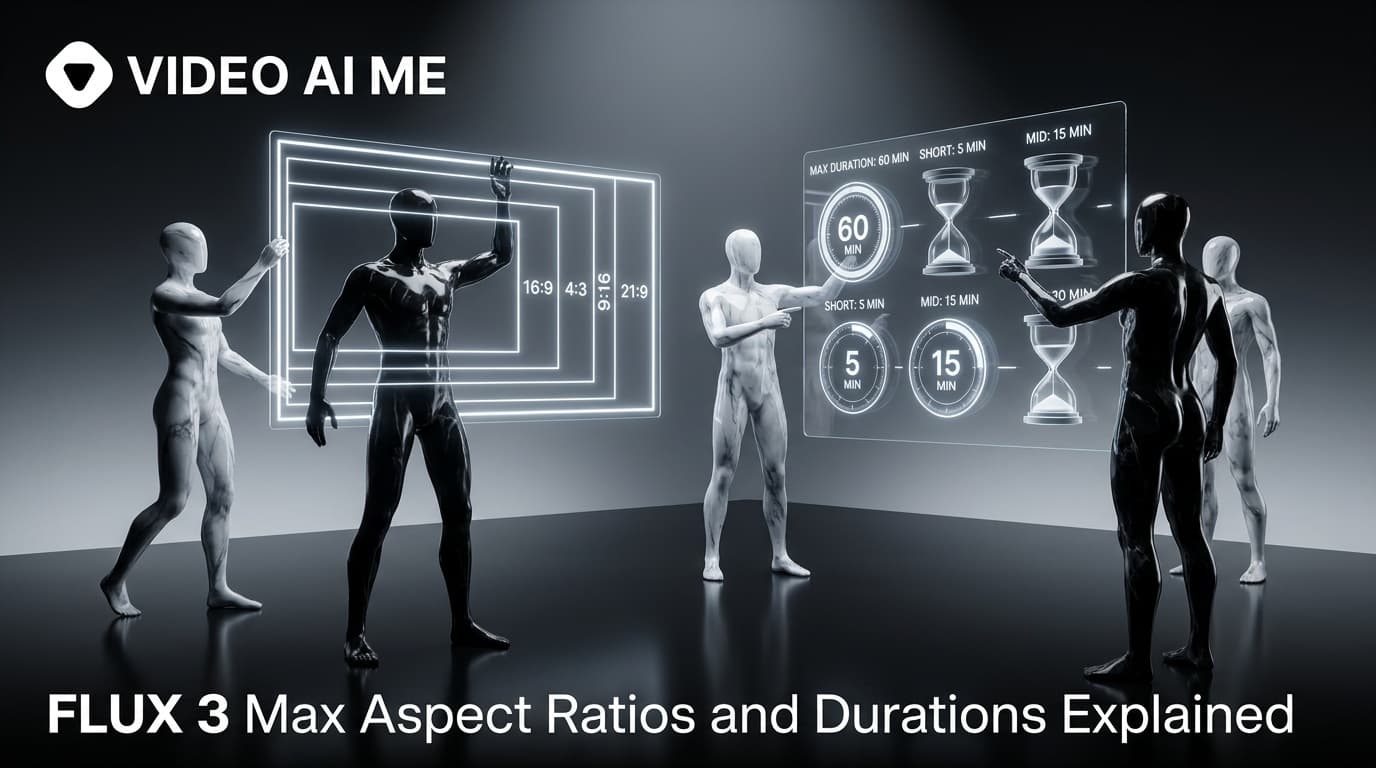
FLUX 3 Max on VIDEO AI ME offers seven aspect ratio settings, auto, 9:16, 16:9, 1:1, 4:3, 3:4 and 21:9, and clips of 5, 8, 10, 12, 15 or 20 seconds. The FLUX 3 Max aspect ratio on auto is 16:9 for text to video and follows your image for image to video. Pick 9:16 for TikTok, Reels and Shorts.
Those two settings decide more about whether a clip is usable than most people expect. A clip in the wrong shape for its placement can be cropped, padded or rejected, and a clip that is too long for its idea costs more and drags. This guide covers every ratio and every duration, which placement wants which, and what each length costs.
Which FLUX 3 Max aspect ratios can you choose?
| Setting | Shape | Typical use |
|---|---|---|
| auto | 16:9 in text to video, your image's shape in image to video | The default when you have no strong reason to change it |
| 9:16 | Tall vertical | TikTok, Reels, Shorts, Stories |
| 16:9 | Widescreen horizontal | YouTube, website embeds, presentations |
| 1:1 | Square | Square feed slots, one asset across several placements |
| 4:3 | Slightly wide, close to square | Editorial frames, product demos, older displays |
| 3:4 | Slightly tall, close to square | A taller feed frame that is not full vertical |
| 21:9 | Ultrawide | Cinematic openers, website hero banners |
Every ratio is available at both resolutions, 720p and 1080p, at every duration, in both modes.
How does the auto aspect ratio work in FLUX 3 Max?
auto behaves differently depending on what you attach.
Text to video (nothing attached). Auto renders 16:9. If you are making a vertical ad and leave the setting on auto, you get a widescreen clip. It is an easy mistake to make, and it is fixed by picking 9:16 before you generate.
Image to video (one reference image attached). Auto follows your image. A vertical product photo gives a vertical clip, a square photo a square one.
A named ratio overrides auto in both modes. Choose 9:16 and you get 9:16, whatever your image's shape. For image to video, the cleanest habit is to crop the image to the ratio you plan to publish, then leave the setting on auto, so the first frame and the clip agree. The image workflow is in how to use FLUX 3 Max image to video.
Which FLUX 3 Max aspect ratio fits which placement?
Platform specs change, so check each platform's own documentation before a campaign. Here is what the platforms say today, and the FLUX 3 Max setting that matches.
| Placement | What the platform says | FLUX 3 Max setting |
|---|---|---|
| TikTok in-feed ads | 9:16 vertical is recommended. 16:9 and 1:1 are also listed | 9:16 |
| Instagram and Facebook Reels | Meta points to vertical 9:16 video | 9:16 |
| YouTube on a computer | 16:9 is the standard aspect ratio | 16:9 (auto in text to video) |
| YouTube Shorts | Vertical videos can be uploaded as Shorts | 9:16 |
| Website hero or banner | Your own layout decides | 21:9 or 16:9 |
| Square feed slots | Depends on the placement | 1:1 |
Sources: TikTok's in-feed video ad specs, Meta's Reels ads guidance, YouTube Help on aspect ratios and YouTube Help on creating Shorts.
Two practical notes on the less common settings.
3:4 and 4:3 are the in-between frames. 3:4 is taller than square without filling a phone screen, which leaves room for captions under the subject. 4:3 suits a product demo or an editorial look. Preview them in the placement's own ad tool before launch, because not every placement treats them the same way.
21:9 is for large screens. An ultrawide frame looks cinematic on a laptop or a TV and tiny in a vertical feed. Use it for brand openers, website headers and YouTube pieces that are built to feel like film, and pair it with 1080p.
What durations does FLUX 3 Max offer?
The editor offers 5, 8, 10, 12, 15 and 20 seconds. Each one is a single generation, with no stitching, up to the 20 second ceiling.
Duration is a budget for events and for words. Twenty seconds is room for one beat done well, not a montage. For dialogue, the working rule is roughly two to three spoken words per second, so a 10 second clip holds about 20 to 25 words. The table uses the conservative end, because a line that fits with room to breathe sounds better than one squeezed into the last second.
| Duration | Good for | Dialogue that fits comfortably |
|---|---|---|
| 5s | Hook tests, a single product beat, a reaction | About 10 to 12 words |
| 8s | A hook plus one supporting beat | About 16 to 20 words |
| 10s | A short testimonial line with a setup and a payoff | About 20 to 25 words |
| 12s | A product demonstration with one clear action | About 24 to 30 words |
| 15s | A complete small story in one take | About 30 to 37 words |
| 20s | A longer single take, a slow cinematic shot, a full spoken line with pauses | About 40 to 50 words |
How much does each FLUX 3 Max duration cost?
The rate is 17 credits per second at 720p and 29 credits per second at 1080p. Text to video and image to video cost the same, and the aspect ratio does not change the price.
| Duration | 720p | 1080p |
|---|---|---|
| 5s | 85 credits | 145 credits |
| 8s | 136 credits | 232 credits |
| 10s | 170 credits | 290 credits |
| 12s | 204 credits | 348 credits |
| 15s | 255 credits | 435 credits |
| 20s | 340 credits | 580 credits |
A 20 second clip costs four times a 5 second one. That is the reason to test hooks short: a 5 second draft at 720p tells you whether an opening line earns attention for 85 credits, and you only pay for the longer version once the idea survives. Plan allowances are on the pricing page, and the trade-off between the two resolutions is in FLUX 3 Max 1080p vs 720p.
Which duration should you pick for an ad?
Pick the shortest length that holds the beat.
Draft hooks at 5 seconds. At this stage you are only asking whether the opening works. Generating a 20 second version of an idea you will discard pays four times for the same answer.
Finish at the length the idea needs. A product beat often fits 8 to 10 seconds. A spoken testimonial line with a reaction may need 10 to 15. Use 20 seconds when the shot itself is the point, such as a slow cinematic move, not to fit more content in.
Write to the length. Read your line out loud with a timer before you generate. If it does not fit comfortably, cut words or raise the duration. The prompt method behind this is in the FLUX 3 Max prompt guide.
What if you need a video longer than 20 seconds?
Three scenes means three clips, joined in the editor. That is usually better than one long take anyway: ads benefit from cuts, and you can regenerate one weak beat without paying to regenerate the whole piece.
A simple structure for a longer spot:
- Hook clip, 5 to 8 seconds, in the ratio you will publish.
- Product or demonstration clip, 8 to 12 seconds, from a product photo with image to video if the product must be exact.
- Payoff clip, 5 to 8 seconds, a reaction or result.
Keep the ratio, the resolution and the light description consistent across the three prompts so the cuts feel like one piece. Add captions in the editor, and put text and your logo on after export, in your own editing tool.
If you genuinely need one continuous take longer than 20 seconds, Seedance 2.5 runs up to 30 seconds per generation on VIDEO AI ME. The trade-offs are in FLUX 3 Max vs Seedance 2.5.
Should you generate each ratio separately or crop one clip?
For anything with budget behind it, generate each ratio separately.
The geometry explains why. Cut a 9:16 frame out of a 16:9 clip and you keep less than a third of the original width. Whatever sat outside that slice is gone, and the shot was framed for a wide screen in the first place. Choosing 9:16 in the settings means the shot is generated for a tall frame from the start.
The cost is real: a second ratio is a second generation. A practical split is to generate natively for your main placement, usually 9:16 for paid social, and only crop for secondary placements where the composition is simple enough to survive it, such as a centred product on a plain background.
Whatever ratio you pick, keep small on-screen text and logos out of the prompt. They are unreliable inside generated frames on every video model, and they are easier to position for each placement as overlays in the editor.
Frequently Asked Questions
What aspect ratios does FLUX 3 Max support?
On VIDEO AI ME the editor offers auto, 9:16, 16:9, 1:1, 4:3, 3:4 and 21:9. Auto renders 16:9 for text to video and follows your image for image to video. A named ratio overrides auto in both modes.
What does auto aspect ratio mean in FLUX 3 Max?
With nothing attached, auto renders a 16:9 clip. With one reference image attached, auto follows the shape of that image. If you are making a vertical ad from text, pick 9:16 explicitly instead of leaving the setting on auto.
How long can FLUX 3 Max videos be?
Up to 20 seconds in one generation. The editor offers 5, 8, 10, 12, 15 and 20 seconds, with no stitching. At 17 credits per second at 720p, a 20 second clip costs 340 credits, or 580 credits at 1080p.
What is the best aspect ratio for TikTok and Reels ads?
9:16 vertical. TikTok's in-feed ad specs list 9:16 as the recommended ratio, and Meta's Reels ads guidance points to vertical 9:16 video. In FLUX 3 Max, select 9:16 rather than auto when you generate from text.
How do I make a video longer than 20 seconds with FLUX 3 Max?
Generate each scene as its own clip and join them in the editor, keeping the ratio, resolution and light description consistent. If you need one continuous take longer than 20 seconds, Seedance 2.5 runs up to 30 seconds per generation.
Does the aspect ratio change the price of a FLUX 3 Max clip?
No. The price depends on duration and resolution only: 17 credits per second at 720p and 29 credits per second at 1080p, whichever ratio you pick and in both modes.
Frequently Asked Questions
Share
AI Summary

Paul Grisel
Paul Grisel is the founder of VIDEOAI.ME, dedicated to empowering creators and entrepreneurs with innovative AI-powered video solutions.
@grsl_frReady to Create Professional AI Videos?
Join thousands of entrepreneurs and creators who use VIDEO AI ME to produce stunning videos in minutes, not hours.
- Create professional videos in under 5 minutes
- No video skills experience required, No camera needed
- Hyper-realistic actors that look and sound like real people
Get your first video in minutes
Related Articles
FLUX 3 Max Audio: Sound and Dialogue Prompt Guide
FLUX 3 Max generates sound on every clip. How to write dialogue it will speak, direct ambience and effects, decide on music, and replace the track when you need to.
FLUX 3 Max 1080p vs 720p: When 1080p Is Worth It
FLUX 3 Max costs 17 credits per second at 720p and 29 at 1080p. When the higher tier earns its rate, when 720p is enough, and how to test cheap and deliver sharp.
How to Use FLUX 3 Max Text to Video, Step by Step
Write a prompt, attach nothing, and FLUX 3 Max generates the picture and the sound together. The settings to start on, the four-part prompt, and what each clip costs.