
How to Make a Day in the Life UGC Video With AI (2026)
Learn how to make a day in the life UGC video with AI in 2026: turn a photo and a script into lifestyle storytelling ads that feel like content, not commercials.
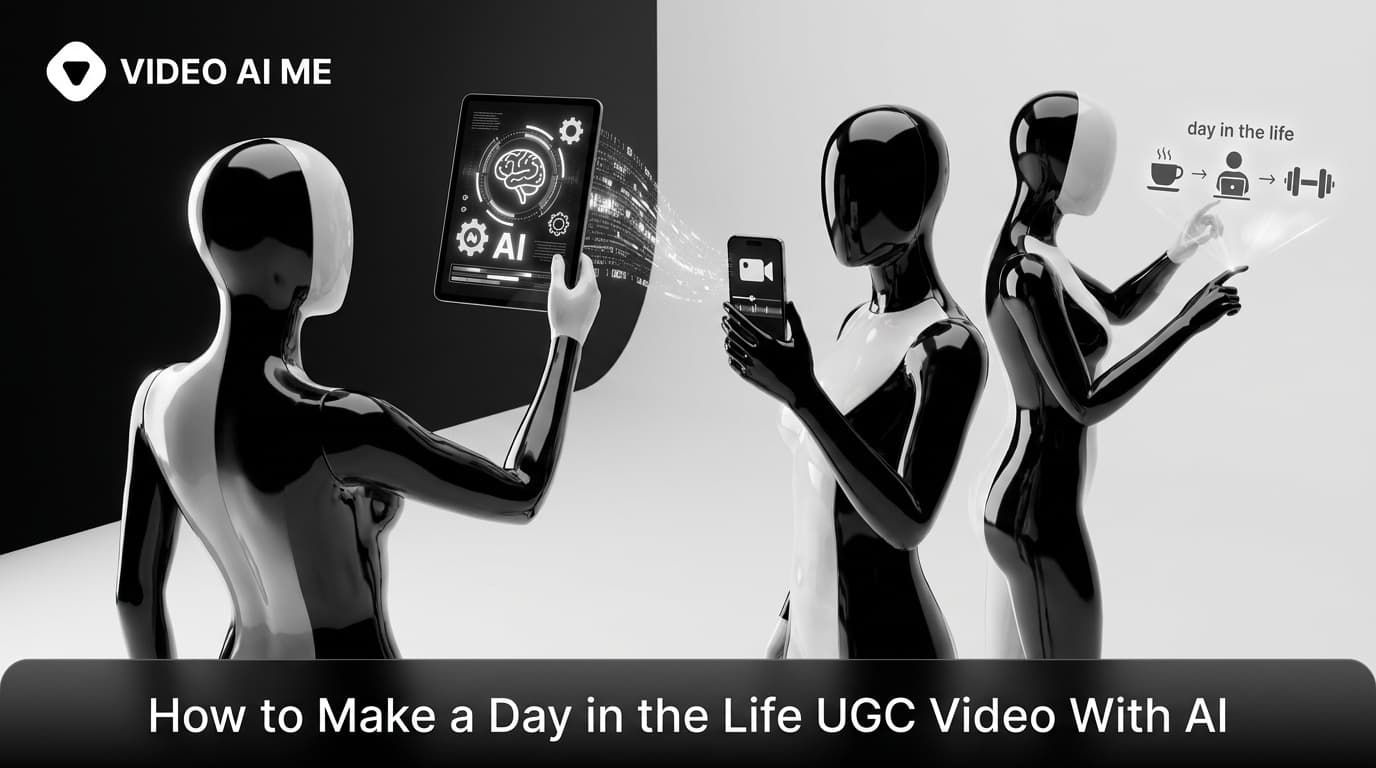
The best-performing ads in 2026 do not look like ads at all. They look like someone you follow casually filming their morning coffee, their gym session, or their work-from-home routine, with a product quietly woven in. That format has a name, and learning how to make a day in the life UGC video with AI is one of the fastest ways to produce ads that feel like content instead of commercials.
A day in the life UGC video drops your product into a real-feeling daily routine so the benefit is shown, not shouted. The catch used to be that you needed a creator, a camera, and a full day of filming. With AI, you can generate the same lifestyle storytelling format from a photo and a script, then test a dozen routines before lunch. This guide walks through the entire workflow step by step, keeps it model-agnostic, and shows you how to make a day in the life UGC video with AI that converts because it feels real.
What Is a Day in the Life UGC Video?
A day in the life UGC video embeds a product naturally into someone's real routine, so it reads as a lifestyle snapshot rather than an advertisement. In short, a day in the life UGC video is storytelling that sells without ever feeling like a pitch. Instead of a person holding the product up to the camera and listing features, the product simply appears because it genuinely belongs in the day.
Think of a coffee brand: a creator starts the morning with a cup, brings it to their desk, and winds down in the evening with another. The product is part of the story, not the point of it. As one breakdown of the format puts it, the less it feels like an ad, the harder it works as one, according to The Brief's guide to UGC ad formats.
This is storytelling UGC. It works because viewers can picture themselves in the routine, and when someone can see the product fitting into their own life, they are far closer to buying.
Why the Day in the Life UGC Format Converts
UGC outperforms polished brand video because people trust people. UGC achieves roughly 6.9x higher engagement than brand-created content, and 92 percent of consumers trust peer-style recommendations over brand messaging, according to widely cited UGC research. The day in the life format leans directly into that trust.
Here is why this specific format earns its results:
- It removes the sales pressure. Nobody feels pitched when they are watching a routine. The guard stays down, so the message lands.
- It shows the product in context. A supplement in a real morning, a planner on a real desk, skincare in a real bathroom. Context beats claims.
- It is relatable. Day in the life UGC shows products as part of the routine, which is exactly when a viewer pictures themselves using it.
- It is repeatable. One product can live inside dozens of routines: a busy parent, a student, a remote worker, a gym-goer.
The format works best for products with a habitual use case. Supplements, fitness gear, skincare, productivity tools, and meal-prep products all thrive here because they naturally recur across a day.
What You Need Before You Start
You do not need a studio. To make a day in the life UGC video with AI, you only need three things ready:
- A spokesperson. Either a stock AI avatar that fits your audience, or your own avatar built from a single clear, front-facing photo.
- A product and an angle. Know which routine your product belongs in and the one benefit you want the video to show.
- A short script broken into beats. A few lines per moment of the day, written the way a real person talks.
That is the entire setup. Everything else happens inside the generation step.
How to Make a Day in the Life UGC Video With AI: Step by Step
The steps below are the same across most quality tools, so focus on the principles rather than any one button. This is the part of how to make a day in the life UGC video with AI that decides whether the result feels authentic or staged.
Step 1: Choose the routine and the moment
Pick the daily routine your product genuinely fits, then choose two to four moments inside it. Do not try to cover a whole day in fifteen seconds.
For a coffee brand, the moments might be: wake up, first cup, desk, evening wind-down. For a supplement, it might be: morning routine, post-workout, midday energy. Each moment becomes a short scene.
The rule that separates winners from filler: the product appears because it is part of the day, not because the creator paused their routine to hold it up. Treat the product as part of the day, not the point of the video.
Step 2: Choose or build your AI spokesperson
You have two paths:
- Pick a stock AI avatar. Fastest option. Choose a face and vibe that matches the routine and your audience.
- Build an avatar from a photo. Upload a sharp, well-lit, front-facing image and the system creates a talking version of that face. Use this to feature yourself, a founder, or a consistent recurring spokesperson.
For the photo path, use even lighting, a plain background, and a face looking toward the camera. Avoid sunglasses, heavy shadows, and busy backgrounds so the model can map the face cleanly. If you want a recurring face across all your content, our guide to creating an AI digital twin for content covers it in detail.
Step 3: Write a script that sounds like a real day
The script makes or breaks a day in the life video. The AI delivers exactly what you write, so casual, spoken language is everything.
Write one short line per moment, in the voice of someone narrating their own day. A few rules:
- Open with a hook in the first three seconds. "Here's how I actually get through a 12-hour day" beats "Check out this product."
- Keep each line short and conversational. Read it out loud first.
- Narrate the moment, then let the product slip in naturally.
- End on one soft call to action, not a hard sell.
A simple structure for a 15 to 30 second clip:
| Beat | What happens | Example line |
|---|---|---|
| Hook | Set the scene | "My mornings used to be chaos." |
| Moment 1 | Product enters the routine | "Now this is the first thing I reach for." |
| Moment 2 | Show the benefit in context | "By 10am I'm actually focused." |
| Soft CTA | Invite, do not push | "Linking it if you want to try it." |
If you want a deeper framework for ad scripts specifically, see our walkthrough on writing AI UGC ad scripts that sell.
Step 4: Set the voice and tone
Choose a voice that matches the avatar and the casual energy of a day in the life clip. You typically pick a voice profile, language, and tone, or upload your own audio if you would rather use a real recording or a cloned voice.
Two things to get right:
- Match energy to the moment. A relaxed morning narration should sound relaxed. A flat, formal read instantly breaks the authentic feel.
- Pick the language up front. One advantage of AI is producing the same routine in multiple languages by swapping the voice, with no reshoot.
Step 5: Generate the scenes
With the avatar, script beats, and voice set, generate the video. The generation provider renders the avatar speaking your lines with synchronized lip movement and natural expression, usually in a few minutes depending on length and queue.
Think in batches here. Because each render is cheap relative to filming, produce several versions: different hooks, different routines, different opening moments. You will keep the winners and discard the rest.
Step 6: Assemble, caption, and finish for the platform
A day in the life video rarely ships as one bare clip. Stitch your moments into a sequence and finish it for the platform:
- Add captions. Around 80 percent of people watch social video without sound, so on-screen text is essential.
- Frame vertically. Use 9:16 for TikTok, Reels, and Shorts, where this format performs best.
- Keep it short. For a trend-style day in the life clip, 15 to 30 seconds is plenty, while a more tutorial-leaning version can stretch to 60 to 90 seconds if it earns the time, according to VidPros on UGC video length.
- Reinforce the CTA. Add a visible call to action in the final seconds.
That is the full loop. The first video takes a few minutes; every one after is faster, which is exactly why this scales.
How to Make Your Video Feel Authentic, Not Staged
The whole format collapses if it feels staged. A day in the life UGC video lives or dies on whether it reads as a genuine moment. A handful of inputs keep it on the authentic side of the line.
- Show, do not announce. Let the product appear inside the action instead of being introduced. The moment it feels like a product placement, it loses.
- Embrace slightly imperfect delivery. Over-polished reads like a commercial. A casual, natural tone performs better for UGC.
- Keep scenes short and specific. Real moments are quick. Long monologues drift toward an ad.
- Use a believable setting. A kitchen, a desk, a gym bag. Mundane is the point.
- Match the avatar to the routine. A high-energy gym routine and a sleepy, formal voice do not belong together.
UGC earns results because it reads as real life, not advertising. Your inputs decide which side of that line your video lands on.
Day in the Life vs Other UGC Ad Formats
The day in the life format is one tool in a wider UGC toolkit. Knowing when to use it matters as much as knowing how to make it.
| Format | Best for | Feel |
|---|---|---|
| Day in the life | Habitual products, lifestyle brands | Casual, immersive routine |
| Testimonial | Trust and social proof | Direct, person-to-camera |
| Unboxing | New products, first impressions | Discovery and reaction |
| Product demo | Features that need showing | Clear, instructional |
| Problem-solution | Pain-point driven offers | Punchy, direct |
If your product fits naturally into a routine, day in the life is often your strongest opener. If you need to prove a specific claim, a demo or testimonial may land harder. Many brands run all of them and let the data decide. For inspiration across formats, browse our roundup of the best AI UGC ad examples, and if you sell physical products, our AI UGC playbook for ecommerce maps the format to a real testing plan.
How Many Should You Make to Find a Winner?
One day in the life UGC video is a test, not a strategy. The format rewards volume because small changes to the routine, the hook, or the spokesperson can swing performance hard.
Serious DTC brands push out 20 to 40 new UGC variations a month, testing different hooks, angles, and offers. AI makes that pace realistic because you are editing a script and regenerating rather than booking creators and shoots. Start with three to five routines, run them as ads, and double down on the version that converts.
Ready to Make Your Day in the Life UGC Video?
You now have the full workflow: pick the routine and moments, choose or build a spokesperson, write a script that sounds like a real day, set the voice, generate the scenes, then caption and finish for the platform. The first one takes minutes, and every one after is faster.
If you want to skip tool-shopping and start producing right away, VIDEO AI ME's AI UGC generator turns a photo and a script into lifestyle UGC videos built for ads and short-form content. Pick a routine, write your hook, generate, and start testing what actually sells.
Frequently Asked Questions
Share
AI Summary

Paul Grisel
Paul Grisel is the founder of VIDEOAI.ME, dedicated to empowering creators and entrepreneurs with innovative AI-powered video solutions.
@grsl_frReady to Create Professional AI Videos?
Join thousands of entrepreneurs and creators who use VIDEO AI ME to produce stunning videos in minutes, not hours.
- Create professional videos in under 5 minutes
- No video skills experience required, No camera needed
- Hyper-realistic actors that look and sound like real people
Get your first video in minutes
Related Articles

Make AI Video Look Real: AI Ads That Don't Look AI (2026)
Want to make AI video look real? This 2026 how-to walks through the exact realism techniques, prompt cues, and editing passes that kill the AI tells in your video ads.

How to Make an Investor Pitch Video With AI (2026)
Learn how to make an investor pitch video with AI in 2026. A step-by-step VC-facing workflow to script, generate, and send a 90-second pitch that lands meetings.
How to Make a Cold DM Video With AI (2026 Guide)
Learn how to make a cold dm video with AI in 2026. A step-by-step workflow to produce personalized outreach videos at scale that get more replies.