
How to Make a VSL With AI in 2026 (Step-by-Step)
Learn how to make a VSL with AI in 2026. A step-by-step workflow for coaches and course sellers to script, generate with an AI presenter, and test a converting video sales letter without filming.
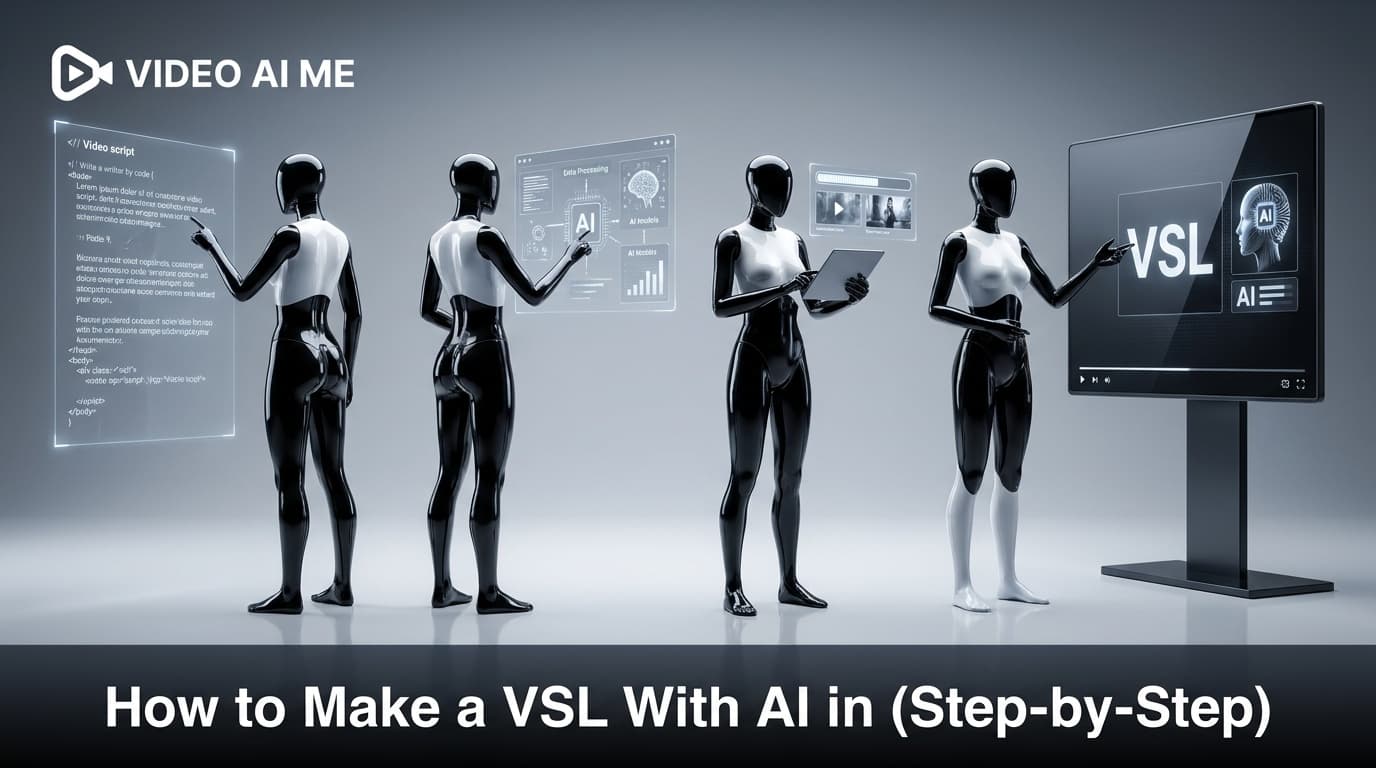
A video sales letter (VSL) is still one of the highest-converting assets a coach or course seller can put in front of cold traffic, and learning how to make a VSL with AI means you can ship one this week instead of booking a film crew. For years a good VSL meant a studio, a script writer, and a presenter who looked comfortable on camera. None of that is required anymore.
This guide walks through how to make a VSL with AI from a blank page to a finished, on-brand video with an AI presenter. It is written for coaches, consultants, and course creators who sell mid-ticket and high-ticket offers and want a sales video that runs on a landing page or in paid ads. No invented case studies, no fake testimonials, just the structure and the workflow.
What a VSL Is and Why AI Changes the Math
A video sales letter is a short, persuasive video built to drive one action: book a call, buy the course, or join the program. It walks a viewer through a problem and an offer the same way a written sales page would, except video holds attention and builds trust faster.
The format works. According to Sendspark's VSL guide, VSLs tend to convert at a meaningfully higher rate than equivalent text-only sales pages because they combine voice, pacing, and proof in a way text cannot.
The old blocker was production. A traditional VSL meant hiring a presenter, scripting, filming, and editing, which could take weeks and thousands of dollars. AI removes the camera step entirely. You write the script, pick an AI presenter, and generate the video, which is why so many solo coaches are now shipping VSLs they would never have produced before.
Here is the cost and speed difference at a glance:
| Step | Traditional VSL | AI VSL |
|---|---|---|
| Script | Copywriter or DIY | AI-assisted draft, you edit |
| Presenter | Hire and schedule talent | AI presenter, ready instantly |
| Filming | Studio or home setup | None |
| Editing | Editor, several days | Generated and trimmed in minutes |
| Revisions | Re-shoot | Re-generate the affected lines |
| Time to first cut | 1 to 3 weeks | Same day |
The VSL Structure That Actually Sells
Before you touch any tool, you need the skeleton. Every high-converting VSL follows a proven copywriting sequence. Renderforest and most other VSL resources describe the same backbone: hook, problem, solution, proof, and call to action.
For coaches and course sellers, this is the structure I recommend:
- Hook (first 3 to 5 seconds) - A pattern interrupt that stops the scroll. Call out the exact person and the exact problem.
- Problem and agitation - Name the pain in their words. Show you understand where they are stuck.
- Credibility bridge - One or two lines on why you are worth listening to. Keep it honest.
- The mechanism - Your unique method or framework. This is the "here is how it actually works" moment.
- Proof - Real results, real client outcomes, or real data. Never invent testimonials.
- The offer - What they get, framed around outcomes, not features.
- Call to action - One action, stated clearly, with a reason to act now.
Length depends on where the VSL lives. For a landing page in front of mid-funnel traffic, several minutes works well. For a cold ad or a DM, keep it under 90 seconds. Match the runtime to the temperature of the audience, not to your urge to say everything.
Why Coaches and Course Sellers Are the Perfect Fit
VSLs were practically invented for the kind of offer coaches and course creators sell. A high-ticket coaching program or a premium course needs more explanation than a 15-second ad can give, but a long written sales page loses people. The VSL sits perfectly in between.
There are three reasons AI VSLs fit this audience especially well:
- You sell trust, not a commodity. A presenter talking directly to the viewer builds the rapport that high-ticket offers depend on.
- Your offer changes often. New cohorts, new pricing, new bonuses. Re-generating an AI VSL takes minutes, so your sales video never goes stale.
- You are usually the bottleneck. Most coaches are solo. Removing the film-and-edit step means the VSL actually gets made instead of staying on the to-do list.
The catch is that a sales video is only as good as the strategy behind it. AI gives you speed, but you still own the offer, the proof, and the message.
How to Make a VSL With AI: The 7-Step Workflow
This is the core process. Follow it in order and you will have a finished VSL the same day.
Step 1: Define the one action and the one viewer
Write down two sentences before anything else. First, the single action you want (for example, "book a free strategy call"). Second, the exact person you are talking to. A VSL that tries to convert everyone converts no one.
Step 2: Draft the script with AI, then rewrite it in your voice
Use an AI writing assistant to produce a first draft against the seven-part structure above. Feed it your offer, your audience, and the real objections you hear on sales calls. AI is excellent at structure and speed, but the draft will sound generic.
Then rewrite it. Add your actual phrasing, your real client outcomes, and the specific objections you handle. The DIY Marketers VSL walkthrough makes the same point: AI gets you a starting draft fast, but the words that convert are the ones in your own voice. If you want a deeper script process, see our AI video scripts guide.
Step 3: Tighten the hook until it earns the next 5 seconds
The hook is where most VSLs die. Read your first three lines out loud. If they do not name a specific person and a specific pain, rewrite them. Test two or three hook variations later, because the hook is the single biggest lever on completion rate.
Step 4: Choose your AI presenter
This is where VIDEO AI ME comes in. Instead of filming yourself, you pick an AI presenter or create one from a photo, and the video is generated with natural lip-sync to your script. This is ideal for course sellers who are camera-shy or who simply do not have time to film. See our guide on AI video ads for camera-shy founders if being on screen is the thing holding you back.
Pick a presenter who fits your audience. A finance coach and a fitness coach should not use the same face, tone, or background.
Step 5: Generate the video and the voiceover
Paste your script, select the presenter, and generate. The platform produces a lip-synced, voiced video without a camera or microphone. Keep paragraphs short and conversational so the delivery sounds natural rather than read.
If you want the mechanics of a single presenter clip, our talking-head video tutorial covers framing and delivery in detail.
Step 6: Add captions, b-roll, and proof on screen
Most people watch with sound off, so burn in captions. Layer simple supporting visuals over the proof and offer sections: a screenshot of a result, a few words on screen, a logo. You do not need flashy editing. Clarity beats polish.
Step 7: Publish, then test variations
Drop the VSL on your landing page or load it into your ad account. Then create two or three variations, changing only the hook or only the offer framing. Because you are not re-filming, testing is nearly free. Let the data pick the winner.
Writing a VSL Script With AI Without Sounding Like a Robot
The script is the whole game. A great presenter reading a weak script still loses. Here is how to use AI for the writing without ending up with bland copy.
- Feed it real inputs. Give the AI your actual offer, price, audience, and the top three objections from your sales calls. Generic inputs produce generic scripts.
- Write for the ear, not the page. Use short sentences and contractions. If a line is hard to say out loud, cut it.
- Lead with the prospect, not yourself. The first 30 seconds should be entirely about their problem.
- Keep one idea per sentence. This makes the AI delivery sound natural and keeps viewers tracking.
- Never fabricate proof. Use only real outcomes. For coaches selling high-ticket programs, honesty is the conversion strategy, not a constraint. Our high-ticket coaching ads breakdown goes deeper on what actually moves expensive offers.
If your VSL doubles as a short ad, the same hook-problem-proof-CTA logic applies. Our piece on how to write AI UGC ad scripts breaks down the short-form version of this structure.
How to Make a VSL With AI Without Common Mistakes
Avoiding these will put you ahead of most AI VSLs being published right now.
- Letting AI write the final draft. The first draft is a scaffold, not the script. Always rewrite in your voice.
- Making it too long for the audience. A cold viewer will not sit through 12 minutes. Match length to temperature.
- A weak or missing hook. If the first five seconds do not earn attention, the rest never gets watched.
- Over-editing. Endless transitions and effects distract from the message. A clear presenter and clean captions outperform a busy edit.
- Inventing testimonials. Fake proof is both a trust killer and, in the US, an FTC compliance problem. Use real results only.
- One and done. The first VSL is rarely the best. Plan to test variations from day one.
Putting It All Together
The reason coaches and course sellers struggle to ship a VSL has always been production, not strategy. AI removes the production wall. You can write the script with AI help, generate the video with an AI presenter, add captions, and publish, all without a camera or a studio.
Start with one offer, one viewer, and one action. Write the seven-part script, rewrite it in your voice, generate the video, and publish. Then test the hook. That loop is how you go from never having a VSL to having a tested, converting one.
Ready to build yours? You can create your AI presenter and generate your first video sales letter inside the AI UGC generator without filming a single frame.
Frequently Asked Questions
Share
AI Summary

Paul Grisel
Paul Grisel is the founder of VIDEOAI.ME, dedicated to empowering creators and entrepreneurs with innovative AI-powered video solutions.
@grsl_frReady to Create Professional AI Videos?
Join thousands of entrepreneurs and creators who use VIDEO AI ME to produce stunning videos in minutes, not hours.
- Create professional videos in under 5 minutes
- No video skills experience required, No camera needed
- Hyper-realistic actors that look and sound like real people
Get your first video in minutes
Related Articles
How to Make Video Ads From Your Website URL (AI)
Learn how to make video ads from your website URL with AI. Paste a link, pull product details, sharpen the hook, pick a presenter, caption, and test.
How to Turn Blog Posts Into Videos With AI (2026)
Learn how to turn blog posts into videos with AI. Extract the core idea, script for speech, generate with an AI presenter, and publish everywhere.
How to Batch a Month of Social Videos in a Day (AI)
Learn how to batch a month of social videos in a day with AI: plan hooks, batch scripts, generate consistent clips, caption, and schedule in one session.