
How to Make a TikTok Ad With AI (Step-by-Step 2026)
A beginner-friendly, step-by-step guide to making a TikTok ad with AI in 2026: script the hook, generate a UGC-style clip, add captions, hit ad specs, and launch.
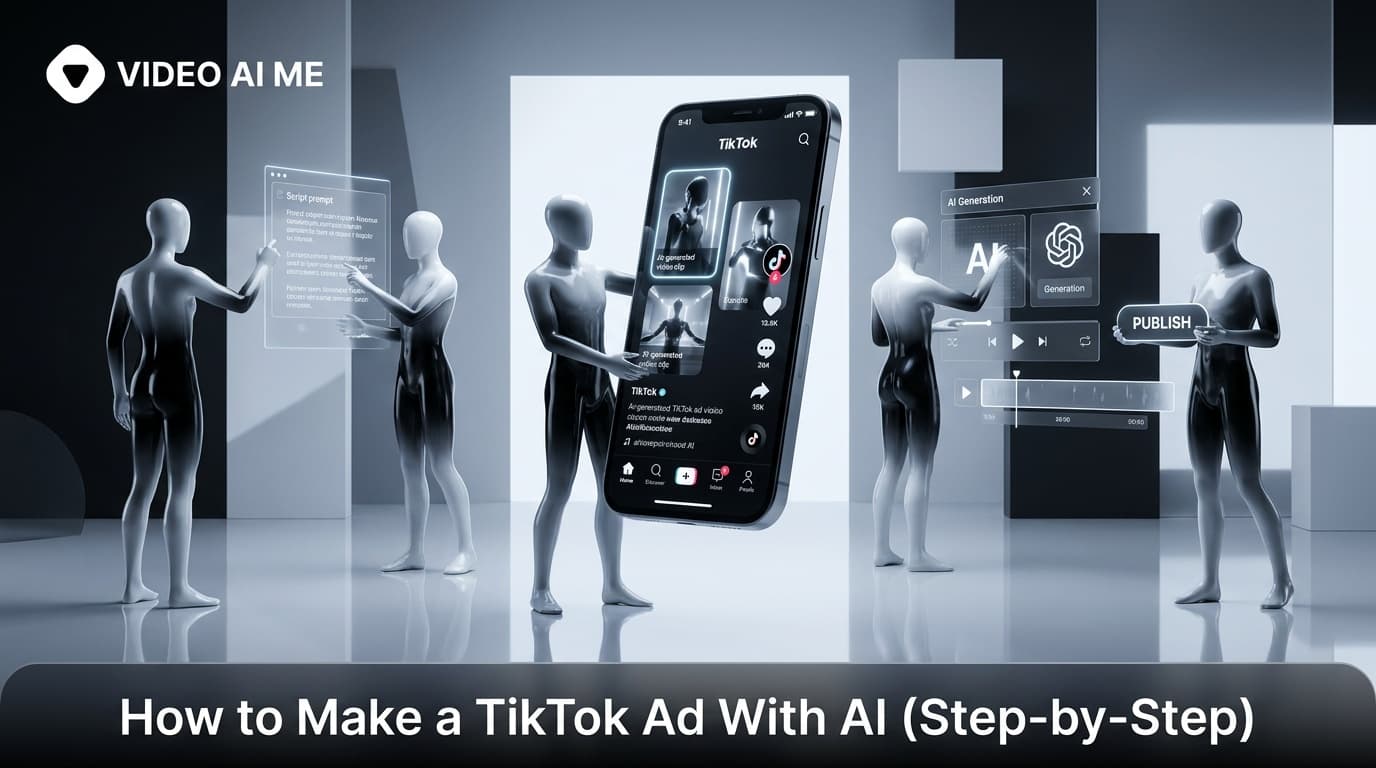
Learning how to make a TikTok ad with AI is the fastest way for a solo founder or small marketing team to ship scroll-stopping video without a film crew, a creator budget, or weeks of back-and-forth. In 2026, you can go from a product idea to a published, ad-ready TikTok video in an afternoon. This step-by-step guide walks you through the full workflow: scripting the hook, generating a UGC-style talking-head clip with AI, adding captions, exporting to TikTok specs, and launching the ad in TikTok Ads Manager.
This is a model-agnostic beginner playbook. It works whether you use TikTok's built-in creative tools or a dedicated platform like VIDEO AI ME. The principles, hook, proof, and a clear call to action, stay the same regardless of which generation engine you choose.
Why Learn How to Make a TikTok Ad With AI
The traditional paid-creator route is slow and expensive. You source a creator, brief them, wait for a draft, request edits, and hope the result converts. That cycle can take weeks per video, and one clip is rarely enough to find a winner.
AI changes the math. According to UGC research, user-generated style content earns roughly 6.9x higher engagement than polished brand content, and 92% of consumers trust peer-style recommendations over traditional ads. AI lets you produce that authentic, to-camera style on demand.
Here is what makes the AI approach work for early-stage advertisers:
- Speed. Create dozens of variations in hours rather than weeks.
- Cost. Cut spend significantly versus hiring human creators for every test.
- Control. Script every word and keep 100% brand alignment.
- Testing. Rapidly A/B test hooks, scripts, and actor styles to find winners.
- No scheduling. Skip the back-and-forth of coordinating with human talent.
That last point matters more than it sounds. When you do not have to wait on anyone, you can react to a trend the same day instead of two weeks later. If you want the broader landscape of tools before you commit, see our roundup of the best AI UGC generators for 2026.
What You Need Before You Start
You do not need expensive gear. You need three inputs and one account.
- A product or offer. Know the single message you want this ad to land. One ad, one idea.
- A target viewer. Who scrolls past this? What problem are they feeling? Write the ad to that one person.
- A spokesperson source. An AI actor, a photo you own the rights to, or a stock AI presenter. This becomes your on-camera talent.
- A TikTok Ads Manager account. Free to create at TikTok for Business. You need this to actually run the ad, not just post organically.
That is the entire shopping list. The rest happens inside your AI video tool. Have your script idea roughly sketched before you open the tool so you are not staring at a blank screen.
How to Make a TikTok Ad With AI: The 7 Steps
Follow these steps in order. Each one builds on the last, and skipping the early ones is the most common reason AI ads flop.
Step 1: Pick One Message and One Audience
Resist the urge to cram every feature into 30 seconds. The strongest TikTok ads sell a single transformation to a single person. Write one sentence: "This ad shows [audience] that [product] solves [problem]."
A focused message keeps the first three seconds clear, and clarity is what stops the scroll. If you have three benefits worth selling, that is three separate ads, not one crowded one.
Step 2: Write a Hook-First Script
TikTok viewers decide in about three seconds whether to keep watching. Your script must open with the hook, not the brand intro. Use a proven UGC ad structure:
- Hook (0-3s): A bold claim, a relatable problem, or a pattern interrupt.
- Problem (3-8s): Name the pain your viewer already feels.
- Proof (8-20s): Show the product solving it, with a benefit or demo.
- CTA (20-30s): Tell them exactly what to do next.
Keep the language conversational, like a friend talking to camera. Avoid corporate phrasing and read it out loud. If it sounds like an ad, rewrite it until it sounds like a person. Write two or three hook variations now so you have options to test in step seven.
Step 3: Generate Your AI Talking-Head Clip
This is where the AI does the heavy lifting. Inside your video tool, you create the spokesperson and feed in the script.
- Choose or create an AI actor. With VIDEO AI ME you can build an actor from a photo you own, then generate unlimited looks of that same person.
- Paste your script. The tool generates a lip-synced, natural-sounding talking-head video using its generation provider.
- Set the format to vertical 9:16 so it fits the TikTok feed natively.
Generate two or three actor or delivery variations now. Testing more creatives is how you find a winner faster. If you are choosing between underlying engines, our look at Seedance 2.0 for TikTok ads breaks down what newer models do well.
Step 4: Add Captions and On-Screen Text
Roughly 80% of viewers watch with sound off, so captions are not optional. Add bold, easy-to-read subtitles that track the spoken words.
Reinforce your hook with on-screen text in the first second, then add a text CTA near the end. Big, high-contrast, centered above the platform UI elements. Keep the font simple and large enough to read on a small phone screen held at arm's length.
Step 5: Layer in Branding and B-Roll
Keep it light. A logo bug, your product shots, or brand colors are enough. Over-branding makes the clip feel like an ad and kills the native UGC feel that drives performance.
If you sell physical products, intercut a few seconds of the product in use. For ecommerce specifically, our guide to AI TikTok ads for ecommerce in 2026 shows which product shots convert and how to sequence them.
Step 6: Export to TikTok Ad Specs
Before you upload, match TikTok's recommended in-feed ad specs so nothing gets cropped:
| Spec | Recommended setting |
|---|---|
| Aspect ratio | 9:16 vertical |
| Resolution | 1080 x 1920 or higher |
| Length | 15-30 seconds for most ads |
| File type | MP4 or MOV |
| Safe zones | Keep text away from edges and UI |
Always confirm current requirements in the official TikTok Ads Manager help docs, since specs change over time.
Step 7: Upload and Launch in TikTok Ads Manager
Now publish the ad.
- Open TikTok Ads Manager and create a new campaign with a sales or traffic objective.
- Build an ad group, set your audience, budget, and schedule.
- Upload your exported AI video as the creative.
- Add your ad copy, display name, and a call-to-action button.
- Submit for review, then monitor early metrics.
Launch your best two or three variations at once so the platform can find the strongest performer. Give each variation enough budget and time to exit the learning phase before you judge it.
AI TikTok Ad Methods Compared
There is more than one way to build the ad. Here is how the common approaches stack up for a beginner.
| Method | Speed | Control | Best for |
|---|---|---|---|
| TikTok built-in AI tools | Fast | Limited | Quick first drafts from a product URL |
| Dedicated AI UGC platform | Fast | High | Repeatable UGC-style talking-head ads |
| Hiring a human creator | Slow | Medium | Scaling a proven winner |
| Editing footage yourself | Slow | High | Brands with existing raw footage |
For most early-stage advertisers running tests, a dedicated platform gives the best mix of speed and creative control. Use TikTok's native tools for a fast first pass, then move volume testing to a tool built for UGC ads. Many advertisers run a hybrid: AI for the bulk of variations, a human creator only to scale the one clip that already proved itself.
Common Mistakes to Avoid
A few errors quietly tank AI TikTok ads. Watch for these:
- Burying the hook. Brand intros in the first three seconds lose the scroll.
- No captions. Sound-off viewers will not get your message.
- One creative only. You cannot find a winner without testing variations.
- Over-polished look. Ads that scream "ad" underperform native, UGC-style clips.
- Vague CTA. "Learn more" converts worse than a specific next step.
- Skipping disclosure. If your content could mislead, label AI-generated content per FTC guidance and platform rules.
Fix these before you spend a dollar on media. A great hook on a poorly captioned clip still loses, and the cheapest optimization is catching mistakes before launch.
How Much It Costs to Make a TikTok Ad With AI
The video production cost with AI is a fraction of hiring creators per clip, often cutting creative spend roughly in half versus the human route. Most of your real budget should go to ad spend in TikTok Ads Manager, not to making the creative.
That cost shift is the whole point. When each variation is cheap to produce, you can afford to test ten hooks instead of betting everything on one. The advertisers who win are usually the ones who made the most attempts, and AI is what makes a high attempt count affordable.
How to Make a TikTok Ad With AI at Scale
A single ad is a test, not a system. The real payoff comes when you repeat the process and feed the platform a steady stream of fresh creatives. Aim for a small batch every week rather than one big push.
Here is a simple weekly cadence that keeps your pipeline full without burning you out:
- Monday: Write three new hooks for your current best-performing message.
- Tuesday: Generate the talking-head clips and caption them.
- Wednesday: Launch the new variations into your existing ad group.
- Friday: Review performance, pause losers, and note what the winners had in common.
Because AI makes each clip cheap, this volume is realistic for a solo founder. Serious DTC advertisers often run twenty to forty new variations a month, and the only way to sustain that is to remove the human bottleneck from production.
Keep a running log of which hooks worked. Over a few weeks you will spot patterns, and those patterns become your template for the next batch. That compounding insight is the quiet advantage of producing video ads with AI.
Putting It All Together
Once you know the full process, the workflow becomes a repeatable system: pick a message, write a hook-first script, generate a vertical talking-head clip, caption it, export to spec, and launch variations. Do it once and you can do it thirty times.
The advertisers who win on TikTok are not the ones with the biggest budgets. They are the ones testing the most creatives. AI removes the bottleneck that kept that out of reach. Ready to ship your first one? Start with the AI UGC generator and build a TikTok-ready ad today.
Frequently Asked Questions
Share
AI Summary

Paul Grisel
Paul Grisel is the founder of VIDEOAI.ME, dedicated to empowering creators and entrepreneurs with innovative AI-powered video solutions.
@grsl_frReady to Create Professional AI Videos?
Join thousands of entrepreneurs and creators who use VIDEO AI ME to produce stunning videos in minutes, not hours.
- Create professional videos in under 5 minutes
- No video skills experience required, No camera needed
- Hyper-realistic actors that look and sound like real people
Get your first video in minutes
Related Articles
How to Make Video Ads From Your Website URL (AI)
Learn how to make video ads from your website URL with AI. Paste a link, pull product details, sharpen the hook, pick a presenter, caption, and test.
How to Turn Blog Posts Into Videos With AI (2026)
Learn how to turn blog posts into videos with AI. Extract the core idea, script for speech, generate with an AI presenter, and publish everywhere.
How to Batch a Month of Social Videos in a Day (AI)
Learn how to batch a month of social videos in a day with AI: plan hooks, batch scripts, generate consistent clips, caption, and schedule in one session.