
Turn Product Photos Into Video Ads With AI (2026)
A step-by-step workflow to turn product photos into video ads with AI, from picking sharp photos to adding a presenter, captions, and a CTA that converts.
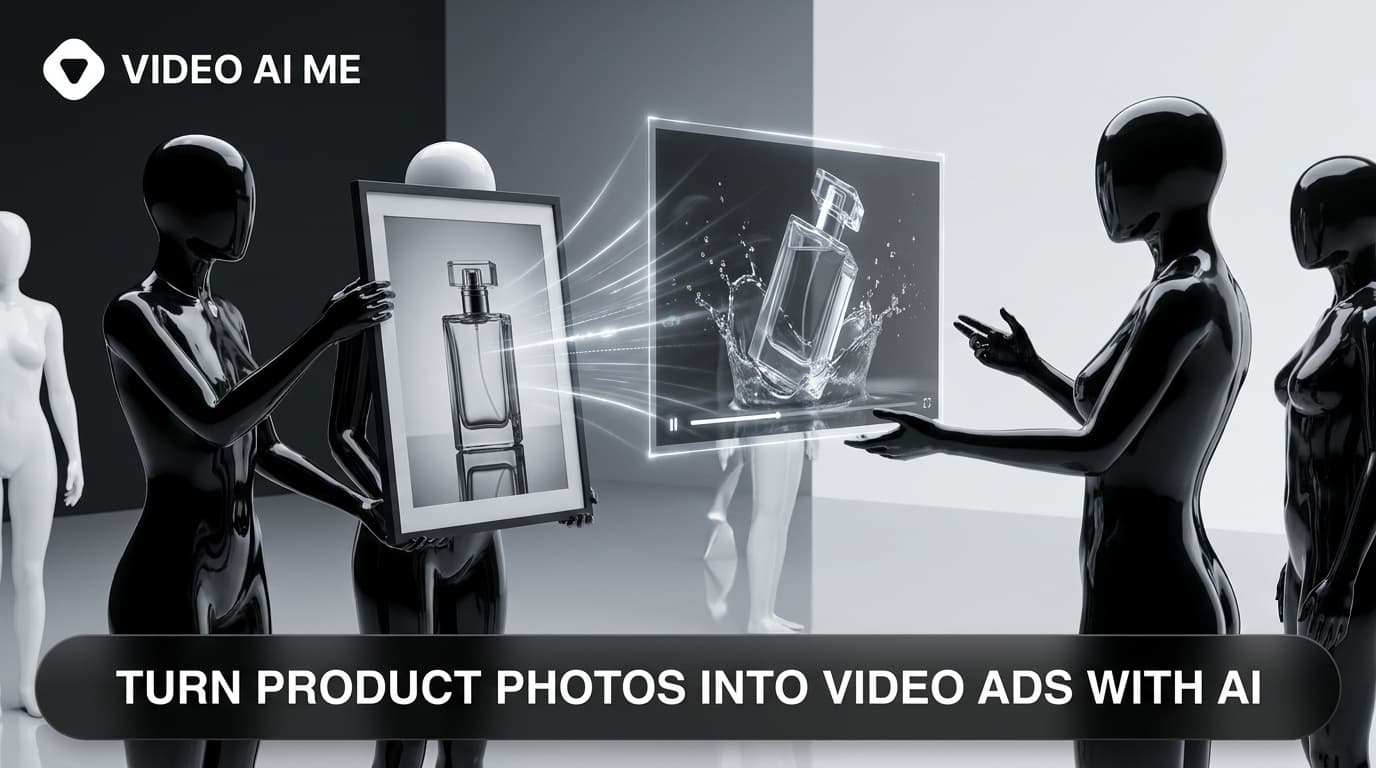
Static product photos stop the scroll for a fraction of a second, then lose. If you want to turn product photos into video ads that actually sell, you no longer need a film crew, a studio, or a two-week production timeline. With AI image-to-video tools you can take the photos you already have and turn them into scroll-stopping, conversion-focused ads in an afternoon.
This is a hands-on workflow, not a tool roundup. By the end you will know exactly how to turn product photos into video ads, how to avoid the "glorified slideshow" trap, and how to build a repeatable batch so you ship dozens of ad variations a week instead of one a month.
Why Turn Product Photos Into Video Ads at All?
The math is simple. Video earns attention that static images cannot, and attention is the scarce resource on Meta and TikTok feeds.
Short video previews generate roughly 35% more engagement than static product images, according to multiple ecommerce creative studies, because motion signals "watch me" in a feed built for scrolling. On top of that, user-generated style content earns 6.9x higher engagement than polished brand-made content, so a video that feels real beats a slick product render.
For a small DTC or ecommerce brand, the cost angle matters even more. Outsourcing a single product video shoot can run into the thousands and delay a launch by weeks. Turning a photo you already own into a video collapses that into minutes and a few dollars.
The result is more creative volume, which is the real driver of paid-social performance. You cannot find a winning ad without testing many angles, and you cannot test many angles if every video takes a week.
What "Turn Product Photos Into Video Ads" Actually Means
There are two very different outputs people mean by this phrase, and confusing them is the number-one reason brands get disappointing results.
- Motion-only animation. The AI adds a slow zoom, a pan, parallax depth, or a lighting sweep to your photo. This is fast and looks premium, but on its own it is closer to a moving billboard than an ad.
- A real video ad. This adds a hook, a spoken or captioned message, social proof, and a clear call to action, often with an on-camera presenter who talks about the product. This is what converts.
The first is a building block. The second is the deliverable. A great workflow uses motion clips as B-roll inside a structured ad, rather than shipping a bare animated photo and hoping it performs.
Keep that distinction in mind for every step below.
How to Turn Product Photos Into Video Ads: The 7-Step Workflow
Here is the repeatable process. Follow it in order the first time, then speed it up once it is muscle memory.
Step 1: Pick the Right Source Photos
Start with the highest-resolution images you have. A sharp, clean photo gives the AI more data to work with, which means smoother animation and fewer visual artifacts.
Gather a small set per product rather than a single shot:
- A clean studio shot on a plain background (great for the product hero moment)
- A lifestyle shot showing the product in use, in a hand, or in a real setting
- A detail or texture close-up that shows quality
- Any before/after or packaging shot if relevant
Feeding the AI images from different angles is what makes the final video feel dynamic instead of like a single zooming frame.
Step 2: Write the Ad Before You Touch a Tool
Decide the message first. A converting ad has four beats, and you should write one line for each:
| Beat | Job | Example line |
|---|---|---|
| Hook | Stop the scroll in 3 seconds | "I tried 4 of these and only one actually worked." |
| Problem | Name the pain | "My old one left streaks every single time." |
| Proof | Show the product solving it | "This one wiped clean in one pass." |
| CTA | Tell them what to do | "Tap the link and grab yours, link in bio." |
Keep it to 15 to 30 seconds of spoken copy. This script is your spine; the visuals serve it, not the other way around.
Step 3: Animate the Product Photos
Now convert your chosen photos into motion clips. Use a generation provider to add camera moves, depth, and subtle product motion, generating a few short 5 to 10 second clips per product.
Best practices that keep results clean:
- Prompt for one clear motion per clip (a slow push-in, a 360 reveal, a top-down pan) rather than several at once
- Keep the product centered and unobstructed so the model does not warp edges
- Generate two or three variations and keep the cleanest one
- Favor lifestyle frames for the hook and studio frames for the hero shot
Step 4: Add a Presenter or Voice (This Is the Conversion Step)
This is where most brands stop too early. A bare animated photo rarely converts, because nobody is telling the viewer why they should care.
Add a human element. With AI avatars you can place a talking presenter who delivers your script in a UGC, talk-to-camera style, then cut to your animated product clips as they describe each benefit. This turns a slideshow into a testimonial-style ad that feels like a real person recommending the product.
If you prefer to stay faceless, use a confident voiceover over the product motion clips plus bold on-screen text. Either way, the spoken or read message is what does the selling.
Step 5: Assemble Hook, Body, and CTA
Edit the pieces into the four-beat structure from Step 2:
- Open on the presenter or the strongest visual with your hook line in the first 3 seconds.
- Cut to the problem, then to the animated product clip as proof.
- Layer bold, short captions the whole way through, because around 80% of people watch with the sound off.
- End on a clear CTA card and spoken call to action.
Keep the total length tight. For Meta and TikTok feeds, 15 to 30 seconds usually outperforms longer cuts.
Step 6: Format for Each Platform
Export the right aspect ratio and length per placement so you are not cropping a winner into oblivion:
| Platform | Aspect ratio | Sweet-spot length |
|---|---|---|
| TikTok / Reels / Shorts | 9:16 vertical | 15 to 30s |
| Meta feed | 4:5 or 1:1 | 15 to 30s |
| YouTube in-stream | 16:9 | 15 to 30s |
Always burn captions in rather than relying on platform auto-captions, and put your hook text high enough that the UI does not cover it.
Step 7: Launch, Test, and Scale the Winners
Treat the first batch as data, not as finished art. A practical cadence:
- Pick your 20 best-selling products
- Generate a few ad variations for each, changing only the hook
- Run them for about a week
- Find the one or two winners, then make more variations of those
- Move to the next batch of products
This loop is how you turn product photos into video ads that compound, since every week you learn which hook and angle your audience responds to. For a deeper system, see our ecommerce product video playbook.
AI Presenter vs Motion-Only: Which Converts Better?
Both have a place, but they are not interchangeable. Here is how to choose.
| Approach | Strength | Best for |
|---|---|---|
| Motion-only clip | Premium look, fastest to make | Top-of-feed eye candy, B-roll, product hero shots |
| AI presenter + product clips | Tells a story, builds trust | Conversion ads, testimonials, problem-solution ads |
| Voiceover + captions (faceless) | Authentic, no on-camera talent | Founders who avoid camera, regulated niches |
For a cold audience that has never heard of you, the presenter or voiceover approach almost always wins, because trust and a clear message do the heavy lifting. Motion-only clips shine as the supporting visuals inside that ad.
AI Video Ads vs Hiring a Creator or Crew
The reason this workflow matters for a small team is leverage. Compare the three ways to get a product video ad:
| Path | Cost | Speed | Volume |
|---|---|---|---|
| Hire a film crew | Thousands per shoot | Weeks | One concept at a time |
| Hire a UGC creator | Hundreds per video | Days to weeks | A few per month |
| Turn photos into AI video ads | Dollars per video | Minutes to hours | Dozens per week |
AI UGC-style content can cut creative production cost by roughly half versus human creators while letting you test far more variations, which is exactly what early-stage brands need. For the full economics, read our UGC creator rates and pricing guide.
The honest tradeoff: a human creator brings lived authenticity and an existing audience. The smart move for most brands is a hybrid. Use AI to generate and test volume, then put budget behind a human creator for your proven winners. For more on that balance, see our AI video marketing guide.
Common Mistakes When You Turn Product Photos Into Video Ads
Avoid these and you will skip most of the disappointing first attempts:
- Shipping the bare animated photo. Without a hook, message, and CTA it is a slideshow, not an ad.
- Starting with a low-resolution image. Soft inputs create warped, artifact-heavy motion.
- Cramming multiple camera moves into one clip. One clean motion per clip looks far more professional.
- No captions. With most viewers on mute, an uncaptioned ad is invisible.
- A slow open. If the product or promise does not land in the first 3 seconds, you lose the scroll.
- Testing everything at once. Change one variable, hooks first, so you know what actually moved performance.
A Note on Honesty and Disclosure
When you use AI presenters in ads, keep claims truthful and avoid implying a fake customer endorsement. Position AI actors as brand spokespeople delivering real product benefits, not as fabricated testimonials, and disclose AI-generated content where your platform or local rules require it.
The FTC guidance on endorsements is the practical reference here. Truthful, benefit-led messaging is both safer and, in our experience, more durable for performance.
Turn Your Product Photos Into Video Ads Today
You already have the photos. The only thing standing between a static catalog and a feed full of converting video ads is a repeatable workflow, and now you have one: pick sharp photos, write the four-beat script, animate the product, add a presenter or voice, assemble, format per platform, then test and scale.
Try VIDEO AI ME's AI UGC ad generator to turn your product photos into talking-presenter video ads in minutes, then batch-test as many hooks as your catalog can handle. The brands that win on paid social are not the ones with the biggest budget; they are the ones shipping the most smart variations, fastest.
Frequently Asked Questions
Share
AI Summary

Paul Grisel
Paul Grisel is the founder of VIDEOAI.ME, dedicated to empowering creators and entrepreneurs with innovative AI-powered video solutions.
@grsl_frReady to Create Professional AI Videos?
Join thousands of entrepreneurs and creators who use VIDEO AI ME to produce stunning videos in minutes, not hours.
- Create professional videos in under 5 minutes
- No video skills experience required, No camera needed
- Hyper-realistic actors that look and sound like real people
Get your first video in minutes
Related Articles
How to Make Video Ads From Your Website URL (AI)
Learn how to make video ads from your website URL with AI. Paste a link, pull product details, sharpen the hook, pick a presenter, caption, and test.
How to Turn Blog Posts Into Videos With AI (2026)
Learn how to turn blog posts into videos with AI. Extract the core idea, script for speech, generate with an AI presenter, and publish everywhere.
How to Batch a Month of Social Videos in a Day (AI)
Learn how to batch a month of social videos in a day with AI: plan hooks, batch scripts, generate consistent clips, caption, and schedule in one session.