
How to Make AI UGC Ads with Kling 3.0: The Multi-Shot Step-by-Step
The exact step-by-step workflow for producing AI UGC video ads with Kling 3.0 multi-shot dialogue on VIDEOAI.ME. From script to live ad in under 20 minutes per variant.
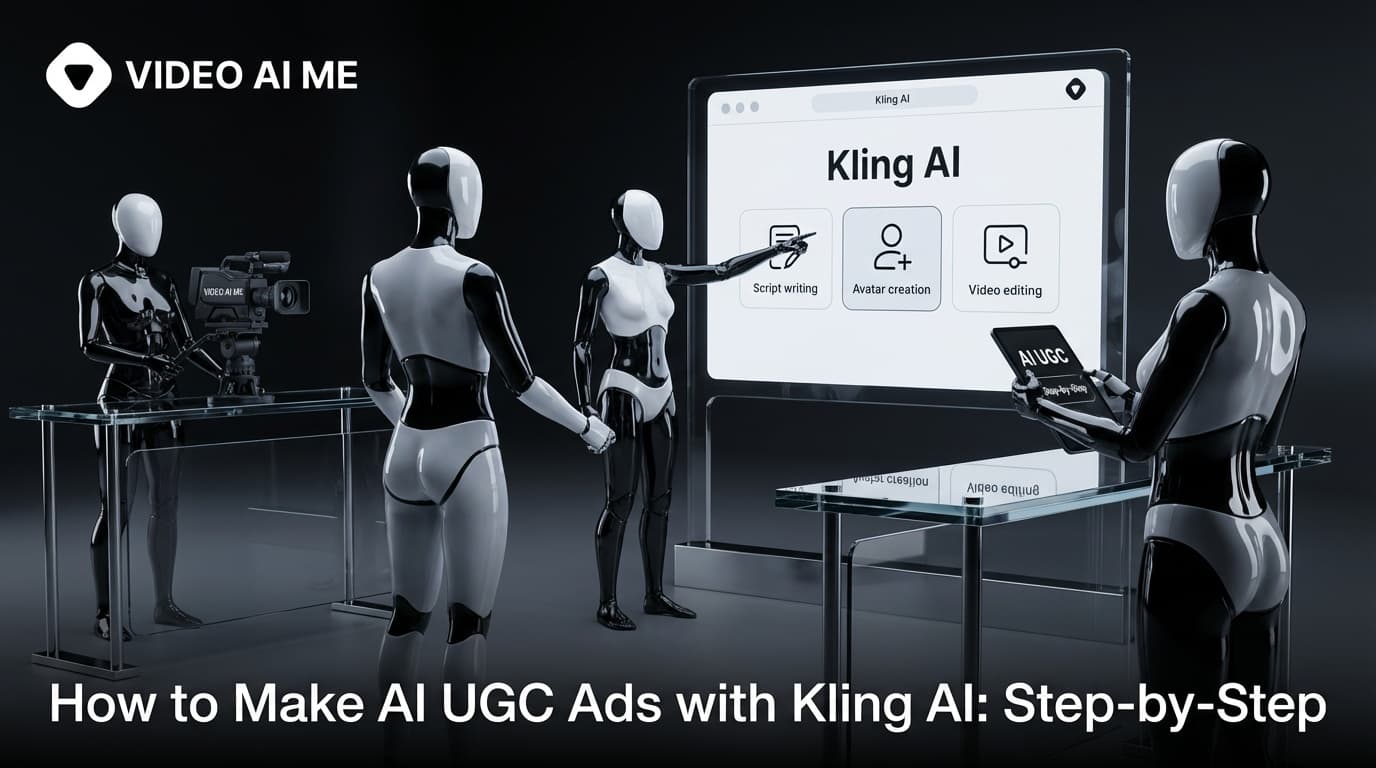
The Kling 3.0 UGC Ad Workflow
I have refined this workflow over hundreds of AI UGC ads. With Kling 3.0 multi-shot now available on VIDEOAI.ME, the process is faster than ever. Here is the exact step-by-step.
Before we dive in, a stat that frames why this matters: HubSpot reports UGC drives 6.9x higher engagement than brand-created content. Stackla research found 79% of people say UGC highly impacts their purchasing decisions. The format works. Kling 3.0 makes it accessible to every brand.
Step 1: Write the UGC Ad Script (3 minutes)
A UGC ad script is short. 15 seconds of dialogue broken into the 6-shot structure:
- Shot 1: Hook (0-3s). The first line that stops the scroll. This is 80% of the ad.
- Shot 2: Problem (3-6s). Brief context about the pain point.
- Shot 3: Product reveal (6-8s). Show the product.
- Shot 4: Proof (8-11s). The result or transformation.
- Shot 5: Endorsement (11-13s). Personal recommendation.
- Shot 6: CTA (13-15s). "Link in bio" or offer.
Write three versions of the hook line. Keep the rest of the script the same. The hook is where you iterate.
Step 2: Pick Your Custom AI Actor (1 minute)
From your VIDEOAI.ME actor library. Pick the one that matches your target customer demographic. Save the reference frame.
If this is your first time, the actor training takes 5 to 10 minutes. Upload 5 to 10 selfies and the system builds your persistent actor.
Step 3: Write the Kling 3.0 Multi-Shot Prompt (3 minutes)
Use the 6-shot template:
[KLING 3.0 MULTI-SHOT UGC AD - 15s]

SHOT 1 (0-3s) - HOOK
Handheld vertical close-up, soft kitchen light.
Character looks at camera.
Dialogue: "[YOUR HOOK LINE]"

SHOT 2 (3-6s) - PROBLEM
Medium shot, character gestures while speaking.
Dialogue: "[YOUR PROBLEM STATEMENT]"

SHOT 3 (6-8s) - PRODUCT REVEAL
Close-up of hands holding the product.
Character tilts product toward camera.

SHOT 4 (8-11s) - PROOF
Medium shot, character speaks directly to camera.
Dialogue: "[YOUR PROOF/RESULT]"

SHOT 5 (11-13s) - ENDORSEMENT
Close-up of character, genuine expression.
Dialogue: "[YOUR PERSONAL TAKE]"

SHOT 6 (13-15s) - CTA
Medium shot, character holds product.
Dialogue: "Link in bio."

Palette: [YOUR BRAND PALETTE]
Negative: frozen lips, jittery eyes, warping fingers, identity drift.
[REFERENCE: your_actor.png]
Step 4: Generate on VIDEOAI.ME (3 to 5 minutes)
Submit to Kling 3.0 on VIDEOAI.ME. The multi-shot generation produces a complete 15-second clip with native audio, synchronized dialogue, and consistent character across all 6 shots.
Step 5: Review and Reroll if Needed (2 minutes)
Watch the clip. Check for:
- Lip sync accuracy
- Character consistency across shots
- Natural hand movements
- Audio clarity
Kling 3.0 is significantly better than previous versions. Most clips are usable on the first try. If something is off, reroll. Each reroll costs under $5.
Step 6: Add Captions (2 minutes)
Upload to CapCut, Submagic or Descript. Auto-generate captions. Position them in the safe zone (avoid the bottom 20% where TikTok UI lives). This step is critical: 80% of social video is watched on mute.
Step 7: Add Background Music and CTA Card (2 minutes)
Drop a trending music bed under the native dialogue at low volume. Add a 2-second CTA card at the end with your offer and link. The native audio from Kling 3.0 handles all the dialogue, the music just adds atmosphere.
Step 8: Export and Upload (2 minutes)
Export at 1080x1920 9:16. Upload to TikTok Ads Manager or Meta Ads Manager. Tag with the AI-generated content flag. Submit for review.
Done. Total elapsed time: 18 to 22 minutes for the first ad. 8 to 12 minutes for subsequent ads with the same actor and template.
The Complete UGC Ad Sequence Format
Here are three production-ready Kling 3.0 multi-shot prompts you can use right now:
Skincare confession:
[KLING 3.0 MULTI-SHOT - 15s]
SHOT 1 (0-3s): Handheld vertical close-up, bathroom mirror light.
Character looks at camera with slight surprise.
Dialogue: "I need to show you something."
SHOT 2 (3-5s): Medium shot, character holds jar of moisturizer.
Dialogue: "I have been using this for three weeks."
SHOT 3 (5-8s): Close-up of hands opening jar, scooping product.
SHOT 4 (8-11s): Medium shot, character applies to cheek.
Dialogue: "My breakouts are gone. Like, actually gone."
SHOT 5 (11-13s): Close-up of character's face, genuine smile.
SHOT 6 (13-15s): Medium shot, holds jar to camera.
Dialogue: "Link in bio."
Palette: cream, walnut, soft pink.
Negative: frozen lips, jittery eyes, warping fingers.
[REFERENCE: skincare_actor.png]
SaaS founder:
[KLING 3.0 MULTI-SHOT - 15s]
SHOT 1 (0-3s): Clean 50mm, slow push-in, office daylight.
Founder at desk, leans forward.
Dialogue: "We almost shut down twice."
SHOT 2 (3-6s): Medium shot, gestures.
Dialogue: "Because we refused to build another spreadsheet tool."
SHOT 3 (6-9s): Close-up, direct eye contact.
Dialogue: "Instead we built something that replaces the spreadsheet entirely."
SHOT 4 (9-12s): Medium shot, slight smile.
Dialogue: "Now 4,000 teams use it daily."
SHOT 5 (12-15s): Leans back, casual.
Dialogue: "Try it free. Link below."
Palette: navy, oat, walnut.
Negative: jittery eyes, frozen lips, identity drift.
[REFERENCE: founder_v1.png]
Fitness supplement:
[KLING 3.0 MULTI-SHOT - 15s]
SHOT 1 (0-2s): Handheld vertical, gym lighting.
Character just finished set, breathing slightly heavy.
SHOT 2 (2-5s): Picks up supplement container.
Dialogue: "I have tried every pre-workout on the market."
SHOT 3 (5-8s): Close-up of pouring powder into shaker.
SHOT 4 (8-11s): Medium shot, shakes and drinks.
Dialogue: "This is the only one that does not make me crash at 2 PM."
SHOT 5 (11-13s): Close-up, genuine reaction.
Dialogue: "Clean energy. No jitters."
SHOT 6 (13-15s): Holds container to camera.
Dialogue: "Link in bio."
Palette: charcoal, electric green, white.
Negative: warping limbs, frozen lips.
[REFERENCE: fitness_actor.png]
Scaling to 30 Per Week
Once the workflow is muscle memory, scale to 30 variants per week using the 30-variant weekly loop. Same workflow, repeated in batches. The numbers support this approach: D2C brands testing 30+ variants weekly see 40-60% lower CPA.
The A/B Testing Framework for AI UGC Ads
The real power of this workflow is systematic A/B testing at scale. Here is the framework I use:
Week 1: Hook Testing. Generate 10 variants with the same visual but different hook lines. Run them on the same audience. Identify the top 3 hooks by CTR.
Week 2: Actor Testing. Take the top 3 hooks and run them with 3 different AI actors (different demographics). Identify which actor/hook combination wins.
Week 3: Visual Style Testing. Take the winning actor/hook and test 3 visual styles: kitchen, outdoor, office. Identify the winning environment.
Week 4: Offer Testing. Take the winning combination and test 3 different offers or CTAs: free trial, discount code, limited time.
After 4 weeks, you have a data-backed winning formula: the exact hook, actor, visual style and CTA that converts best for your product. This level of systematic testing is impossible with human UGC at $150-500 per video.
The Cost Breakdown Per Campaign
Here is the real cost math for a 30-variant weekly campaign:
- Kling 3.0 generation (30 clips at $3 average): $90
- VIDEOAI.ME plan (includes generations): $29-199/month
- Captioning tool (CapCut/Submagic): $10-30/month
- Background music license: $10-20/month
- Total weekly creative cost: Under $50 if on a VIDEOAI.ME plan
Compare that to human UGC: 30 clips at $200-500 each = $6,000 to $15,000 per week. The creative budget you save goes directly into media spend, amplifying winners.
Nielsen reports 92% of consumers trust peer recommendations. With 30 variants per week, you find the recommendation format that resonates fastest.
The ROI of the 8-Step Workflow
The math is simple. At 30 variants per week, each taking 10 minutes of active work, you invest 5 hours per week in creative production. The cost is under $150 in Kling 3.0 generations or included in your VIDEOAI.ME plan. The output: 30 unique AI UGC ads that feed TikTok and Meta algorithms.
Compare this to the traditional approach: 30 human UGC videos would cost $4,500-15,000 and take 4-6 weeks. The workflow above produces the same volume in one week for less than 2% of the cost.
How VIDEOAI.ME Compresses the Workflow
Inside VIDEOAI.ME the entire workflow compresses further. Pick an actor, write the hook, select the Kling 3.0 multi-shot format, and the system handles the prompt scaffolding, generation, and export. Built for marketers who ship volume, not for people who want to babysit a queue.
For related workflows see Kling AI for UGC content, Kling AI talking head videos, and Kling AI for TikTok ads.
Make Your First AI UGC Ad Today
Follow the 8 steps above. Your first Kling 3.0 multi-shot UGC ad ships in 20 minutes. Your tenth ships in 10.
Try VIDEOAI.ME free and make your first Kling 3.0 UGC ad today.
Frequently Asked Questions
Share
AI Summary

Paul Grisel
Paul Grisel is the founder of VIDEOAI.ME, dedicated to empowering creators and entrepreneurs with innovative AI-powered video solutions.
@grsl_frReady to Create Professional AI Videos?
Join thousands of entrepreneurs and creators who use VIDEO AI ME to produce stunning videos in minutes, not hours.
- Create professional videos in under 5 minutes
- No video skills experience required, No camera needed
- Hyper-realistic actors that look and sound like real people
Get your first video in minutes
Related Articles
MiniMax H3 UGC Prompt Templates for Ad Creative
Reusable UGC prompt templates with the variables marked, so you can produce a whole batch of creator style ads by swapping four fields.
Seedance 2.5 UGC Prompt Templates for Ads
Six fill in the blank UGC prompt templates for Seedance 2.5, each with a fully filled worked example, plus how to direct dialogue when the audio is generated.
How to Make AI UGC Videos With Seedance 2.5
A five step playbook for creator style UGC clips with Seedance 2.5: casting, prompts that carry the spoken hook, reference images for batches, and the credit math.