
AI Waitlist Launch Video for Startups (2026 Guide)
Build an AI waitlist launch video in an afternoon: a teaser, a Facebook ad cut, and a product tour, all from one AI spokesperson and no camera.
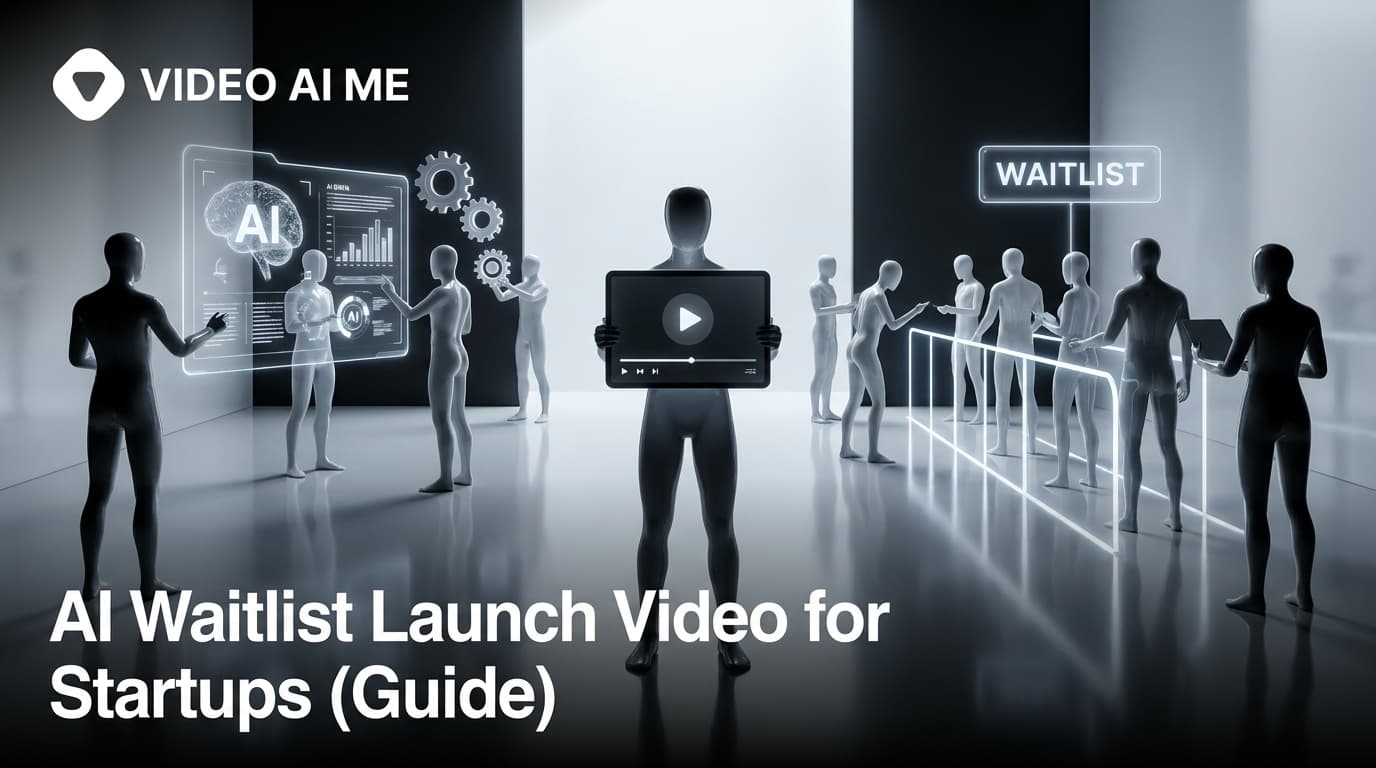
An AI waitlist launch video is the single highest-leverage asset a pre-launch startup can build, because it does three jobs at once: it explains what you are making, it earns the email, and it gives you a creative you can immediately turn into paid ads. For a solo founder with no film crew, no budget, and a launch date creeping closer, an AI waitlist launch video turns "I'll record something eventually" into a finished teaser, a Facebook ad, and a product tour shot in an afternoon.
This guide walks through the exact AI waitlist launch video workflow founders use: a waitlist teaser to drive signups, a Facebook ad cut to scale them, and a longer product tour to convert the curious. No camera, no studio, no agency invoice.
Why an AI waitlist launch video beats a static landing page
A waitlist page with a headline and an email box converts. A waitlist page with a 30-second AI waitlist launch video on top of it converts better, because video does the explaining that text cannot.
Pre-launch is the worst possible moment to ask people to imagine your product. They have never seen it, there are no reviews, and there is no free trial. A short video collapses that gap by showing the thing in motion.
The data backs the format. Videos under one minute hold attention far better than long ones, with short clips hitting a 66% completion rate versus 22% for videos over 20 minutes. For a teaser, finishing the video is the whole point, because your call to action lives at the end.
There is also a timing reason to move now. Waitlist conversion drops roughly 30% for every month you make people wait between signup and access, so the sooner your teaser is live and collecting emails, the warmer that list stays. A video you can ship today beats a perfect one you ship next quarter.
The 3-video bundle: teaser, ad, and product tour
Most founders think they need one launch video. You actually need three, and they share the same source material so you are not starting from scratch each time.
| Video | Length | Goal | Where it lives |
|---|---|---|---|
| Waitlist teaser | 15-30s | Earn the email | Top of waitlist page, organic social |
| Facebook ad cut | 15-20s | Buy signups at scale | Meta and Instagram paid placements |
| Product tour | 60-90s | Convert and warm the list | Waitlist confirmation page, nurture emails |
The teaser is curiosity. The ad is the teaser sharpened into a scroll-stopper with a hook in the first three seconds. The product tour is the payoff you send people once they have joined, so they stay excited instead of forgetting they signed up.
Because all three come from the same AI spokesperson, script, and brand look, you build the AI waitlist launch video bundle once and recut it three ways. That is the part that used to take a creator three shoots and now takes one AI generation session. If you are putting your own face on camera through an avatar, our guide to founder videos for startup personal branding covers the spokesperson side in depth.
How to make an AI waitlist launch video (step by step)
Here is the full AI waitlist launch video workflow, in order. Follow it top to bottom and you finish with all three assets.
- Define the one viewer. A teaser for developers looks nothing like one for marketers. Pick the single person you most want on your list and write only to them.
- Write a 60-75 word teaser script. That is roughly 30 seconds of speech. Lead with the pain, name the product in one line, and end on a clear "join the waitlist" call to action.
- Create your AI spokesperson. Upload a founder photo or pick an AI actor, so you get a consistent talking-head presenter without filming yourself. Camera-shy founders can stay fully behind the scenes.
- Generate the teaser. Feed the script to your AI spokesperson, render a vertical 9:16 clip, and add captions, because most people watch on mute.
- Recut the ad. Tighten the same script to 15-20 seconds, swap in a harder hook for the first three seconds, and keep the call to action explicit.
- Build the product tour. Extend the script to 60-90 seconds, walk through two or three real features or mockups, and end with what happens after they join.
- Distribute the bundle. Teaser on the waitlist page and organic feeds, ad into Meta, product tour on the confirmation page and in your first nurture email.
The whole point of doing it with AI is iteration speed. If a hook flops, you rewrite one line and regenerate in minutes instead of rebooking a shoot.
Writing the teaser script that earns the email
The teaser is short, so every word fights for its place. A reliable structure for a waitlist teaser is hook, problem, promise, proof of difference, and call to action.
- Hook (0-3s): the scroll-stopper. A blunt question or a sharp claim about the pain.
- Problem (3-10s): name the frustration your viewer feels today.
- Promise (10-20s): what your product does, in plain language.
- Difference (20-25s): the one thing that makes you not-another-tool.
- Call to action (25-30s): "Join the waitlist for early access."
Keep it conversational. UGC-style delivery, where the presenter talks to camera like a person rather than a brand, consistently outperforms polished corporate voiceover. For more on hook-first structure, see our breakdown of AI founder videos for startups and personal branding.
Avoid feature dumps. Pre-launch viewers do not need your full roadmap. They need one reason to care and one button to press.
Turning the teaser into a Facebook ad that scales signups
A waitlist with no traffic is a guest list for an empty party. Paid ads are how you fill the room, and your teaser is already 90% of the ad.
Before you spend a cent, lock the conversion event that matters: the waitlist signup. Optimize the campaign for that event, not for clicks or video views, so Meta finds people who actually join.
Budget expectations help you plan. For pre-launch campaigns, founders typically aim to spend around $0.50 to $2.00 per email signup depending on category. Treat that as a planning range, not a guarantee, because your hook and offer move the number a lot.
To get the ad right:
- Make three to five hook variants from the same teaser. The first three seconds decide everything.
- Optimize for the signup event, then let the platform spend toward it.
- Use lookalike audiences built from any existing email list once you have one.
- Refresh creative weekly. UGC-style ads fatigue fast, and AI lets you regenerate without reshooting.
This volume-on-demand is exactly where AI pays off. Spinning up five hook variants by hand means five shoots. With AI you change one line and render again. If you want the deeper paid framework, our SaaS product demo videos and conversion format guide pairs well with this ad workflow.
Common AI waitlist launch video mistakes that sink conversions
Most failed launch videos fail for the same handful of reasons. Avoid these and your AI waitlist launch video is already ahead of the field.
- Too long. Past 60 seconds you lose roughly a third of viewers before the call to action. Keep the teaser tight.
- Burying the ask. If "join the waitlist" is not obvious, people watch and bounce.
- Over-polishing. A glossy commercial feels like an ad and gets skipped. UGC-style authenticity wins pre-launch attention.
- No captions. Most social viewing is muted. No captions means no message.
- Going dark after signup. Founders who keep emailing their list convert far better than those who vanish, so the product tour and follow-ups are not optional.
- One video, one platform. Recut the bundle for TikTok, Instagram Reels, and LinkedIn instead of posting the same export everywhere.
The throughline: clarity, brevity, and follow-through beat production value every time at the pre-launch stage.
Why AI is the right tool for pre-launch video
Pre-launch is defined by constraints. No revenue yet, no team, no budget for a $3,000 creator shoot, and a deadline that does not move. An AI waitlist launch video is built for exactly that situation.
The advantages stack up fast:
- Speed. Generate the full bundle in an afternoon instead of waiting weeks on a creator's calendar.
- Cost. Skip the per-video creator fee at the precise moment you have the least cash.
- Iteration. Test hooks and scripts as fast as you can type, which is the whole game in paid acquisition.
- No filming. Camera-shy or pre-product founders get a polished spokesperson without ever opening a camera app.
- Consistency. The same AI presenter and brand look across teaser, ad, and tour, so the bundle feels cohesive.
You are not replacing a future creator strategy. You are getting a launch live now, learning what converts, and saving the budget for when you have customers to spend it on. When you are ready to build the bundle, the AI UGC generator handles the spokesperson, script, and renders in one place.
Pre-launch video timeline
Plan backward from your launch date. A common runway for a waitlist campaign is three to six months, with your AI waitlist launch video bundle live early so it compounds.
| Phase | Timing | Video focus |
|---|---|---|
| Tease | Launch minus 3-6 months | Teaser live, ads testing hooks |
| Build hype | Launch minus 1-3 months | Product tour, behind-the-scenes clips |
| Convert | Launch minus 2-4 weeks | Countdown and early-access videos |
| Launch | Launch day | Open the doors, repurpose top creative |
Keep emailing the list throughout. A warm waitlist on launch day is worth far more than a big cold one, and a steady drip of behind-the-scenes clips keeps signups from forgetting why they joined.
Front-load the work. The earlier your AI waitlist launch video is collecting emails, the more launch-day momentum you compound, and the more data you gather on which hooks actually convert before it matters most.
The takeaway is simple. An AI waitlist launch video is not one deliverable, it is a small system: a teaser to earn the email, an ad to scale it, and a tour to convert it, all built without a camera and recut from a single source. Build it once, test relentlessly, and let your launch start working months before the doors open. For founders with zero budget and a moving deadline, that is the fastest path from idea to a list that is ready to buy.
Frequently Asked Questions
Share
AI Summary

Paul Grisel
Paul Grisel is the founder of VIDEOAI.ME, dedicated to empowering creators and entrepreneurs with innovative AI-powered video solutions.
@grsl_frReady to Create Professional AI Videos?
Join thousands of entrepreneurs and creators who use VIDEO AI ME to produce stunning videos in minutes, not hours.
- Create professional videos in under 5 minutes
- No video skills experience required, No camera needed
- Hyper-realistic actors that look and sound like real people
Get your first video in minutes
Related Articles
How to Make Video Ads From Your Website URL (AI)
Learn how to make video ads from your website URL with AI. Paste a link, pull product details, sharpen the hook, pick a presenter, caption, and test.
How to Turn Blog Posts Into Videos With AI (2026)
Learn how to turn blog posts into videos with AI. Extract the core idea, script for speech, generate with an AI presenter, and publish everywhere.
How to Batch a Month of Social Videos in a Day (AI)
Learn how to batch a month of social videos in a day with AI: plan hooks, batch scripts, generate consistent clips, caption, and schedule in one session.