
How to Make Customer Onboarding Videos With AI (2026)
Learn how to make customer onboarding videos with AI in 2026. A step-by-step workflow to cut churn and support tickets, plus ideal length and format tips.
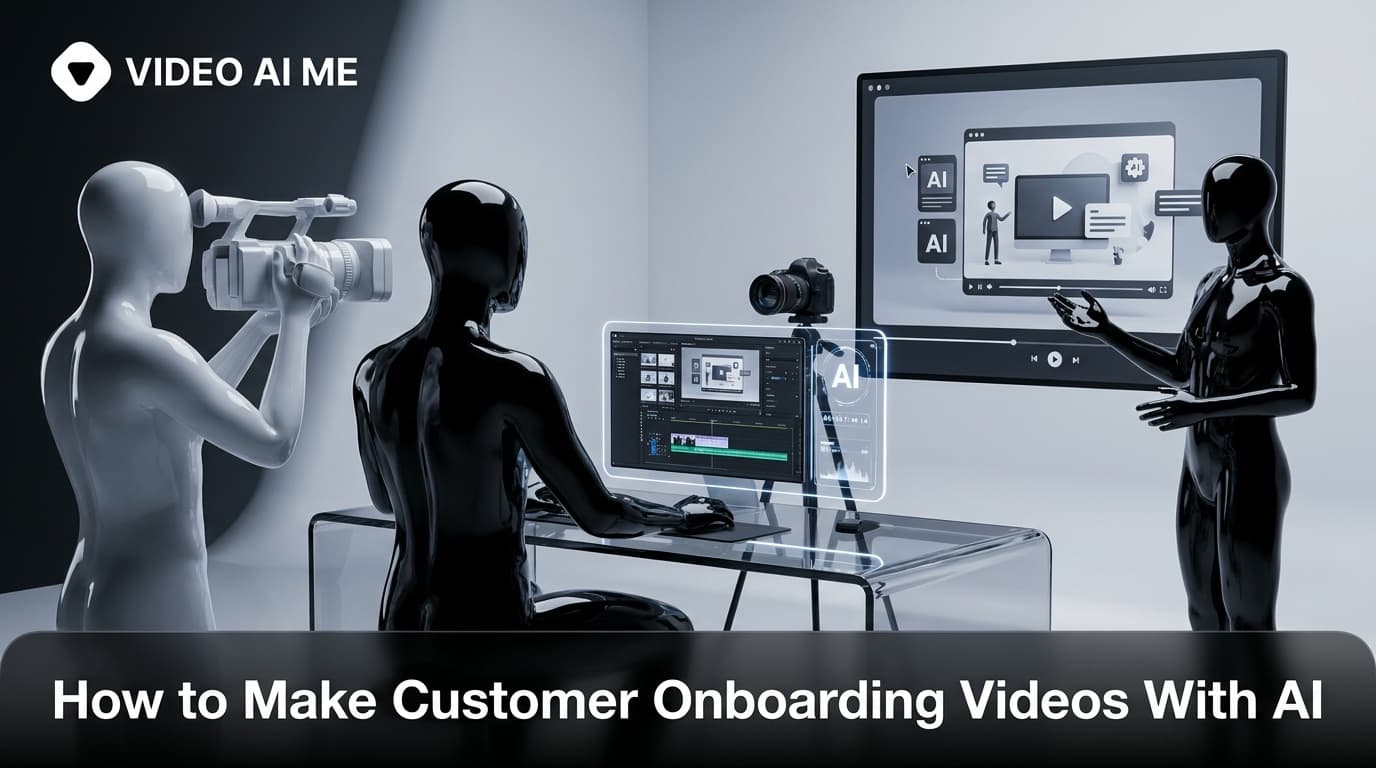
New customers churn fastest in the first few weeks, usually because they never reach a first win. The fix is rarely more emails, it is showing people exactly what to do. That is why so many teams now build an AI customer onboarding video: a short, repeatable clip that walks every new user to value without booking a single live call. This guide shows you how to make customer onboarding videos with AI in 2026, step by step, so you can cut support tickets and protect revenue.
The old way meant scheduling a videographer, writing a teleprompter script, recording your screen ten times, and re-shooting whenever a feature changed. With a model-agnostic AI workflow you can spin up a polished onboarding video in an afternoon, then re-render it the moment your UI updates. No camera, no studio, no creator booking.
This is a how-to. Follow the numbered steps and you will end with a video your new customers actually watch.
Why an AI customer onboarding video beats a help doc
Most new users do not read your documentation. They skim, get stuck, and quietly cancel. Video closes that gap because it shows the path instead of describing it.
The business case is well documented. According to HubSpot's customer onboarding guidance, structured onboarding tied to clear activation milestones is one of the most reliable ways to reduce early churn. The mechanism is simple: when someone sees the exact clicks that lead to a result, they reach that result faster.
Attention spans make video even more useful here. Research summarized by Statista shows short, visual formats hold viewers far better than long text, which is exactly what a stuck new user needs in their first session.
There is a support angle too. Every question your onboarding video answers is a ticket your team never has to touch. One good clip can deflect the same five questions thousands of times.
Here is why an AI customer onboarding video specifically wins for small teams:
- It is cheap to produce and even cheaper to update.
- It is consistent, so every customer gets the same high-quality welcome.
- It scales to multiple languages and plan tiers without re-shooting.
- It frees a solo founder or small success team from doing the same demo on repeat.
A note on trust: AI-generated and human-led content are not enemies. User-generated content earns far higher engagement than polished brand content, and a friendly spokesperson keeps onboarding human even when the production is automated. For a deeper look at where AI fits the broader funnel, see our AI product video guide for SaaS.
Most importantly, video meets a real behavioral fact: people do not read manuals when they are stuck. They want to be shown. A short AI customer onboarding video turns a wall of documentation into a 60-second path, and that single shift is often the difference between a user who activates and one who drifts away in week one.
What makes a customer onboarding video actually work
Before you open any tool, get the format right. The top-ranking guides on this topic agree on a few non-negotiables, and ignoring them is the fastest way to make a video nobody finishes.
Keep it short. SaaS onboarding clips perform best at 30 to 90 seconds for a single task, and 2 to 4 minutes only when you are walking through a full workflow. Drop-off climbs sharply as length grows, so default to short and split anything longer into a series.
Focus on one outcome per video. A great onboarding video answers a single question: how do I get my first win? Resist the urge to tour every feature. Cognitive overload, also called dumping every menu on a new user at once, is a leading cause of early churn.
Lead with a real voice or face. A talking spokesperson, even an AI one, makes the experience feel personal instead of robotic. Pair that with on-screen actions so viewers see exactly where to click.
Use the structure below for almost any onboarding clip:
| Section | Length | Goal |
|---|---|---|
| Warm welcome | 5-10 sec | Greet the user, name the one outcome |
| The first win | 20-60 sec | Show the exact steps to value |
| Quick proof | 5-15 sec | Show the result they will get |
| Clear next step | 5-10 sec | Tell them precisely what to do now |
How to make customer onboarding videos with AI: step by step
Here is the full workflow. These steps work with any modern AI video stack, so you are not locked into one tool or one generation provider.
Step 1: Map the first win you want to drive
Pick the single action that predicts retention. For a project tool it might be "create your first project." For an ecommerce app it might be "connect your store." Write that outcome at the top of your script document. Every second of the video should push toward it.
Step 2: Write a short, conversational script
Draft 120 to 200 words for a 60 to 90 second clip. Write the way you would talk, not the way you write docs. Open with the outcome, narrate each click in plain language, and end with one clear next step.
If you want AI help, paste your help article or a feature description into your writing tool and ask it to turn the steps into a spoken script. Then edit for tone so it sounds like a person, not a manual.
Step 3: Choose your visual style
You have two main options, and most strong onboarding videos blend them:
- Talking spokesperson: an AI actor delivers the welcome and the framing. This is ideal for the intro and the next-step CTA.
- Screen walkthrough: on-screen product footage or recreated UI shows the actual clicks for the first win.
For a face-forward welcome without hiring talent, you can generate a consistent AI spokesperson from a single photo. Our SaaS product demo video format guide breaks down when to lead with a face versus a screen.
Step 4: Generate the AI voiceover or actor
Feed your script into an AI voice or actor tool to produce natural narration. Pick a tone that matches your brand, usually warm and upbeat for onboarding. Generate a couple of takes and choose the one that sounds least scripted.
Keep the pace lively. A flat, slow read loses viewers fast, while an energetic delivery keeps attention through the first win.
Step 5: Assemble the video
Combine your spokesperson clip, the screen walkthrough, and the voiceover on a timeline. Trim any dead air, tighten transitions, and make sure each spoken instruction lines up with the matching on-screen action. The visual and the voice must agree at every step.
Step 6: Add captions and on-screen cues
Roughly 80 percent of social and in-app viewers watch without sound, so captions are not optional. Add them, then layer simple cues like arrows, highlights, or short text labels to point at the exact button being clicked.
Captions also widen reach. Platform guidance from TikTok for Business and other channels consistently favors sound-off-friendly creative, which matters if you repurpose onboarding clips into social or paid touchpoints later.
Step 7: Render in the right format and place it
Export in the aspect ratio your placement needs. Use 16:9 for an in-app welcome modal or a help center, and 9:16 if you are sending onboarding clips to mobile or social. Then place the video where the user already is: the welcome email, the first-run experience, the empty state, or the relevant help article.
Step 8: Personalize and translate for scale
This is where AI pulls ahead of a one-off shoot. Re-render variations by plan tier, role, or industry so a new agency customer and a new solo customer each see a relevant clip. Generate localized versions in other languages from the same script. One source video can become a dozen tailored onboarding assets.
Want to skip the assembly grind entirely? Generate spokesperson-led onboarding clips in minutes with the VIDEO AI ME AI UGC generator.
Step 9: Measure, then iterate
Track completion rate, activation rate after watching, and ticket volume on the topic the video covers. If completion drops at a certain timestamp, cut or rework that section. Treat the video like a product surface, not a finished asset.
Where to use AI onboarding videos across the journey
One video is a start. The highest-performing programs treat onboarding as a phased journey, with the right clip at the right moment.
- Welcome email: a 30 to 60 second hello plus the single first win.
- First-run experience: a contextual walkthrough inside the empty state.
- Feature unlock moments: short clips that appear when a user reaches a new feature.
- Plan-specific guides: tailored videos for Starter, Pro, and enterprise users.
- Ongoing education: new-feature clips so onboarding never truly ends.
This phased approach mirrors what high-retention teams do, and AI makes it affordable to maintain because each clip is cheap to produce and update. As your product evolves, you re-render rather than re-shoot.
If you sell software, the demo and the onboarding video often share DNA but serve different jobs. The demo convinces a prospect to sign up; the onboarding video gets that new customer to their first win. Reuse footage where you can, but keep the goal of each clip distinct. Our AI product video guide for SaaS covers how to map each video type to a stage of the customer journey so you are not building one generic clip that tries to do everything.
A quick volume note for growing teams: do not stop at one onboarding video. The best programs maintain a small library, one clip per key first win, plus role-based and plan-based variations. Because an AI workflow makes each render cheap, building five focused clips costs little more than building one and covers far more of your customer base.
Common AI onboarding video mistakes to avoid
A few errors quietly tank otherwise good videos:
- Too long. A five-minute tour feels like homework. Split it.
- Feature dumping. Showing everything teaches nothing. One outcome per clip.
- No captions. Silent autoplay means your message is read, not heard.
- No clear next step. End every video with one specific action.
- Set and forget. A video showing an old UI erodes trust. Schedule re-renders when the product changes.
Avoid these and your AI customer onboarding video will do exactly what it should: get new users to value before they ever think about leaving.
Frequently asked questions
Frequently Asked Questions
Share
AI Summary

Paul Grisel
Paul Grisel is the founder of VIDEOAI.ME, dedicated to empowering creators and entrepreneurs with innovative AI-powered video solutions.
@grsl_frReady to Create Professional AI Videos?
Join thousands of entrepreneurs and creators who use VIDEO AI ME to produce stunning videos in minutes, not hours.
- Create professional videos in under 5 minutes
- No video skills experience required, No camera needed
- Hyper-realistic actors that look and sound like real people
Get your first video in minutes
Related Articles
How to Make Video Ads From Your Website URL (AI)
Learn how to make video ads from your website URL with AI. Paste a link, pull product details, sharpen the hook, pick a presenter, caption, and test.
How to Turn Blog Posts Into Videos With AI (2026)
Learn how to turn blog posts into videos with AI. Extract the core idea, script for speech, generate with an AI presenter, and publish everywhere.
How to Batch a Month of Social Videos in a Day (AI)
Learn how to batch a month of social videos in a day with AI: plan hooks, batch scripts, generate consistent clips, caption, and schedule in one session.