
How to Make Retargeting Video Ads With AI (2026)
Learn how to make a retargeting video ad for every funnel stage with AI. Segment warm audiences, match creative to intent, and build a full sequence fast.
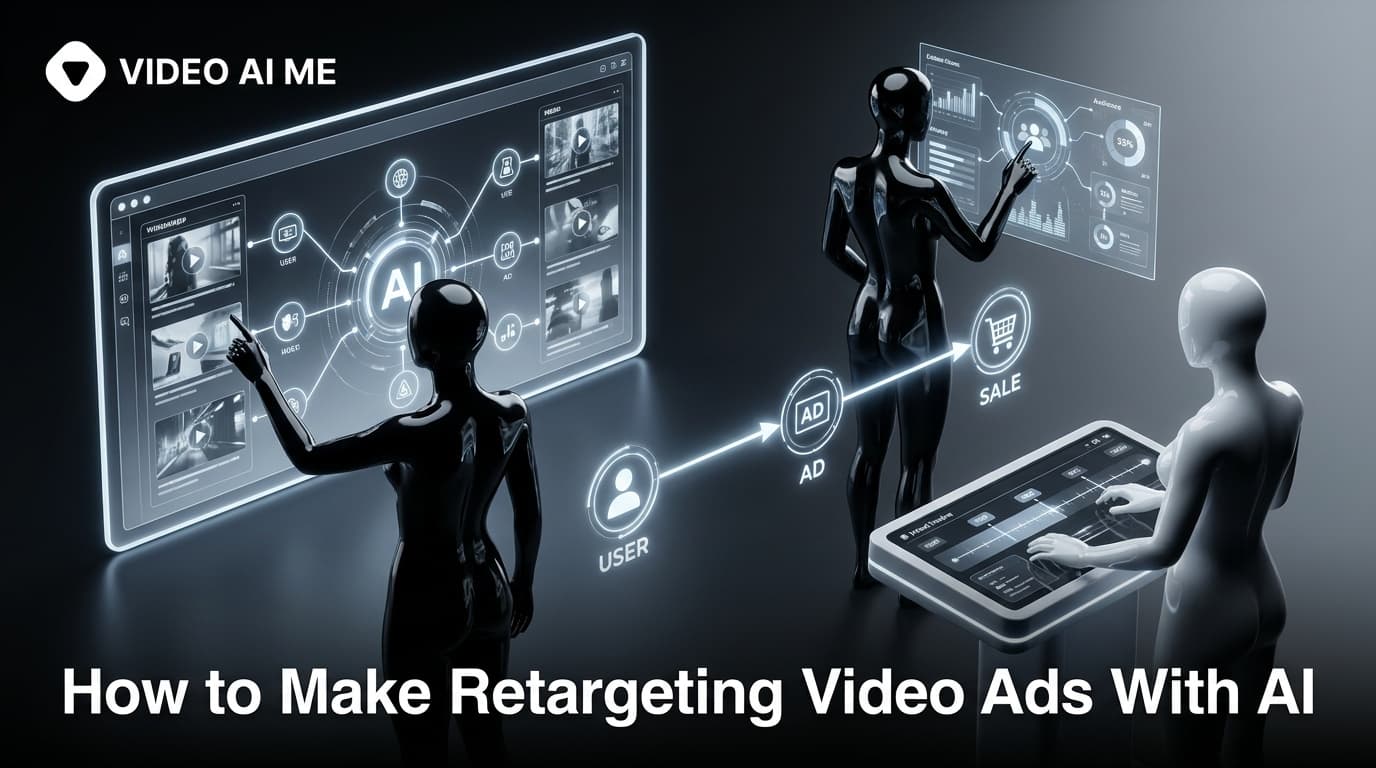
A warm visitor who already clicked your ad, watched your video, or added to cart is the easiest sale you will ever make. So why do most brands hit those people with the same cold-audience creative they show to total strangers? A great retargeting video ad does the opposite: it picks up the conversation exactly where the prospect left off and removes the one objection still standing between them and checkout.
This guide walks you through how to make a retargeting video ad for each funnel stage using AI, so you can produce a full sequence in an afternoon instead of booking a creator for weeks. We will cover audience segmentation, the funnel-stage creative formula, a step-by-step build, and the mistakes that quietly burn your retargeting budget.
What a Retargeting Video Ad Actually Is
A retargeting video ad is a video shown only to people who have already interacted with your brand: site visitors, video viewers, add-to-cart abandoners, or past customers. Instead of introducing your product from scratch, it re-engages a warm audience and pushes them toward the next step.
The mechanics are simple. A tracking pixel (the Meta Pixel, TikTok Pixel, or a Google tag) records who visits your site or engages with your content, and your ad platform builds a Custom Audience from that data. You then serve video specifically to that group.
Warm audiences behave very differently from cold ones. According to Criteo, retargeted visitors are far more likely to click and convert than people seeing your brand for the first time, which is exactly why retargeting deserves its own creative, not a recycled prospecting ad.
Why Video Beats Static for Retargeting
Static retargeting ads can remind someone a product exists. Video can actually overcome the reason they hesitated.
- Video holds attention longer, which matters when you are fighting ad fatigue on a small, repeatedly-served audience.
- Video can stack a hook, a benefit, social proof, and a call to action into a few seconds, so you address objections instead of just nudging.
- Short UGC-style clips feel native in the feed, so warm viewers do not register them as another pushy banner.
This is where AI changes the math. UGC achieves roughly 6.9x higher engagement than brand-produced content, and 55% of shoppers hesitate to buy without seeing UGC at all. A retargeting audience is small but high-intent, so the cost of testing several authentic-feeling video angles is low and the upside is direct revenue.
Step 1: Segment Your Retargeting Audiences by Intent
Before you write a single line of script, decide who you are talking to. The single biggest retargeting mistake is treating every warm visitor as one blob. Segment by how close they are to buying.
- Top-warm (video viewers, social engagers): people who watched 25% or more of a video or engaged with a post but never reached your site.
- Mid-warm (site visitors, content readers): people who browsed pages or read a blog post but did not view a product or pricing page.
- Hot (product viewers, add-to-cart, abandoned checkout): people who clearly signaled buying intent and stopped just short.
- Past customers (retention and upsell): buyers you want to bring back for a repeat purchase or higher tier.
Set a sensible window for each. A common starting point is a Custom Audience of users who viewed a product or visited a key landing page in the last 30 days but did not convert. Tighten the window for hot audiences and widen it for top-warm.
Step 2: Match the Creative to the Funnel Stage
Each segment needs a different message because each one stopped for a different reason. This is the funnel-stage-specific approach that separates retargeting that works from retargeting that just spends.
| Funnel stage | Audience | Job of the video | Creative angle |
|---|---|---|---|
| Top-warm | Video viewers, engagers | Earn the click to your site | Hook + single strong benefit, light CTA |
| Mid-warm | Site visitors, readers | Build desire and trust | Problem-solution, quick demo, social proof |
| Hot | Cart and checkout abandoners | Remove the final objection | Objection-handling, guarantee, urgency, clear CTA |
| Past customers | Buyers | Drive repeat or upgrade | New use case, restock reminder, loyalty offer |
A few rules that apply across stages:
- Lead with a hook in the first three seconds. Even warm viewers scroll fast.
- Use captions. Around 80% of social video is watched on mute, so your message has to land visually.
- One ad, one job. Do not try to make a hot-audience ad also do awareness work.
Meta and other platforms recommend running several creative variations and refreshing them regularly to fight fatigue, which matters more for retargeting because you are serving the same small audience over and over.
Step 3: Write Funnel-Stage Retargeting Scripts
Keep scripts short, conversational, and built around one idea. Here is a simple frame for each stage. For a deeper breakdown of hooks, problem framing, and CTAs, see our guide to writing AI UGC ad scripts.
Top-warm script frame (15 to 20 seconds):
- Hook that calls out the interest they already showed
- One concrete benefit
- Soft CTA: "Take a look"
Hot-audience script frame (20 to 30 seconds):
- Hook that names the hesitation ("Still thinking about it?")
- The exact objection answered (shipping, fit, price, risk)
- Proof element (a result, a guarantee, a review line)
- Direct CTA with light urgency
Write to a real person, not a crowd. The closer the language sounds to how a happy customer would actually talk, the more it reads as authentic UGC rather than an ad. Avoid stuffing more than one objection per video; that is one of the AI UGC ad mistakes that quietly kill ROAS.
Step 4: Produce the Videos With AI
This is where AI turns a multi-week shoot into an afternoon. With an AI UGC generator you create an actor, paste your script, and render lip-synced video, then duplicate it for every variation you need.
- Choose or create your actor. Upload a photo to create a custom spokesperson, or pick an existing AI actor that fits your brand. The same actor keeps your sequence consistent across stages.
- Paste your funnel-stage script. Drop in the top-warm version first, then the hot-audience version. Each becomes its own video.
- Generate. The system renders a talking-head clip with synced lip movement and a natural delivery.
- Add captions and a hook overlay. Burned-in captions for the mute majority, plus a text hook for the first three seconds.
- Export in the right ratio. Vertical 9:16 for Reels, TikTok, and Stories; consider 1:1 or 16:9 for feed and YouTube placements.
Because every step is text-driven, you can spin up multiple hooks and objections per stage in minutes. The rendering runs on a managed generation provider, so you are not buying GPUs or learning editing software. When you want to build the full sequence, start in the AI UGC ad generator and clone your way through each segment.
Step 5: Build a Creative Sequence, Not a Single Ad
The strongest retargeting programs use sequential messaging: one video re-earns attention, the next builds desire, the last closes. Map your assets to the funnel instead of running one tired clip forever.
- Serve the top-warm hook video to engagers to pull them onto your site.
- Once they visit, move them into the mid-warm desire video.
- When they hit a product or cart, switch to the hot objection-handling video.
- Layer in a past-customer video for retention and repeat sales.
This sequencing mirrors how full-funnel paid programs are structured. If you run Meta specifically, pair this with our Meta ads creative UGC framework and, for online stores, the AI Facebook ads playbook for ecommerce.
Step 6: Manage Frequency and Refresh Creative
Retargeting audiences are small, so the same person sees your ad repeatedly. Without controls, that goodwill turns into annoyance and your costs climb.
- Cap frequency so a single user is not served the same video dozens of times a week.
- Refresh creative on a regular cadence. Swapping hooks and actors keeps the audience from tuning out.
- Exclude converters. Once someone buys, move them to a retention audience or remove them entirely so you stop paying to sell what they already own.
Because AI lets you generate new variations cheaply, the refresh step stops being a bottleneck. Keep three to five live versions per stage and rotate.
Step 7: Measure What Matters
Judge retargeting by the metrics tied to the stage, not by vanity numbers.
- Top-warm: click-through rate and landing-page visits.
- Mid-warm: add-to-cart rate and time on site.
- Hot: purchases, cost per acquisition, and return on ad spend.
- Past customers: repeat purchase rate and average order value.
Track video completion and engagement too, since they tell you whether the creative is fatiguing. When a variation slips, retire it and ship a fresh one. For broader proof on whether these formats pull their weight, see whether AI UGC ads actually convert.
Common Retargeting Video Ad Mistakes to Avoid
- One ad for every warm visitor. A cart abandoner and a casual blog reader need different videos.
- No exclusions. Paying to retarget people who already bought is pure waste.
- Static-only retargeting. You lose video's ability to answer objections.
- Set and forget. Without refresh, frequency fatigue erodes results within weeks.
- Burying the CTA. Warm viewers are ready; tell them exactly what to do.
Fix these four or five things and a modest retargeting budget often becomes the most efficient line in your whole ad account.
Putting It Together
A high-performing retargeting video ad is not one clever clip. It is a small library of short, authentic-feeling videos, one per funnel stage, each removing a specific reason to hesitate, refreshed often and served with discipline.
AI is what makes that library realistic to produce. You write the scripts, generate funnel-stage variations from a single actor in minutes, and spend your time on strategy instead of shoots. Build the sequence once, refresh it often, and turn your warmest traffic into your cheapest sales.
Frequently Asked Questions
Share
AI Summary

Paul Grisel
Paul Grisel is the founder of VIDEOAI.ME, dedicated to empowering creators and entrepreneurs with innovative AI-powered video solutions.
@grsl_frReady to Create Professional AI Videos?
Join thousands of entrepreneurs and creators who use VIDEO AI ME to produce stunning videos in minutes, not hours.
- Create professional videos in under 5 minutes
- No video skills experience required, No camera needed
- Hyper-realistic actors that look and sound like real people
Get your first video in minutes
Related Articles

Make AI Video Look Real: AI Ads That Don't Look AI (2026)
Want to make AI video look real? This 2026 how-to walks through the exact realism techniques, prompt cues, and editing passes that kill the AI tells in your video ads.
How to Make an Investor Pitch Video With AI (2026)
Learn how to make an investor pitch video with AI in 2026. A step-by-step VC-facing workflow to script, generate, and send a 90-second pitch that lands meetings.
How to Make a Cold DM Video With AI (2026 Guide)
Learn how to make a cold dm video with AI in 2026. A step-by-step workflow to produce personalized outreach videos at scale that get more replies.