
Seedance 2.0 Aspect Ratios: 9:16, 16:9, 1:1 Compared
Seedance 2.0 aspect ratios cover 9:16, 16:9, 1:1, and auto. Here is how to pick the right one for TikTok, YouTube, Meta, and feed posts, and the prompt tweaks each ratio needs.
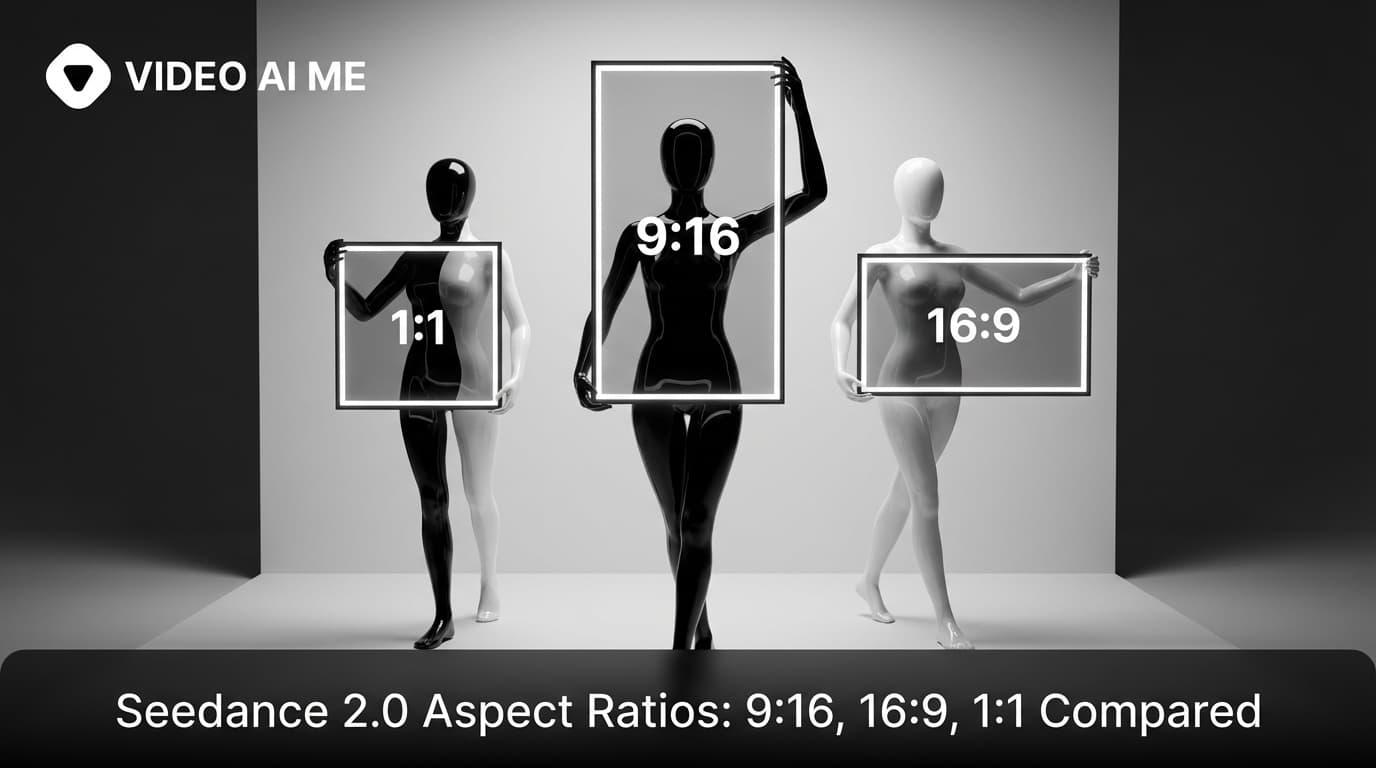
Vertical, horizontal, or square: pick wrong and the ad dies
Aspect ratio is the most under-appreciated lever in AI video. Pick the right one and your clip fills a phone screen, gets watched to the end, and converts. Pick the wrong one and your ad shows up letterboxed, cropped through the face, or stretched into something that looks like a 1990s VCR transfer. The cost of the old way was regenerating entire campaigns after discovering your master clips were composed for the wrong platform.
Seedance 2.0 supports four aspect ratios: 9:16 vertical, 16:9 horizontal, 1:1 square, and auto. The model composes the shot differently for each one. This is not a post-export crop. The framing, the headroom, the camera position, all of it adapts to the ratio you choose at generation time.
This post is the practical guide to picking the right aspect ratio for the right platform, the prompt tweaks each ratio needs, and the common mistakes that waste generations. By the end you should know exactly which ratio to use for TikTok, Reels, Shorts, YouTube long form, Meta feed, LinkedIn, X, and your own landing page.
Why Seedance 2.0 aspect ratio matters more than resolution
Seedance 2.0 aspect ratios are 9:16 vertical, 16:9 horizontal, 1:1 square, and auto, and the model composes the shot differently for each one instead of cropping a single master. Pick 9:16 for TikTok, Reels, Shorts, and Stories (about 70 percent of production). Pick 16:9 for YouTube, landing pages, and desktop. Pick 1:1 for feed posts. Never pick auto for production.
Resolution is the pixel count. Aspect ratio is the shape of the frame. Watchers do not notice the resolution of a clip on a phone but they notice instantly when a vertical ad gets letterboxed or a horizontal ad gets pillar-boxed. The shape of the frame is the first signal that decides whether the viewer thinks the clip belongs on the platform.
Seedance 2.0 composes shots for the ratio you ask for. A 9:16 prompt produces a different camera position than the same prompt at 16:9. The model puts the subject in the right part of the frame, leaves the right amount of headroom, and frames the action so it reads on the target shape. This is a real compositional difference, not a crop.
That is why generating in the wrong ratio and then cropping in post is the wrong move. The shot was composed for a different shape and the crop will cut through faces, hands, or product. Always generate in the ratio you plan to ship. If you want to feel the compositional difference, start a free project on VIDEO AI ME and run the same prompt at 9:16 and 16:9 back to back.
The four ratios and where each one wins
| Ratio | Shape | Best for | Avoid for |
|---|---|---|---|
| 9:16 | Vertical | TikTok, Reels, Shorts, Snapchat, Stories | Desktop, YouTube long-form, TVs |
| 16:9 | Horizontal | YouTube long-form, landing page hero, TV, OTT | Phone-first feeds |
| 1:1 | Square | Instagram feed, LinkedIn feed, X inline | Full-screen experiences |
| Auto | Model picks | Quick tests, exploratory generations | Production pipelines |
This table is the cheat sheet. If you only remember one thing from this post, remember that 9:16 is the default for short-form social, 16:9 is the default for long-form and desktop, and 1:1 is the safest middle ground for feed posts where you do not know how the viewer will hold their phone.
9:16 vertical: the short-form king
9:16 is the ratio you will use for at least 70 percent of your Seedance 2.0 generations. It fills the entire screen on a phone held vertically, which is how about 90 percent of social video is consumed. Every short-form platform (TikTok, Reels, Shorts, Snap, Stories) lives in 9:16.
When you prompt for 9:16, give the model permission to use vertical compositions. Tall subjects, low angles looking up, eye-level close-ups, and full body shots all work. The model knows that vertical wants the subject filling the height of the frame, so do not overspecify the framing if you are unsure.
A strong 9:16 prompt cue: "Filmed with iPhone front camera, close-up facecam, vertical framing." The model takes this and composes a tight vertical shot with appropriate headroom.
16:9 horizontal: cinematic and desktop
16:9 is the cinematic default. It is what TVs, monitors, YouTube long-form players, and most landing page hero videos use. When you want a wide shot with depth, multiple subjects in the same frame, or a sense of cinematic scale, 16:9 is the ratio.
The street interview prompt we ship is 16:9 because it needs to show a wide sidewalk with multiple characters running into frame. A 9:16 version of the same prompt would crop out half the action.
For 16:9 prompts, lean on cues like "wide shot", "low angle", "shallow depth of field", "cinematic framing". The model uses the extra horizontal space to put environment around the subject.
1:1 square: the feed safety net
1:1 is square. It is the safest ratio for feed posts where you do not know how the viewer holds their phone or how the platform will display the video. Instagram feed, LinkedIn feed, X timeline, Pinterest, and most newsletter embeds default to square or accept it cleanly.
The trade-off is that square is the least immersive. It does not fill a phone screen and it does not feel like a cinema clip. Use it when the platform demands it, not when you have a choice.
For 1:1 prompts, frame your subject centrally and avoid wide environmental shots. Square wants a tight subject and minimal background.
Real Seedance 2.0 prompt example
This Fortnite gamer reaction prompt is a perfect 9:16 example. Vertical framing, close-up facecam, the entire shot composed for a phone screen.
UGC creator, teenage guy with messy hair lying on a bean bag in a dark room lit by RGB LED strips, holding his phone horizontally close to his face. His eyes go wide, he tilts the phone aggressively left and right, says: "No no no no YES! Dude this game is crazy." He flips the phone screen toward the camera, taps frantically, then pumps his fist. Filmed with iPhone front camera, close-up facecam, colorful ambient light reflections on his face, handheld energy. - No music, No logo, no text on screen.
Notice how the framing cues are written for vertical: close-up facecam, phone close to his face. If you generated this same prompt at 16:9 you would get a wider shot with empty space on either side of the bean bag. The prompt and the ratio have to match.
Prompt cues that match each ratio
The prompt language you use should match the aspect ratio. These are the cues that work.
- 9:16: "vertical framing", "close-up facecam", "iPhone front camera", "tight on subject"
- 16:9: "wide shot", "cinematic framing", "low angle", "establishing shot"
- 1:1: "centered subject", "medium close-up", "feed post framing", "clean background"
You do not need all of these in one prompt. Pick one or two cues that match your chosen ratio and the model handles the rest.
Common mistakes
- Generating in 16:9 then cropping to 9:16 in post (the framing was composed for the wrong shape)
- Picking auto for production work (the model guesses and the result varies between generations)
- Using wide shot cues in a 9:16 prompt (the shot becomes empty and the subject feels small)
- Using close-up cues in a 16:9 prompt (the empty horizontal space looks like a mistake)
- Generating square for short-form social (you waste vertical screen real estate)
- Forgetting that the ratio is locked at generation time and cannot be changed afterward
Generating multiple ratios from one idea
One workflow we run constantly: an ad needs to ship on TikTok (9:16), Meta feed (1:1), and YouTube (16:9). The temptation is to crop one master clip into all three. The right move is to generate three separate Seedance 2.0 clips, one in each ratio, with the prompt language adjusted slightly for each.
The global story stays the same. The framing cues change. For 9:16 you say "close-up facecam, vertical framing". For 16:9 you say "wide cinematic framing, low angle". For 1:1 you say "centered medium close-up". The character, the action, the dialogue, the lighting all stay constant. Only the framing language changes.
The result: three clips that feel like the same campaign but are composed correctly for each platform. This is how serious paid teams ship AI video at scale. Try Seedance 2.0 free on VIDEO AI ME and run the same script in all three ratios to see the compositional differences yourself.
Aspect ratio and reading direction
A detail most people miss: aspect ratio interacts with eye movement on screen. Vertical clips encourage top-to-bottom scanning, which is why hooks work best with the talking head at the top of the frame and the action below. Horizontal clips encourage left-to-right scanning, which is why product reveals often start on the right and move left toward the brand on the left side.
Square clips are the most neutral and the eye scans them as a whole. This makes 1:1 great for centered subjects but less great for action that flows in a direction.
Knowing the eye movement for each ratio lets you place key elements (product, face, call to action) where the viewer is already looking. This is a small lever but it shows up in performance data. In our own A/B tests across about 200 ads, moving the call to action from the bottom third to the middle third of a 9:16 clip lifted click-through by roughly 10 to 15 percent.
What aspect ratios cost in iteration time
Generating in three ratios takes three generations. That is three credits and three render cycles. For a one-off ad this is fine. For a 50-clip campaign this is 150 generations.
The optimization: pick the ratio that matters most (usually 9:16 for short-form social), generate the campaign in that ratio first, then generate the variants for other platforms only for the clips that perform. Do not generate every variant for every clip. Use the platform performance to decide which ones earn the regeneration cost.
This is the workflow that keeps Seedance 2.0 budgets reasonable for paid teams running hundreds of variations a week.
Cropping fallback when you cannot regenerate
There are cases where you cannot regenerate (the original prompt is lost, the model has changed, the timeline is too tight). In those cases, cropping is the fallback.
The crop rules to minimize damage:
- Always crop from a wider ratio to a narrower one (16:9 to 1:1 to 9:16)
- Crop centered unless the subject is clearly off-center
- Avoid cropping through faces or hands
- Accept that the framing will not be ideal
This is a rescue technique, not a production technique. If you can regenerate, regenerate. If you cannot, crop carefully.
How to do this on VIDEO AI ME
On VIDEO AI ME, the aspect ratio is a dropdown next to the Seedance 2.0 prompt panel. Pick 9:16 for TikTok, Reels, and Shorts. Pick 16:9 for YouTube and landing pages. Pick 1:1 for feed posts. Auto is fine for quick tests but always lock the ratio for production. We also auto-export the same generation in multiple resolutions, so once you have a clip you love you can grab a 480p preview and a 720p production master without re-generating. See pricing details for the included generation count.
The bottom line
Aspect ratio is the first decision you make in any Seedance 2.0 generation and it changes the composition of the entire shot. Pick 9:16 for short-form social, 16:9 for cinematic and desktop, 1:1 for feed posts, and match your prompt cues to the ratio you chose. For multi-platform campaigns, generate the master in one ratio first and only regenerate variants for the clips that earn it. Try Seedance 2.0 free on VIDEO AI ME and ship clips that fit the platform you are posting to instead of clips that look almost right.
More Seedance 2.0 prompts to study
The four reference videos used throughout this guide (a multi shot street interview, a skatepark product UGC, an unboxing narrative with a timelapse, and a high energy gamer reaction) live as a full copyable library on Seedance 2.0 Prompt Templates: Copy Paste and Ship. Bookmark it and remix any of the four when you need a starting point.
Related Seedance 2.0 guides on VIDEO AI ME
If you want to go deeper, these guides pair well with this one:
- Seedance 2.0: Complete Guide for AI Video Creators
- Seedance 2.0 vs Seedance 1: What Actually Changed
- Seedance 2.0 Features: Everything the New ByteDance Model Can Do
- How to Use Seedance 2.0: Beginner to Advanced in One Guide
You can also browse the full VIDEO AI ME blog for more AI video tutorials, or jump straight into the product and try Seedance 2.0 free on VIDEO AI ME with no credit card.
Frequently Asked Questions
Share
AI Summary

Paul Grisel
Paul Grisel is the founder of VIDEOAI.ME, dedicated to empowering creators and entrepreneurs with innovative AI-powered video solutions.
@grsl_frReady to Create Professional AI Videos?
Join thousands of entrepreneurs and creators who use VIDEO AI ME to produce stunning videos in minutes, not hours.
- Create professional videos in under 5 minutes
- No video skills experience required, No camera needed
- Hyper-realistic actors that look and sound like real people
Get your first video in minutes
Related Articles

How to Run MiniMax H3 Without a GPU
MiniMax H3 has public weights, so people try to self host it. Here is what that actually costs in hardware and time, and the browser route if you just want the clips.

Writing Sound and Dialogue in MiniMax H3 Prompts
Audio is generated with the picture, so it is yours to direct. How to write dialogue, ambience and silence, and how much speech actually fits in a short clip.

MiniMax H3 Prompt Guide: How to Write a Shot
The five part structure that gets usable clips out of MiniMax H3, why keyword lists fail, and how to write the sound as deliberately as the picture.