
Seedance 2.0 Camera Movement Prompts: Dolly, Tracking, Handheld
How to write Seedance 2.0 camera movement prompts that produce real dollies, tracking shots, and handheld energy. Real examples and copy paste templates.
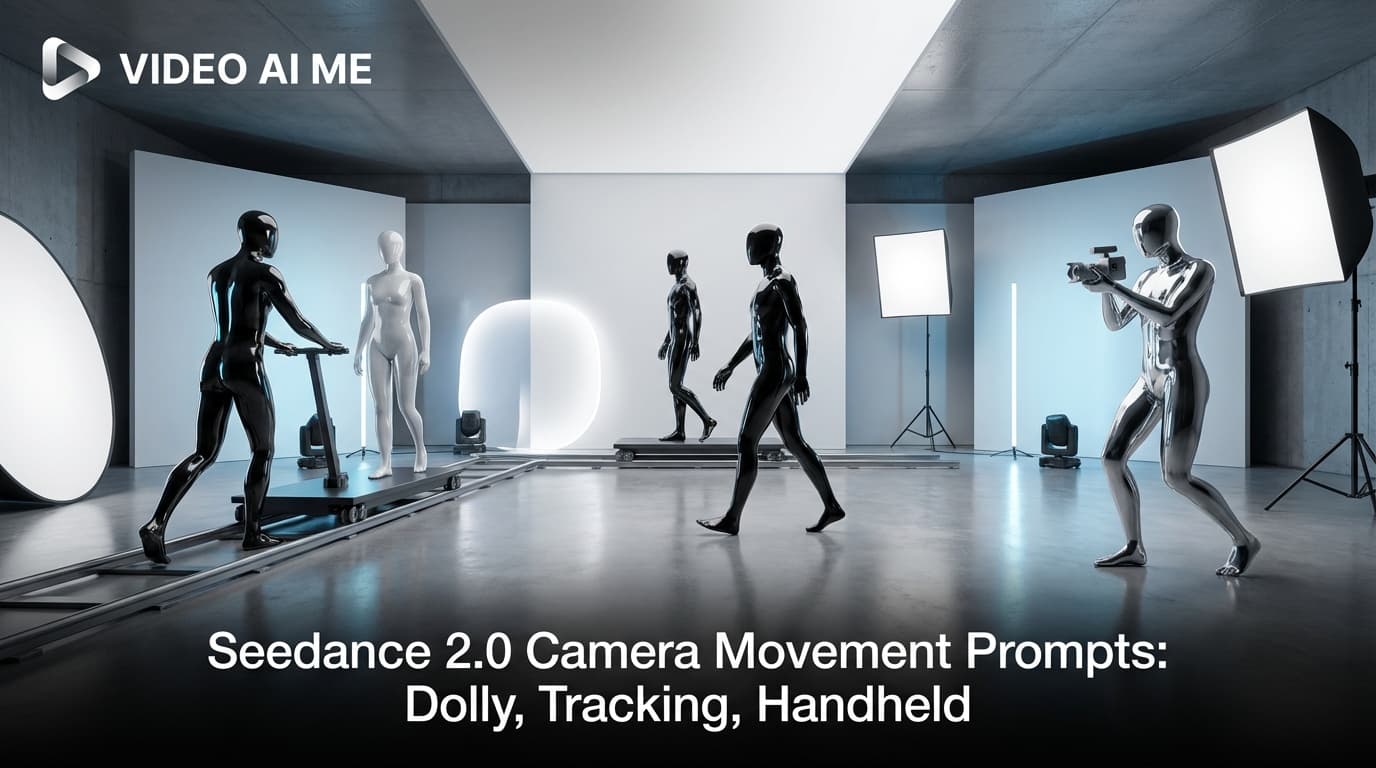
Seedance 2.0 Camera Prompts That Actually Direct the Shot
Your Seedance 2.0 clips probably all look like they were shot from the same angle. That is what happens when the prompt does not name a camera move. The default Seedance 2.0 camera if you do not specify anything is a static medium shot with mild handheld bounce. It works, but it is forgettable. The model treats vague camera language (cinematic, beautiful shot, dramatic angle) as filler and falls back to its safest framing. Seedance 2.0 camera prompts are the fix, and the ones that win read like a real DP wrote them.
By the end of this post you will have 5 tested prompts you can paste into VIDEO AI ME tonight, each demonstrating a different camera move: slow dolly in, tracking shot, handheld POV, low angle hero, and locked tripod with subject motion. One prompt is the verbatim Adidas reference we ship to new users. Each comes with a Why this works breakdown.
Why Seedance 2.0 Camera Prompts Are Different
Seedance 2.0 camera prompts need five specific cues: framing (wide, medium, close up), angle (eye level, low angle, high angle), camera move with named speed (slow dolly in, fast push, locked tripod), depth of field (shallow DOF, deep focus), and a lens hint (35mm anamorphic, 50mm, wide angle). Stack all five and the model gives you a real choice instead of a default medium shot.
The fix is to write camera prompts the way a director writes shot lists. Name the framing. Name the angle. Name the move. Name the lens or the depth of field. Name the speed of the move. The more concrete you are, the more Seedance 2.0 will give you a real choice instead of a default. We have run hundreds of camera tests at VIDEO AI ME and the pattern holds. The prompts that name actual cinematography terms produce actual cinematography.
The relevant Seedance 2.0 prompting principle is straightforward. Specify framing (wide shot, medium close up, eye level), depth of field (shallow, deep), and motion (slow dolly, handheld, locked tripod). Generic cinematic shot gets you nothing. Wide shot, low angle, slow dolly in, shallow focus gets you a real choice.
The second half of that principle is the part most people miss. You also need to name the speed of the move. A slow dolly in feels totally different from a fast push in. A whip pan is not the same thing as a tracking shot. The model can render any of these, but it cannot pick the right one if you do not say which one you want.
The third thing camera prompts need is a clear subject relationship. Is the camera moving toward the subject, away from it, around it, alongside it, or above it? The verb you choose locks in the geometry. Push in says toward. Pull out says away. Orbit says around. Track says alongside. Crane says above. Use the right verb every time.
Every camera prompt should end with a few global notes about the lens or the depth of field. Shallow focus on the eyes. 35mm wide angle, slight distortion. Anamorphic with mild lens flare. These cues set the visual register so the camera move does not feel like a tutorial demo.
Pattern 1: Slow Dolly In for the Product Hero
This is the move you want when you reveal a product. The camera starts wide and pushes in toward the object until it dominates the frame.
Product hero shot, premium leather watch sitting on a slate stone slab in a minimalist studio. Slow dolly in from a wide shot at three meters out to a medium close up at one meter, smooth steady camera, low angle looking slightly up at the watch. Shallow focus on the watch face, background falls into soft blur during the move. Studio key light from the left, cool rim light from behind, palette of slate gray, warm leather brown, polished steel. - No music, no logo, no text on screen.
Why this works. The move is named explicitly. Slow dolly in from a wide shot at three meters out to a medium close up at one meter. That is two framings and a clear motion direction in one sentence. The shallow DOF phrase locks the depth of field. The lighting names the source and the palette gives the model three color anchors. Every line is doing work. The negative cue list at the end strips out any default music or text overlays Seedance 2.0 might add.
Selling a premium product, paste this into VIDEO AI ME with your own item swapped in for the leather watch.
Pattern 2: Tracking Shot Alongside a Moving Subject
For anything where the subject is moving (a runner, a walker, a skater) you want the camera to travel beside them, not chase them. That is a tracking shot.
UGC creator, energetic Black man in his twenties standing in a concrete skatepark at golden hour, holding a brand new pair of white and neon green sneakers. He lifts them close to the camera lens, rotates them slowly saying: "Bro look at these. Feel that material." He drops them on the ground, slides his foot in, stomps twice, then jogs three steps and stops. He turns back to camera: "Insane comfort." Filmed with iPhone, warm sunset backlight, slight lens flare, handheld. - No music, No logo, no text on screen.
Why this works. This is the Adidas reference prompt and it is a great example of a camera that tracks the action without ever leaving the handheld feel. The verb stomps, the verb jogs three steps, the phrase turns back to camera all give the model a clear motion path. The handheld note keeps the camera bouncy and human. Add the phrase tracking shot, camera follows him at a steady distance to make the tracking explicit if you want even more control.
Pattern 3: Handheld POV for Energy and Immediacy
When you want the viewer to feel like they are inside the scene, you write a POV prompt with handheld energy. The camera is the eyes.
First person POV, walking through a dense night market in Bangkok, neon signs in red and pink reflecting off wet pavement, steam rising from food stalls. The camera bobs naturally with each step, slight motion blur on the sides, head turns left to a noodle vendor stirring a wok, then right to a couple laughing under a paper lantern. Filmed with iPhone, handheld, low light, palette of neon red, hot pink, deep teal. - No music, no logo, no text on screen.
Why this works. First person POV is the magic phrase. It tells Seedance 2.0 the camera is at eye level and the viewer is the subject. The bobs naturally with each step phrase produces real walking motion. The head turns left, then right phrase forces two distinct beats inside one shot, which gives the POV a sense of curiosity instead of a static glide. The neon palette locks the color story.
Pattern 4: Low Angle Hero Shot, Locked Tripod
When the subject is the entire shot and you want them to feel powerful, the low angle locked tripod is the move. Think movie poster.
Low angle hero shot, looking up at a woman standing on a rooftop at dusk, locked tripod, slight wide angle distortion. She is in a black leather jacket and dark jeans, hands in pockets, the city skyline behind her in deep blue twilight. Backlight rim light from the setting sun outlines her silhouette, shallow focus on her face. She turns her head slowly to look at the camera. Filmed in 720p, palette of midnight blue, warm amber sun, charcoal black. - No music, no logo, no text on screen.
Why this works. The locked tripod and the low angle do all the heavy lifting. The slight wide angle distortion phrase tells the model to push the lens just enough to feel epic without warping into a fisheye. The single small action (turns her head slowly) is enough to make the shot feel alive while keeping the camera still. The 720p note pulls in the higher resolution for sharper rim light.
Want this for your founder portrait, open VIDEO AI ME and run the prompt with your wardrobe and skyline in the description block.
Pattern 5: Locked Tripod With Subject Motion Through the Frame
The opposite of a tracking shot. The camera does not move at all. The subject moves through the frame and the static frame becomes the canvas.
Locked tripod, wide shot of an empty hallway in an art gallery, polished concrete floor, white walls with framed paintings. A woman in a long red coat enters from the left edge of the frame, walks slowly across the hallway, pauses in the center to look at one painting, then continues out the right edge. Soft daylight from a skylight above, palette of bone white, blood red, polished gray. Filmed in 720p, deep focus throughout. - No music, no logo, no text on screen.
Why this works. Deep focus throughout pairs with the locked tripod to give you a Wes Anderson style frame where everything is sharp from edge to edge. The subject motion (enters from the left, walks, pauses, continues out the right) gives the static frame a story. This is the opposite philosophy of the handheld POV. Same model, totally different feel, all because of the camera prompt.
For more cinematography techniques, see more AI video guides on the VIDEO AI ME blog or browse all VIDEO AI ME features.
Common Camera Prompt Mistakes
- Using vague words like cinematic, beautiful, dynamic. Replace with specific terms like dolly in, tracking, low angle, shallow focus.
- Not naming the speed of the move. Slow dolly and fast push in look completely different.
- Asking for too many camera moves in one shot. One move per shot. Split combos across multiple shots.
- Forgetting depth of field. Shallow DOF and deep focus are huge levers and most people skip them.
- Mixing handheld with locked tripod in the same shot block. Pick one. Use multi shot if you need both in the same clip.
- Skipping the lens hint. 35mm, 50mm, anamorphic, wide angle. The lens cue gives Seedance 2.0 a target visual register.
How to Apply This on VIDEO AI ME
Every prompt above runs in the standard Seedance 2.0 generator on VIDEO AI ME. Pick your aspect ratio (16:9 for landscape hero shots, 9:16 for vertical reels), paste the prompt, set 720p for the higher quality lens transitions, and hit generate. If you want the same camera move with your own actor or a stock face, the 300 plus AI actor library and voice cloning workflow live next to the generator. For tracking shots with a specific character, upload a reference image and switch to image to video to lock the look across the move.
Wrap Up
Camera prompts are about being specific. Name the framing, the angle, the move, the speed, the lens, and the depth of field. Five short cues stacked together produce a real choice. Five pieces of fluff stacked together produce a default. Pick a pattern, write one shot with all five cues, and try Seedance 2.0 free on VIDEO AI ME to start directing real shots today.
More Seedance 2.0 prompts to study
The four reference videos used throughout this guide (a multi shot street interview, a skatepark product UGC, an unboxing narrative with a timelapse, and a high energy gamer reaction) live as a full copyable library on Seedance 2.0 Prompt Templates: Copy Paste and Ship. Bookmark it and remix any of the four when you need a starting point.
Related Seedance 2.0 guides on VIDEO AI ME
If you want to go deeper, these guides pair well with this one:
- Seedance 2.0: Complete Guide for AI Video Creators
- Seedance 2.0 vs Seedance 1: What Actually Changed
- Seedance 2.0 Features: Everything the New ByteDance Model Can Do
- How to Use Seedance 2.0: Beginner to Advanced in One Guide
You can also browse the full VIDEO AI ME blog for more AI video tutorials, or jump straight into the product and try Seedance 2.0 free on VIDEO AI ME with no credit card.
Frequently Asked Questions
Share
AI Summary

Paul Grisel
Paul Grisel is the founder of VIDEOAI.ME, dedicated to empowering creators and entrepreneurs with innovative AI-powered video solutions.
@grsl_frReady to Create Professional AI Videos?
Join thousands of entrepreneurs and creators who use VIDEO AI ME to produce stunning videos in minutes, not hours.
- Create professional videos in under 5 minutes
- No video skills experience required, No camera needed
- Hyper-realistic actors that look and sound like real people
Get your first video in minutes
Related Articles

How to Run MiniMax H3 Without a GPU
MiniMax H3 has public weights, so people try to self host it. Here is what that actually costs in hardware and time, and the browser route if you just want the clips.

Writing Sound and Dialogue in MiniMax H3 Prompts
Audio is generated with the picture, so it is yours to direct. How to write dialogue, ambience and silence, and how much speech actually fits in a short clip.

MiniMax H3 Prompt Guide: How to Write a Shot
The five part structure that gets usable clips out of MiniMax H3, why keyword lists fail, and how to write the sound as deliberately as the picture.