
Dub: How attribution works
Click, lead, sale and commission tracking, last-click versus first-click, the attribution window, direct sales, deferred leads and troubleshooting. Every code snippet on screen is copied from the page.
1 min 12 s, 9:16
Documentation video
A documentation video is a short, narrated and captioned explainer of one docs page. VIDEO AI ME turns a brief of the page into that video in 16:9 or 9:16, and your agent or CI can regenerate it through the API when the docs change. Agents keep reading the text. People get the model in a minute.
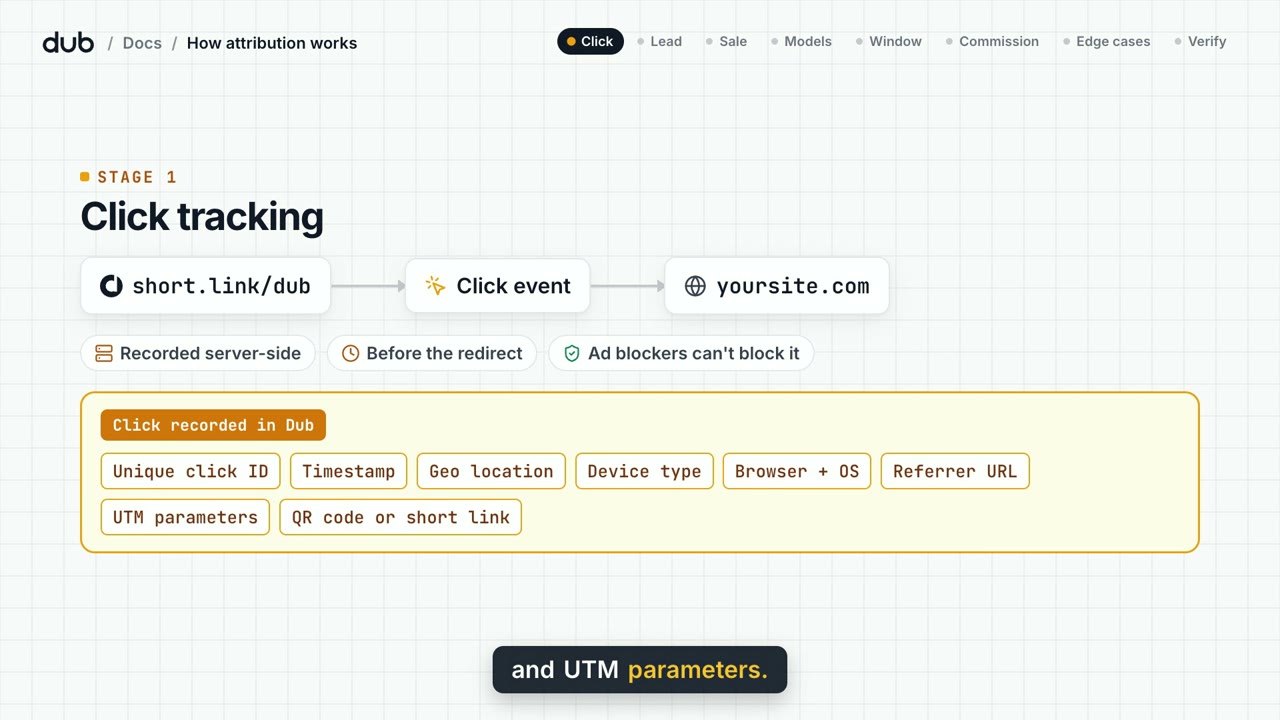
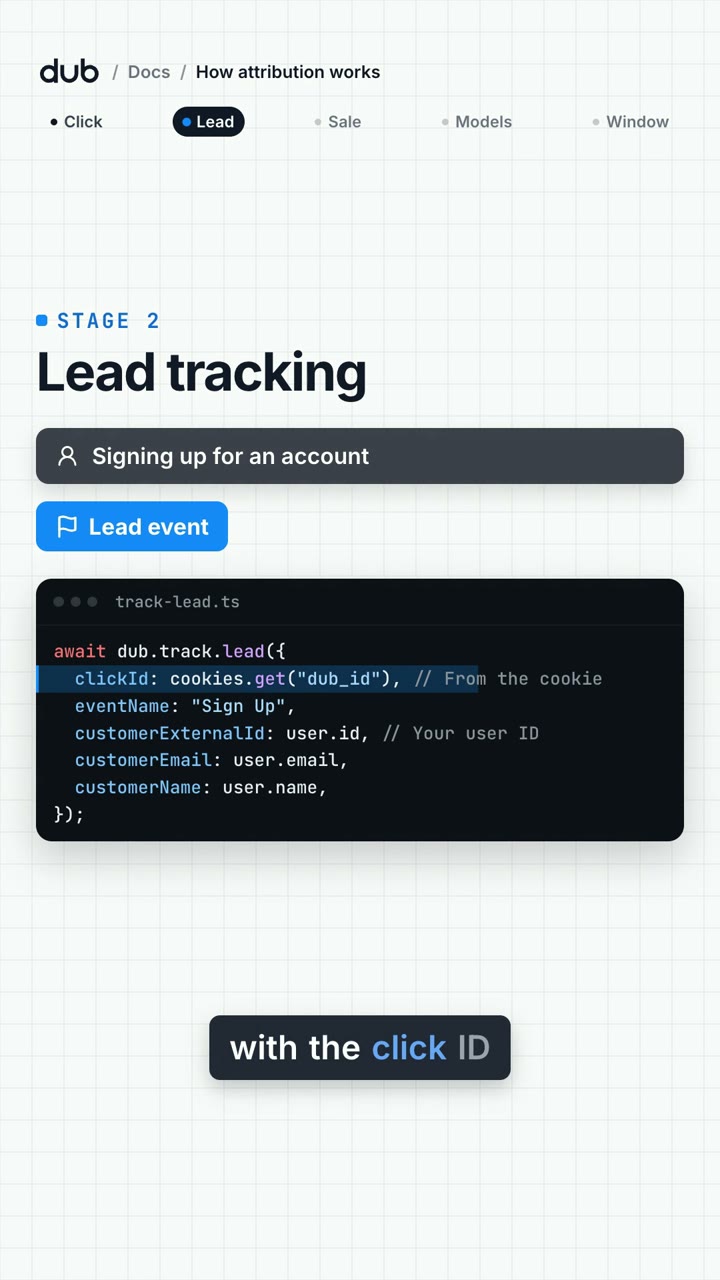
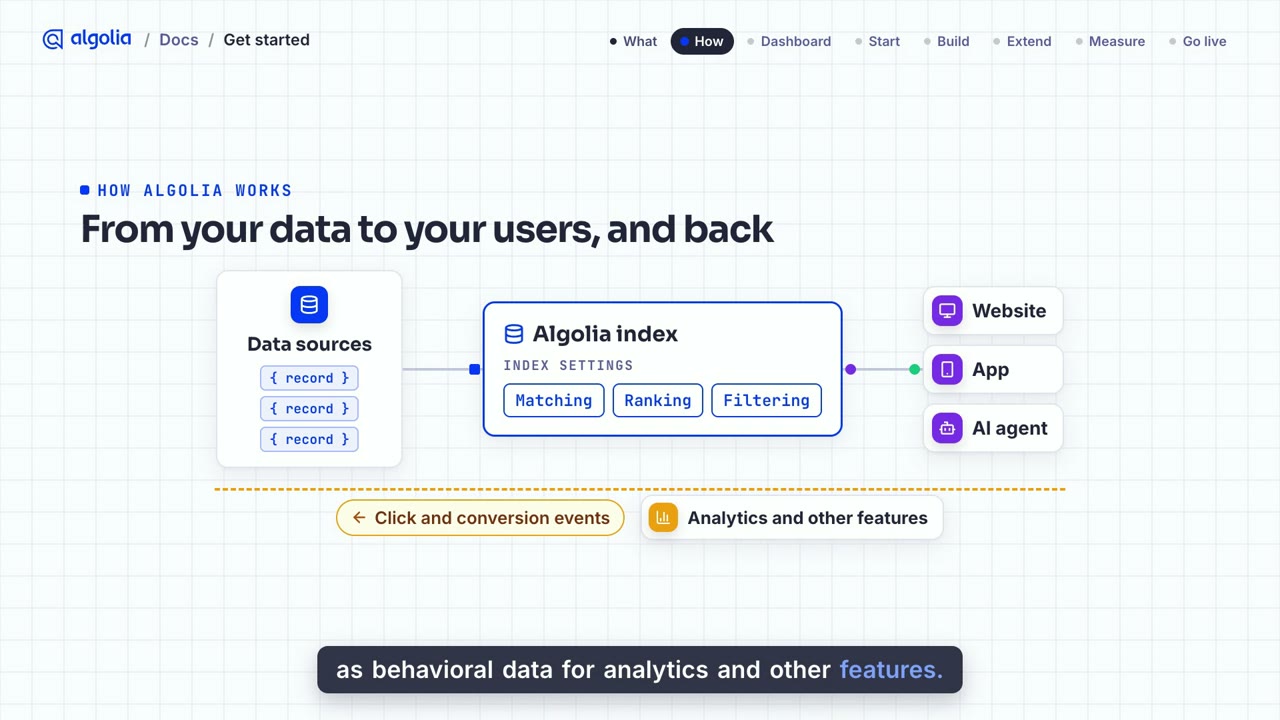
Two public docs pages, each turned into a full 16:9 walkthrough for the docs page and a short 9:16 cut for social. Captions are burned in, and a caption file ships with every video.
Click, lead, sale and commission tracking, last-click versus first-click, the attribution window, direct sales, deferred leads and troubleshooting. Every code snippet on screen is copied from the page.
1 min 12 s, 9:16
What Algolia is, how records, indices and events flow, the dashboard, the four starting points, the three build steps, and what to check before going live.
54 s, 9:16
Independent demos built by the VIDEO AI ME team from the public documentation, to show the format. Dub and Algolia are trademarks of their owners, who did not commission or endorse these videos. The self-serve explainer templates produce illustrated explainers in their own styles.
Coding assistants and answer engines pull your pages, llms.txt and markdown. They do not need a video, and a docs video does not replace any of that.
The CTO comparing vendors, the CEO signing the contract and the senior engineer who owns the integration still open the docs themselves. They skim, and they rarely read every page.
A one-minute walkthrough shows how the pieces connect before anyone reads a reference page. Concepts like an attribution flow or an indexing pipeline land faster when they move.
One page, one concept, one brief. You approve the storyboard before any video credits are spent, and each aspect ratio is its own run.
Docs page
one concept
Brief
600 characters
Storyboard
you approve
Render
narration + captions
Video
16:9 and 9:16
One video explains one documentation page. Choose the concept a new reader struggles with most, such as a data flow or the order of API calls.
Paste the key steps of the page as a brief of up to 600 characters. From Claude, Cursor or any MCP client, an agent can read the page with analyze_website and draft the brief for you.
Pick an explainer template, a duration and 16:9 or 9:16. Each format is a separate run, so make the 16:9 for the docs and the 9:16 for social.
You approve the frames before any video credits are spent. The narrated video renders in minutes, and make_captions burns word-level captions into it.
Call the same flow from your CI or your agent through the REST API, the CLI or MCP, and receive a signed webhook when the new video is ready.
A docs page lives on your site. A one-minute video travels: it is the version of the page people forward. VIDEO AI ME publishes the social cut to 15 platforms from the same workspace.
dev-platform · 11:02
New attribution flow, 1 min:
docs.yourcompany.com
How attribution works
Your company
Posted the 9:16 cut
Click, lead, sale, commission. One minute.
Docs embed
A link to a one-minute video gets watched in a channel. A link to a long reference page gets bookmarked.
The 9:16 cut posts natively, so a feature explanation travels where your buyers already scroll.
Embed the 16:9 cut at the top of the post or the docs page it explains, with the captions file as a transcript.
Treat the video like any other build artifact. Save the explainer as a flow once, then call it again when the page changes: from a CI step after a docs deploy, from the CLI, or by asking your coding agent over MCP.
$ videoaime flows run docs-attribution --aspect 16:9run queued · flow "docs-attribution"storyboard · waiting for approvalrender · narration + captionswebhook · 200 video.readyVIDEO AI ME does not watch your docs for changes on its own. Your pipeline decides when a page changed enough to re-render, and every run still asks for storyboard approval and confirms the credit cost.
One credit equals one cent. Costs depend on length and are always quoted before you confirm a run.
| Template | Length | Formats per run | Credits |
|---|---|---|---|
| Vox-style explainer | 10 to 40 s | 16:9 or 9:16 | 110 to 1,920 |
| Microsoft Paint explainer | 10 to 60 s | 16:9 or 9:16 | 110 to 2,880 |
| Chalkboard explainer | 30 to 120 s | 16:9 or 9:16 | 330 to 5,760 |
Want a longer walkthrough of a whole page? Make one short video per concept, or see the AI explainer video and examples.
A documentation video is a short narrated explainer that covers one docs page: the concept, the flow and the key calls, with captions. It sits at the top of the page for people who want the model before the reference, and it can be shared on its own in Slack, on LinkedIn or in a blog post.
Because agents and people read docs for different reasons. Agents need complete, structured text, and your pages, llms.txt and markdown already serve them. The people who choose and approve a tool, such as a CTO, a CEO or a senior engineer, skim. A one-minute video gives them the mental model first, so the text they do read makes sense.
Not in one click today. The explainer templates start from a written brief of up to 600 characters. From an MCP client, an agent can read the page with analyze_website, draft that brief and start the explainer for you, and you approve the storyboard before the render spends credits.
No. VIDEO AI ME does not watch your docs for changes. You regenerate the video by calling the same flow again, from your CI after a docs deploy or from your coding agent, through the REST API, the CLI or MCP. A signed webhook tells your pipeline when the new video is ready.
About one minute for a single concept, and no longer than two for a full page. The self-serve explainer templates run from 10 seconds up to 120 seconds for the chalkboard style. Split a long page into several short videos rather than making one long one.
Yes, as two runs from the same brief. Each run renders one format, so the 16:9 version for the docs page and the 9:16 version for social media are generated and charged separately.
Narration is part of every explainer render, with a male or female narrator. make_captions transcribes the audio and burns word-level captions into the video on paid plans. For a separate voiceover track, make_voiceover generates speech in 70+ languages with your plan voice minutes.
No. The VIDEO AI ME team built both demos from the public documentation pages to show the format: one page, a clear visual model, verbatim code, captions and a 16:9 plus 9:16 pair. Neither company commissioned or endorsed them. The self-serve templates produce illustrated explainers in their own styles.
Start with the concept your new users ask about most. Plans and credit costs are on the pricing page.