
MiniMax H3 Durations and Aspect Ratios Explained
Which clip length to pick for which job, which aspect ratio matches which placement, and the two settings rules that quietly override your choice.
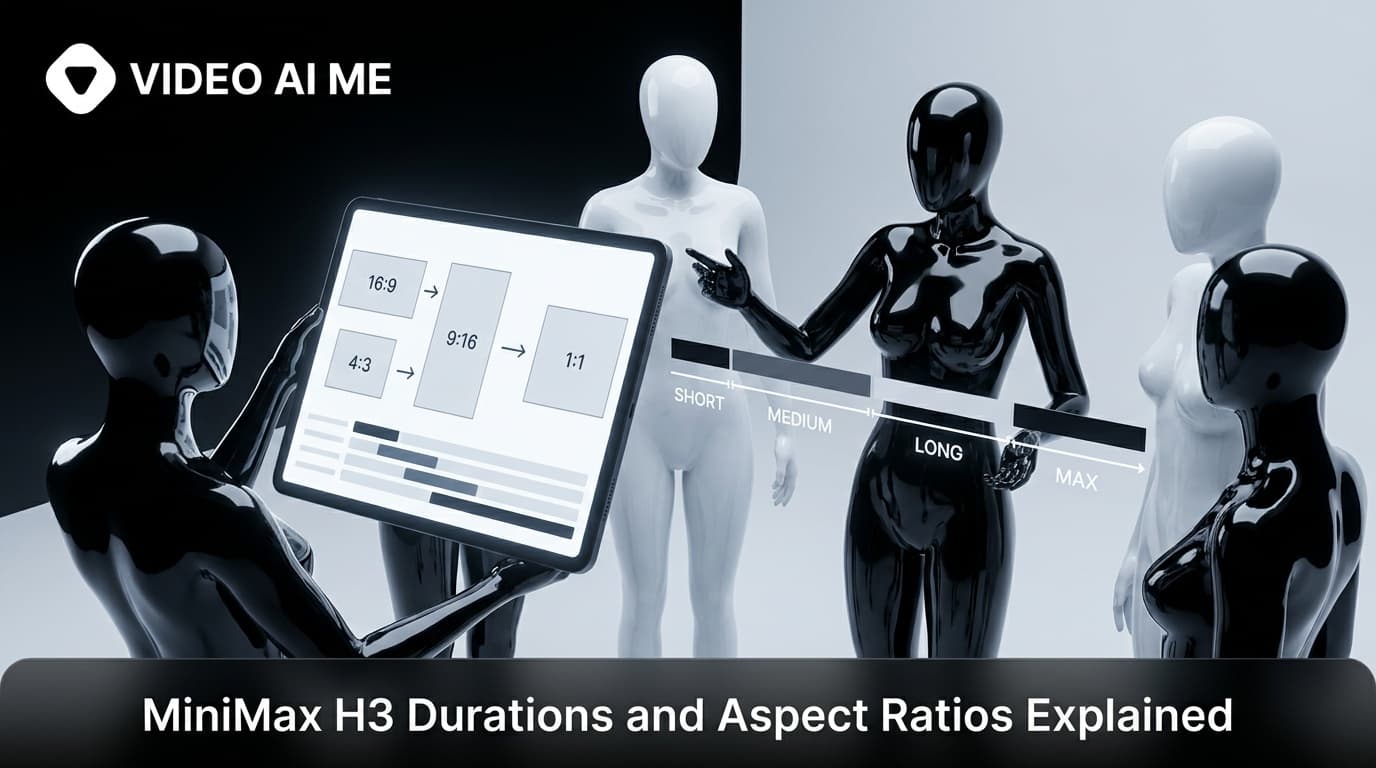
MiniMax H3 offers clips of five, eight, ten, twelve or fifteen seconds in six aspect ratios: 9:16, 16:9, 1:1, 4:3, 3:4 and 21:9. Two rules override your choice, and knowing them before you generate saves the most common wasted render.
What are the two override rules?
Image to video follows your image. Attach a single reference image and the output takes that image's aspect ratio, whatever the picker says. Crop the still to your placement before uploading.
Reference to video renders at 768p. Attach two or more images and the resolution is fixed for you, leaving duration and aspect as the settings you choose.
Neither is a bug. Both follow from how the modes work, and both catch people out exactly once.
Which duration should you pick?
| Length | Best used for |
|---|---|
| 5s | Testing hooks, product beats, anything you will judge and discard |
| 8s | A hook plus one supporting beat, the common finished length for paid social |
| 10s | A short narrative with a setup and a payoff |
| 12s | A demonstration that needs to show a process |
| 15s | The longest single take available here, for a full small story |
Draft at five. This is the rule that matters most. Five seconds tells you whether a line earns attention, and that is the only question you are asking during a testing round. Generating fifteen second versions of ideas you will throw away is paying three times over for the same information.
Finish at whatever the idea needs. Once a hook survives, rerun it at the length that lets it land. Most paid social finishes between eight and twelve seconds.
Write to the length. Dialogue is the constraint people miss. Around twelve to fifteen words fit comfortably in five seconds at a natural pace. If you write a paragraph into a five second clip it comes back rushed or clipped. Say your line out loud before you generate.
Which aspect ratio for which placement?
9:16 vertical. The default for TikTok, Reels, Shorts and Stories. If you are making paid social, this is almost always the answer. TikTok for Business and Meta's advertising guidance both publish current placement specs worth checking.
16:9 horizontal. YouTube, website embeds, landing page heroes, presentations.
1:1 square. Feed placements where vertical is not supported, and a reasonable hedge when one asset has to work in several places.
4:3 and 3:4. Older or more editorial formats, and useful when you want a frame that feels less like standard social video. 3:4 is a softer vertical that leaves more room for captions at the bottom than 9:16.
21:9 ultrawide. Cinematic banners and hero strips. Not a social format, but useful for a website header.
Why not just crop afterwards?
Because cropping throws away work the model did for you.
When you generate at 9:16, the model composes for a tall frame. The subject is placed for vertical, the headroom is right, the action sits where a vertical viewer will look. Crop a 16:9 clip down to that and you are cutting through a composition built for a different shape, which usually means the subject is off centre or partly out of frame.
It is also not cheaper. Generating vertical costs the same as generating horizontal and then cropping, except the vertical version is composed correctly. There is no saving to be had, only quality to lose.
The one legitimate exception is when you need the same clip in several shapes and the composition is simple enough to survive it, such as a static product on a plain background.
How do you handle clips longer than fifteen seconds?
Two routes.
Assemble beats in the editor. Generate three separate five to eight second shots and cut them together. This is usually better than one long take anyway, because ads benefit from cuts and because you can reshoot one beat without regenerating everything.
Use a model built for longer takes. If you genuinely need one continuous thirty second shot, another model in the picker handles that in a single pass. The comparison is in MiniMax H3 against Seedance 2.5.
The question to ask is whether the clip needs to be one continuous take or just needs to be long. Most ads only need to be long, and cuts make them better.
Does the aspect ratio change the composition itself?
Yes, and this is the reason generating natively beats cropping.
When you ask for 9:16, the model composes for a tall frame. It places the subject with vertical headroom, keeps the action in the middle band where a phone viewer looks, and leaves the edges relatively quiet. When you ask for 16:9, it uses the horizontal space, often placing the subject off centre with the environment filling the rest.
Those are genuinely different compositions of the same described scene, not one image in two shapes. Crop the horizontal version down to vertical and you are slicing through a frame that was built around horizontal space, which typically means losing part of the subject or ending up with them awkwardly placed.
The practical consequence is that if you need one scene in two placements, generate it twice rather than once. It costs the same as cropping, takes one extra render, and both versions are composed correctly.
What settings should a testing round use?
A default worth adopting:
- Duration: 5 seconds
- Resolution: 480p
- Aspect: the one you will actually publish
- Reference images: none while testing hooks, one when the real product must appear
Then for the survivors: same prompt, same aspect, 768p, and the length the idea needs. The reasoning behind that split is in 480p against 768p, and the whole routine is in how to draft a video ad in minutes.
How does duration interact with what you write?
The duration setting is not just a length, it is a budget for events, and prompts that ignore that come back rushed.
A five second clip holds one thing happening. A person says a line. A camera pushes in on a product. A hand lifts an object into frame. One beat, cleanly.
An eight second clip holds two. A line, then a gesture. A reveal, then a reaction.
Ten to fifteen seconds holds a small arc: a setup, a turn and a resolution. That is where you can write "she looks at the empty bottle, sighs, then reaches for a new one and smiles", because there is room for each of those to read.
The failure mode is writing a fifteen second script into a five second clip. The model does not slow the clip down or cut your content, it compresses the delivery, and compressed delivery is the single most recognisable sign of a generated ad. Say your line out loud at a natural pace before you generate, and if it does not fit comfortably, either cut words or increase the duration.
Which aspect ratio should you default to?
If you are making paid social, set 9:16 and leave it there.
The reasoning is simple. Vertical is where the impressions are for TikTok, Reels, Shorts and Stories, it is the shape phones are held in, and a vertical clip degrades gracefully when it appears in a square placement while a horizontal one does not survive a vertical crop. Defaulting to vertical costs you nothing when you occasionally need horizontal, because you can generate that separately.
The exception is anyone whose primary placement is YouTube, a website embed or a presentation, where 16:9 is the obvious default for the same reasons in reverse.
What you should not do is treat one aspect ratio as a master from which the others get cropped. Generate each shape you need. It costs the same as cropping and the composition is correct in each one.
Frequently Asked Questions
What clip lengths does MiniMax H3 support?
Five, eight, ten, twelve and fifteen seconds. Each is generated as a single continuous pass rather than assembled from shorter pieces.
Which aspect ratios are available?
9:16, 16:9, 1:1, 4:3, 3:4 and 21:9. Generate in the shape you will actually publish rather than cropping afterwards.
Why did my aspect ratio setting get ignored?
You attached a single image. Image to video follows the aspect ratio of that image, so the picker does not apply in that mode.
What length should I use for testing?
Five seconds. It is long enough to judge whether a hook earns attention and short enough that testing six versions is cheap.
Can I make a clip longer than fifteen seconds?
Not in one generation with this model. Generate separate beats and assemble them in the editor, or use a model built for longer single takes.
Is cropping a horizontal clip to vertical a reasonable shortcut?
Rarely. Cropping discards the composition the model built and usually cuts through the subject. Generating vertical from the start is better and no more expensive.
Set your defaults once
Decide your testing defaults, five seconds at 480p in your publishing aspect, and stop thinking about settings during a drafting session. The settings are not where the creative decisions live, and treating them as fixed frees your attention for the part that matters. Full walkthrough in how to use MiniMax H3.
Frequently Asked Questions
Share
AI Summary

Paul Grisel
Paul Grisel is the founder of VIDEOAI.ME, dedicated to empowering creators and entrepreneurs with innovative AI-powered video solutions.
@grsl_frReady to Create Professional AI Videos?
Join thousands of entrepreneurs and creators who use VIDEO AI ME to produce stunning videos in minutes, not hours.
- Create professional videos in under 5 minutes
- No video skills experience required, No camera needed
- Hyper-realistic actors that look and sound like real people
Get your first video in minutes
Related Articles
FLUX 3 Max Audio: Sound and Dialogue Prompt Guide
FLUX 3 Max generates sound on every clip. How to write dialogue it will speak, direct ambience and effects, decide on music, and replace the track when you need to.
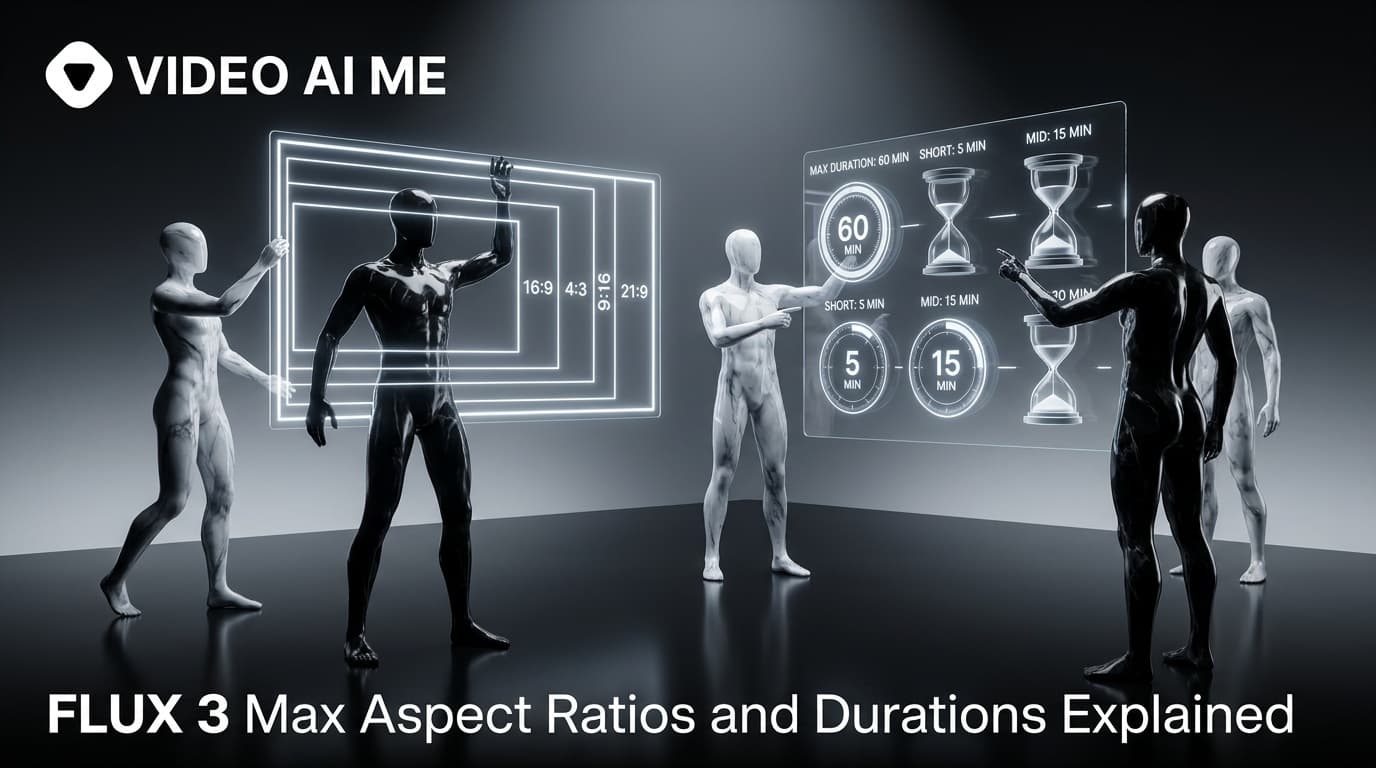
FLUX 3 Max Aspect Ratios and Durations Explained
Every FLUX 3 Max aspect ratio and clip length on VIDEO AI ME, how auto behaves in each mode, which placement wants which shape, and what each duration costs.
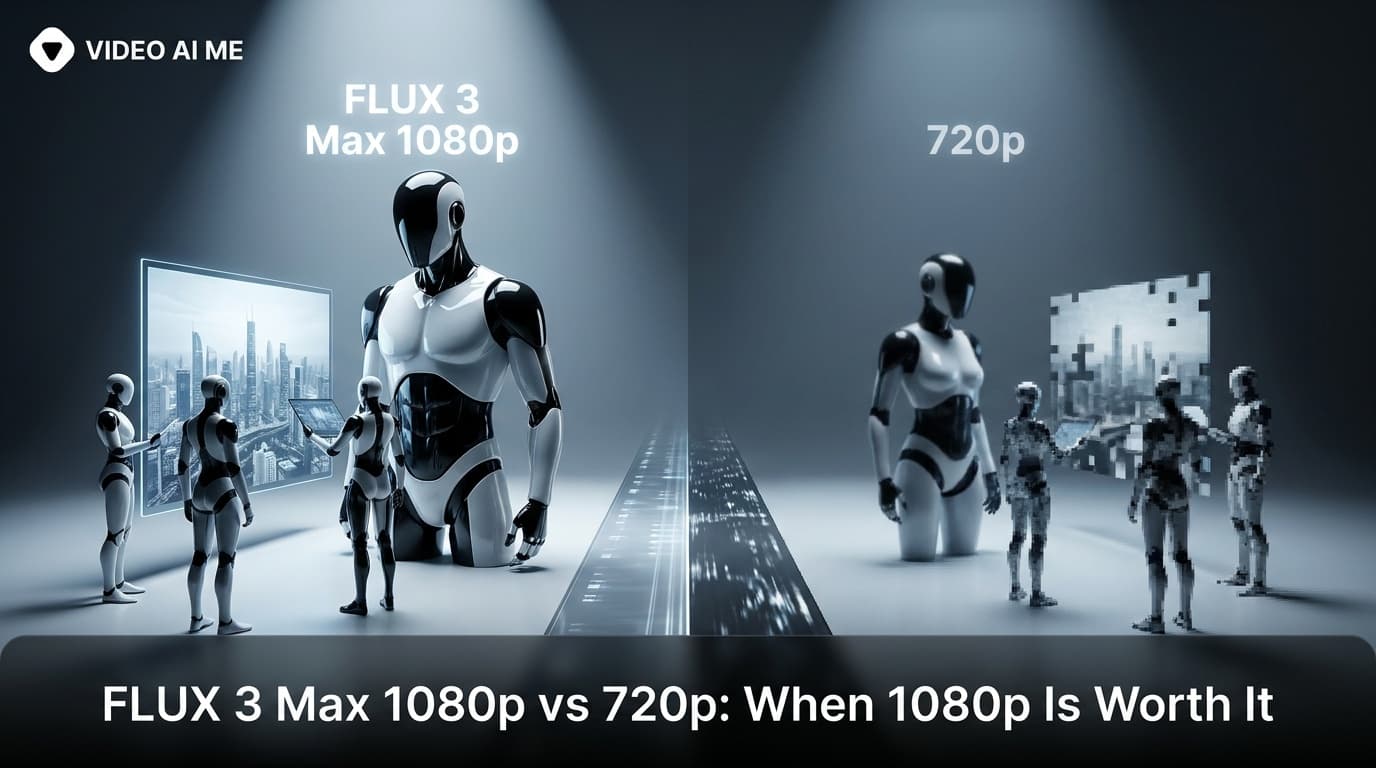
FLUX 3 Max 1080p vs 720p: When 1080p Is Worth It
FLUX 3 Max costs 17 credits per second at 720p and 29 at 1080p. When the higher tier earns its rate, when 720p is enough, and how to test cheap and deliver sharp.