
MiniMax H3 480p vs 768p: When Each One Wins
The resolution choice is really a workflow choice. Why 480p is correct for drafting, when 768p earns its place, and the one mode where you do not get to pick.
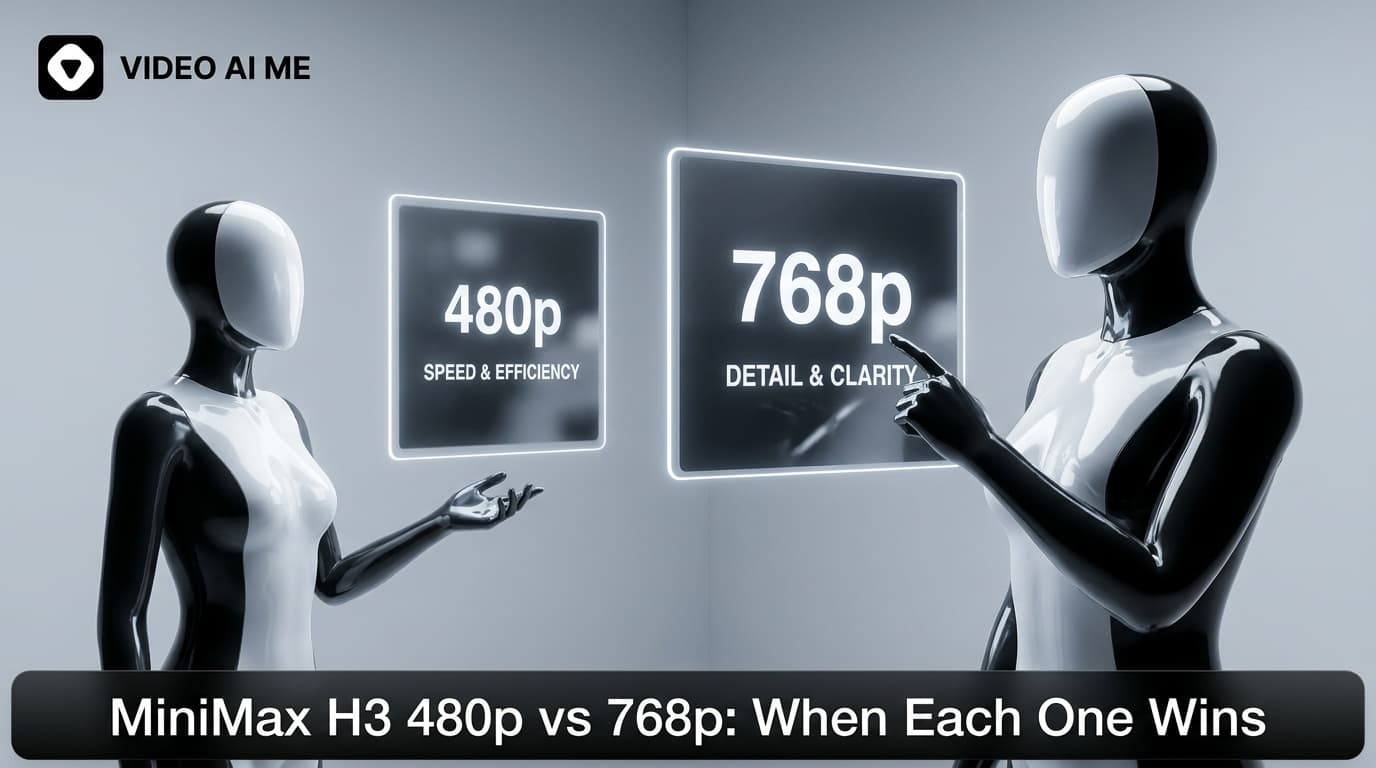
Pick 480p while you are deciding and 768p for the version you publish. That is the whole rule. The resolution setting is really a workflow decision rather than a quality decision, and treating it that way is what makes a fast model actually fast in practice.
What is the difference in practice?
480p is a lower resolution render. It is sharper than it sounds on a phone and noticeably softer on a laptop. 768p is the finishing resolution here, and it holds up on the placements this model is built for.
What matters more than the pixel counts is what does not change between them. The composition, the camera move, the delivery of the line and the general feel come back close enough at 480p that you can judge all of them. That is the property the whole drafting workflow depends on.
Why is 480p correct for drafting?
Because of the question you are asking at that stage.
During a testing round you are asking whether a hook earns attention, whether the framing works, and whether the delivery sounds like a person. None of those judgements improve with extra pixels. You would reach the same conclusion at 768p, having paid more and waited longer for it.
That matters because drafting is a volume activity. A useful round is five or six versions, of which four get discarded. Rendering all six at finishing quality means paying finishing prices for four clips you will never use.
The habit that follows: almost every generation you make should be a draft, and drafts should be short and low. Our full routine is in how to draft a video ad in minutes.
When does 768p earn its place?
The version you are publishing. Once a hook has survived judgement, rerun the exact same prompt at 768p. Same words, better output.
Anything with budget behind it. If money is going into distribution, the extra render cost is trivial against the media spend.
Anything on a larger screen. A website embed, a landing page section, a clip someone might watch on a laptop.
Client facing work. Not because the audience can always tell, but because a soft clip in a review meeting invites a conversation about quality instead of about the idea.
Does 768p make a visible difference in a feed?
Some, and less than people expect.
Social platforms compress uploads heavily, and a vertical clip watched at arm's length on a phone with captions over part of the frame is a forgiving viewing condition. The gap between a 480p and a 768p render narrows considerably by the time a viewer actually sees it.
That is not an argument for publishing drafts. It is an argument against believing that resolution is what decides whether an ad works. The hook decides that, which is why the workflow spends its effort on testing hooks rather than on maximising every render.
Where do you not get to choose?
Reference to video. Attaching two or more images always renders at 768p, so the resolution picker no longer applies. Duration and aspect ratio remain yours.
This is worth planning around. If your testing round involves reference images to keep a creator and product consistent, those drafts render at finishing resolution whether you want that or not, so keep the durations short to compensate. The mode is covered in how to use reference images.
Image to video and text to video both let you pick freely.
How does resolution affect what you spend?
Generation is billed in credits included with your plan, from 1,400 a month on Starter at $29 through 12,000 on Premium at $199. Rates differ by resolution and change over time, so the pricing page carries the current numbers and the editor shows the cost of a clip before you commit.
The structural point is stable regardless of the exact rates: a lower resolution draft costs less than a finishing render, so a session that produces five short drafts and two finished clips sits well below one that renders everything at maximum. People who run out of credits usually are not generating too much, they are generating everything at finishing quality.
What if a draft looks bad at 480p?
Separate two different problems before you rerun anything.
If the clip is soft, that is resolution and it is expected. Do not rerun for that. Judge past it.
If the composition is wrong, the delivery is flat, the camera move is doing something odd or the subject is not doing what you asked, that is the shot and rerunning at 768p will not change it. Those are prompt problems, and the fix is to change one element and regenerate at 480p again.
The distinction sounds obvious written down and it is the most common mistake we see in practice. People generate a draft, find it unsatisfying, and rerun at higher resolution hoping it will improve. It comes back sharper and just as wrong, having cost more.
A simple rule: if you could describe the problem to another person without mentioning sharpness, it is not a resolution problem.
A default worth adopting
Decide this once and stop thinking about it:
- Testing: 5 seconds, 480p, your publishing aspect ratio.
- Finishing: the length the idea needs, 768p, same prompt, same aspect.
The value of a fixed default is that settings stop consuming attention during a creative session. The settings are not where the decisions live, and every minute spent adjusting them is a minute not spent on the line that actually decides whether the ad works.
Duration guidance is in durations and aspect ratios, and the broader draft against finish argument is in drafts against final cuts.
Does resolution change how the model behaves?
This is the question that decides whether low resolution drafting is trustworthy, so it deserves a direct answer.
In practice the content of the shot comes back consistent between the two. The same prompt produces the same framing, the same camera move, the same delivery and the same general staging. What changes is fineness of detail: edges, fabric texture, the crispness of a label, the resolution of a face at distance.
That distinction is what makes the workflow work. If a 480p draft produced a different shot from a 768p render, drafting cheaply would be pointless, because you would be judging something you were not going to ship. Because it produces the same shot at lower fidelity, every judgement you make at 480p carries forward.
The one place to be careful is any decision that genuinely depends on detail. If you are choosing between two product finishes, or checking whether a label reads correctly, judge that at 768p. Those decisions are rare in a drafting round, and rare enough that paying the finishing rate for them is fine.
What about the placements themselves?
Worth knowing where the ceiling actually sits once a clip leaves your machine.
Every social platform re encodes what you upload, often aggressively, and the settings they apply depend on the placement, the device and the connection. A pristine upload does not arrive pristine. This is why the visible gap between resolutions narrows in a feed and widens on a website embed you serve yourself.
It is also why chasing maximum resolution for social specifically has diminishing returns. Both TikTok for Business and Meta's advertising guidance publish current upload specifications, and reading them is more useful than guessing, because their recommended dimensions change more often than people check.
Frequently Asked Questions
Which resolution should I use for MiniMax H3?
480p while you are deciding which idea survives, 768p for the version you publish. Almost all of your generations should be drafts.
Is 480p good enough to judge a clip?
Yes, for the question drafting asks. You are judging whether the hook earns attention and whether the framing works, and neither needs extra pixels.
Is 768p enough for social ads?
For vertical placements watched on phones, comfortably. Platforms compress uploads heavily, so the difference between 768p and higher narrows once it is live.
Why can I not choose the resolution with reference images?
Attaching two or more images switches you to reference to video, which always renders at 768p, so the choice is made for you.
Does 480p change anything other than sharpness?
It should not change the content of the shot. Composition, motion and delivery come back close enough to judge, which is what makes low resolution drafting reliable.
Should I ever publish a 480p clip?
Occasionally, for a low stakes organic post or a story. For anything with budget behind it, rerun at 768p first.
Test the difference once
Generate the same prompt at both resolutions, put them side by side on a phone, and decide for yourself how much the gap matters for your placements. It is one extra render and it will settle the question for good. The full settings picture is in durations and aspect ratios.
Frequently Asked Questions
Share
AI Summary

Paul Grisel
Paul Grisel is the founder of VIDEOAI.ME, dedicated to empowering creators and entrepreneurs with innovative AI-powered video solutions.
@grsl_frReady to Create Professional AI Videos?
Join thousands of entrepreneurs and creators who use VIDEO AI ME to produce stunning videos in minutes, not hours.
- Create professional videos in under 5 minutes
- No video skills experience required, No camera needed
- Hyper-realistic actors that look and sound like real people
Get your first video in minutes
Related Articles
FLUX 3 Max Audio: Sound and Dialogue Prompt Guide
FLUX 3 Max generates sound on every clip. How to write dialogue it will speak, direct ambience and effects, decide on music, and replace the track when you need to.
FLUX 3 Max Aspect Ratios and Durations Explained
Every FLUX 3 Max aspect ratio and clip length on VIDEO AI ME, how auto behaves in each mode, which placement wants which shape, and what each duration costs.
FLUX 3 Max 1080p vs 720p: When 1080p Is Worth It
FLUX 3 Max costs 17 credits per second at 720p and 29 at 1080p. When the higher tier earns its rate, when 720p is enough, and how to test cheap and deliver sharp.