
12 MiniMax H3 Prompt Examples You Can Copy
Twelve complete, ready to paste prompts for MiniMax H3 covering UGC hooks, product demos, unboxing, app screens and more, with notes on what to change.
These are twelve complete MiniMax H3 prompts, written to be pasted straight into the editor and adapted. They cover the formats that carry most paid social work: UGC hooks, product demos, unboxing, app screens, before and after, and lifestyle beats.
Each follows the same five part structure covered in the prompt guide: who is in frame, what they do, how the camera behaves, how it looks, and what you hear.
UGC and talking head hooks
1. Bedroom skincare review
A woman in her late twenties sits cross legged on a bed in a sunlit bedroom, holding a small pink skincare tube toward the camera. She looks straight into the lens and says, "Nobody warned me about the purge week." Handheld medium close up with a small amount of natural sway, soft window light from the left, clean natural colour. Room tone only, no music. Vertical framing.
2. Kitchen counter product review
A man in his early thirties stands behind a kitchen counter in morning light, holding a matte black coffee grinder. He turns it slowly toward the camera and says, "I have thrown out three of these. This one stayed." Medium shot on a 50mm lens, slow push in, warm natural light from a window on the right. Kitchen room tone, the low hum of a fridge, no music. Vertical framing.
3. Car facecam confession
A woman in her thirties sits in the driver's seat of a parked car, speaking directly into a dashboard mounted camera with animated expressions. She says, "I cancelled two subscriptions this week and I do not miss either." Medium close up, natural daylight through the windshield, clean modern car interior, soft flattering light. Ambient car interior sound, voice close and clear, no music. Vertical framing.
4. Walking and talking street hook
A man in his late twenties walks along a city pavement in late afternoon light, holding the camera at arm's length in front of him. He says, "Three weeks in and I still have not opened the box it came in." Handheld selfie framing with natural walking movement, warm low sun behind him, shallow depth of field. Street ambience, distant traffic, no music. Vertical framing.
Product demo and unboxing
5. Top down unboxing
Top down camera angle on a clean white desk. Two hands carefully open a sleek product box and pull back tissue paper to reveal a small ceramic diffuser inside, then lift it out and set it on the desk. Close framing, slow deliberate movements, warm studio lighting with soft shadows. Satisfying paper crinkling and gentle tapping sounds, no music. Vertical framing.
6. Slow product reveal on a lit desk
A matte black wireless charger sits on a dark wooden desk beside a closed notebook. The camera pushes in slowly from a low angle as a soft key light rises from the left, catching the edge of the product. No people in frame. Shallow depth of field, rich blacks, clean highlights. Quiet room tone with a single soft click as a phone is set down, no music. Horizontal framing.
7. Product in hand, close up
A hand holds a small amber glass serum bottle up against a plain warm wall, turning it slowly so the light moves across the label. Extreme close up on an 85mm lens, static camera, soft diffused daylight from the left, shallow depth of field. Quiet room tone, no music. Vertical framing.
8. Before and after gesture
A woman in her forties stands in a bright bathroom, holding a hair serum bottle in one hand. She lifts a section of hair with the other and says, "Same brush, same three minutes." Medium close up, static camera at eye level, soft even daylight, clean natural colour. Bathroom room tone, no music. Vertical framing.
App and software
9. Showing an app on screen
A person in their late twenties holds a smartphone toward the camera, showing an app on screen, and taps through two features while speaking. They say, "It took me longer to sign up than to make the first one." Medium shot showing their upper body and the phone, screen clearly visible and free of glare, modern minimal background, even soft lighting. Natural voice, subtle interface tap sounds, no music. Vertical framing.
10. Desk setup software hook
A man in his thirties sits at a tidy desk in front of a laptop in a home office, turning from the screen to face the camera. He says, "I stopped doing this manually in about ten minutes." Medium close up on a 50mm lens, static camera at eye level, soft daylight from a window on the left, clean natural colour. Quiet room tone, faint keyboard sounds, no music. Horizontal framing.
Lifestyle and atmosphere
11. Morning routine beat
A woman in her early thirties pours coffee into a ceramic mug at a kitchen counter in early morning light, then wraps both hands around it. No dialogue. Medium shot, slow push in, warm low angled sunlight through a window behind her, soft haze in the air, clean natural colour. The sound of pouring liquid and quiet kitchen room tone, no music. Vertical framing.
12. Outdoor product lifestyle
A man in his late twenties sits on a rock at the edge of a pine forest at golden hour, taking a metal water bottle from a backpack and drinking. No dialogue. Wide shot settling to medium, slow pull back, warm backlight through the trees, lens flare, teal and orange grade. Wind in the trees, distant birds, no music. Horizontal framing.
How should you use these?
Not one at a time. Pick the format that matches your product, then generate five versions changing only the spoken line.
That constraint is what turns a batch of clips into an actual test. If you change the hook and the setting and the camera at once, a winner tells you nothing you can reuse next week. If only the line changes, the result tells you something true about what your audience responds to. The full routine is in how to draft a video ad in minutes.
Generate at five seconds and 480p while you are deciding. Rerun the survivors at 768p.
What to change when adapting them
The spoken line, first and always. It carries the hook. Write it as a sentence a real person would actually say out loud, not as a feature claim.
The setting, to match your audience. A bedroom reads differently from a kitchen, which reads differently from a car. Pick the room your customer is actually in.
The product description, only if you have no photo. If you do have a photo, attach it instead. That switches you to image to video and your real packaging stays accurate, which no amount of description reliably achieves.
The sound line, deliberately. "No music" is the right default for UGC style work, because a score signals advertising. Keep it unless you have a reason.
What not to add
Do not ask for on screen text, prices, logos or captions. Lettering is unreliable across every model in this class, and adding it in the editor is both faster and correct. Do not stack camera moves. Do not write four lines of dialogue into five seconds.
Frequently Asked Questions
Can I use these prompts exactly as written?
Yes. Each one is complete and ready to paste. Swap the product, the setting and the spoken line for your own and the structure keeps working.
What should I change first when adapting a prompt?
The spoken line. It carries the hook, and it is the element that decides whether anyone watches past the first second.
Do these work at every duration?
They are written for five to eight seconds. For longer clips, add a second beat to the action rather than stretching the same moment out.
Why does every prompt mention sound?
Because audio is generated with the picture. If you say nothing, the model chooses, and it often chooses music you did not want.
Should I attach a reference image with these?
Only if you need your real product or a specific person. With no images these run as text to video, which is what you want while testing angles.
How many of these should I generate at once?
Five, changing only the spoken line between them, so the comparison tells you something about your hooks rather than about five unrelated clips.
More prompt libraries
For format specific sets, see our UGC prompt templates and product ad prompts. If you are writing your own from scratch, TikTok for Business and Meta's advertising guidance both publish current creative specs worth checking before you generate.
Frequently Asked Questions
Share
AI Summary

Paul Grisel
Paul Grisel is the founder of VIDEOAI.ME, dedicated to empowering creators and entrepreneurs with innovative AI-powered video solutions.
@grsl_frReady to Create Professional AI Videos?
Join thousands of entrepreneurs and creators who use VIDEO AI ME to produce stunning videos in minutes, not hours.
- Create professional videos in under 5 minutes
- No video skills experience required, No camera needed
- Hyper-realistic actors that look and sound like real people
Get your first video in minutes
Related Articles
FLUX 3 Max Audio: Sound and Dialogue Prompt Guide
FLUX 3 Max generates sound on every clip. How to write dialogue it will speak, direct ambience and effects, decide on music, and replace the track when you need to.
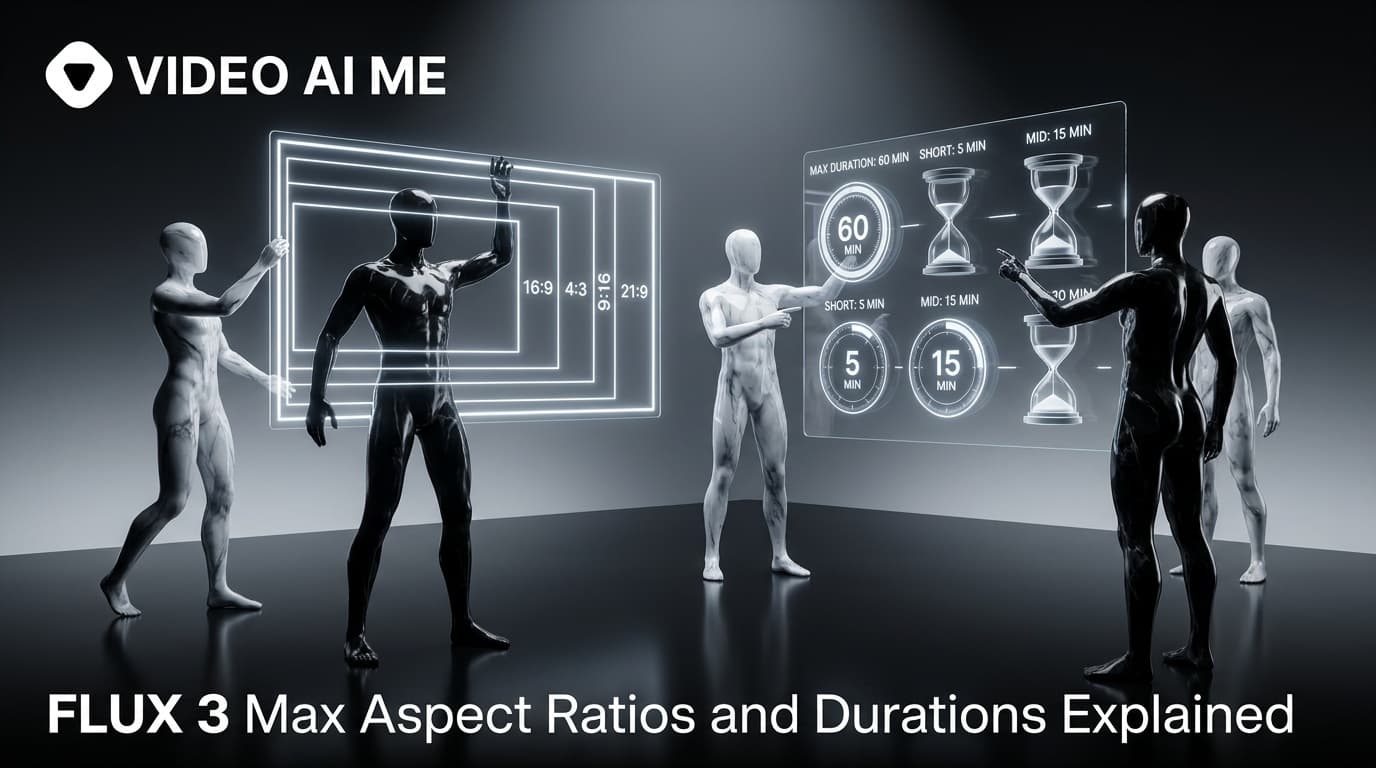
FLUX 3 Max Aspect Ratios and Durations Explained
Every FLUX 3 Max aspect ratio and clip length on VIDEO AI ME, how auto behaves in each mode, which placement wants which shape, and what each duration costs.
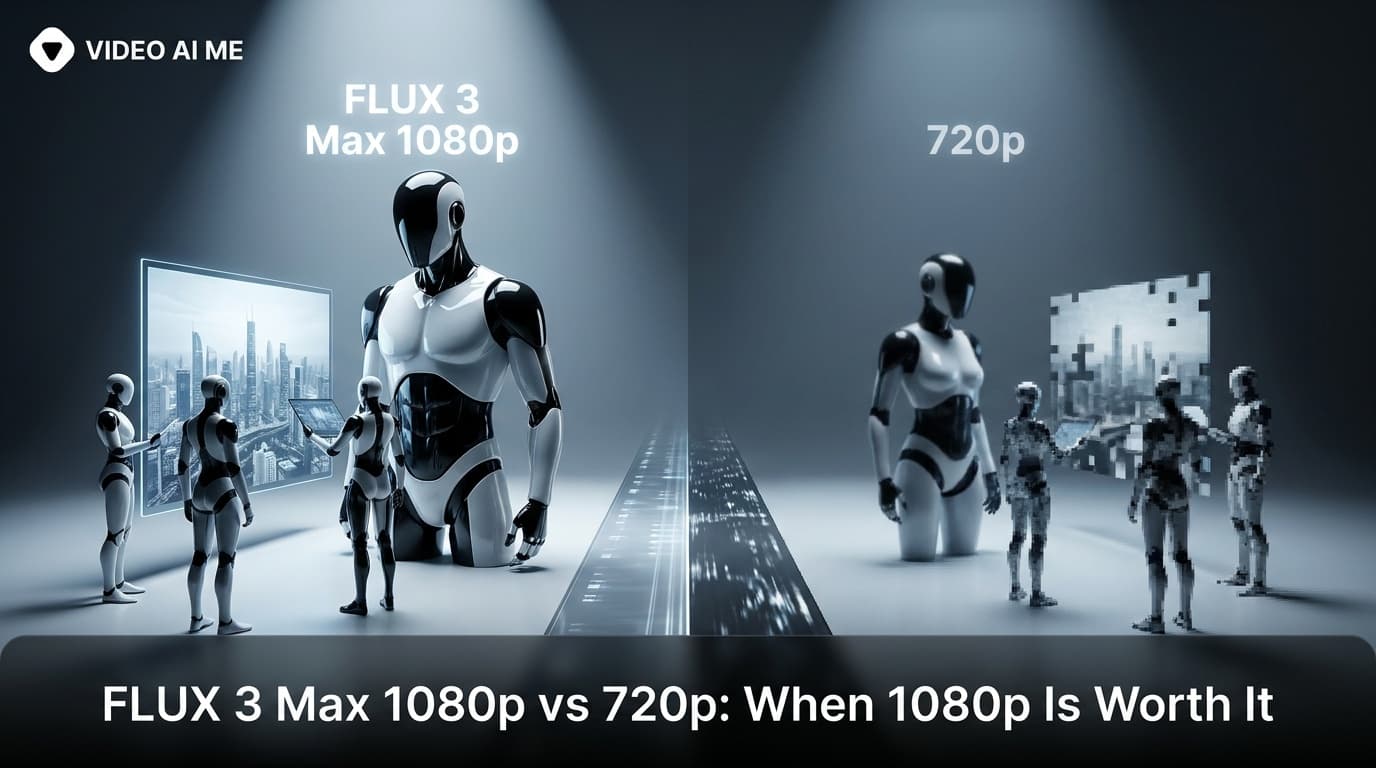
FLUX 3 Max 1080p vs 720p: When 1080p Is Worth It
FLUX 3 Max costs 17 credits per second at 720p and 29 at 1080p. When the higher tier earns its rate, when 720p is enough, and how to test cheap and deliver sharp.