
Seedance 2.0 720p vs 480p: Which Resolution Should You Use
Seedance 2.0 resolution guide. When to test at 480p, when to ship at 720p, and how the right workflow cuts your iteration cost in half.
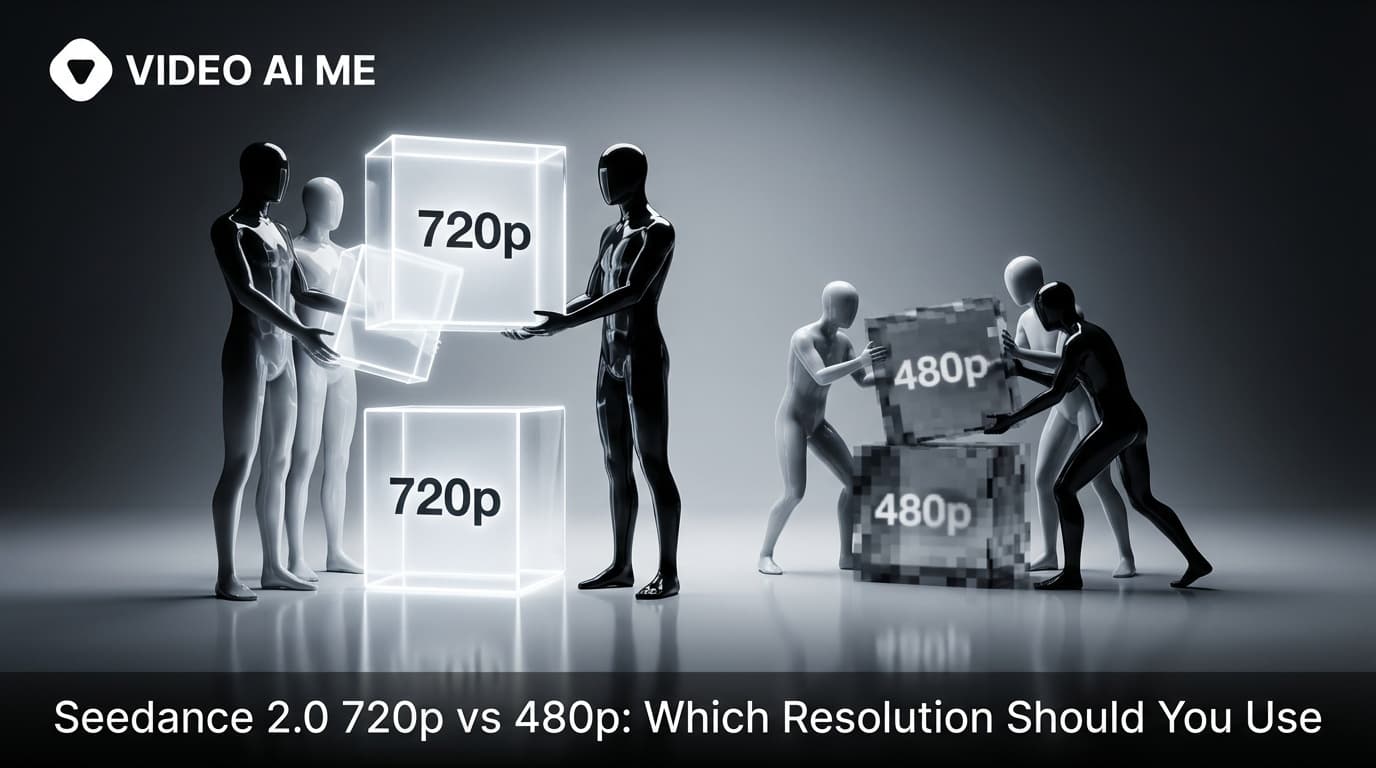
The resolution choice that decides your budget
Most people pick a resolution by accident. They open the model, see two options, click the higher one because higher feels better, and generate. Then they wonder why their credits ran out in three days and why half their generations are throwaway tests they paid hero rates for.
The resolution choice on Seedance 2.0 is not just a quality decision. It is a budget decision. It is also a workflow decision. The creators who get the most output from the same monthly plan are the ones who treat 480p and 720p as two different jobs in the same loop, not as two versions of the same setting.
This post is the honest breakdown of Seedance 2.0 720p vs 480p: when to use each, and how the right workflow cuts your iteration cost roughly in half. By the end you will have a clear mental rule that you can apply to every generation you run. There is no judgment call here. The rule is simple and it works on every kind of project.
Why resolution matters more than you think
Seedance 2.0 720p vs 480p is a workflow choice, not a quality one. Motion, lighting, dialogue, and audio are identical at both resolutions. Only texture sharpness changes. Test and iterate at 480p, lock the prompt, then run it once at 720p as the final hero. That single pattern typically cuts total credit spend per shippable ad by 40 to 60 percent.
Resolution matters because of two things. First, cost. 720p costs more per clip than 480p. If you run every test at 720p, you burn through your credits twice as fast and ship the same number of ads. Second, learning. 480p is sharp enough to evaluate framing, motion, dialogue, and lighting. You can tell whether a prompt is working. You do not need 720p to learn whether the prompt is right.
The combination is what changes the math. If you can test at 480p and learn just as fast, you save half your credits on the iteration phase. Then when the prompt is locked, you spend the higher rate one time on the final hero. Total cost per ad goes down dramatically.
The people who do not understand this end up rationing their credits and shipping fewer ads. The people who do understand it ship more ads with the same plan. It is the single biggest workflow lever in Seedance 2.0.
There is also a psychological angle. When iteration is expensive, you hesitate. You re read the prompt twice. You wonder if you should change something else first. When iteration is cheap, you click generate and learn. The cheap iteration loop produces better creative because it produces more attempts, and the best creative usually comes from the third or fourth attempt, not the first.
What 480p actually looks like
480p output from Seedance 2.0 is sharper than the name suggests. The motion is the same. The lighting is the same. The dialogue is the same. The composition is the same. The only thing that is softer is the texture detail on faces, fabric, and fine background elements.
For evaluating a prompt, that texture detail does not matter. You can see whether the camera framing landed. You can see whether the action played out in the right beats. You can see whether the lighting is the recipe you asked for. You can hear whether the dialogue is natural. Everything that decides whether the clip is worth shipping is visible at 480p.
What 480p is not good for is the final ship. The texture is not crisp enough for a paid Meta ad or a YouTube Shorts hero. For that you want the upgrade. But for everything before the final ship, 480p is the right tool.
The specific things that come back soft at 480p are pores, individual fabric threads, fine hairs, distant background elements, and small text on signs. None of those are things you need to evaluate during iteration. They only matter at the very end, when you are ready to ship.
What 720p actually looks like
720p is sharper across the board. Faces have more detail. Fabric reads as fabric instead of a smooth surface. Background elements are more legible. Lighting transitions are smoother. The clip looks like something you can show a paying client without notes.
The cost is real. 720p costs noticeably more per clip than 480p, and the generation takes longer. If you treat 720p as the default, you will burn through your credits twice as fast as you should and you will get the same output you would have gotten at 480p plus an upscale step at the end.
The right way to think about 720p is as the final ship resolution. You run it once per ad, on the prompt that is already locked. Not before. Not in iteration. Once.
The 480p first, 720p once workflow
This is the workflow that saves the most credits. Memorize it.
- Write your prompt using the prompt anatomy.
- Generate at 480p.
- Evaluate. Is the framing right? Is the action right? Is the dialogue right? Is the lighting right?
- If any of those is wrong, change one variable in the prompt and generate again at 480p.
- Repeat until the prompt feels locked.
- Switch to 720p and run the same prompt one time. That is your hero.
Following this workflow turns the same monthly plan into roughly twice as many shippable ads compared to running everything at 720p. We track the math on the VIDEO AI ME pricing page if you want the full breakdown. If you want to feel the cost difference on your own plan, try Seedance 2.0 free on VIDEO AI ME and run the same prompt at both resolutions.
The key word in the workflow is "once." You only run 720p once per ad. If you find yourself running 720p twice or three times on the same prompt, your prompt was not actually locked at 480p. Go back to 480p and fix it before spending the higher rate.
A side by side comparison
| Dimension | 480p | 720p |
|---|---|---|
| Texture sharpness | Soft | Crisp |
| Motion quality | Identical | Identical |
| Lighting accuracy | Identical | Identical |
| Dialogue and audio | Identical | Identical |
| Cost per clip | Lower | Higher |
| Generation speed | Faster | Slower |
| Ship to paid ads | No | Yes |
| Use as iteration tier | Yes | No |
| Use as hero tier | No | Yes |
The takeaway is that motion, dialogue, lighting, and audio are identical across the two resolutions. The only difference is texture sharpness. That means 480p is a perfect proxy for 720p in every dimension that matters during iteration. You learn the same thing at half the cost.
This is the part most people get wrong. They assume 480p and 720p are different in more than just texture. They are not. The model does not behave differently at the two resolutions. It just produces sharper output at the higher tier. Internalize that and the workflow becomes obvious.
Real Seedance 2.0 prompt example
Here is a prompt I recommend running at both resolutions side by side the first time you try Seedance 2.0. Run it once at 480p, then run the exact same prompt at 720p, and compare. You will see exactly what changes and what stays the same.
UGC creator, a confused couple in pajamas standing in their small apartment. A massive Emma mattress box sits in the middle of the living room. The guy rips it open aggressively, the mattress expands fast and they both jump back screaming. They throw it on the bed frame, dive onto it face first. The woman rolls over, looks at camera and says: "Free returns and a hundred nights to try. Watch this." Hard cut to a timelapse: the couple sleeping in different hilarious positions night after night, blankets flying, pillows falling, one person upside down, then peacefully sleeping together. The guy wakes up at the end, looks at camera and says: "Night one hundred. We're keeping it." Filmed with iPhone, bedroom with warm lamp light, handheld for unboxing then locked tripod for timelapse, chaotic energy. - No music, No logo, no text on screen.
Notice that the prompt is identical at both resolutions. The only thing you change is the resolution toggle in the model panel. That is the entire change. This is why the workflow works: the prompt locks once and the resolution switches once.
This prompt is a great test because it stresses every part of the model: multi-shot, dialogue, ambient audio, timelapse, two characters, two distinct lighting setups within the same generation. If your prompt holds up at both 480p and 720p with this kind of complexity, you can trust the workflow on simpler prompts.
When 720p is the right starting point
There is one situation where you should skip 480p and go straight to 720p. That is when you have already locked a prompt on a previous generation, you know exactly what the output looks like, and you just need a fresh take of the same prompt at hero quality. In that case there is no iteration to do, so 480p adds no value.
Outside of that situation, default to 480p. The math always wins.
This exception comes up when you are doing reruns of an ad that worked, when you are localizing a prompt to a new language, or when you are generating multiple takes of a hero clip to pick the best one. In all of those cases the prompt is already proven, so spending the higher rate is justified.
How to track which prompt is locked
One small workflow tip that pays off in the long run: keep a notes file of your locked prompts. Once a prompt has produced a shippable clip at 720p, save the exact text of the prompt in a notes file or a prompt library. Tag it with what it was for and what aspect ratio it ran at. The next time you need a similar clip you can grab the locked prompt and run it directly without re iterating.
VIDEO AI ME has a built in prompt library for exactly this reason. You can save any prompt, name it, and reuse it later. This single habit will save you hours over the course of a month, especially if you are running the same brand at scale. Open VIDEO AI ME and test a prompt from the library and see how a locked prompt runs at 720p on the first try.
Common mistakes in resolution choice
- Running every generation at 720p out of habit. Burns half your credit pool.
- Running every generation at 480p and shipping the soft output as a hero. Texture is not sharp enough for paid ads.
- Forgetting to switch to 720p after the prompt is locked. You ship a draft.
- Using an external upscaler instead of regenerating at 720p. The native 720p is always sharper than upscaled 480p.
- Iterating at 720p because it feels more serious. You learn nothing new at the higher cost.
- Not tracking which generation is the hero. You waste time later trying to find the locked prompt.
How to do this on VIDEO AI ME
On VIDEO AI ME the resolution toggle is right next to the generate button. You can run 480p, evaluate, change one variable, run again, and stay in the same workspace. Once the prompt is locked, you flip the toggle to 720p and run the hero. We also let you save prompts in your library so you can come back to a locked prompt later and rerun it at 720p without retyping anything. If you want to swap the dialogue voice for one of our 300+ actors or your own voice clone, that step is independent of resolution and works the same at both tiers. More AI video guides on the VIDEO AI ME blog cover the rest of the workflow.
Conclusion
720p versus 480p is not a quality question. It is a workflow question. Test at 480p, lock the prompt, ship at 720p, and you will get more ads out of the same monthly plan than people who pick the higher resolution by default. Start a free project on VIDEO AI ME, run the same prompt at both resolutions on your free credits, and see for yourself what changes and what stays the same.
More Seedance 2.0 prompts to study
The four reference videos used throughout this guide (a multi shot street interview, a skatepark product UGC, an unboxing narrative with a timelapse, and a high energy gamer reaction) live as a full copyable library on Seedance 2.0 Prompt Templates: Copy Paste and Ship. Bookmark it and remix any of the four when you need a starting point.
Related Seedance 2.0 guides on VIDEO AI ME
If you want to go deeper, these guides pair well with this one:
- How to Use Seedance 2.0: Beginner to Advanced in One Guide
- Seedance 2.0 Text to Video: Full Walkthrough and Examples
- Seedance 2.0 Image to Video: Turn Any Photo Into a Cinematic Clip
- Seedance 2.0: Complete Guide for AI Video Creators
You can also browse the full VIDEO AI ME blog for more AI video tutorials, or jump straight into the product and try Seedance 2.0 free on VIDEO AI ME with no credit card.
Frequently Asked Questions
Share
AI Summary

Paul Grisel
Paul Grisel is the founder of VIDEOAI.ME, dedicated to empowering creators and entrepreneurs with innovative AI-powered video solutions.
@grsl_frReady to Create Professional AI Videos?
Join thousands of entrepreneurs and creators who use VIDEO AI ME to produce stunning videos in minutes, not hours.
- Create professional videos in under 5 minutes
- No video skills experience required, No camera needed
- Hyper-realistic actors that look and sound like real people
Get your first video in minutes
Related Articles

How to Run MiniMax H3 Without a GPU
MiniMax H3 has public weights, so people try to self host it. Here is what that actually costs in hardware and time, and the browser route if you just want the clips.

Writing Sound and Dialogue in MiniMax H3 Prompts
Audio is generated with the picture, so it is yours to direct. How to write dialogue, ambience and silence, and how much speech actually fits in a short clip.

MiniMax H3 Prompt Guide: How to Write a Shot
The five part structure that gets usable clips out of MiniMax H3, why keyword lists fail, and how to write the sound as deliberately as the picture.