
Seedance 2.0 Lighting Prompts: Golden Hour to Neon Noir
Write Seedance 2.0 lighting prompts that name the source, the quality, and 3 to 5 color anchors. Real examples from golden hour to RGB neon.
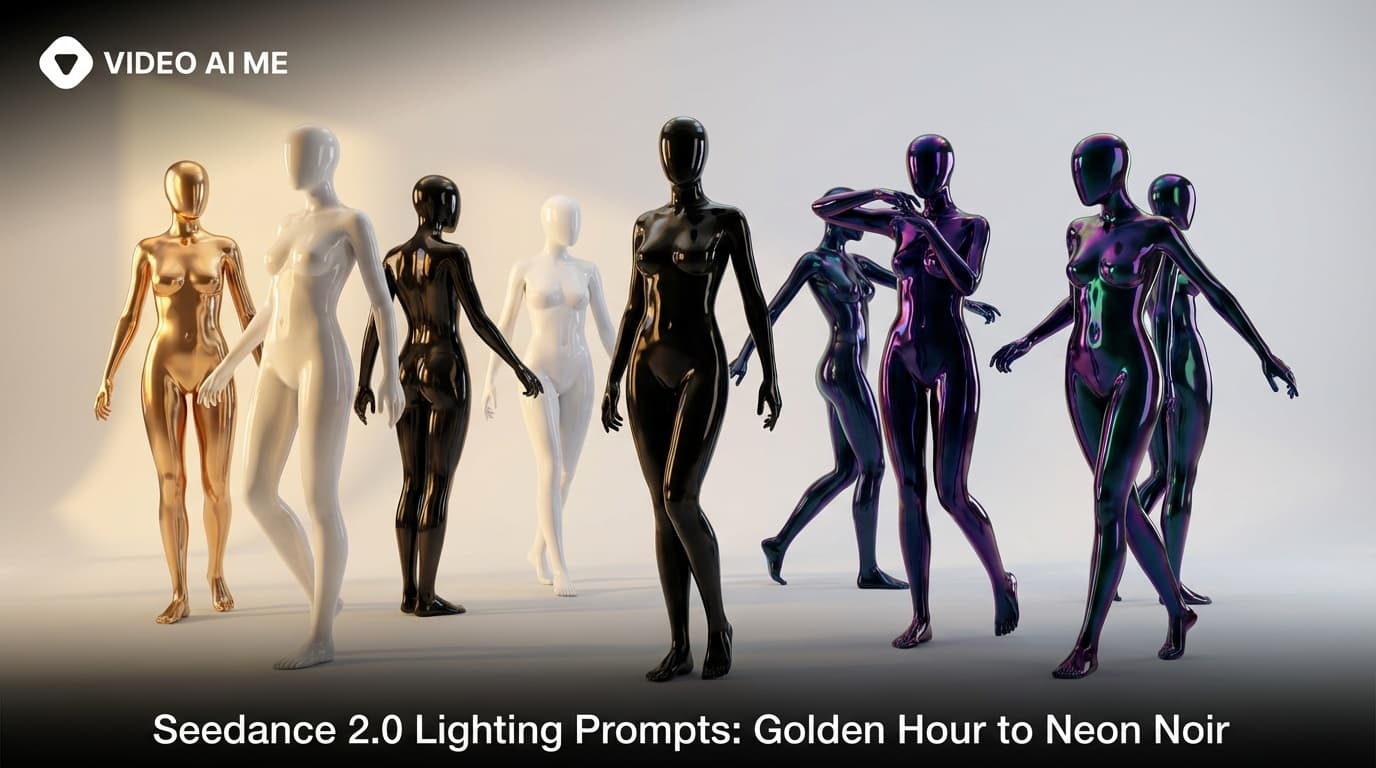
Seedance 2.0 Lighting Prompts That Make Clips Look Real
Watch a hundred Seedance 2.0 clips back to back and the ones that feel real and the ones that feel fake mostly differ on lighting. Same actor, same set, same camera move, but the light is what sells it. Bad Seedance 2.0 lighting prompts produce a flat, evenly lit clip that screams AI. Good ones produce shots that look like a real DP spent half a day balancing sources. The surprising thing is that lighting is also the easiest thing to fix. You do not need to be a cinematographer. You need to name three things: the source, the quality, and the color palette.
By the end of this post you will have 5 tested prompts you can paste into VIDEO AI ME tonight. Two are the verbatim Adidas sneaker and Fortnite gamer references we ship to every new user. Three are originals covering soft window daylight, neon noir wet street, and warm interior lamp light. Each comes with a Why this works breakdown.
Why Seedance 2.0 Lighting Prompts Are Different
Seedance 2.0 lighting prompts need four ingredients every time: a named source (window, lamp, golden hour, neon sign), a quality word (soft, hard, diffused, dappled), a temperature word (warm, cool, neutral), and three to five color anchors in the palette. Stack those four and the lighting lands. Skip any one of them and the shot reads as AI-lit.
This structure works because each element gives the model a different piece of information. The source tells it where the light is coming from and therefore where the shadows fall. The quality (hard, soft, diffused, dappled) tells it the texture of the light. The palette tells it the color story so the grade is consistent across the clip.
If you skip the source, the model picks one at random and the shot looks ungrounded. If you skip the quality, the light is technically there but it feels generic. If you skip the palette, the colors come out muddled and Seedance 2.0 defaults to a warm middle ground that does not feel intentional.
The other lighting cue we always include is a temperature word. Warm or cool. Even a single word like warm sunset backlight or cool fluorescent overhead tells the model the white balance to render. Pairing temperature with palette gives you a consistent grade across multi shot prompts too.
Think of every lighting prompt as a four part recipe. Source (window, sun, lamp, neon). Quality (soft, hard, diffused, dappled, harsh). Temperature (warm, cool, neutral). Palette (3 to 5 named colors). Stack those four and the lighting will land every time.
Recipe 1: Golden Hour Backlight (the Adidas Pattern)
Golden hour is the most cinematic free light in the world. Seedance 2.0 renders it beautifully when you ask correctly.
UGC creator, energetic Black man in his twenties standing in a concrete skatepark at golden hour, holding a brand new pair of white and neon green sneakers. He lifts them close to the camera lens, rotates them slowly saying: "Bro look at these. Feel that material." He drops them on the ground, slides his foot in, stomps twice, then jogs three steps and stops. He turns back to camera: "Insane comfort." Filmed with iPhone, warm sunset backlight, slight lens flare, handheld. - No music, No logo, no text on screen.
Why this works. This is the Adidas reference prompt. Look at the lighting cues. Golden hour. Warm sunset backlight. Slight lens flare. Three short phrases and they do all the work. Golden hour is the source (the setting sun). Warm sunset backlight is the direction and the temperature (the sun is behind the subject, warm tones). Slight lens flare is the quality (hard direct light hitting the lens). The implicit palette is the warm orange, golden yellow, and dark concrete of the skatepark itself.
Copy this lighting recipe for any product UGC where you want the sense of premium without paying for a real DP. Skatepark, beach, parking lot at sunset, rooftop at dusk. Same recipe, different background. Paste this into VIDEO AI ME with your own product swapped in and watch the backlight land.
Recipe 2: RGB Ambient (the Fortnite Pattern)
The gamer bedroom look is its own genre and Seedance 2.0 nails it when you specify the RGB sources.
UGC creator, teenage guy with messy hair lying on a bean bag in a dark room lit by RGB LED strips, holding his phone horizontally close to his face. His eyes go wide, he tilts the phone aggressively left and right, says: "No no no no YES! Dude this game is crazy." He flips the phone screen toward the camera, taps frantically, then pumps his fist. Filmed with iPhone front camera, close-up facecam, colorful ambient light reflections on his face, handheld energy. - No music, No logo, no text on screen.
Why this works. This is the Fortnite reference prompt. The lighting cues are RGB LED strips, dark room, colorful ambient light reflections on his face. Source is named (LED strips). Quality is named (colorful ambient reflections). The palette is implied by the RGB phrase (red, green, blue, sometimes purple and cyan).
The trick with RGB lighting is to specify reflections on the subject's face. That phrase tells Seedance 2.0 to bounce the colored light off the skin instead of just lighting the background. Without it, you get a dark room with colored stripes on the wall and a flat face. With it, you get the genuine gamer cave look.
Recipe 3: Soft Window Daylight (the Indoor UGC Pattern)
For any indoor UGC, the workhorse light is soft window daylight from one side. It looks expensive and it costs nothing.
UGC creator, woman in her thirties sitting at a small kitchen table with a coffee cup, soft daylight from a tall window on her left, gentle shadow falling to her right. She picks up her phone, scrolls for a second, then looks up at the camera with a smile and says: "Okay this is actually really good." Filmed with iPhone, handheld, warm white window key from the left, soft fill from the right wall, palette of cream, soft beige, espresso brown. - No music, no logo, no text on screen.
Why this works. Notice the structure. Source is the tall window on her left. Quality is soft. Direction is named twice (window on her left, gentle shadow to her right) so Seedance 2.0 cannot put the light on the wrong side. The fill is described separately (soft fill from the right wall) which tells the model to bounce light back into the shadows. The palette gives three warm anchors. This is the closest you can get to a professional studio key light setup using only a kitchen window.
Recipe 4: Neon Noir Wet Street
For luxury, perfume, and fashion brands, neon noir is the move. It is moody, expensive looking, and Seedance 2.0 handles it well if you give it the right ingredients.
Wide shot of a woman in a black trench coat standing on a wet city street at night, hot pink neon sign on a building behind her, cyan LED tube above the storefront on the right, puddles on the asphalt reflecting both colors. Slow dolly in toward her, she turns her head to look at the camera. Filmed in 720p, neon noir lighting, hard pink key from the back left, cyan rim from the right, palette of magenta, cyan, deep midnight blue, wet black asphalt. - No music, no logo, no text on screen.
Why this works. The magic ingredients are the named neon sources (hot pink sign, cyan LED tube), the wet pavement (which lets the neon reflect and double the color in the frame), and the four color palette. Neon noir without wet pavement is half a recipe. Add the puddles and the look completes itself.
Got a luxury brand that needs a moody hero shot, open VIDEO AI ME and run the prompt with your product on the wet street.
Recipe 5: Warm Interior Lamp Light (the Cozy Night Pattern)
For coaching content, lifestyle vlogs, and anything that needs a warm trustworthy mood, the cozy interior lamp light recipe is the answer.
UGC creator, woman in her thirties wrapped in a cream knit blanket sitting on a couch in a softly lit living room at night, single warm table lamp on her right casting amber light on her face, soft shadow on the left side of her face. She holds a steaming mug in both hands and looks at the camera with a relaxed smile: "This is honestly my favorite hour of the day." Filmed with iPhone, handheld, warm tungsten key from the right, soft cool ambient fill from the back, palette of warm amber, cream, walnut brown, deep navy. - No music, no logo, no text on screen.
Why this works. The lamp is the named source. Warm tungsten gives the temperature. The shadow on the left side of the face confirms the direction. The cool ambient fill from the back adds dimension so the shot does not feel like a single yellow blob. The four color palette anchors the grade. Use this for any shot that needs trust and warmth at the same time.
For more lighting recipes paired with full templates, browse the VIDEO AI ME features page and the rest of the AI video tutorials on the blog.
Common Lighting Prompt Mistakes
- Saying brightly lit or well lit. These tell Seedance 2.0 nothing. Always name the source.
- Skipping the temperature. Warm or cool is a one word fix that changes the entire mood.
- Listing more than five colors in the palette. The model gets confused. Three to five is the sweet spot.
- Forgetting wet pavement for neon noir. Without reflective surfaces the neon does not double up and the shot loses its punch.
- Not specifying the direction of soft daylight. Soft light still has a direction and naming it adds depth.
- Asking for cinematic lighting. Cinematic is a feeling, not a recipe. Replace it with source plus quality plus palette.
How to Apply This on VIDEO AI ME
Every lighting recipe above runs inside the Seedance 2.0 generator on VIDEO AI ME. Paste the prompt, pick 720p for the higher quality light transitions, and hit generate. If you want a consistent lighting recipe across an entire ad campaign, save the lighting block as a snippet and paste it into every new prompt. The 300 plus AI actor library, voice cloning, and 70 plus language support all stack on top of the lighting recipes so you can ship a fully lit, fully voiced clip in one workflow.
Wrap Up
Lighting is the difference between a Seedance 2.0 clip that looks AI and one that looks shot. Name the source, name the quality, name the temperature, list 3 to 5 color anchors. Stack those four ingredients and your prompts will produce shots that feel intentional. Pick a recipe, paste your palette into it, and try Seedance 2.0 free on VIDEO AI ME to light your first hero shot today.
More Seedance 2.0 prompts to study
The four reference videos used throughout this guide (a multi shot street interview, a skatepark product UGC, an unboxing narrative with a timelapse, and a high energy gamer reaction) live as a full copyable library on Seedance 2.0 Prompt Templates: Copy Paste and Ship. Bookmark it and remix any of the four when you need a starting point.
Related Seedance 2.0 guides on VIDEO AI ME
If you want to go deeper, these guides pair well with this one:
- Seedance 2.0 Color Palette Prompts: 3 to 5 Anchors That Work
- Seedance 2.0: Complete Guide for AI Video Creators
- Seedance 2.0 vs Seedance 1: What Actually Changed
- Seedance 2.0 Features: Everything the New ByteDance Model Can Do
You can also browse the full VIDEO AI ME blog for more AI video tutorials, or jump straight into the product and try Seedance 2.0 free on VIDEO AI ME with no credit card.
Frequently Asked Questions
Share
AI Summary

Paul Grisel
Paul Grisel is the founder of VIDEOAI.ME, dedicated to empowering creators and entrepreneurs with innovative AI-powered video solutions.
@grsl_frReady to Create Professional AI Videos?
Join thousands of entrepreneurs and creators who use VIDEO AI ME to produce stunning videos in minutes, not hours.
- Create professional videos in under 5 minutes
- No video skills experience required, No camera needed
- Hyper-realistic actors that look and sound like real people
Get your first video in minutes
Related Articles

How to Run MiniMax H3 Without a GPU
MiniMax H3 has public weights, so people try to self host it. Here is what that actually costs in hardware and time, and the browser route if you just want the clips.

Writing Sound and Dialogue in MiniMax H3 Prompts
Audio is generated with the picture, so it is yours to direct. How to write dialogue, ambience and silence, and how much speech actually fits in a short clip.

MiniMax H3 Prompt Guide: How to Write a Shot
The five part structure that gets usable clips out of MiniMax H3, why keyword lists fail, and how to write the sound as deliberately as the picture.