
How to Use MiniMax H3 Reference Images
Attach two to four images and MiniMax H3 composes a new shot while carrying your creator and your product through it. How to bind each image in the prompt.
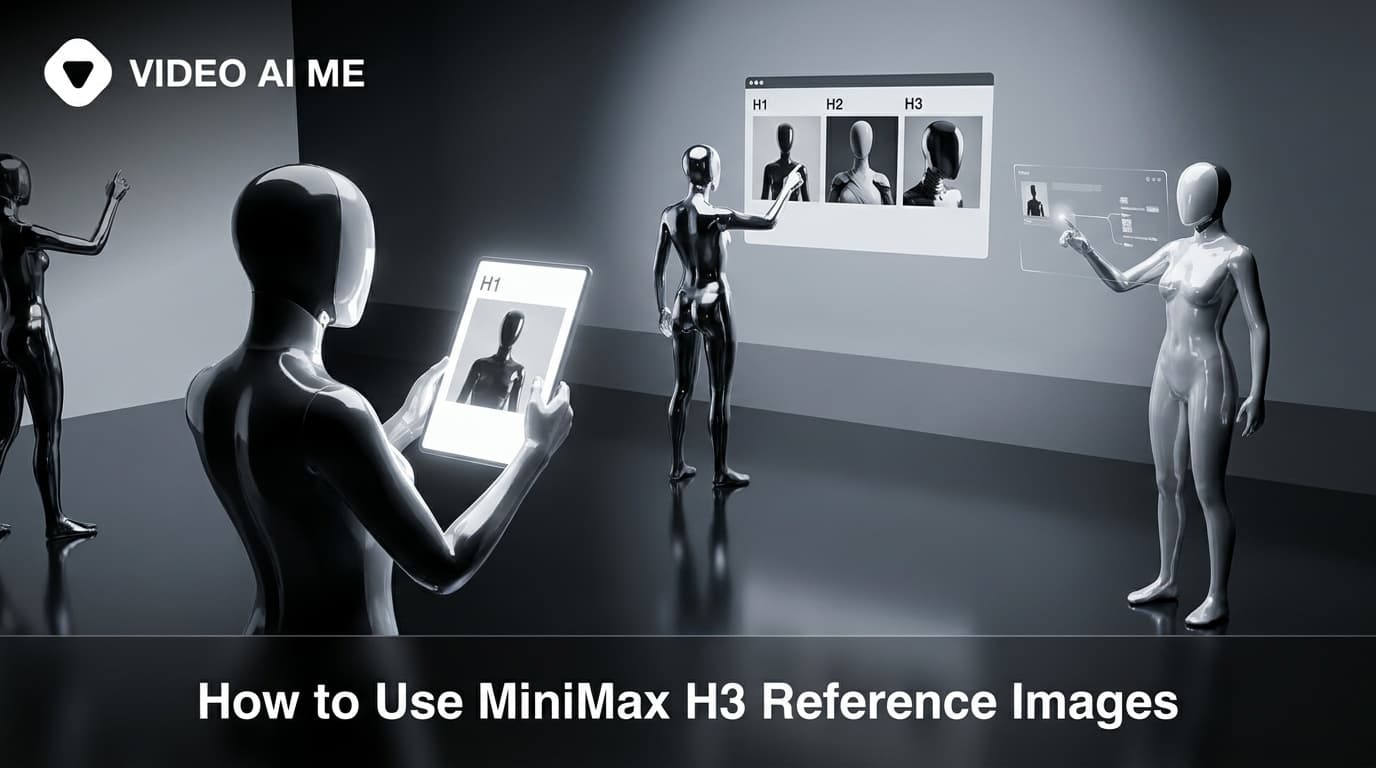
Attaching two to four images puts MiniMax H3 into reference to video. Instead of animating a still, the model composes a new shot and carries the subjects, products and style from your references into it. You control which reference does what by naming them in the prompt as Image 1, Image 2 and so on.
Step 1: Choose references that each do one job
The quality of this mode is decided by your inputs more than your prompt.
One clear subject per image. A photo of a creator, alone, well lit, on a simple background. A photo of your product, alone, clean. If an image contains two possible subjects, the model has to guess which one you meant.
Straightforward angles. A front or three quarter view gives the model a full read of the subject. An extreme angle or a heavily cropped shot gives it much less to work with.
Consistent lighting across references. If your creator photo is warm daylight and your product photo is cold studio light, the composite shot has to reconcile them and the result often looks pasted together.
No text in the images. Any lettering in a reference tends to degrade in the output, because the model is regenerating those pixels rather than copying them.
Step 2: Attach them in a deliberate order
The order matters, because that is how you address them.
The first image you attach is Image 1, the second is Image 2, and so on up to four. Decide the order before you upload rather than after, and keep it consistent across a batch so your prompts stay reusable.
A convention worth adopting: person first, product second, setting or style third. Once your team writes prompts against that convention, a prompt written for one product works for the next one with a single swap.
Attaching two or more images also fixes the resolution at 768p, so the settings left for you are duration and aspect ratio.
Step 3: Bind each image to a role in the prompt
This is the whole technique, and skipping it is the reason most people's first attempt disappoints.
Vague, and it will blend the references:
A woman holding a product, using these reference images. Bright kitchen, natural light.
Explicit, and it will do what you asked:
The woman from Image 1 stands at a kitchen counter holding the amber glass bottle from Image 2. She lifts it slightly toward the camera and says, "I finally finished one." Medium close up, static camera at eye level, soft window light from the left, clean natural colour. Kitchen room tone, no music. Vertical framing.
Every reference gets a sentence position and a role. The person comes from Image 1, the product comes from Image 2, and everything else is described normally.
More patterns that work:
The man from Image 1 sits on the sofa from Image 3 holding the black speaker from Image 2, turning it once in his hands.
The creator from Image 1 walks along a pavement carrying the tote bag from Image 2 over one shoulder.
The woman from Image 1 applies the cream from Image 2 to the back of her hand, close up on the hands only.
Step 4: Generate, check the binding, and adjust one thing
Generate at five seconds first and check one question before anything else: did each reference land in the right role?
If the product looks like a blend of your product and the creator's clothing, the binding failed. Fix it by making the reference sentence more specific, naming a distinguishing feature: "the amber glass bottle with the white label from Image 2".
If the person is close but not right, that is normal. Reference images guide strongly, they do not lock a likeness.
As always, change one thing per rerun. Adjusting the binding sentence and the camera and the lighting at once means you learn nothing about which change helped.
What is this mode genuinely good for?
Keeping a creator and a product together across a batch. This is the main use. Generate ten clips with the same two references and you get a set that belongs to one campaign rather than ten unrelated videos.
Putting your real product in a scene you do not have. Your product photo plus a described setting gives you a beach, an office or a kitchen you never had to shoot in, with your actual packaging in it.
Style transfer. Using a third image as a look reference, so a batch shares a visual treatment.
Faster variant production. Once the references are set, producing the next variant is a prompt edit rather than a new setup.
What are the limits worth knowing?
Likeness is guided, not locked. For a spokesperson who must be pixel identical across forty assets, use the actor tools instead. Reference images are for consistency in feel, not for a legally identical face.
Four images is the cap here. The H3 model itself accepts more references than this, including reference video and reference audio clips. On VIDEO AI ME today you get up to four reference images.
More references is not better. Two clean references usually beat four noisy ones, because every additional image is another thing the model has to reconcile.
It composes rather than animates. If you want your exact still to be the first frame, that is image to video, a different mode with different behaviour.
How does this compare to the other two modes?
Worth being clear, because all three take images and people mix them up.
Text to video, no images. The model invents everything, including the person and the product. Fastest to start, least control over specifics. Right for testing whether an angle works before you own anything.
Image to video, one image. Your still is the literal first frame. Maximum accuracy to your real product, minimum flexibility about the scene, because the clip can only move away from the frame you gave it. Right for putting real product photography into motion, covered in how to use image to video.
Reference to video, two to four images. The model composes a new scene while carrying your subjects into it. More flexible than image to video, more controlled than text to video. Right for producing a batch that has to look like one campaign.
A useful way to hold it: image to video animates a photograph, reference to video casts from photographs.
What does a batch workflow look like?
The payoff of this mode comes from reuse, so set it up once and run it repeatedly.
Fix your two references, a creator and a product, attached in that order. Write one template prompt with the binding sentence and everything else, leaving only the spoken line variable:
The woman from Image 1 stands in a bright kitchen holding the bottle from Image 2. She lifts it slightly toward the camera and says, "HOOK LINE HERE." Medium close up, static camera at eye level, soft window light from the left, clean natural colour. Kitchen room tone, no music. Vertical framing.
Now generate five, changing only the line. You get five variants that share a creator, a product and a look, differing on the only thing you actually wanted to test. That is the whole reason to use this mode for campaign work rather than for one off clips, and it slots directly into the routine in how to draft a video ad in minutes.
Frequently Asked Questions
How many reference images can I attach?
Up to four on VIDEO AI ME. Attaching two or more switches the generation into reference to video, where the model composes a new shot around them.
How do I refer to each image in the prompt?
By its order in the list, as Image 1, Image 2 and so on. Bind each one explicitly to a role, such as the person from Image 1 holding the bottle from Image 2.
What happens if I do not name the images?
The model blends them. You get something influenced by all of your references and matching none of them, which is the most common failure in this mode.
Does reference to video keep a face perfectly consistent?
It guides strongly but does not lock a likeness. For a spokesperson who must be identical across dozens of assets, the actor tools are more reliable.
What resolution does reference to video run at?
768p. When you attach two or more images the resolution choice is made for you, so the aspect and duration are the settings left to pick.
What makes a good reference image?
One clear subject, well lit, on a simple background, shot from a straightforward angle. Busy images with several possible subjects confuse the binding.
Set up one pair and reuse it
Pick one creator image and one product image, attach them in that order, and write five different spoken lines against the same binding sentence. You get five on brand variants from one setup, which is the whole point of this mode. The prompt structure is covered in the prompt guide, and MiniMax publishes the model background, including its Hugging Face model card.
Frequently Asked Questions
Share
AI Summary

Paul Grisel
Paul Grisel is the founder of VIDEOAI.ME, dedicated to empowering creators and entrepreneurs with innovative AI-powered video solutions.
@grsl_frReady to Create Professional AI Videos?
Join thousands of entrepreneurs and creators who use VIDEO AI ME to produce stunning videos in minutes, not hours.
- Create professional videos in under 5 minutes
- No video skills experience required, No camera needed
- Hyper-realistic actors that look and sound like real people
Get your first video in minutes
Related Articles
FLUX 3 Max Audio: Sound and Dialogue Prompt Guide
FLUX 3 Max generates sound on every clip. How to write dialogue it will speak, direct ambience and effects, decide on music, and replace the track when you need to.
FLUX 3 Max Aspect Ratios and Durations Explained
Every FLUX 3 Max aspect ratio and clip length on VIDEO AI ME, how auto behaves in each mode, which placement wants which shape, and what each duration costs.
FLUX 3 Max 1080p vs 720p: When 1080p Is Worth It
FLUX 3 Max costs 17 credits per second at 720p and 29 at 1080p. When the higher tier earns its rate, when 720p is enough, and how to test cheap and deliver sharp.