
Tutorials
FLUX 3 Max Audio: Sound and Dialogue Prompt Guide
FLUX 3 Max generates sound on every clip. How to write dialogue it will speak, direct ambience and effects, decide on music, and replace the track when you need to.
Oct 22, 2026·12 min read
Step-by-step guides and how-tos for VIDEOAI.ME. 130 guides from VIDEO AI ME, each with worked examples, the prompts used and the numbers behind the advice.
FLUX 3 Max generates sound on every clip. How to write dialogue it will speak, direct ambience and effects, decide on music, and replace the track when you need to.
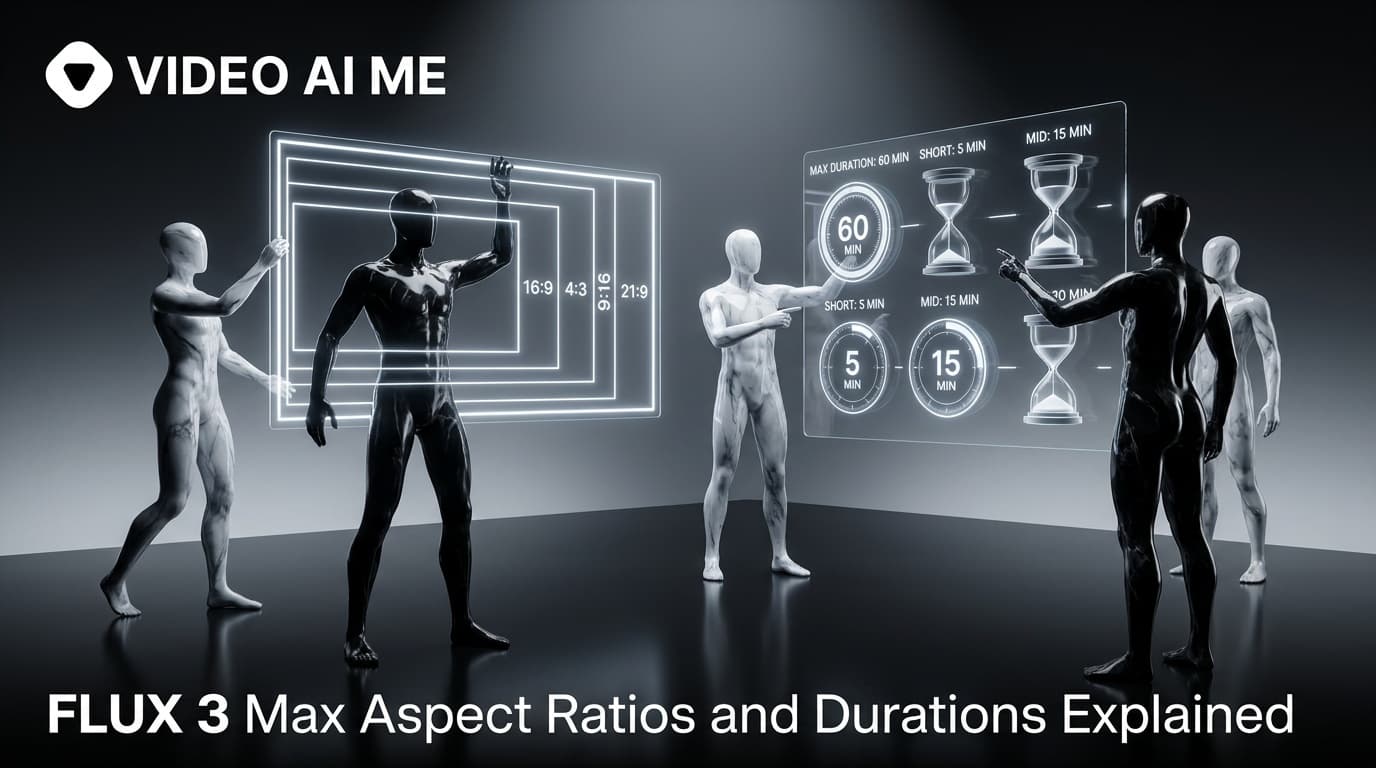
Every FLUX 3 Max aspect ratio and clip length on VIDEO AI ME, how auto behaves in each mode, which placement wants which shape, and what each duration costs.
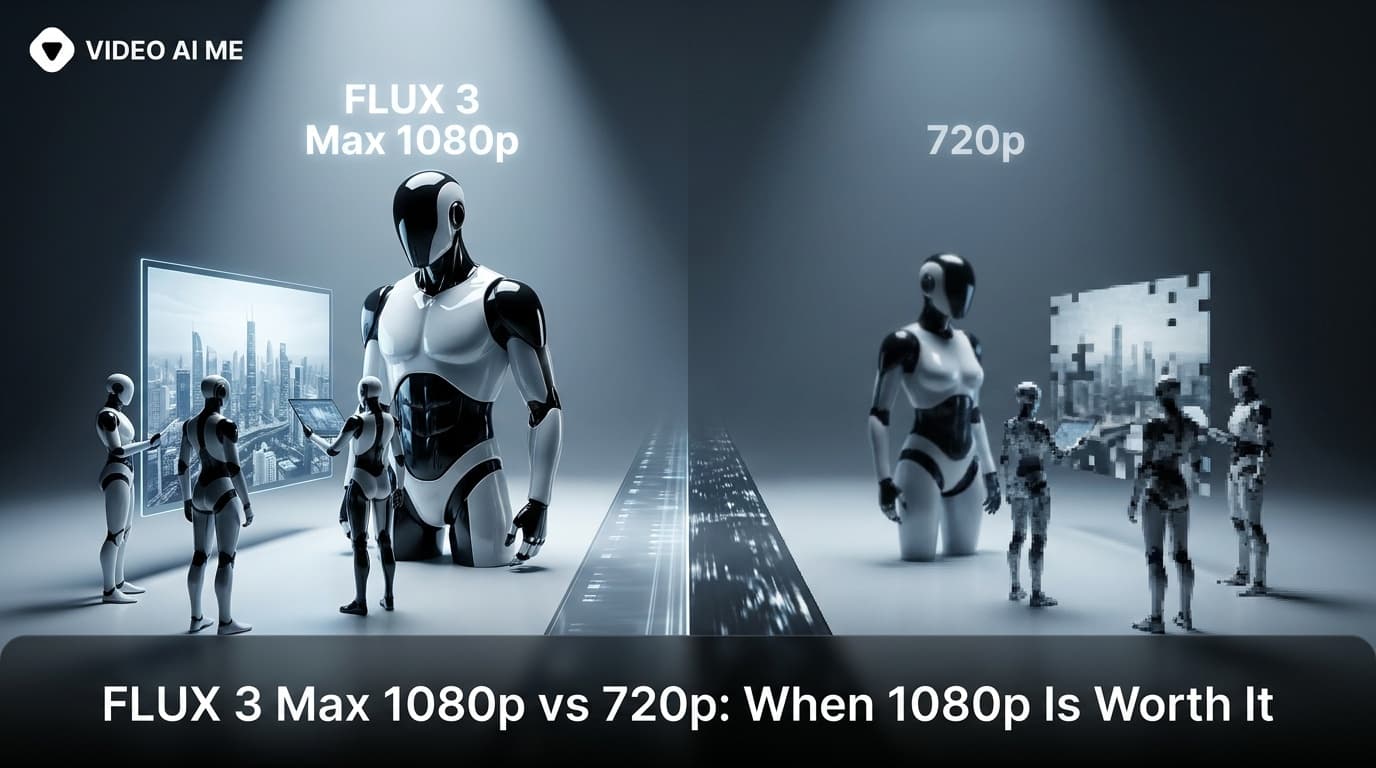
FLUX 3 Max costs 17 credits per second at 720p and 29 at 1080p. When the higher tier earns its rate, when 720p is enough, and how to test cheap and deliver sharp.
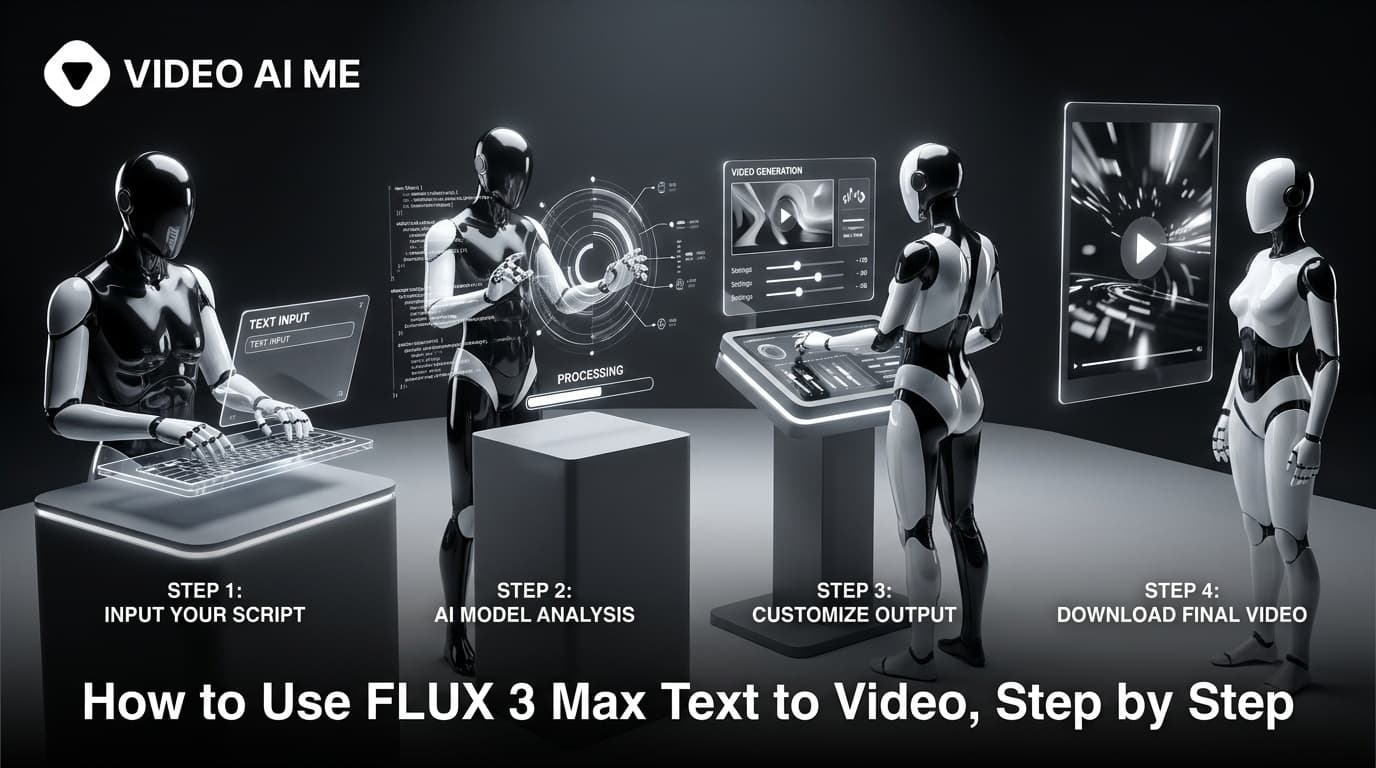
Write a prompt, attach nothing, and FLUX 3 Max generates the picture and the sound together. The settings to start on, the four-part prompt, and what each clip costs.
Attach one image and FLUX 3 Max uses it as the first frame, then generates the motion and the sound. How to prep the photo, set the generation, write the prompt and budget the clip.
How to write FLUX 3 Max camera movement: push-in, orbit, dolly, crane, handheld, locked-off and whip pan, with framing words, copy-paste prompts and which ad each move suits.
Fifteen ready-to-paste FLUX 3 Max prompts for UGC hooks, product shots, image to video, food, SaaS and 21:9, each with its ratio, length, resolution and credit cost.
How to write FLUX 3 Max prompts that direct picture and sound: subject and action, camera, light and look, then sound, plus dialogue budgets, prompt expansion and image to video.
How to use FLUX 3 Max in the VIDEO AI ME editor, step by step: pick the mode, set length, resolution and ratio, write a four-part prompt, draft at 720p and finish at 1080p.
MiniMax H3 has public weights, so people try to self host it. Here is what that actually costs in hardware and time, and the browser route if you just want the clips.
Audio is generated with the picture, so it is yours to direct. How to write dialogue, ambience and silence, and how much speech actually fits in a short clip.
The five part structure that gets usable clips out of MiniMax H3, why keyword lists fail, and how to write the sound as deliberately as the picture.
Twelve complete, ready to paste prompts for MiniMax H3 covering UGC hooks, product demos, unboxing, app screens and more, with notes on what to change.
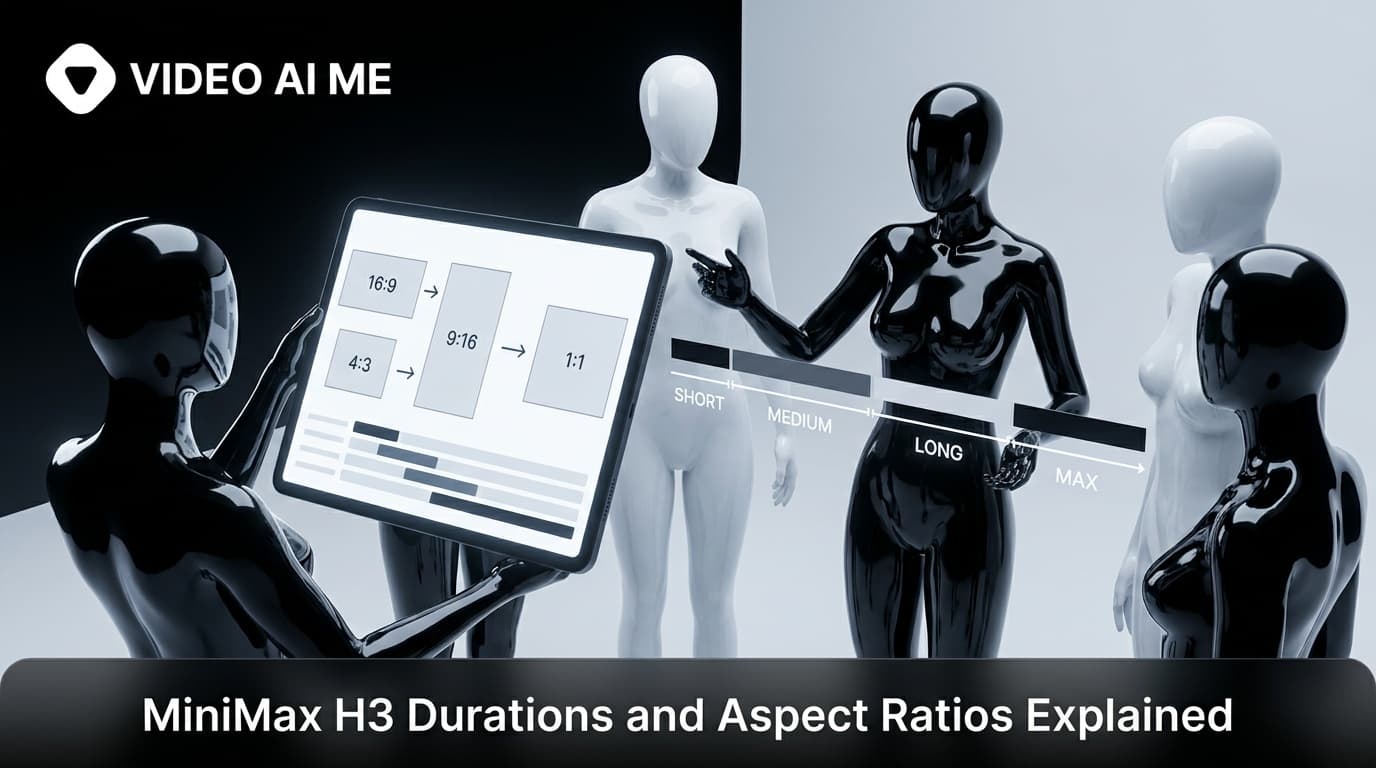
Which clip length to pick for which job, which aspect ratio matches which placement, and the two settings rules that quietly override your choice.
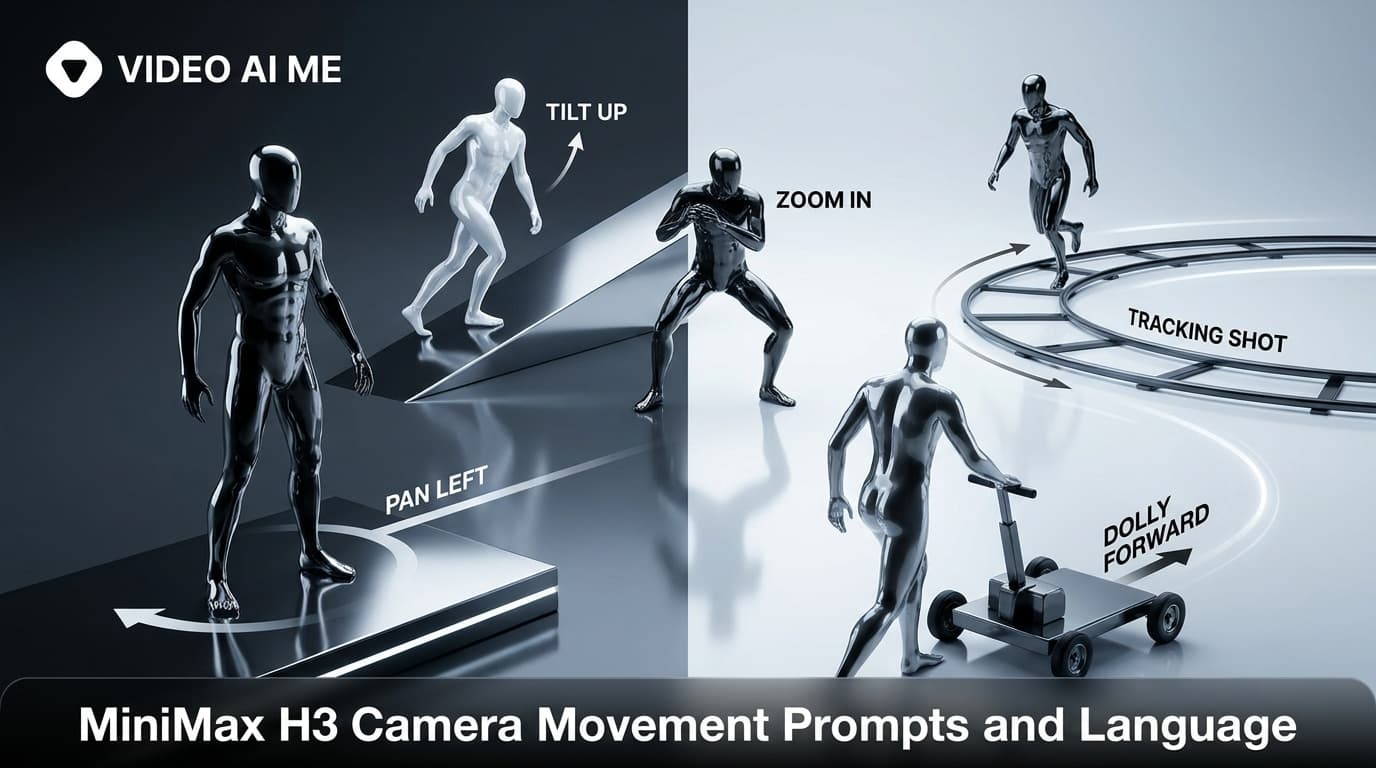
The camera vocabulary MiniMax H3 responds to, which moves suit which shot, and why stacking two movements into five seconds ruins a clip.
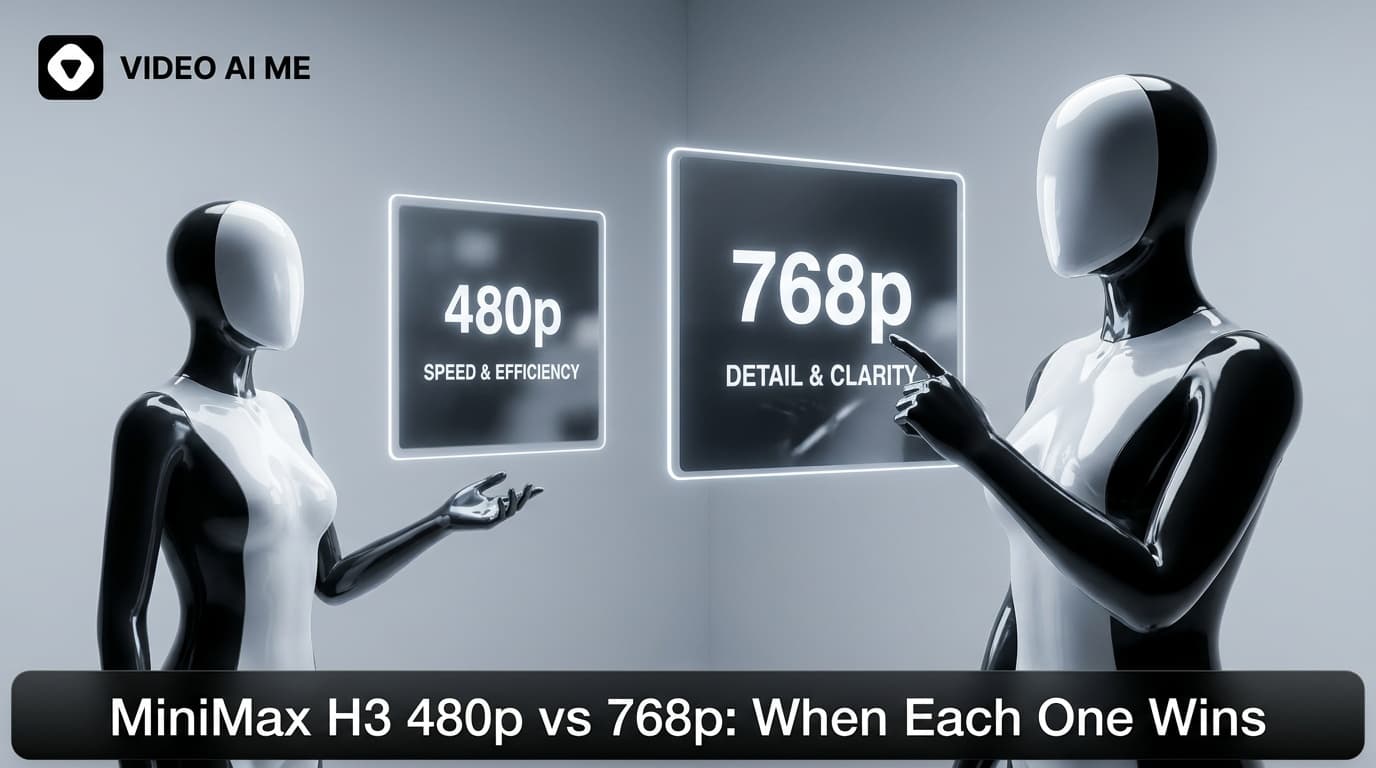
The resolution choice is really a workflow choice. Why 480p is correct for drafting, when 768p earns its place, and the one mode where you do not get to pick.
A walkthrough of generating your first MiniMax H3 clip on VIDEO AI ME, from picking the model and settings to writing a prompt that survives the first render.
Attach two to four images and MiniMax H3 composes a new shot while carrying your creator and your product through it. How to bind each image in the prompt.
Attach one image and MiniMax H3 animates it as the literal first frame. How to prepare the still, what to write, and the mistakes that waste a render.
ByteDance shipped Seedance 2.5 inside Jimeng AI and Doubao, which most buyers outside China cannot register for. Here is what that means in practice and the browser route that works today.
Seedance 2.5 prompts work best as shot descriptions, not keyword lists. Prompt anatomy, a before and after rewrite, and six complete prompts with the modes and settings they were written for.
Twenty five complete, runnable Seedance 2.5 prompts grouped by mode and use case, each with the duration, resolution and aspect ratio it suits.
English interface, English prompts and English spoken output. What each one means in practice when you generate Seedance 2.5 ads, and how to write dialogue the model can actually perform.
Seedance 2.5 generates audio with the picture on every run. How to direct dialogue, ambience, effects and silence, and why one pass lip syncs better than a voiceover added afterwards.
A 30 second AI video generated in a single pass avoids subject drift, grade re-matching and seams. Here is the four beat arc, a complete prompt with beat timings, and the credit math.
A six step walkthrough for generating Seedance 2.5 video in a browser: picking the model, writing the prompt, setting duration and resolution, attaching references, and iterating without burning credits.
Attach two to four photos and Seedance 2.5 switches to reference to video. Here is how to pick the photos and bind each one with @Image1 to @Image4 so your creator and your product never blend.
Attach one image and Seedance 2.5 treats it as frame one of the clip. How to write motion prompts, add an optional end frame, and pick source stills that hold up under movement.
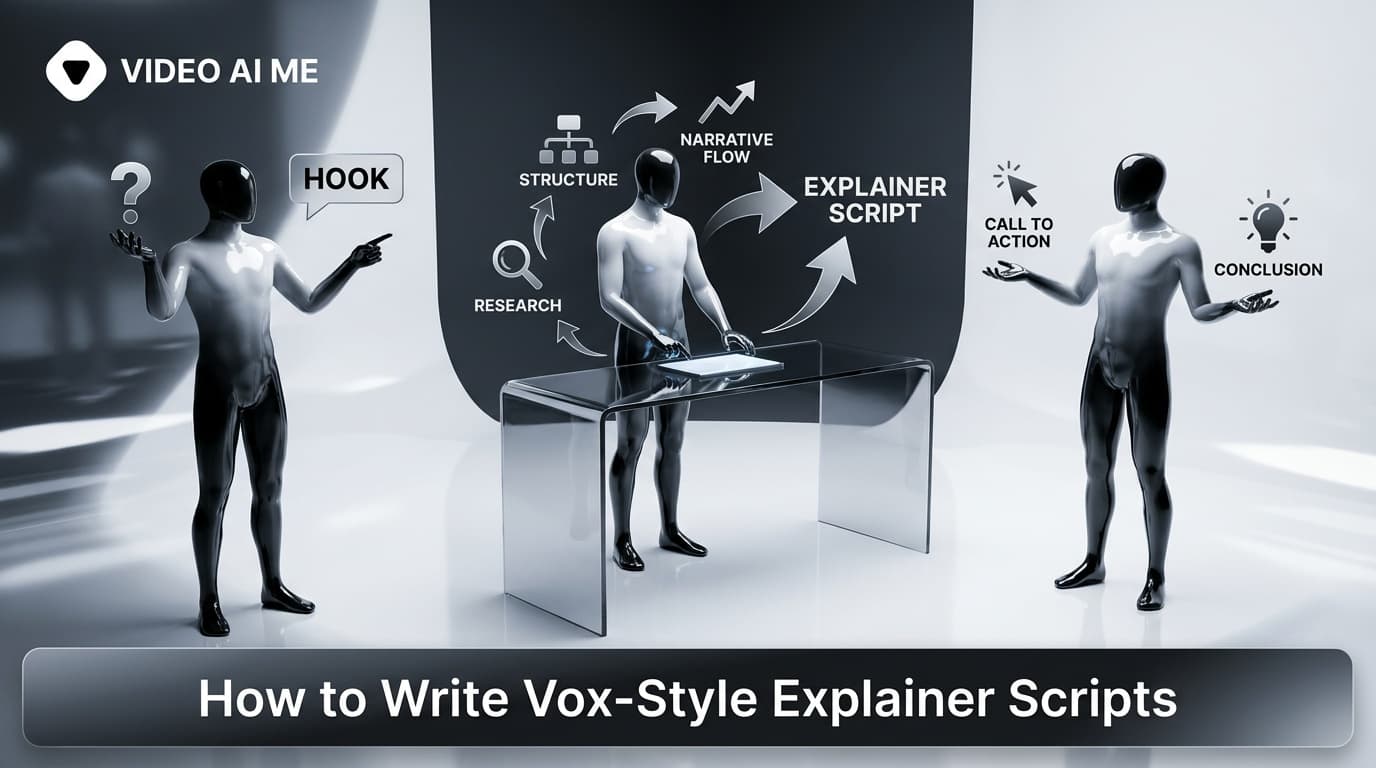
Learn how to write a vox-style explainer script scene by scene: hook-first openings, narration paired with on-screen labels, a reusable template, and a worked example.
How to make a vox-style explainer without a designer: the old motion-design workflow vs generating the whole format from a short brief, step by step.
How to make a vox-style explainer with narration baked in: writing lines that teach, picking a voice, keeping it consistent across scenes, and a step-by-step.
Upload a character image and it becomes a paper-cutout presenter. Here is how to make a vox-style explainer with a mascot, and when a mascot lifts recall.
A step-by-step guide on how to make a vox-style explainer video with AI: brief, scene script, approve the paper-collage boards, generate narrated clips, and export.
How to make a paper-collage explainer video without design software: the look you need, the scene structure, and a step-by-step from brief to finished clip.
The vox format is faceless by design. Here is how to make a faceless vox-style explainer with no camera, no designer, and no spokesperson, plus when faceless wins.
Cutout animation explainer videos used to need a motion designer and days in After Effects. Here is how the paper-cutout look works and how to generate one fast.
Want to make AI video look real? This 2026 how-to walks through the exact realism techniques, prompt cues, and editing passes that kill the AI tells in your video ads.
Learn how to make an investor pitch video with AI in 2026. A step-by-step VC-facing workflow to script, generate, and send a 90-second pitch that lands meetings.
Learn how to make a cold dm video with AI in 2026. A step-by-step workflow to produce personalized outreach videos at scale that get more replies.
A step-by-step guide to making a lead magnet video with AI in 2026. Script a short opt-in or mini-training, generate it with an AI presenter, and turn more visitors into email subscribers without filming.

Learn how to make a video FAQ for your website with AI in 2026. Follow 7 steps to script, generate, and publish answer clips that cut support tickets and build trust.
Learn how to make an unboxing video AI workflow that converts, with step-by-step instructions, prompt tips, and how to do it without shipping product to creators.
Learn how to make a SaaS feature announcement video with AI in 2026: a 7-step workflow, the right length, a proven script structure, and distribution tips for changelog and launch clips.
Learn how to make a day in the life UGC video with AI in 2026: turn a photo and a script into lifestyle storytelling ads that feel like content, not commercials.
Want the AI video iPhone look? A step-by-step, model-agnostic guide to the authentic phone-shot aesthetic that makes AI ads feel native on TikTok and Reels.
Learn how to make a realistic product in hand UGC video with AI in 2026. Step-by-step workflow, prompts to fix fake hands, and how to batch ad variations.

Learn how to make a GRWM video ad with AI in 2026. A step-by-step guide to the get-ready-with-me format that beauty and DTC brands use to convert.
Learn how to make a video with multiple AI actors in 2026. A step-by-step workflow for scripting, casting, voicing, and editing dialogue scenes for UGC ads.
Learn how to make a retargeting video ad for every funnel stage with AI. Segment warm audiences, match creative to intent, and build a full sequence fast.
Learn how to make video ads from your website URL with AI. Paste a link, pull product details, sharpen the hook, pick a presenter, caption, and test.
Learn how to turn blog posts into videos with AI. Extract the core idea, script for speech, generate with an AI presenter, and publish everywhere.
Learn how to batch a month of social videos in a day with AI: plan hooks, batch scripts, generate consistent clips, caption, and schedule in one session.
Learn how to write an AI UGC ad script that sells with a proven hook, problem, proof, and CTA framework plus copy-paste templates for Meta and TikTok ads.
A step-by-step workflow to turn product photos into video ads with AI, from picking sharp photos to adding a presenter, captions, and a CTA that converts.
A beginner-friendly, step-by-step guide to making a TikTok ad with AI in 2026: script the hook, generate a UGC-style clip, add captions, hit ad specs, and launch.
Learn how to make customer onboarding videos with AI in 2026. A step-by-step workflow to cut churn and support tickets, plus ideal length and format tips.
Learn how to make an explainer video with AI in 7 steps: script, AI presenter, voiceover, captions, and conversion testing. A practical script-to-screen workflow.
Learn how to make a VSL with AI in 2026. A step-by-step workflow for coaches and course sellers to script, generate with an AI presenter, and test a converting video sales letter without filming.

Learn how to make a video ad fast using AI. A 5-step workflow that turns a product link and one line of copy into a platform-ready UGC ad in minutes, no filming or editing skills required.
Learn how to make a talking-head video with AI in 2026: turn a photo and a script into a lip-synced spokesperson video in minutes, no camera or studio required.
Learn how to make a product demo video with AI in 2026: a 9-step workflow, ideal length, scripting structure, and format tips for any product type.
Learn how to make AI UGC ads fast and ship 30 ad variations in one day using a hook-first batch workflow and a clean testing framework in VIDEO AI ME.
Learn how to add captions to AI videos automatically in one flow, the caption styles that lift retention on sound-off feeds, and the mistakes that cost you views.

Learn how to produce a daily AI market update video for finance and trading creators: the exact workflow, script structure, compliance guardrails, and how to scale across Reels, TikTok, and Shorts.
Build an AI waitlist launch video in an afternoon: a teaser, a Facebook ad cut, and a product tour, all from one AI spokesperson and no camera.
Build a high-converting crowdfunding pitch video with AI. Get the proven structure, a fill-in-the-blank script template, and a step-by-step workflow for Kickstarter and Indiegogo in 2026.
A step-by-step guide to using Google Veo 3 free: where to get credits, prompt tips, real limits, and what to do when credits run out.
A step-by-step guide to making AI videos in your own voice: record a sample, clone it, write a script, and generate a talking avatar video.
A step-by-step guide to making beat-synced AI music videos for free in 2026 using Neural Frames, Freebeat, Kling, and LTX Studio.
A step-by-step workflow to make AI anime videos in 2026: style prompts, character consistency, motion direction, and clean export, with prompt examples.
A step-by-step guide to adding AI voiceover to any video in 2026: write the script, choose or clone a voice, sync, and export clean.
We tested the top free AI video tools for educators on lesson quality, watermarks, captions, and ease of use. Here is what actually works in the classroom.
We tested the top free AI slideshow video makers. Compare Canva, CapCut, Fliki, InVideo, and Renderforest on photos, music, templates, and social ratios.
We tested six free AI explainer video generators for training and marketing. Compare free minutes, avatars, watermarks, and the best fit for your use case.
How to write Seedance 2.0 negative prompts that strip out music, logos, captions, and stock library leaks. Real examples and the universal closing line.
Seedance 2.0 best settings: 720p, 9:16 for short-form social, locked aspect ratio, iPhone aesthetic anchor. Here is the full configuration we use for production work.
Seedance 2.0 consistency keeps the same character across multiple shots and clips. Here is how to anchor a face, lock wardrobe, and use reference images for full control.
Seedance 2.0 duration runs auto from 2 to 12 seconds depending on your prompt. Here is how to control clip length and pick the right duration for ads, hooks, and explainers.
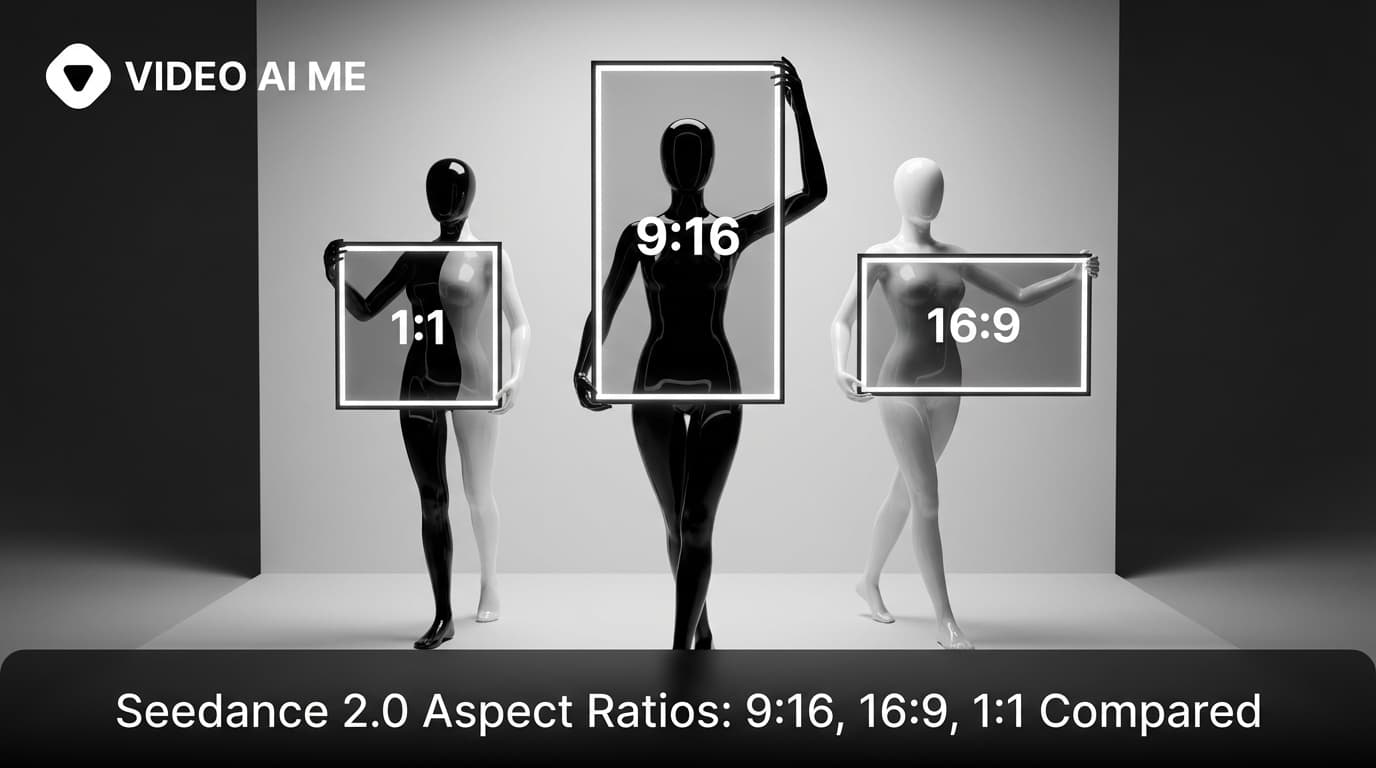
Seedance 2.0 aspect ratios cover 9:16, 16:9, 1:1, and auto. Here is how to pick the right one for TikTok, YouTube, Meta, and feed posts, and the prompt tweaks each ratio needs.
Seedance 2.0 multi shot lets you script up to 5 distinct camera setups in a single prompt. Here is how to structure the shots, label the characters, and ship a story in one take.
Seedance 2.0 audio generates dialogue, ambient sound, and soft sound design natively in one prompt. No second tool, no manual mixing. Here is the full walkthrough.
Seedance 2.0 dialogue lets you write spoken lines directly inside the prompt and the model generates lip movement and audio together. Here is how to make it work.

Eight Seedance 2.0 viral hook prompts built from real reference clips. Each opener is engineered to stop the scroll in the first second.
Seedance 2.0 SaaS demo prompts that look like real product walk throughs, with founder vibes, hero shots, and reaction patterns.
Seedance 2.0 real estate prompts for listing walk throughs, exterior reveals, and lifestyle shots. Five templates agents can ship today.
Seedance 2.0 food prompts for cinematic plate shots, ASMR pours, and overhead cooking. Five copyable templates and remix notes.
Seedance 2.0 fashion prompts for GRWM, try on hauls, and lookbook clips. Three formats, copyable templates, and remix notes for any brand.

Use the Emma Mattress reference prompt to generate Seedance 2.0 couple bedroom UGC with unboxing energy, timelapse, and dialogue.

Steal the Adidas reference prompt to generate Seedance 2.0 skatepark sneaker UGC that looks like a real golden hour creator drop.

Use the Fortnite reference prompt to build Seedance 2.0 gaming reaction videos that look like real teen facecam content, not stock footage.

Steal the exact Seedance 2.0 street interview prompt that built our launch ad, with shot by shot breakdowns and three remix templates.
Master Seedance 2.0 POV prompts with founder-tested recipes for first person shots that feel like real phone footage, not AI.
Eight Seedance 2.0 prompt templates you can copy, paste, and ship today. UGC, product hero, dialogue, multi shot, and more, all reference proven.
How to write Seedance 2.0 color palette prompts. Pick 3 to 5 named color anchors and let the model grade your clip consistently across every frame.
How to write Seedance 2.0 image to video prompts. Lock wardrobe, character, set, and palette with a reference image and let the prompt drive the action.
Seedance 2.0 API access without writing backend code. How to call the model, automate generations, and ship without building infrastructure.
How to write Seedance 2.0 prompts that nail the iPhone look. Real handheld energy, slight shake, and the four reference prompts that all use it.
Learn to write Seedance 2.0 action beat prompts that produce real movement. Stop walks across the room, start takes four steps and pauses.
Write Seedance 2.0 lighting prompts that name the source, the quality, and 3 to 5 color anchors. Real examples from golden hour to RGB neon.
How to write Seedance 2.0 camera movement prompts that produce real dollies, tracking shots, and handheld energy. Real examples and copy paste templates.
How to write Seedance 2.0 multi shot prompts that hold continuity across cuts. Real examples, the VIDEO AI ME street interview, and the Emma timelapse pattern.
How to use Seedance 2.0 cinematic prompts to push past iPhone-grade UGC into shots that read like 35mm film, without owning a single piece of camera gear.
Learn how to write Seedance 2.0 dialogue prompts that produce natural lip sync and clean audio. Real examples, common mistakes, and copyable templates.

Five Seedance 2.0 Instagram Reels prompts that stop the scroll. Aesthetic hooks, multi-shot recipes, and the street interview reference prompt.
How to use Seedance 2.0 explainer video prompts to script, shoot, and ship a polished concept video without a studio, an editor, or a single frame of stock footage.

Five Seedance 2.0 prompts built for TikTok. One second hooks, jump cuts, and the VIDEO AI ME street interview reference prompt broken down.
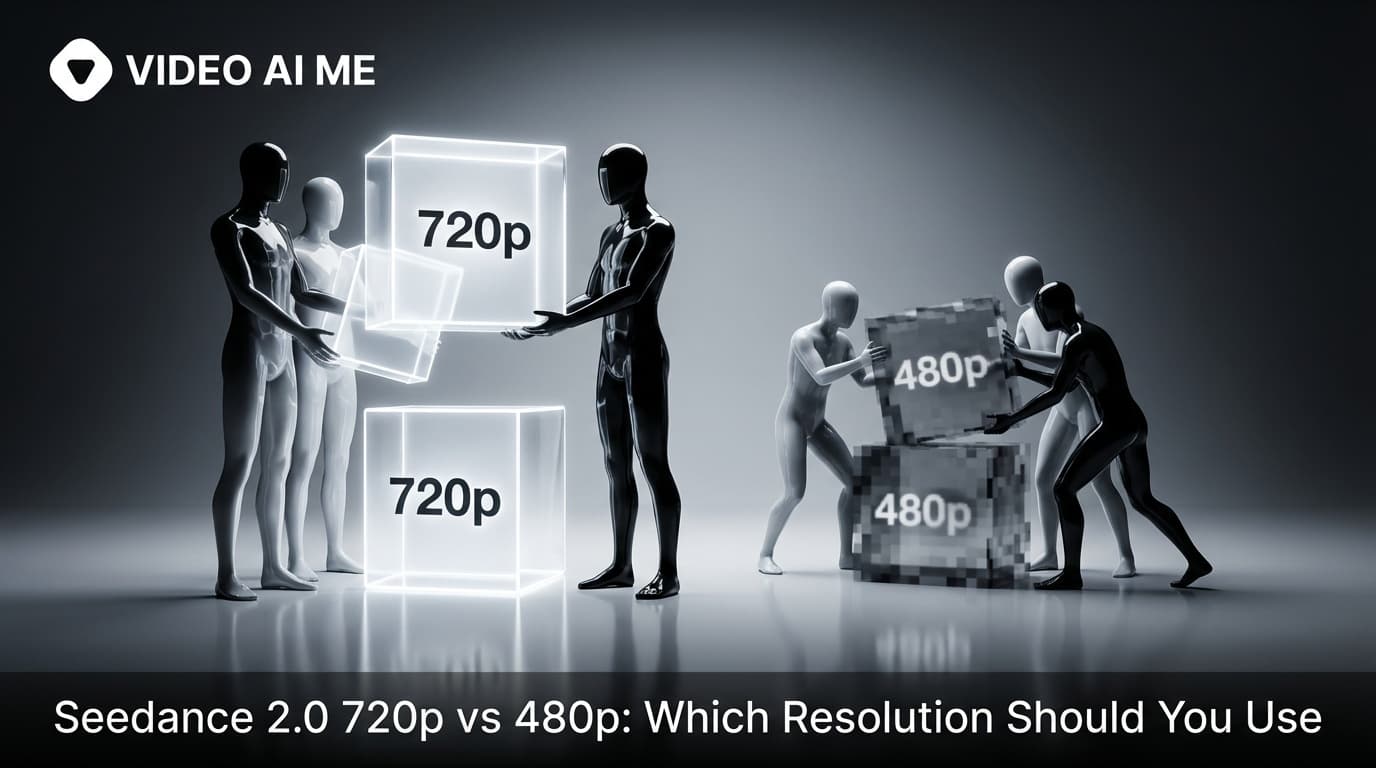
Seedance 2.0 resolution guide. When to test at 480p, when to ship at 720p, and how the right workflow cuts your iteration cost in half.

Five Seedance 2.0 prompts engineered for Meta ads. Hook patterns, dialogue lines, and the full street interview reference broken down.
Seedance 2.0 image to video walkthrough. Lock your brand assets as the first frame and let the model drive the motion from a text prompt.
Five Seedance 2.0 product demo prompts for ecommerce brands. Beauty shots, hands-on demos, before-and-afters, and the Adidas reference broken down.
Seedance 2.0 text to video walkthrough with real prompt examples. Learn the prompt anatomy and ship your first clip in under ten minutes.
Five Seedance 2.0 testimonial prompts that produce real-feeling customer videos. Includes the rules that keep them from looking AI generated.
How to use Seedance 2.0 from your first prompt to advanced multi-shot workflows. A complete walkthrough with copy-paste examples.

The Seedance 2.0 unboxing prompt formula built around the Emma mattress reference, with two original variants for any product category.
Five Seedance 2.0 cinematic prompt examples that produce real 35mm looks from one paragraph. Camera, lighting, and palette breakdowns included.
Copyable Seedance 2.0 explainer video prompts for SaaS, ecommerce, and coaches. Five fenced templates, broken down line by line.
Seven Seedance 2.0 UGC prompt templates ready to copy. Includes the VIDEO AI ME street interview, the Adidas sneaker hook, and four originals.
A practical Seedance 2.0 prompt guide with 10 rules, copyable examples, and the exact patterns we use to get reliable AI video generations every time.
You want to test an AI video generator right now. No email. No password. No verification. No account creation process that takes longer than the actual video generation.
Four seconds. Six seconds. Ten seconds at best.
A single photograph contains a frozen moment. AI photo animation tools bring that moment to life by adding natural motion: a smile spreads across a face, wind moves through hair, clouds drift across a landscape, a product rotates on a surface.
Every free AI video generator has limits. The question is always: how many videos can I actually make before hitting a wall?
AI video generators create raw footage. AI video editors make that footage publishable.
Your video looks good on your phone. Then you see it on a larger screen, and the quality falls apart. Or you have footage from an older camera that does not meet modern resolution standards. Or you generated an AI video at 720p and need it at 1080p.
Not every video needs to look realistic. Cartoon and animation styles communicate differently: they simplify complex ideas, add personality, appeal to specific audiences, and bypass the uncanny valley entirely.
You want to create a video using AI. You do not want to pay anything. You have never done it before.
Your phone is the most convenient creative tool you own. It is always with you, always charged, always connected. So when you want to create an AI video, pulling out a phone makes more sense than opening a laptop for most people.
You generated the perfect AI video. The motion looks natural, the composition is right, the lighting matches your vision. Then you hit export and there it is: a logo stamped in the corner.

Exhibition stand companies and event organizers: learn how to create educational videos that attract exhibitors and fill booths. Includes 7 proven video formats and scripts.

Course creators: learn how to create promotional and educational video content that doubles enrollment. Includes launch strategies, trailer templates, and AI workflows.
There are 130 published Tutorials guides on the VIDEO AI ME blog. The most recent one was published on October 22, 2026. Every guide is listed on this page, newest first.
Yes. Every guide has a markdown twin: add .md to its URL, or request it with the header "Accept: text/markdown". Charts come back as tables and prompts as plain text, so an agent can quote the numbers without running JavaScript.
The guides are written by the team behind VIDEO AI ME, an AI video generator for ads and social video. Questions and corrections are welcome at support@videoai.me.